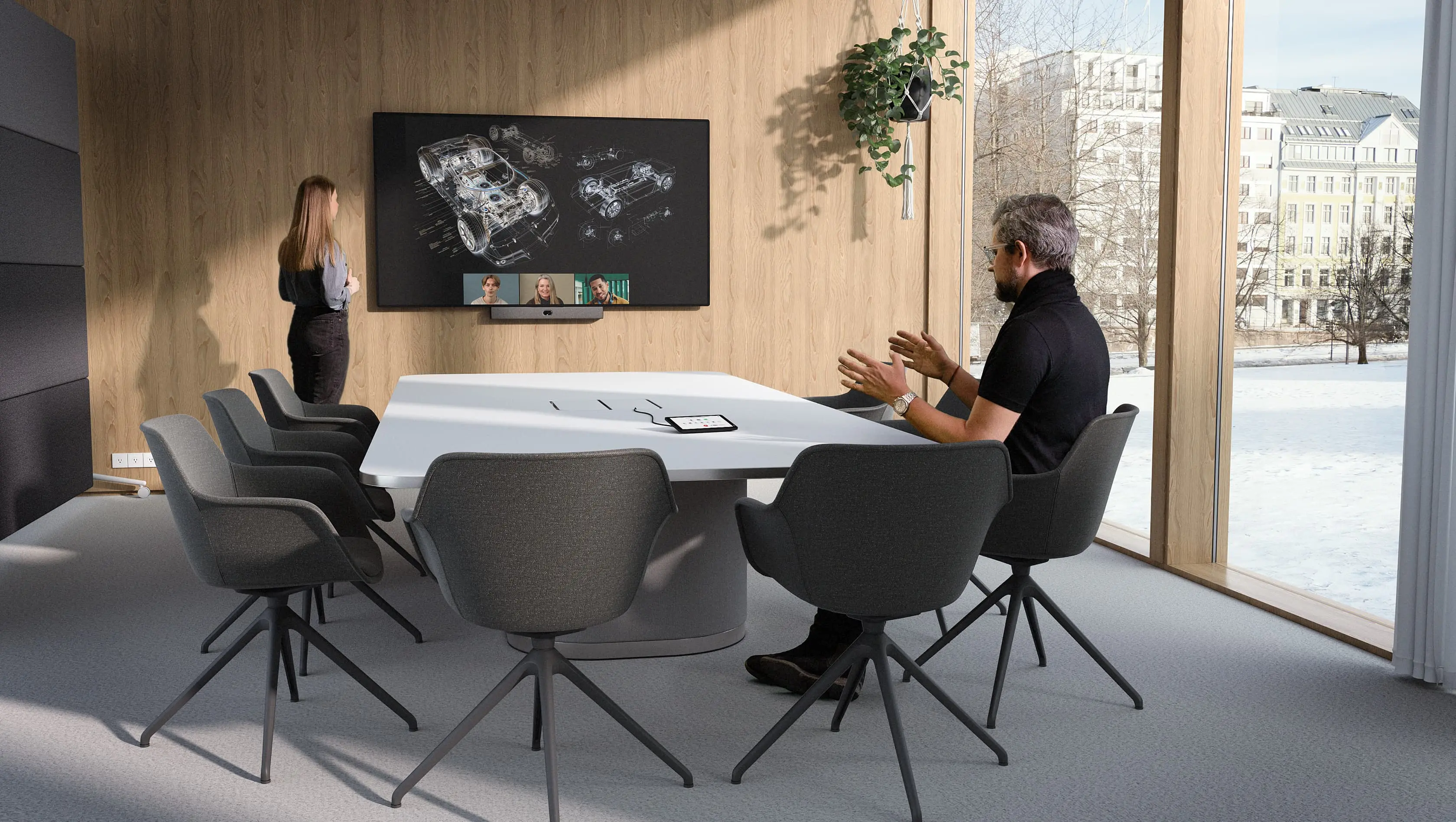
Meeting room AV pricing in Malaysia
Huddle rooms from RM 8,000
Three room sizes. Clear starting budgets. Find the right approach, then confirm the equipment and installation with a free site assessment.
Free consultation, demo and site assessment in Peninsular Malaysia.
Find my room solution WhatsApp +6017 303 9377 Call +603 7960 1808
Meeting room AV pricing at a glance
RM 8,000
Huddle room starting point
2,500+
Projects delivered
8
Platforms and brands compared below
Free
Site assessment in Peninsular Malaysia
Kasturi is an authorised partner of
- Logitech
- HP Poly
- Yealink
- Cisco
- Jabra
- Neat
- MAXHUB
- Biamp
- Shure
- Q-SYS
- Huddly
- Zoom
Straight answer
Start with your room budget.
A meeting room AV or video conferencing system in Malaysia starts from RM 8,000 for a huddle room, typically falls within RM 15,000 to RM 35,000 for a meeting room, and is commonly RM 30,000 to RM 80,000 for a boardroom. These are hardware and system starting bands. Installation and cabling are quoted after a free site visit confirms the room scope.
Your final price depends on the room size, existing infrastructure, meeting platform, audio coverage, display requirement and installation scope.
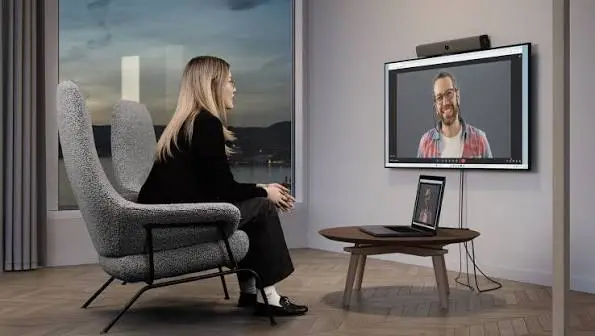
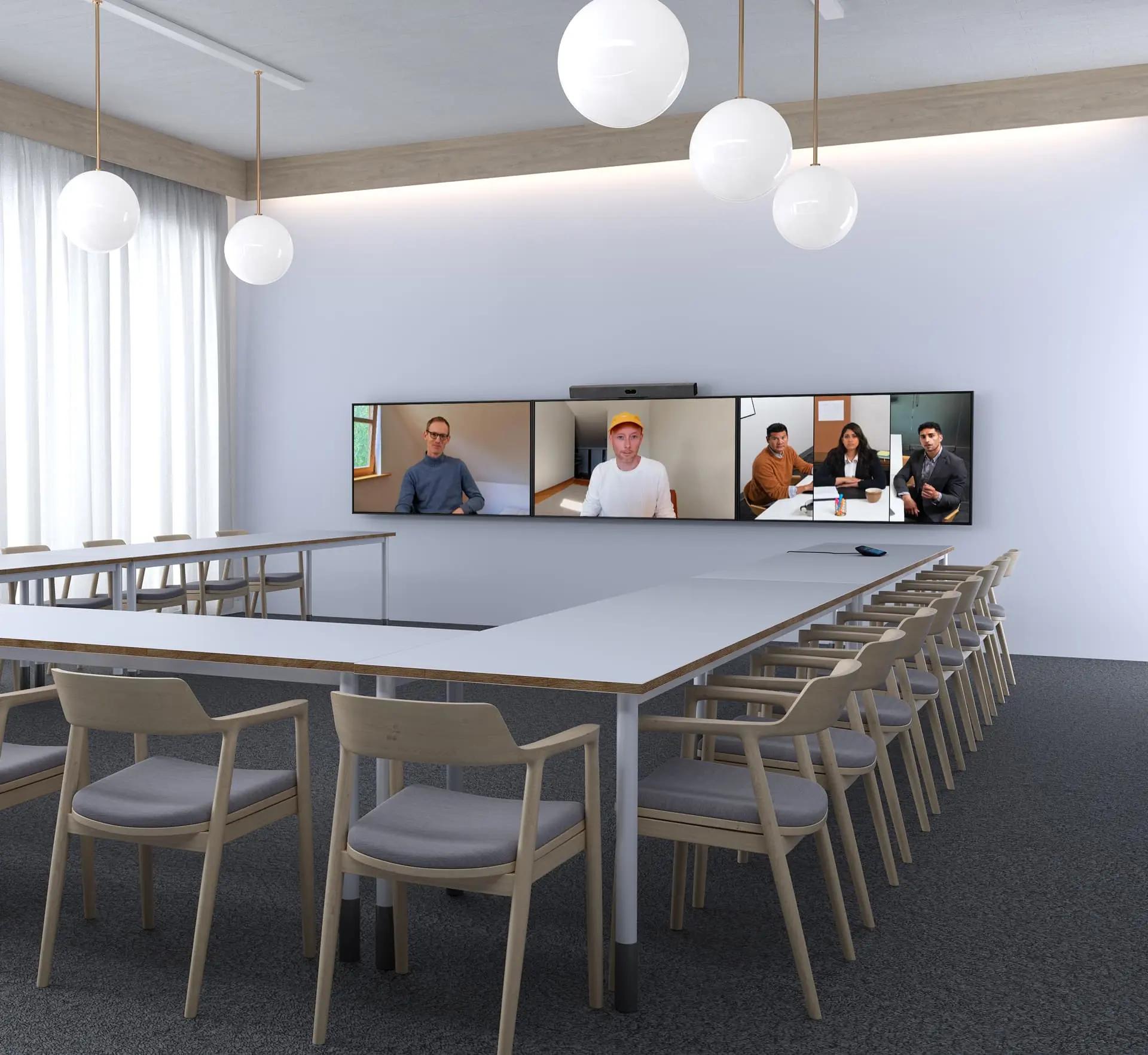
Free download
Take the room package.
Short package sheets you can forward to whoever signs off the budget. Choose as many as you need.
Every sheet includes
- The equipment list with model numbers
- The room layout, coverage and wiring plan
- The package price
Your download is ready
WhatsApp has opened with your details. Press Send there so Kasturi has your request, then open each document below.
Commercial clarity
Know what a starting price covers before you compare
What the price bands cover
- Hardware and system starting points for the stated room tier.
- A clear route to a room-specific recommendation and itemised quote.
- Manufacturer warranty, generally 1 to 2 years, subject to terms and conditions.
- Initial consultation, product demo and site assessment in Peninsular Malaysia.
- Training as part of the delivered solution scope.
What needs a site assessment
- Installation and cabling, because existing routes and room conditions change the work.
- Exact equipment selection, display sizing, audio coverage and control requirements.
- Project scope for East Malaysia. Contact us to arrange the project discussion.
- Support outside the stated Klang Valley next-business-day service commitment.
- Loan units and advance replacement, which are not part of the standard warranty.
Support starts remotely. Klang Valley onsite support is next business day on weekdays from 9am to 6pm, excluding public holidays. Scheduled maintenance is for maintenance customers.
Room displays
Commercial TV or consumer TV for your meeting room?
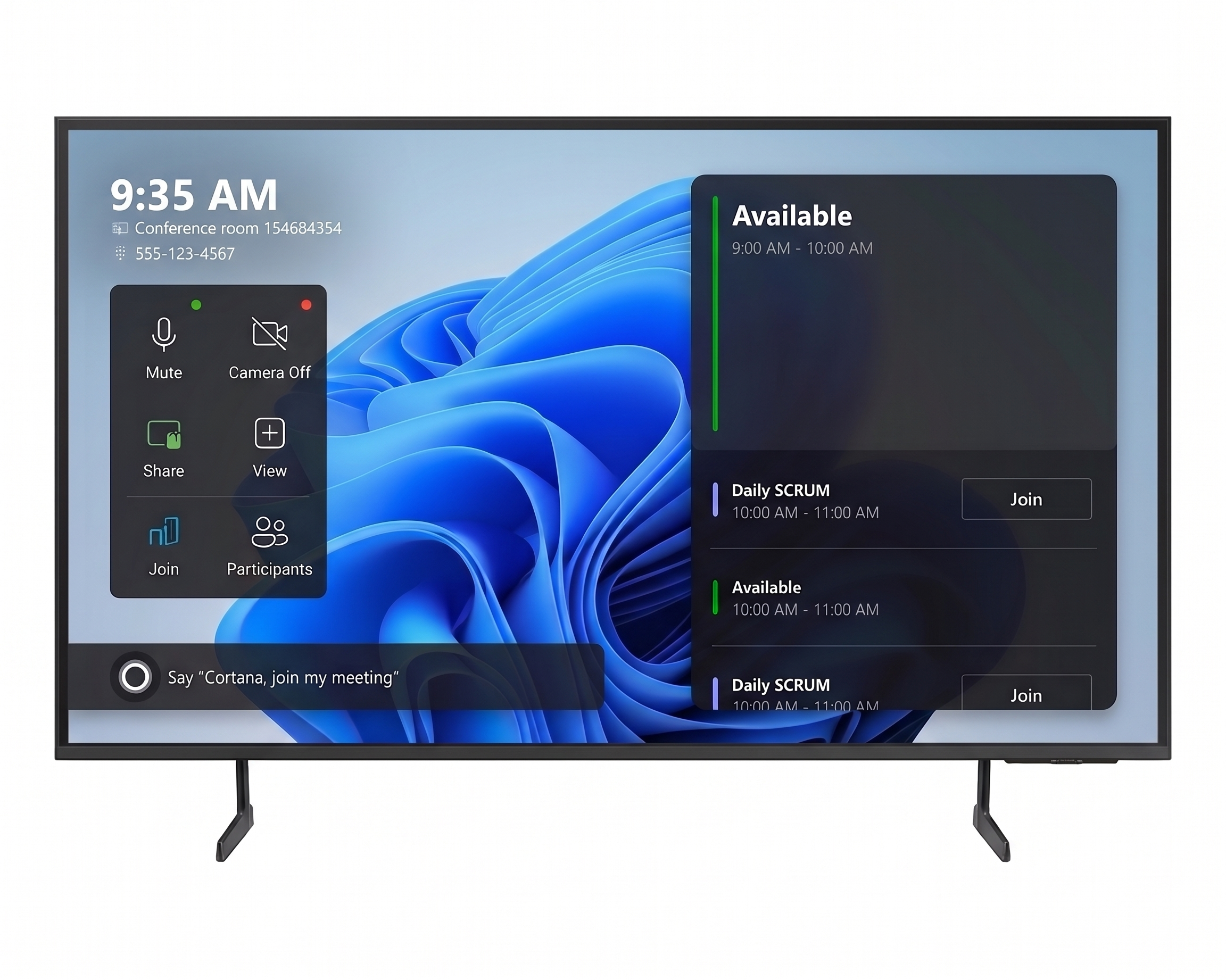
A consumer TV is built for the living room. A commercial TV is built to run in a working room all day. Here is what the Samsung BED-H Business TV adds, in 55, 65 and 75 inch.
Sizes, specifications and comparison
Three sizes, one feature set
All three share 16/7 operation, the Tizen Enterprise Platform, the Samsung Business TV app, Play Lock, HDR and the Crystal UHD Processor 4K.
55 inch
Suits huddle rooms and small meeting rooms.
- Resolution
- 4K, 3,840 x 2,160
- Size
- 1,234.1 x 710.8 x 60.3 mm
- Weight
- 11.2 kg
- Power, on mode
- 125 W
65 inch
Suits everyday meeting rooms.
- Resolution
- 4K, 3,840 x 2,160
- Size
- 1,452.9 x 834.0 x 60.6 mm
- Weight
- 15.9 kg
- Power, on mode
- 165 W
75 inch
Suits larger rooms where people sit further back.
- Resolution
- 4K, 3,840 x 2,160
- Size
- 1,677.5 x 962.4 x 61.1 mm
- Weight
- 25.3 kg
- Power, on mode
- 175 W
Size is width x height x depth of the set. Weight is the set weight.
Why a commercial TV earns its place
Rated for a working day
Samsung lists 16/7 operation support for the BED-H: 16 hours a day, seven days a week. A meeting room display that comes on before the first booking and stays on until the last one fits that pattern.
Manage every screen from one place
The Tizen Enterprise Platform is built for managing multiple devices and gives you tools for easy deployment. The Samsung Business TV app, on Android or iOS, lets you manage, schedule and display customised content remotely.
Keep settings and content as you left them
Panel Button Lock and USB Port Lock limit what can be done at the screen itself, and Play Lock protects it with a pin code. In a shared room or a client-facing space, that deters anyone from tampering with the display.
Ready for meetings and for content
VXT Player support lets the screen carry signage content, and the Crystal UHD Processor 4K upscales lower-resolution video to near-UHD. That helps when a laptop or an older source feeds the screen.
Commercial TV against consumer TV
| What matters in a meeting room | Samsung Business TV (BED-H) | Typical consumer TV |
|---|---|---|
| Hours of use | Rated for 16/7 operation, 16 hours a day, seven days a week | Made for home viewing. Check the rated hours before running it all day. |
| Managing several screens | Tizen Enterprise Platform and the Samsung Business TV app for deployment, scheduling and content | Usually set up one screen at a time |
| Tamper protection | Panel Button Lock, USB Port Lock and a Play Lock pin code | Usually not offered |
| Signage content | VXT Player support | Varies by model |
| Warranty | Confirmed in your quote, manufacturer terms apply | Check whether the warranty covers commercial use |
A consumer TV can still be the right call for a small room used a few hours a week with one screen to look after. Consumer models vary, so check the spec sheet of the model you are comparing.
Specifications are from Samsung UK's BED-H Business TV pages for the 55, 65 and 75 inch models, as Samsung Malaysia does not list the BED-H. Power is the on-mode figure. Model codes and specifications for Malaysia are confirmed in your quote.
Interactive displays
When the room needs a whiteboard, not just a screen
The Samsung Flip Pro is a touch display you write on directly, share to from up to 50 devices and run apps on. Here is what it adds to a meeting room, in 55, 65, 75 and 85 inch.
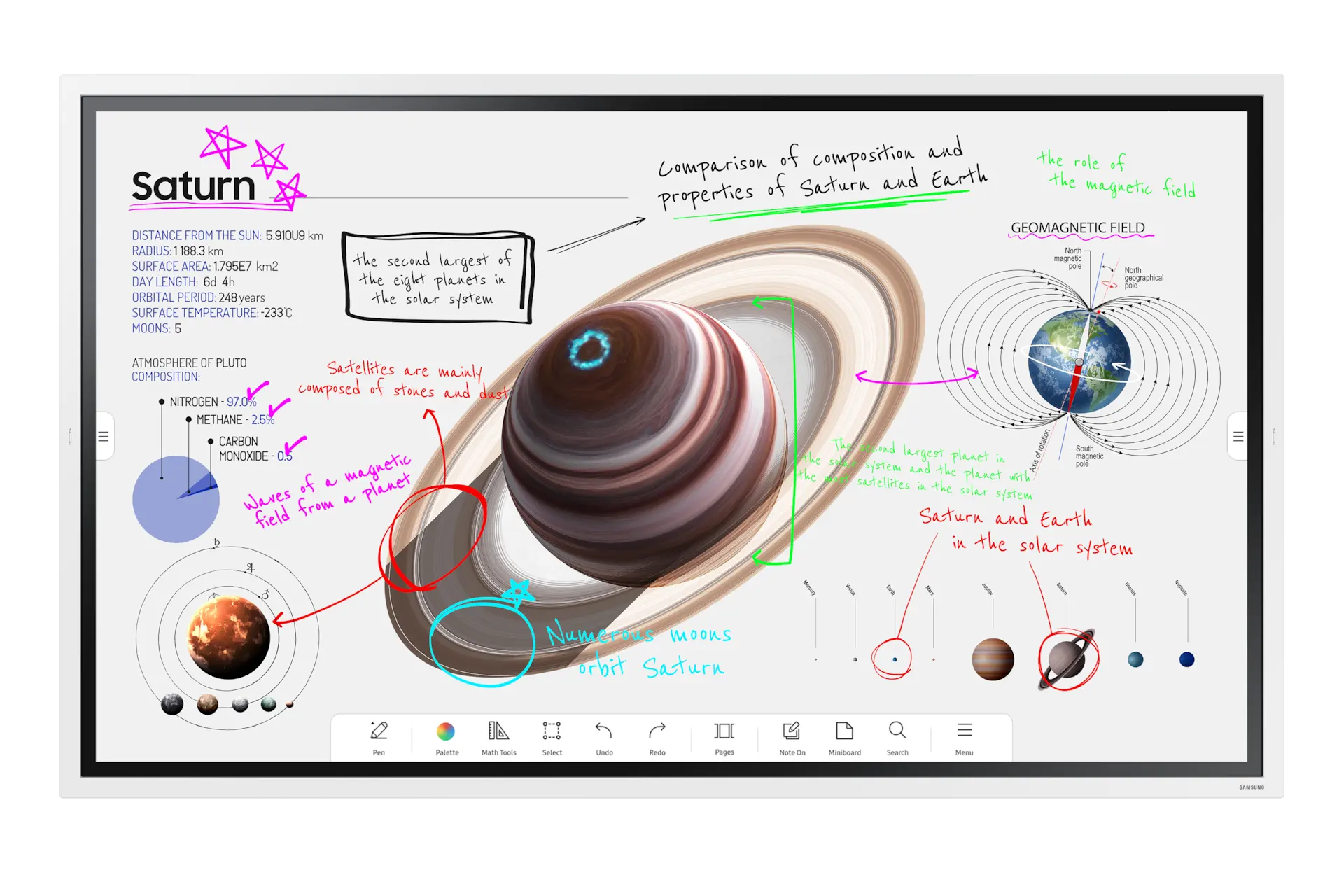
Sizes, specifications and comparison
Four sizes, one feature set
All four share a UHD screen, the Tizen 6.5 platform, 32GB of storage, and the same ports: two HDMI, one DisplayPort, three USB and one USB-C with 65W power.
55 inch
Suits huddle rooms and small meeting rooms.
- Model
- WM55B
- Resolution
- UHD, 3,840 x 2,160
- Touch
- 26 ms, 20 multi-touch
- Speakers
- 2.0Ch, 20W
65 inch
Suits everyday meeting rooms.
- Model
- WM65B
- Resolution
- UHD, 3,840 x 2,160
- Touch
- 26 ms, 20 multi-touch
- Speakers
- 2.0Ch, 20W
75 inch
Suits larger meeting rooms.
- Model
- WM75B
- Resolution
- UHD, 3,840 x 2,160
- Touch
- 26 ms, 20 multi-touch
- Speakers
- 4.0Ch, 40W
85 inch
Suits large rooms and training spaces where a group gathers at the screen.
- Model
- WM85B
- Resolution
- UHD, 3,840 x 2,160
- Touch
- 26 ms, 20 multi-touch
- Speakers
- 4.0Ch, 40W
Samsung's page does not list dimensions, weight or power for these models. We confirm them in your quote.
What an interactive display adds
Write on the screen, without lag
Samsung quotes 26 ms of touch latency with single touch and 2,048 points of touch sensitivity, for natural writing with a pen or a finger. The screen tracks up to 20 touch points at once.
Share from many devices
SmartView+ connects up to 50 devices at the same time. Anyone in the room can put their work on the screen without swapping cables.
Apps in a secured workspace
Third-party apps run in a Workspace secured with Samsung Knox, and Boxlight MimioConnect is built in. Video call solutions are available through the display.
Made for a busy room
An ambient light sensor adjusts the picture to the room, the screen has an antimicrobial coating, and MagicINFO can push content to it remotely. The USB-C port carries 65W of power for a connected laptop.
Interactive display against a standard display
| What matters in a meeting room | Samsung Flip Pro | Standard display |
|---|---|---|
| Writing and annotating | Write and draw on the screen with a pen or finger, 26 ms latency | Needs a separate whiteboard or software on a laptop |
| Sharing from devices | SmartView+ connects up to 50 devices at once | Depends on the room's meeting system or casting device |
| Apps and security | Apps in a Workspace secured with Samsung Knox, Boxlight MimioConnect built in | Varies by model |
| Remote content | MagicINFO can push content remotely | Varies by model |
| Warranty | Confirmed in your quote, manufacturer terms apply | Check the terms for the model you are comparing |
A standard display is still the better choice when the room only needs to show video and slides. An interactive display earns its cost when people draw, annotate or work at the screen.
Specifications are from Samsung Malaysia's Flip Pro page for the WM55B, WM65B, WM75B and WM85B. Availability is confirmed in your quote.
Decision tool
Find the right room approach.
This guide recommends a room tier, platform direction and brand-family starting point. It is not a substitute for an engineered equipment schedule.
Start with the room
Room size, table layout and how many people need to be heard all affect camera framing and audio coverage.
Follow the platform
Choose the meeting workflow your business already uses, then identify certified room hardware options.
Choose the system shape
A single video bar can suit a simpler room. Larger or more specialised spaces may need a modular room system and additional audio.
Build a practical starting brief
This is a huddle room starting point for everyday hybrid meetings. Your final recommendation should confirm participant coverage, existing cabling, display position and installation scope.
Interactive comparison
Compare your options.
Choose the options you are considering. The comparison stays honest: no invented package price or unsupported compatibility claim.
Showing all eight options. With scripting on, pick up to three to compare.
| Option | What it is | Best for | Price basis |
|---|---|---|---|
| Microsoft Teams Rooms | Room systems designed for Microsoft Teams meetings. | Organisations standardising their meeting workflow on Microsoft Teams. | Hardware and project scope are quote-only. |
| Zoom Rooms | Room systems designed around Zoom meeting spaces. | Teams standardising their rooms around Zoom and hybrid meeting workflows. | Hardware and project scope are quote-only. |
| Google Meet hardware | Meeting-room hardware for Google Meet and Google Workspace workflows. | Organisations whose rooms and calendars are built around Google Workspace. | Hardware and project scope are quote-only. |
| Logitech | Video conferencing hardware family for room deployments. | Teams looking for room hardware across familiar collaboration platforms. | Quote-only. Room-tier bands apply where the final scope fits. |
| HP Poly | Video conferencing hardware family for rooms of different sizes. | Teams evaluating room systems from huddle spaces through larger rooms. | Quote-only. Room-tier bands apply where the final scope fits. |
| Yealink | Video bars, room systems and Pro AV audio options. | Teams considering a path from smaller rooms into more complete AV spaces. | Quote-only. Room-tier bands apply where the final scope fits. |
| Jabra | Professional collaboration audio and camera hardware family. | Teams evaluating meeting-room camera and audio options. | Quote-only. Room-tier bands apply where the final scope fits. |
| Neat | Video conferencing hardware family for meeting spaces. | Teams exploring dedicated room hardware for their chosen platform. | Quote-only. Room-tier bands apply where the final scope fits. |
Select one to three options to compare.
Platform software, licences, hardware, installation and room conditions can be priced differently. The room-tier bands above are the only pre-approved public prices on this page.
Buyer guide
What shapes your final quote?
A good room system is not only a camera. Use these questions to make a more useful first enquiry and avoid choosing a room setup based on price alone.
Video bar or modular system?
A video bar keeps camera, microphones and speaker in one device. It can be a practical starting point for smaller rooms and a simple workflow.
A modular system separates the camera, compute, microphones, speakers and control. It is considered when the room is larger, the table is longer, or the audio and display requirements need more design attention.
Why room size matters
People at the far end of a table still need to be seen and heard. Larger spaces may need a different camera view, additional microphones, more audio coverage or a more deliberate display arrangement.
Use the room tier as a budget and design conversation starter, not as a promise that every room of the same capacity needs identical hardware.
Choose the platform before the kit
Teams Rooms is for businesses standardising on Microsoft Teams. Zoom Rooms is for teams standardising on Zoom. Google Meet hardware is for rooms built around Google Workspace and Meet.
If your users join several platforms, tell us early. The right approach depends on the platform workflow and the hardware capability, which should be confirmed in the final recommendation.
What changes the final quote?
The price moves with room conditions and scope: existing cabling, display position, mounting, acoustic treatment, microphone coverage, maintenance needs and any requirement for room control.
A site visit turns these unknowns into an itemised proposal instead of a vague allowance.
| Ask this before you buy | Why it matters | What to share in your enquiry |
|---|---|---|
| How many people use the room? | Participant coverage affects the camera and audio approach. | Usual and maximum attendee count, plus table layout. |
| Which meeting platform is standard? | The room experience should follow the platform your people actually use. | Teams, Zoom, Google Meet, or a mixed environment. |
| How is the room used? | A training session, client presentation and short internal call can have different needs. | Typical meeting type, content-sharing needs and external callers. |
| What is already installed? | Existing displays, cabling and network access affect the scope. | Photos, dimensions and any current equipment details. |
| How will rooms be supported? | Multi-room standards and maintenance requirements can influence the system approach. | Number of rooms, locations and support expectation. |
How quoting works
From first question to ongoing support
Tell us about the room
Share your room size, people count, platform and location.
Free site assessment and quote
For Peninsular Malaysia we review the room and scope, then send a room-specific proposal that separates equipment from installation.
Installation and commissioning
The agreed system is installed, tested and handed over for use.
Support and training
Support starts remotely, with training provided and maintenance available for maintenance customers.
Buyer guide
Get the Meeting Room AV Buyer's Guide
The free Meeting Room AV Buyer Guide 2026, 52 pages as a PDF. We use your email to follow up once. No mailing list.
WhatsApp quote brief
Send a useful room brief. Get a more useful quote.
Complete the essentials. The button opens WhatsApp with a readable summary for Kasturi.
Initial consultation, product demo and site assessment are free in Peninsular Malaysia. For East Malaysia projects, contact us to arrange the project discussion.
To make the first call useful
- Room dimensions or a simple room photo
- Usual and maximum people in the room
- Preferred meeting platform
- Location and target timeline
Starting prices cover hardware and system only. Installation and cabling are quoted after a free site visit sets the scope.
Resources
Read before you buy
The Video Conferencing Room Guide: What Every Malaysian Business Owner Needs to Know Before Spending a Ringgit
Room types, an AV equipment checklist and typical costs from huddle rooms to boardrooms.
Video Conferencing Devices Explained: Everything Malaysian Businesses Need to Know
Clear, practical answers to the 15 most common questions about video conferencing.
Quick answers
Your pricing questions, answered.
Understand the starting budget, installation scope and support before you choose.
Still have a question?
WhatsApp +6017 303 9377 or call +603 7960 1808. Tell us about the room you are planning.
How much does a meeting room AV system cost in Malaysia?
What changes the price of a meeting room system?
Is installation included in the published price?
Should I choose Microsoft Teams Rooms, Zoom Rooms or Google Meet hardware?
Do I need a video bar or a modular room system?
What warranty is included?
Is the consultation and site assessment free?
What support is available after installation?
Do you cover East Malaysia?
What should I prepare before a site visit?
Next step
Ready to price your room?
Send us the room size and platform on WhatsApp. We will tell you the next step, and asking costs you nothing.
Monday to Friday, 9am to 6pm.