Your meetings deserve better than awkward silences and frozen screens.
Logitech video conferencing systems that actually work — so your team in KL can collaborate with anyone, anywhere, without the tech getting in the way.
The gear behind the good meetings.
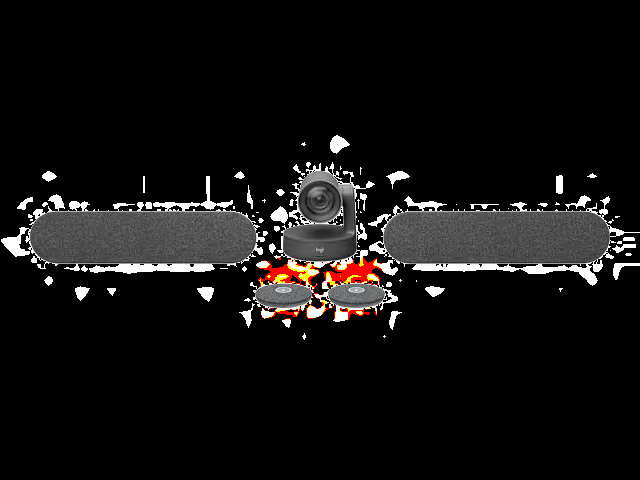
Each piece is built to work on its own or together as a system. Mix and match for your room. No IT degree required.
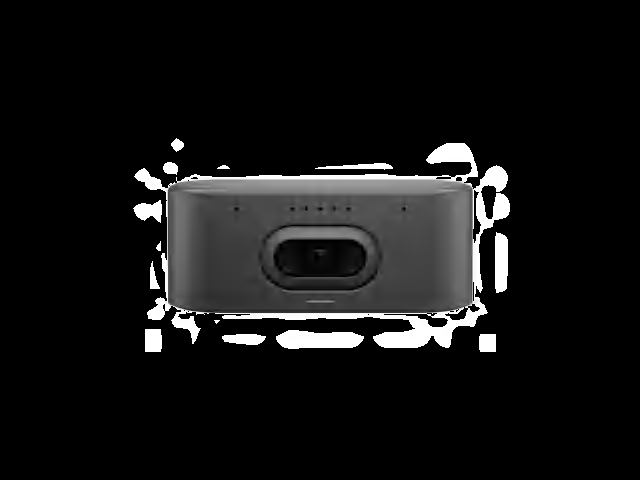
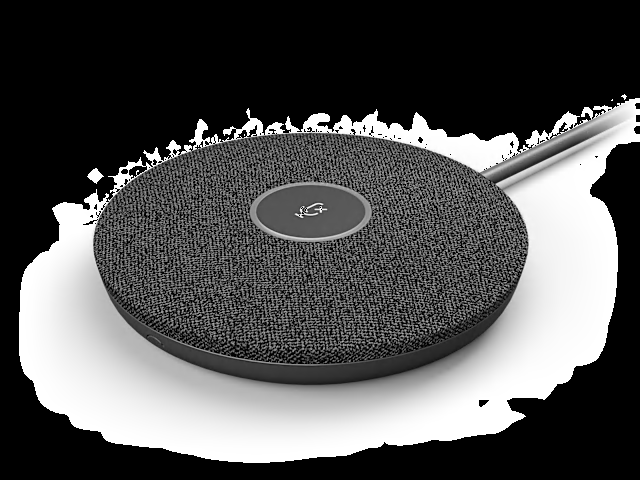
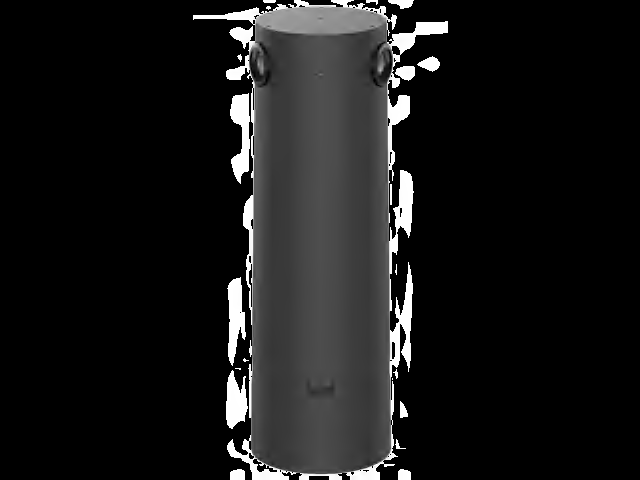
Logitech Sight
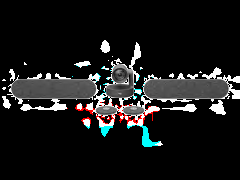
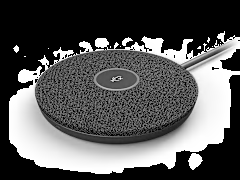
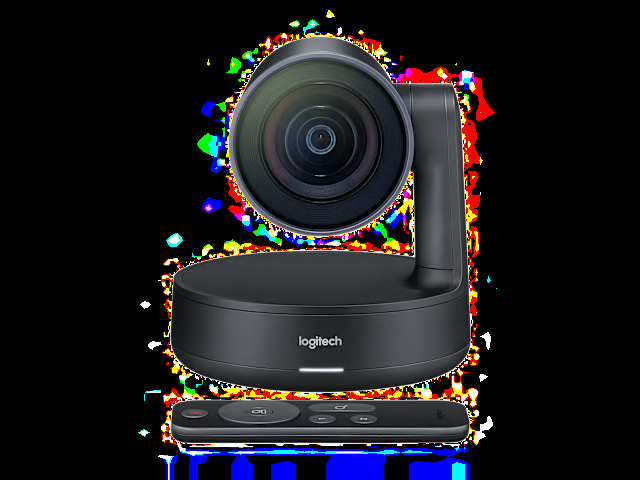
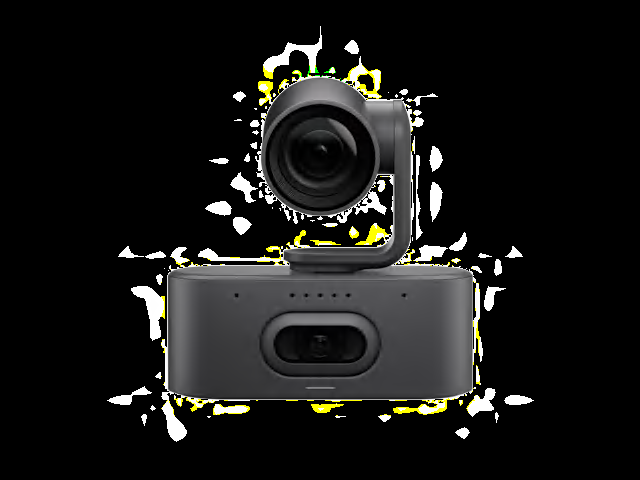
This is the camera that sits in the middle of the table and watches the conversation happen naturally. It uses AI to frame each speaker — so remote participants actually see who's talking, not the back of someone's head.
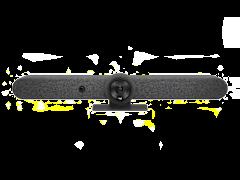
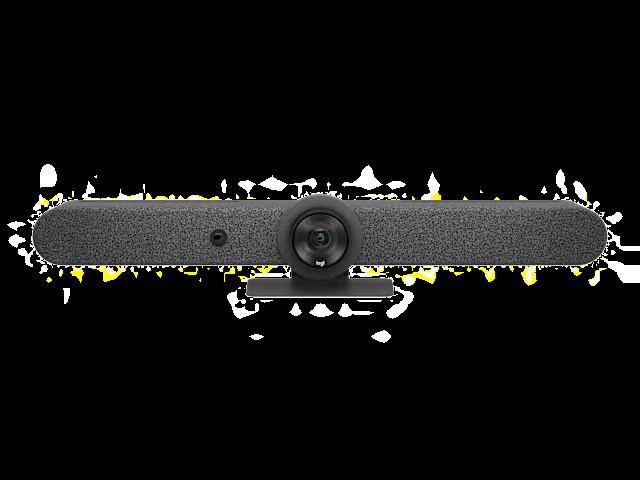
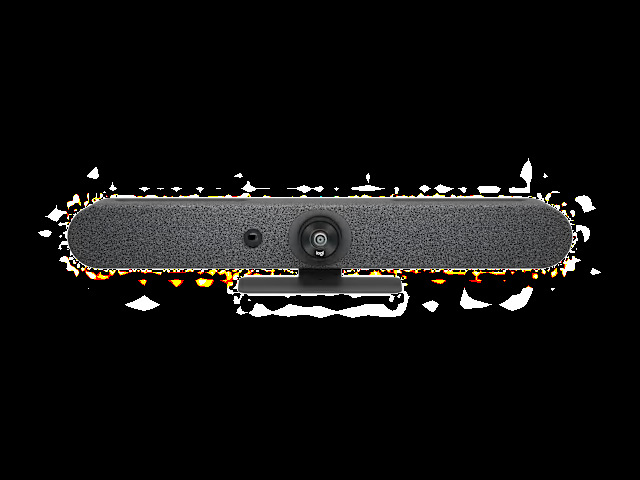
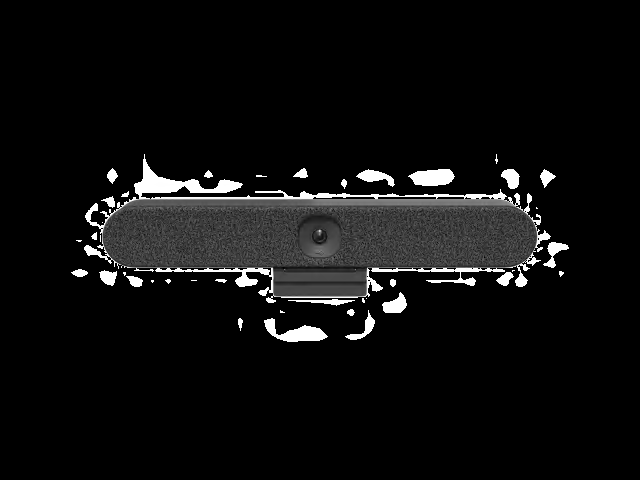
Pair it with a Rally Bar at the front of the room, and you get two angles that switch automatically. It's the closest thing to being in the room.
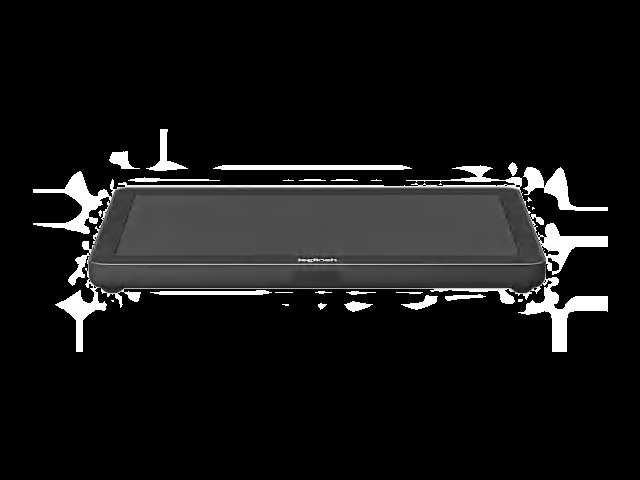
Logitech Tap IP
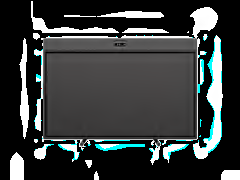
A 10.1-inch touchscreen controller that runs on a single ethernet cable. Power and data, one cable. It connects to your video conferencing platform over the network — no PC required.
Walk into the room, tap the screen, your meeting starts. That's it. That's the whole user experience.
Logitech Tap
The USB-connected version of the touch controller. Connects to a compute device in the room — whether that's a Lenovo ThinkCentre, an Intel NUC, or a Logitech RoomMate.
Works with Microsoft Teams Rooms, Zoom Rooms, and Google Meet. Pre-configured cables and a tidy mounting system so the room actually looks clean.
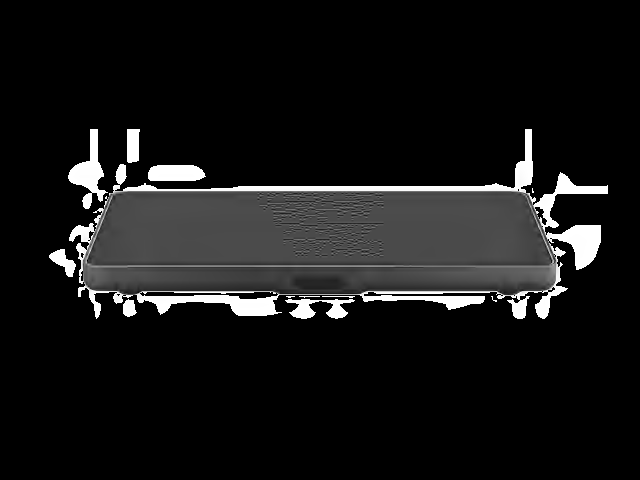
Logitech Tap Scheduler
Mount it outside the meeting room door. It shows whether the room is free or occupied, lets people book on the spot, and syncs with your calendar.
No more walking to three different rooms to find one that's available. You can see it from down the hallway — green means go.
Logitech RoomMate
A computing appliance that replaces the PC in your meeting room. Runs CollabOS — so it natively supports Microsoft Teams Rooms on Android, Zoom Rooms, and other platforms.
Small enough to mount behind a display. Connects to Logitech cameras, Tap controllers, and up to three screens.
Logitech Scribe
A camera that points at your whiteboard and shares it as a clear, digital feed in the meeting. It removes the person standing in front of the board, enhances the markers, and streams it in real time.
Because the remote team shouldn't have to squint at a blurry whiteboard photo someone texted after the meeting.
Logitech SWYTCH
Plug your laptop into the room's AV equipment with one USB-C cable. Use the room's camera, speakers, and displays with whatever video app is on your laptop — Teams, Zoom, Webex, anything.
Handy for guest presenters, client meetings, or when someone's running a platform that's not natively installed in the room.
Works with what you already use.
No need to switch platforms. Logitech room solutions are certified for the video conferencing apps your team already knows.
Built for how Malaysian businesses actually work.
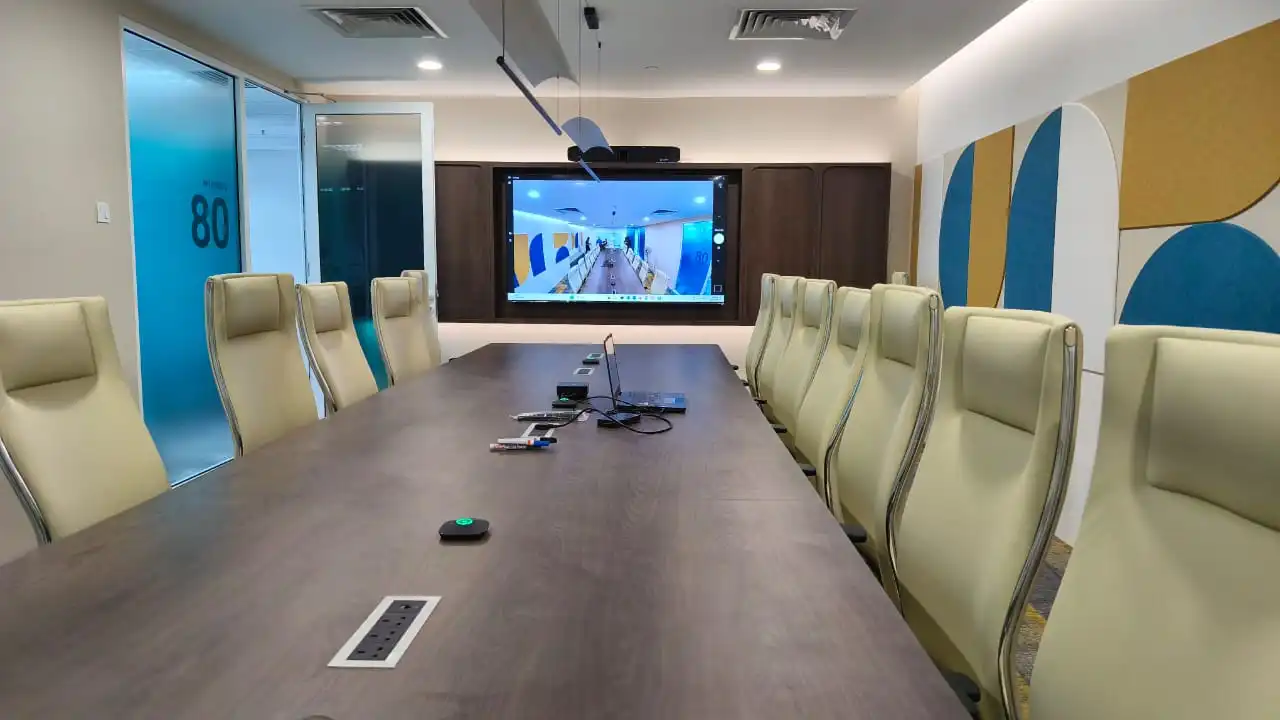
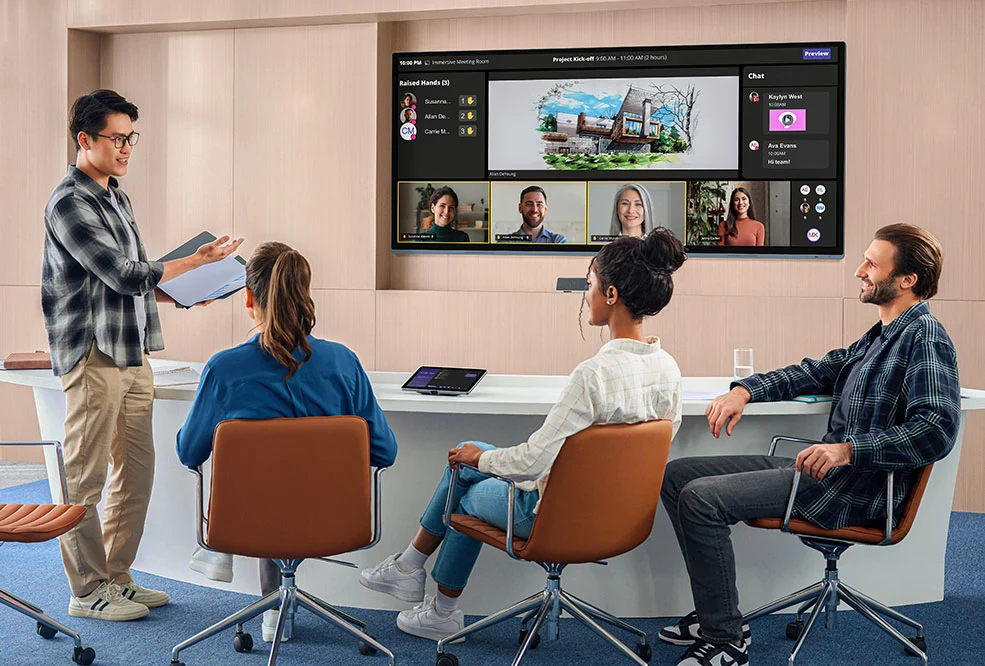
Hybrid work is the reality. Your meeting rooms need to handle a mix of in-person and remote participants without anyone fumbling with cables or calling IT.
Modular by Design
Start with a camera and controller. Add a whiteboard camera later. Expand to three displays when the boardroom gets an upgrade. Each piece connects to the next.
Actually Easy to Use
Walk in, tap the screen, meeting starts. Your team won't need training. They won't need to call IT. The interface is that obvious.
Remote Management
Logitech Sync lets IT manage every room from a single dashboard. Firmware updates, device health, room analytics — all from your desk.
Enterprise Security
Hardware-level security, encrypted communications, and automatic updates. RoomMate runs CollabOS with built-in security features — no exposed PC to worry about.
AI That Helps
Intelligent framing that follows speakers. Noise suppression that kills background chatter. The AI does the camera work so everyone can focus on the conversation.
Local Support in Malaysia
Authorized resellers and support available in Kuala Lumpur, Penang, and Johor Bahru. Get help with room design, installation, and ongoing maintenance locally.
Common questions about video conferencing in Malaysia.
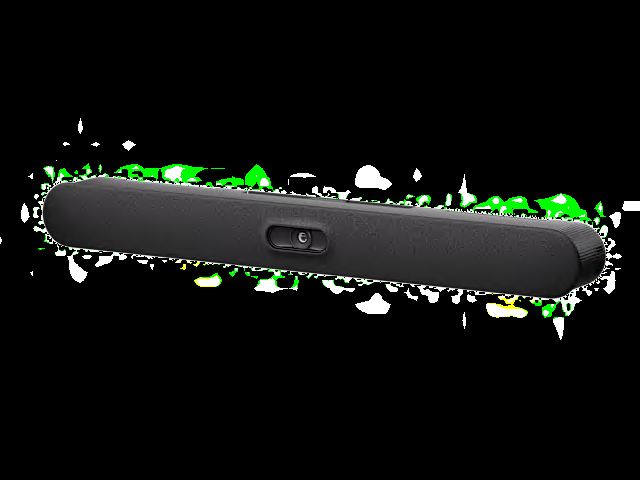
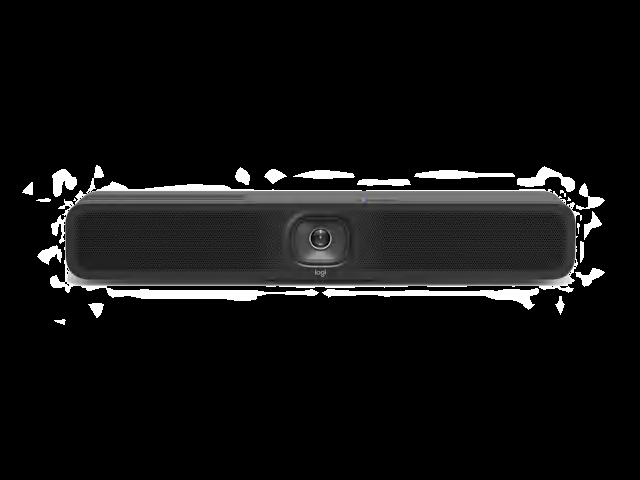
For rooms with 3–6 people, a Logitech MeetUp or Rally Bar Mini paired with a Tap IP controller gives you a complete system. Wide-angle camera covers the whole table, built-in speakers and mics handle the audio, and the Tap IP controller lets anyone start a meeting with one tap.
Yes — across the board. Logitech room solutions are officially certified for Microsoft Teams Rooms, Zoom Rooms, and Google Meet. The RoomMate appliance runs CollabOS which natively supports these platforms.
It depends on the room size and what you need. A basic huddle room setup runs differently from a full boardroom with Rally Bar, Sight, Tap, Scribe, and RoomMate. Contact us for a free consultation — we'll recommend the right setup and give you a clear quote.
Yes. Logitech Sync is a cloud-based management platform that lets IT teams monitor and manage every Logitech device across your organization. Push firmware updates, check device health, view room utilization data, and troubleshoot issues — all from a browser.
We work with authorized Logitech resellers across Malaysia. From site surveys and room design to installation and ongoing support — get in touch and we'll connect you with a local partner in your area.
Let's set up your meeting rooms properly.
Tell us what you have now and what you need. We'll recommend the right Logitech video conferencing setup for your office in Malaysia — and give you a clear quote, no surprises.
Get Your Free Consultation