Teams Rooms video bar kit01
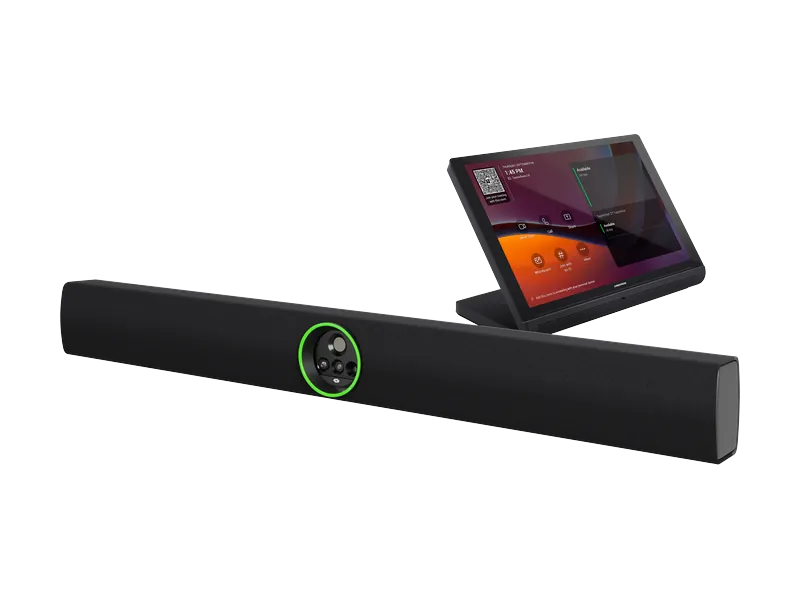
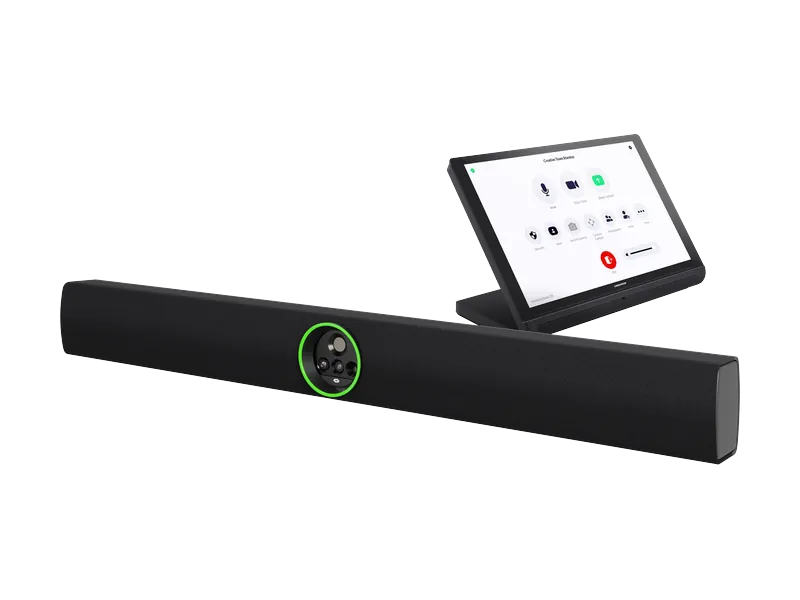
Videobar 70 UC-B70-A-T-I
Medium to large meeting rooms where the cameras, microphones and speakers sit under the display.
- Quad-camera 4K capture with auto framing
- 24-microphone array, 10 W dual speakers
- 10-inch tabletop touch screen included
International version. Teams Rooms licence specified separately.
Zoom Rooms video bar kit02
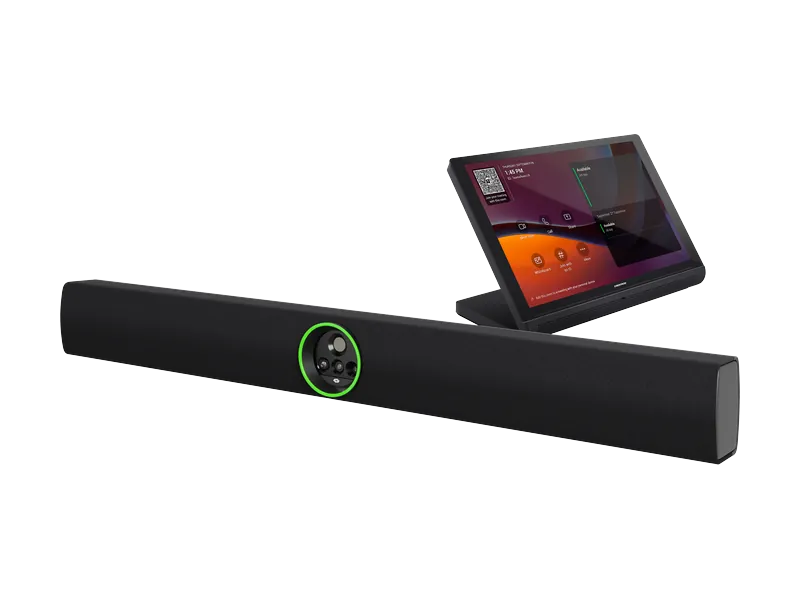
Videobar 70 UC-B70-A-Z-I
Medium to large meeting rooms where the cameras, microphones and speakers sit under the display.
- Quad-camera 4K capture with auto framing
- 24-microphone array, 10 W dual speakers
- 10-inch tabletop touch screen included
International version. Zoom Rooms licence specified separately.
Teams Rooms compute03
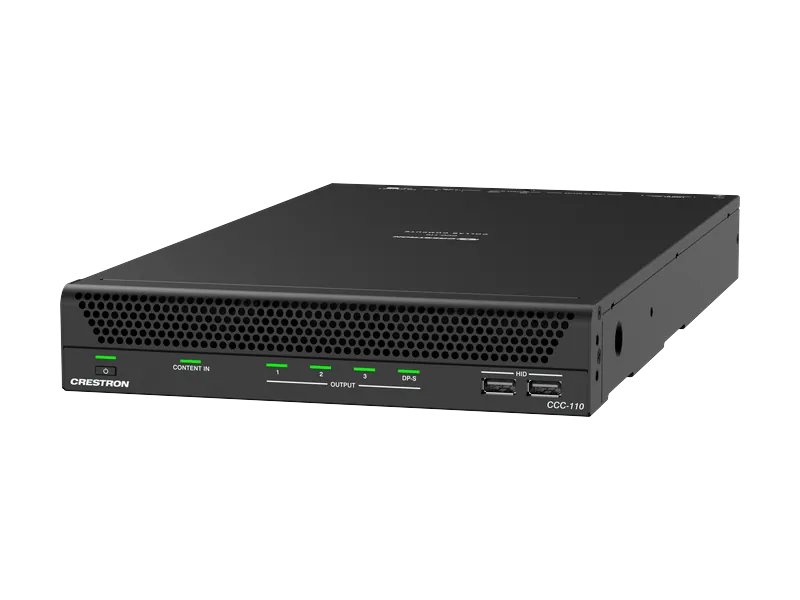
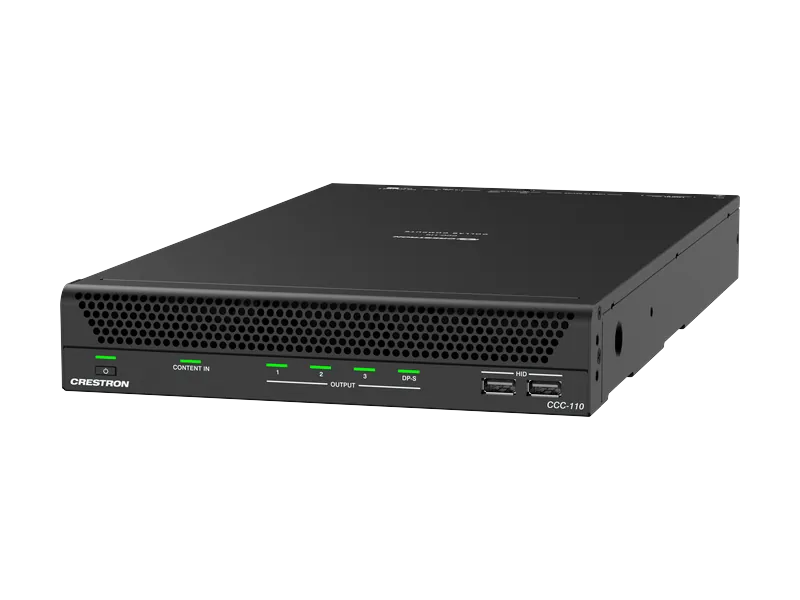
Collab Compute CCC-110-T
A modular Teams room with separately chosen cameras, microphones and speakers.
- Intel Core Ultra 5 processor
- Up to two displays
- Up to four USB cameras and audio devices
Touch screen, peripherals and Teams Rooms licence specified separately.
Zoom Rooms compute04
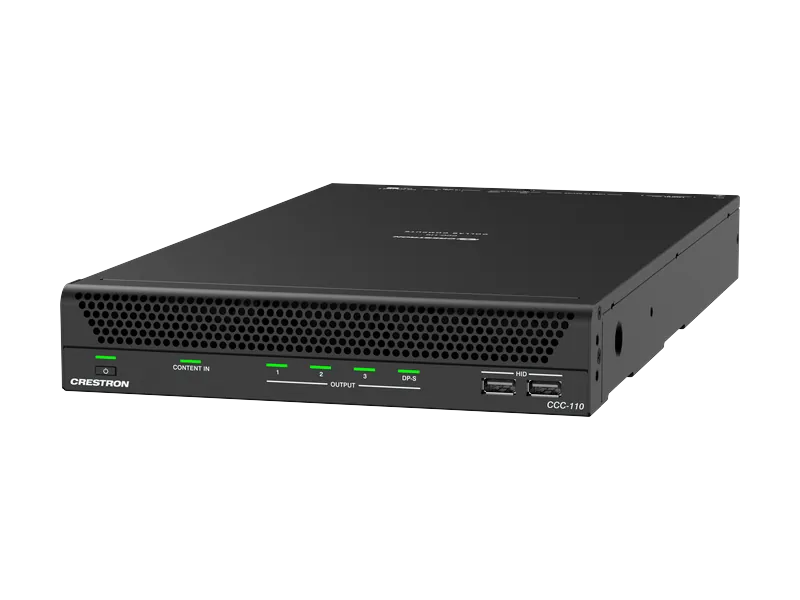
Collab Compute CCC-110-Z
A modular Zoom room with separately chosen cameras, microphones and speakers.
- Intel Core Ultra 5 processor
- Up to three displays
- Up to four USB cameras and audio devices
Touch screen, peripherals and Zoom Rooms licence specified separately.
Teams Rooms compute05
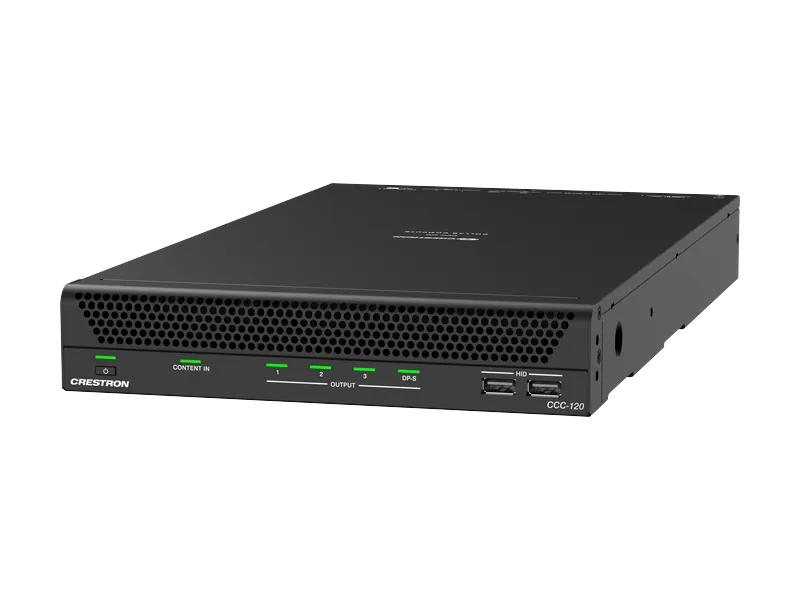
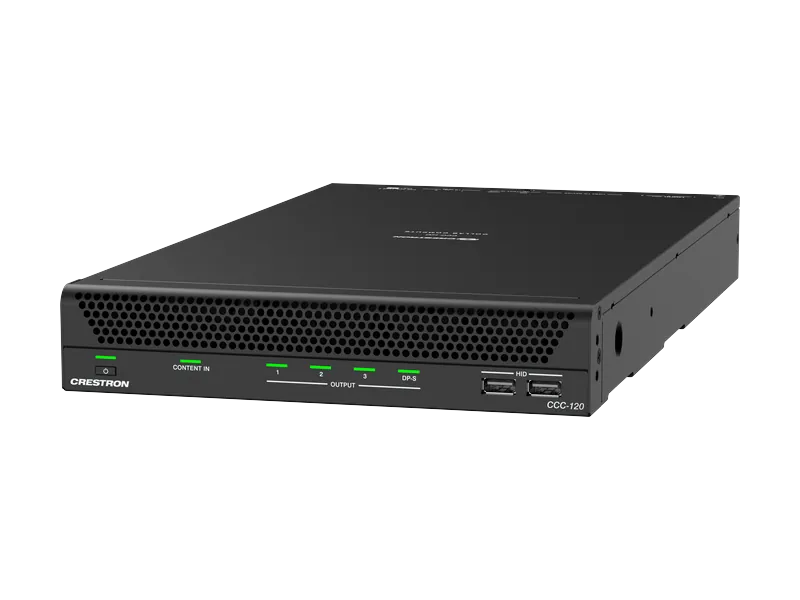
Collab Compute CCC-120-T
A larger Teams room that wants more headroom: 16 cores and 6 AI performance cores.
- Intel Core Ultra 7 processor
- Up to two displays
- Up to four USB cameras and audio devices
Touch screen, peripherals and Teams Rooms licence specified separately.
Zoom Rooms compute06
Collab Compute CCC-120-Z
A larger Zoom room that wants more headroom: 16 cores and 6 AI performance cores.
- Intel Core Ultra 7 processor
- Up to three displays
- Up to four USB cameras and audio devices
Touch screen, peripherals and Zoom Rooms licence specified separately.
Intelligent PTZ camera07
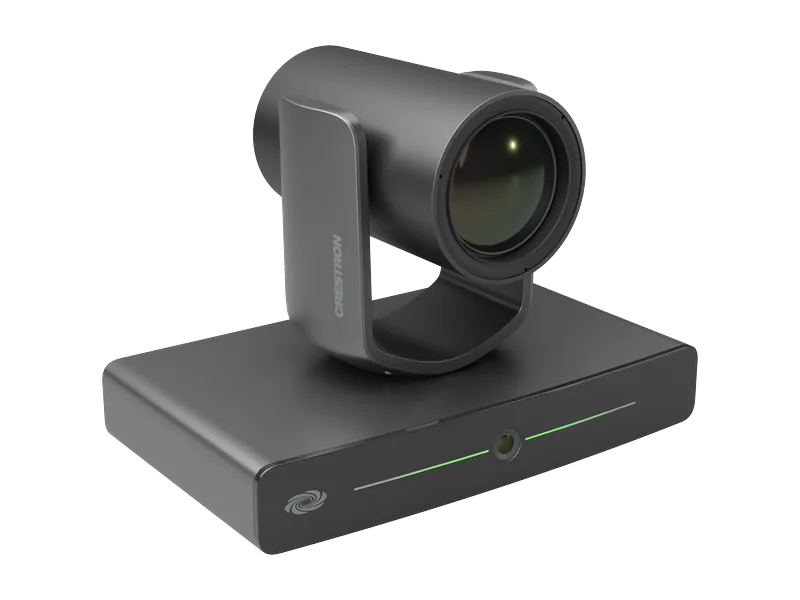
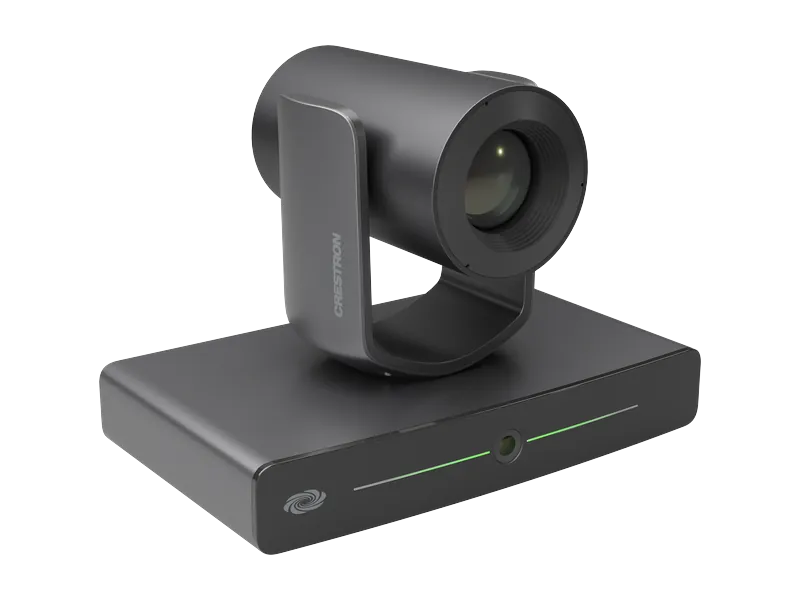
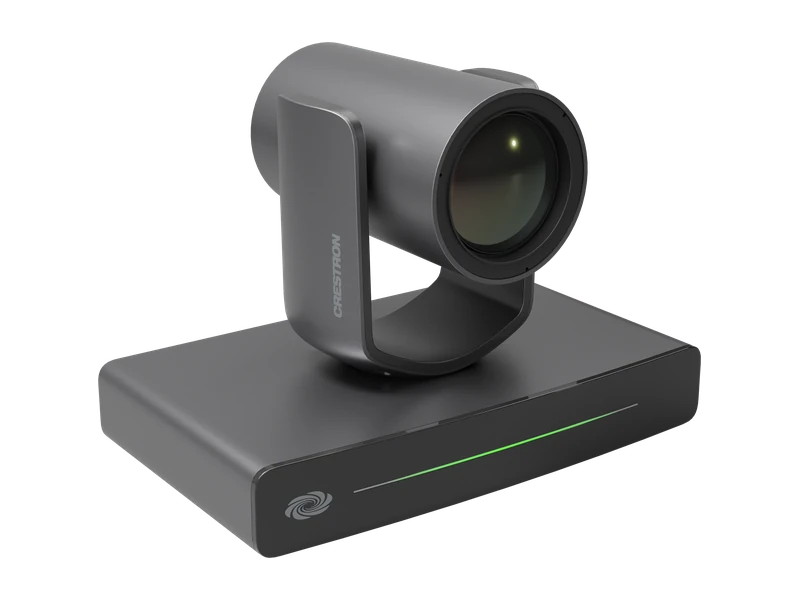
1 Beyond i12
Medium training rooms needing presenter tracking or meeting participant framing.
- Model IV-CAM-I12-B, 12x optical zoom
- Visual AI group framing and presenter tracking
- Certified for Teams Rooms and Zoom Rooms
Intelligent PTZ camera08
1 Beyond i20
Larger training rooms with a presenter working further from the camera.
- IV-CAM-I20 series
- Motorised pan, tilt and zoom
- Presenter and group tracking
PTZ camera family09
1 Beyond p12 / p20
Fixed seating zones in multi-camera meeting rooms and divisible halls.
- IV-CAM-P12 and P20 series
- Up to 1080p60 output
- Compatible with Automate VX
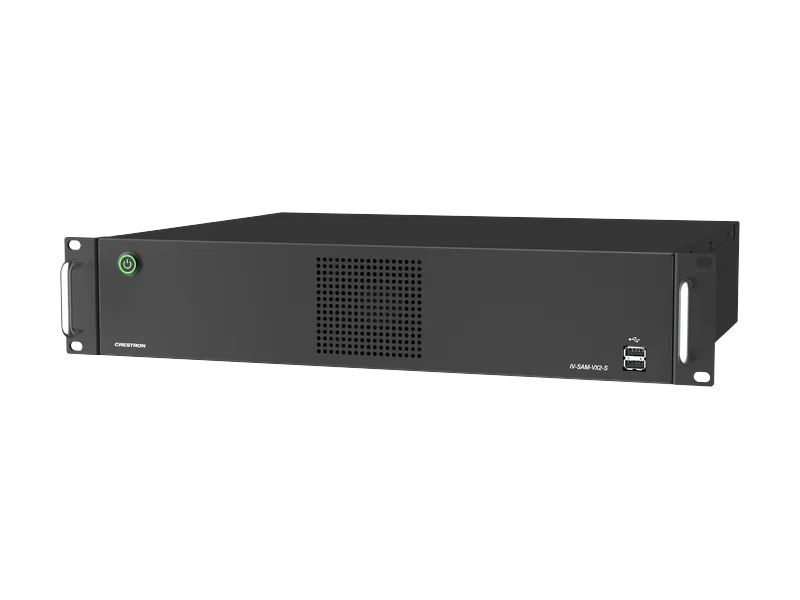
Multi-camera switching system10
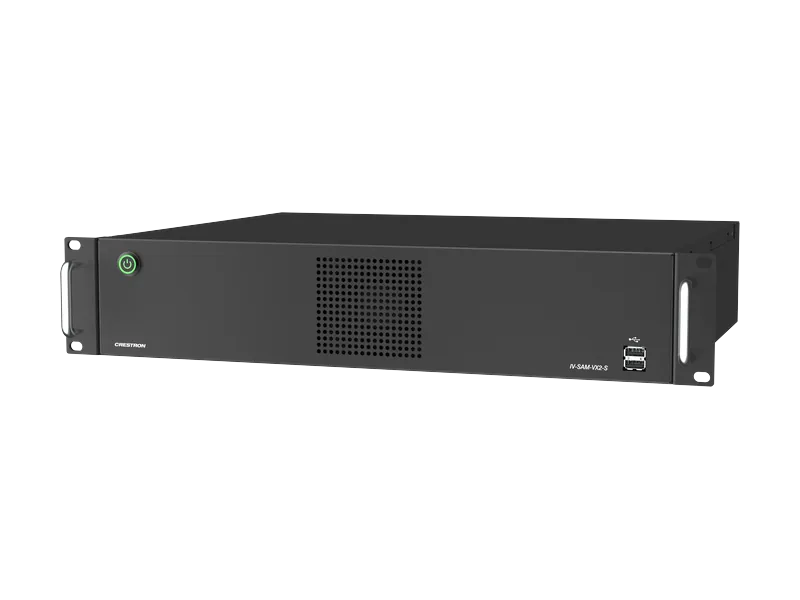
Automate VX Series 2
Training halls and council-style rooms where cameras follow the active speaker.
- IV-SAM-VX2-S / VX2-P systems
- Switches up to 12 camera feeds
- Certified for Microsoft Teams
Microphone integration, camera layout and deployment services need a room design.
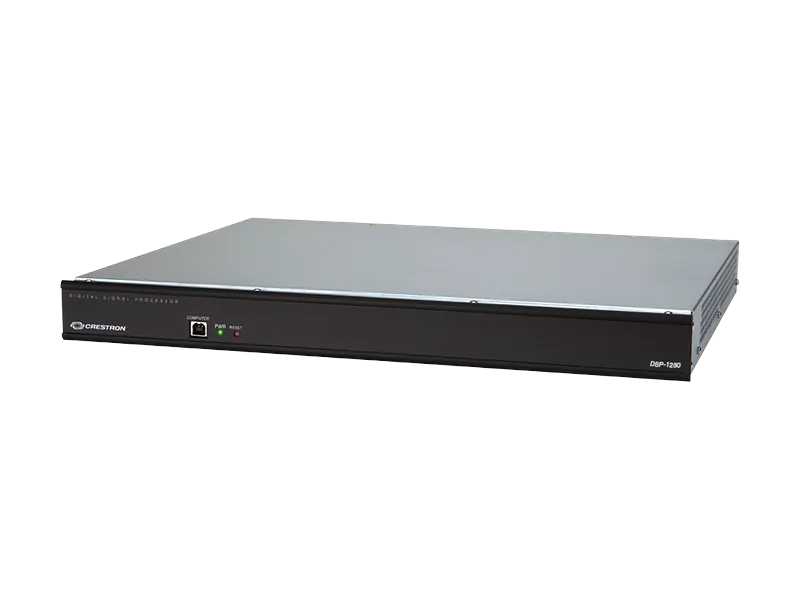
Rack audio processor11
Avia DSP-1280
A training room or multi-purpose space with several microphone and speaker routes.
- 12x8 digital signal processor
- 1 RU rack form factor
- Native Crestron system integration
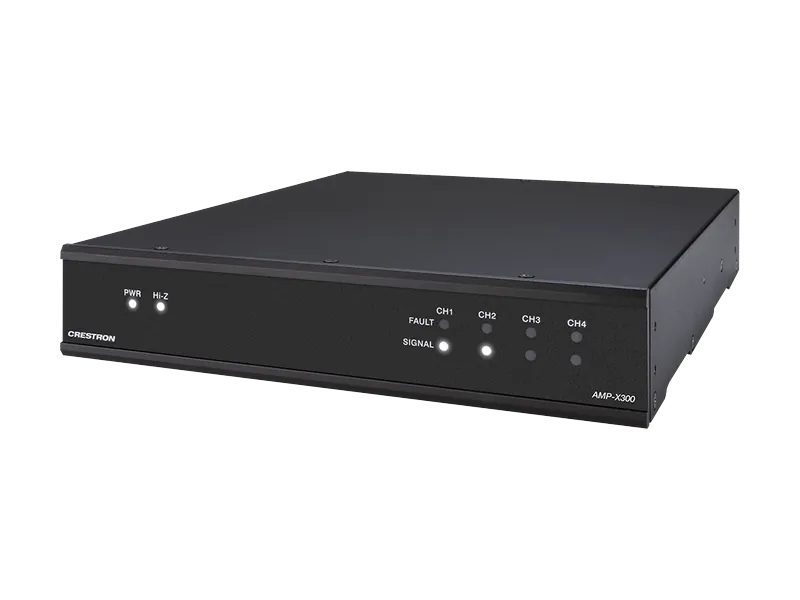
Configurable amplifier12
AMP-X300
Ceiling or surface speakers in meeting rooms, halls and shared spaces.
- Up to 300 W total output
- 4/8 ohm or 70/100 V operation
- Half-rack, 1 RU enclosure
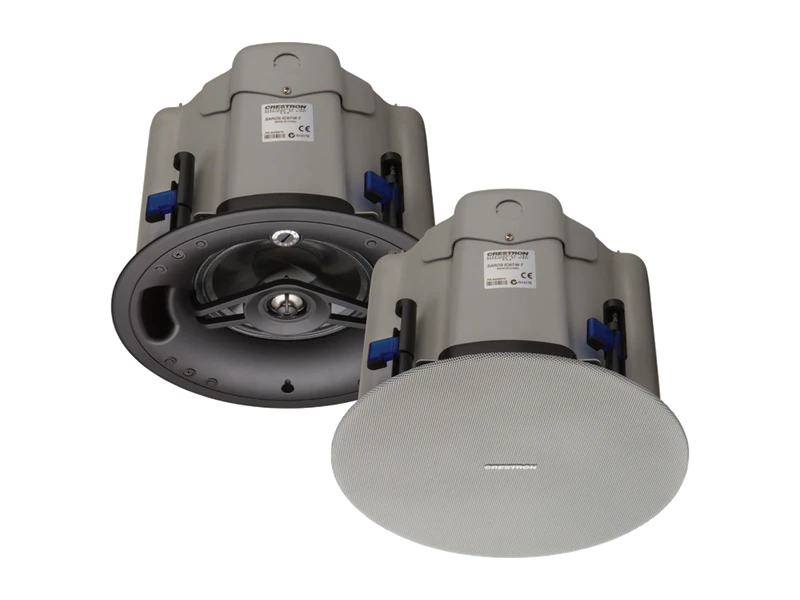
In-ceiling loudspeaker13
Saros IC6T
Distributed speech and programme audio where ceiling installation is suitable.
- 6.5 inch two-way speaker
- In-ceiling installation
- Transformer-tapped distributed audio
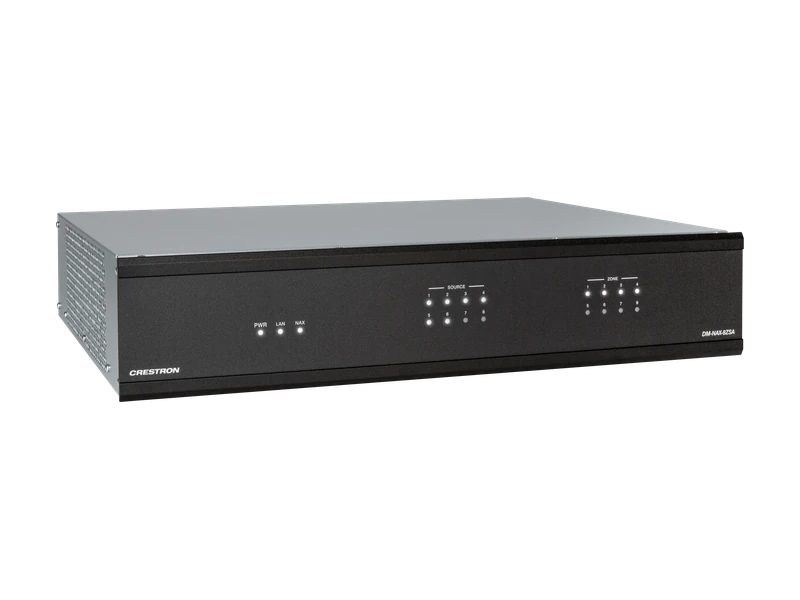
Network streaming amplifier14
DM NAX 8ZSA
Several zones needing independent background audio from a central equipment rack.
- Eight amplified stereo zones
- 16 speaker output channels
- 2 RU network audio amplifier
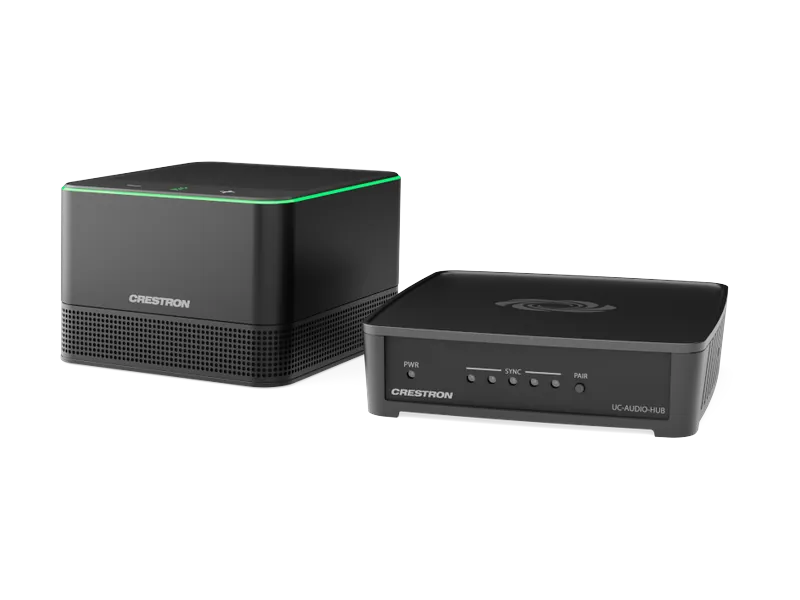
Wireless conference audio15
Flex Pod UC-AUDIO-1-B KIT
Tables and open rooms where microphones cannot be cabled through walls or ceilings.
- Hub pairs with up to four pods
- Four microphones per pod, 360-degree pickup
- DECT wireless link
Regional DECT version confirmed for Malaysia before order.
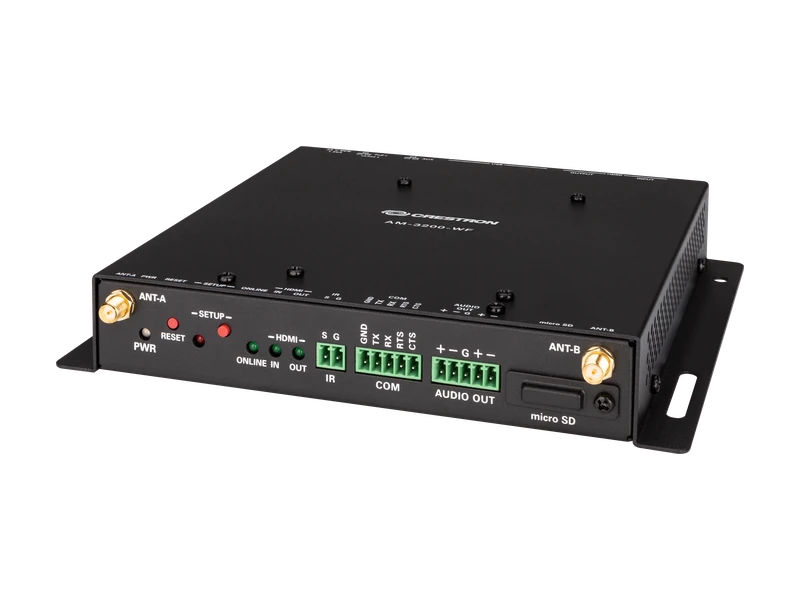
International wireless receiver16
AM-3200-WF-I
A meeting room needing wireless presentation plus a wired HDMI source.
- HDMI input and display output
- Dual LAN and balanced audio out
- USB conferencing peripheral support
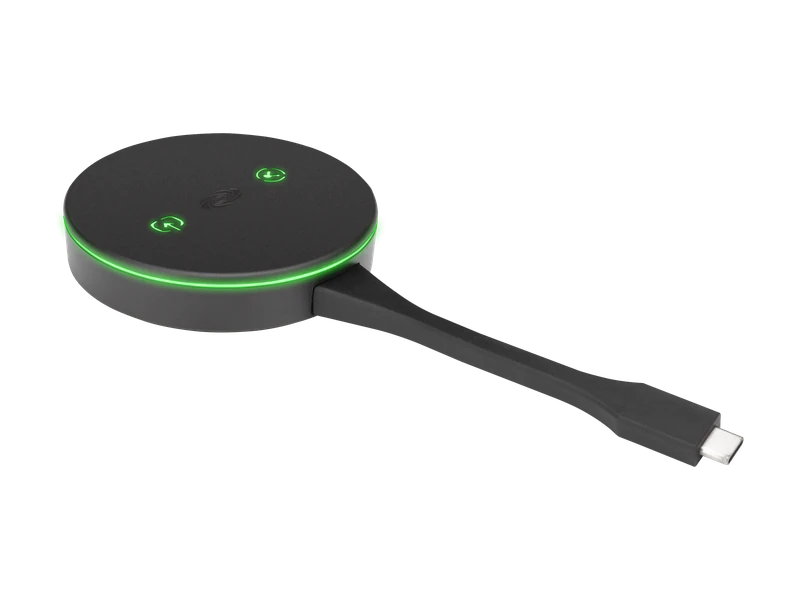
USB-C wireless adaptor17
AM-TX3-100-I
Guests presenting from a compatible USB-C laptop to an AirMedia receiver.
- Integrated USB-C connector
- Up to 4K30 content sharing
- Paired AirMedia receiver required
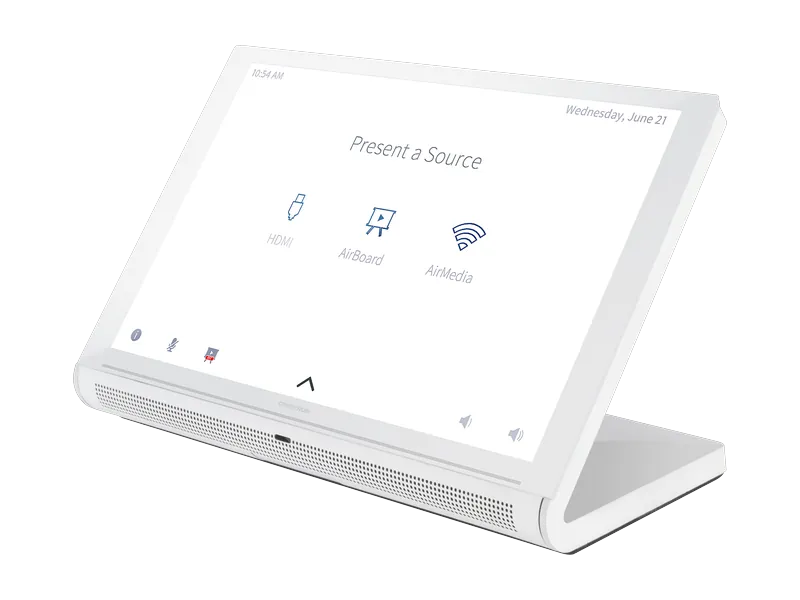
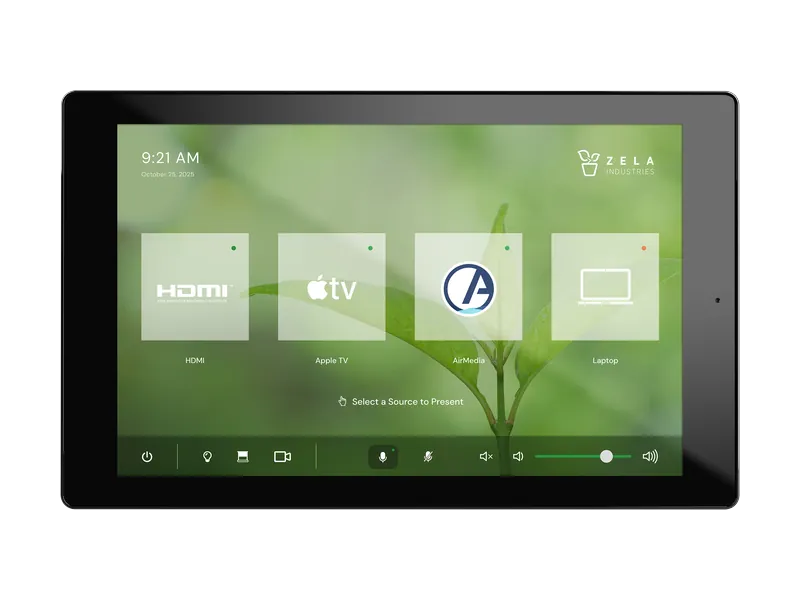
70 Series tabletop panel18
TS-1070
Boardroom tables needing a fixed touch interface for sources, volume and room scenes.
- 10.1 inch capacitive display
- 1920 × 1200 resolution
- PoE power and HTML5 projects
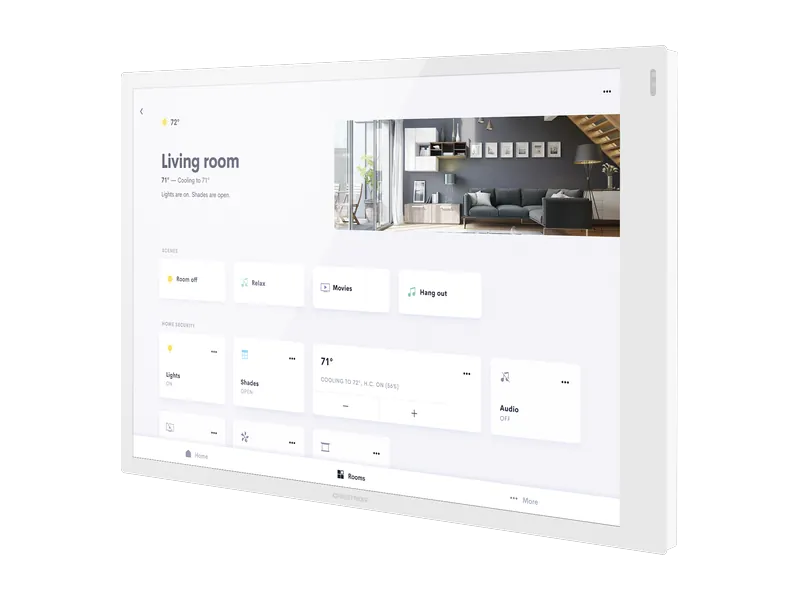
70 Series wall panel19
TSW-1070
A wall control point for meeting rooms, training spaces and shared facilities.
- 10.1 inch touch screen
- 1920 × 1200 resolution
- Wall-mounted form factor
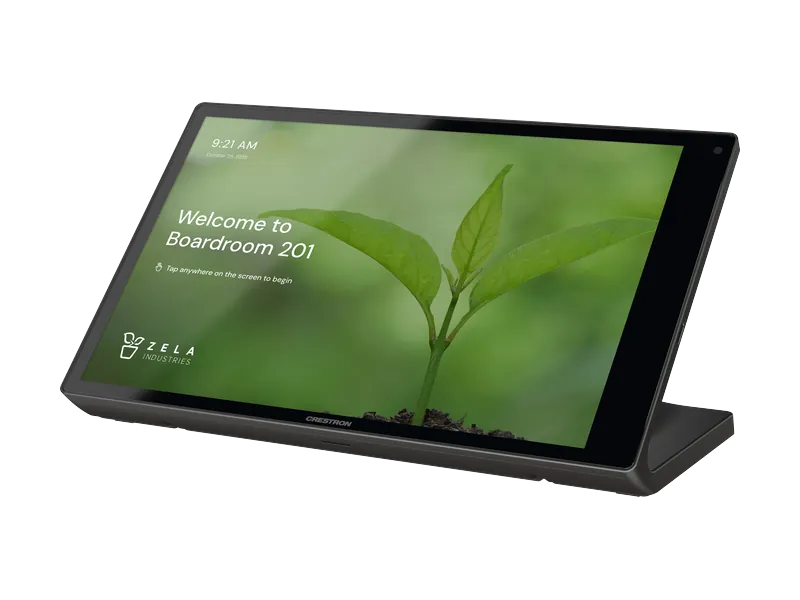
80 Series tabletop panel20
TS-1080
New room projects needing a tabletop interface and custom HTML5 controls.
- 10.1 inch capacitive display
- PoE power; Wi-Fi connectivity
- HTML5 and Construct projects
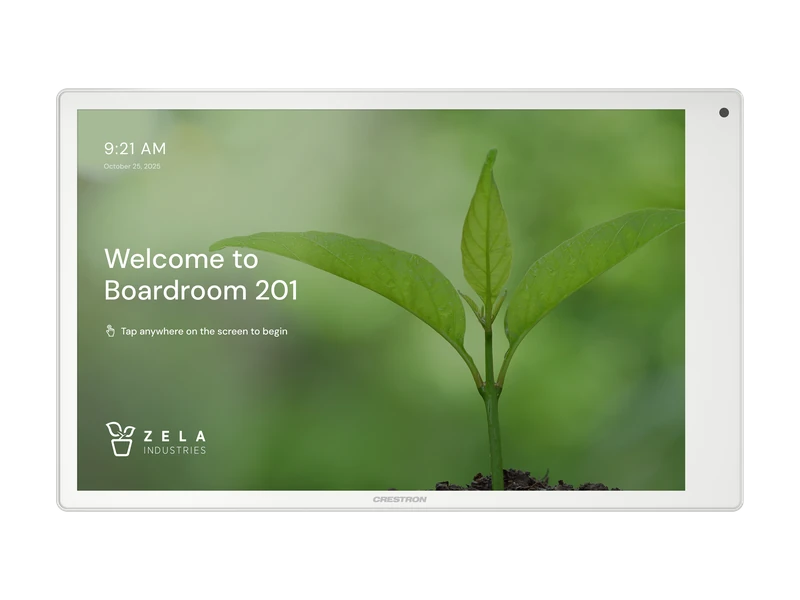
80 Series wall panel21
TSW-1080
A permanent wall interface for AV, lighting and room operation.
- 10.1 inch capacitive display
- 1920 × 1200 resolution
- HTML5 custom user interfaces
Wireless touch panel22
TST-1080
A presenter or room operator who needs to move with the controls.
- 10.1 inch capacitive display
- Rechargeable battery
- Table charging dock included
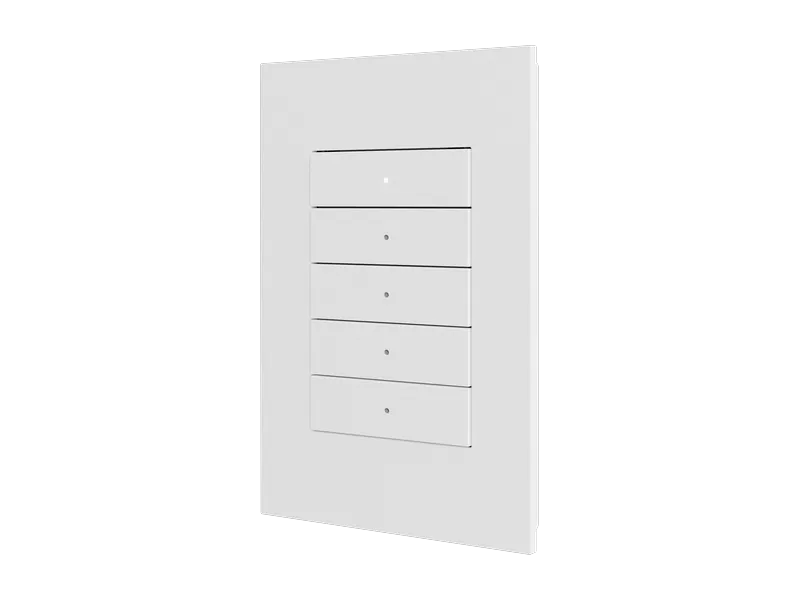
Cresnet keypad23
Horizon 2 HZ2-KPCN
A tactile wall button for lights, shades and common AV scenes.
- Cresnet wired communications
- Five-button assembly supplied
- RGB LED button backlighting
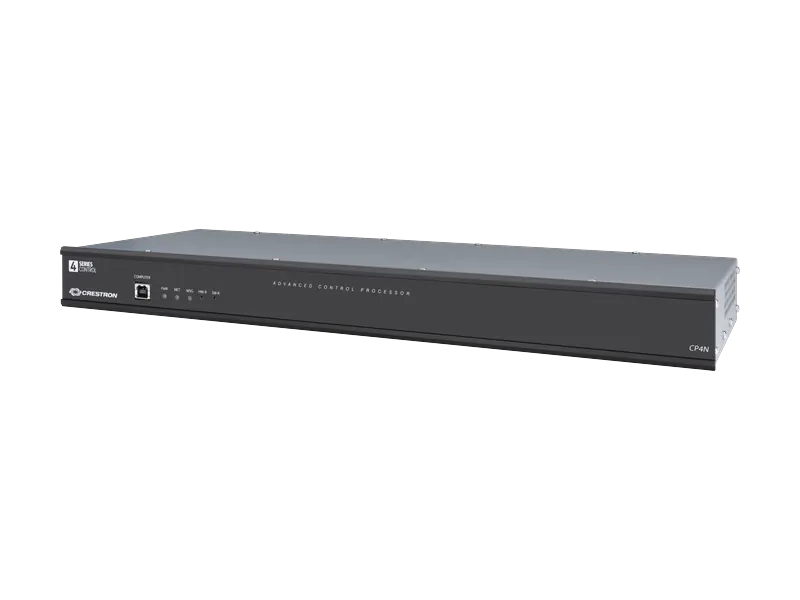
Rack control processor24
CP4N
Executive boardrooms and multi-system rooms that need a dedicated control network.
- 4-Series control engine
- Isolated Gigabit control subnet
- RS-232, IR, relays and Cresnet
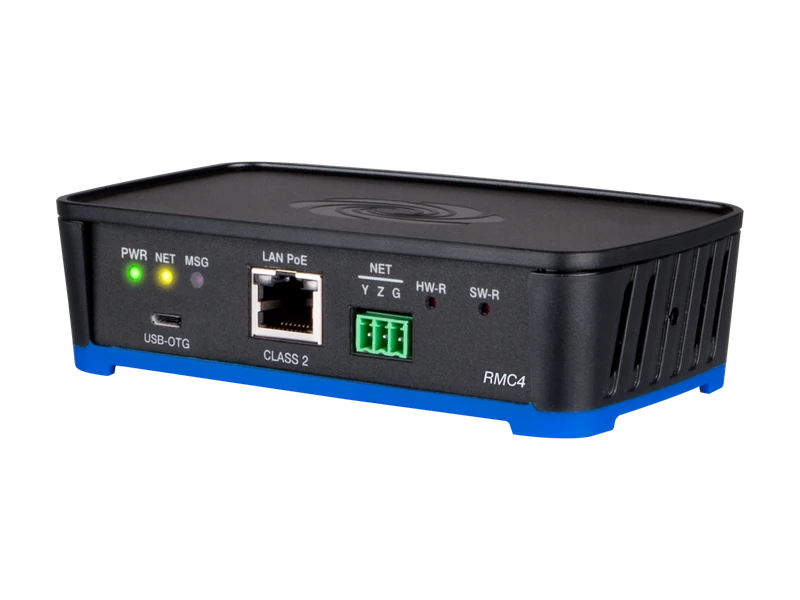
Compact control processor25
RMC4
A single room with limited rack space and a small number of controlled devices.
- 4-Series control engine
- Power over Ethernet
- COM, IR, relay and I/O ports
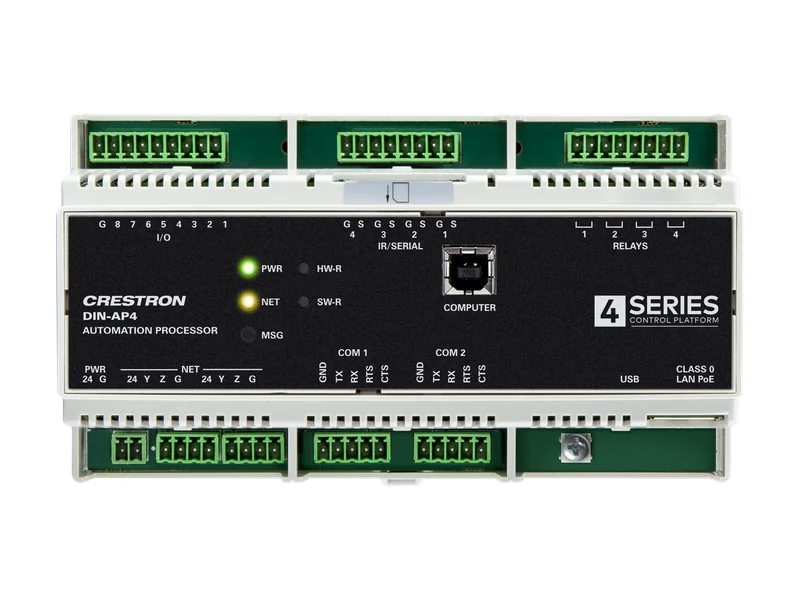
DIN rail processor26
DIN-AP4
Equipment cabinets combining room automation, lighting and building services.
- 4-Series control engine
- 9M DIN rail housing
- PoE or 24 VDC power
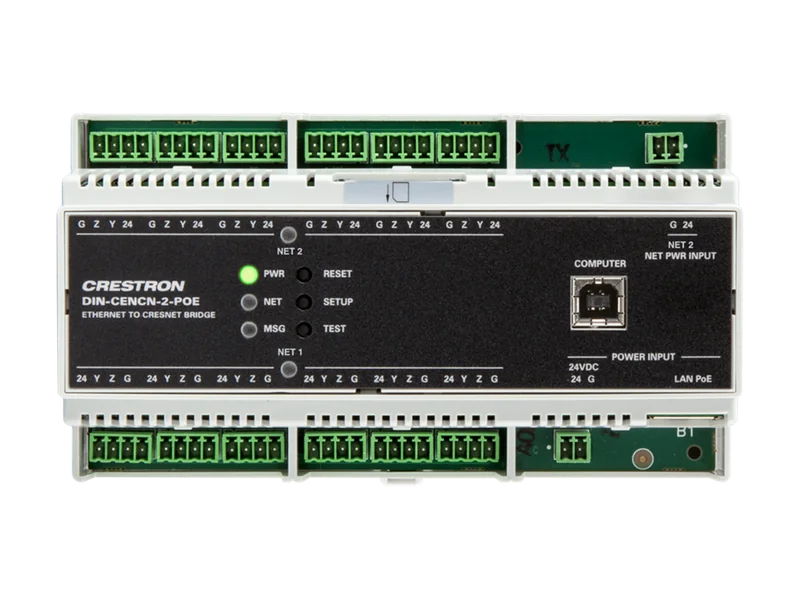
Ethernet / Cresnet bridge27
DIN-CENCN-2-POE
Larger installations that need separate Cresnet wiring runs and fault isolation.
- Two isolated Cresnet subnets
- Ethernet bridge with diagnostics
- DIN rail housing; PoE input
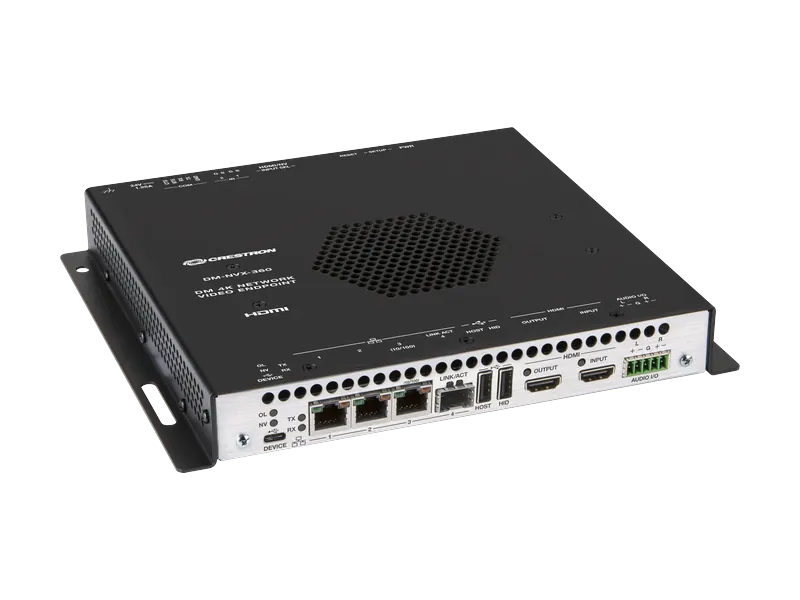
AV-over-IP encoder / decoder28
DM-NVX-360
Route a room source to networked displays, with a local HDMI connection.
- Up to 4K60 4:4:4 video
- Gigabit Ethernet transport
- HDMI input and output
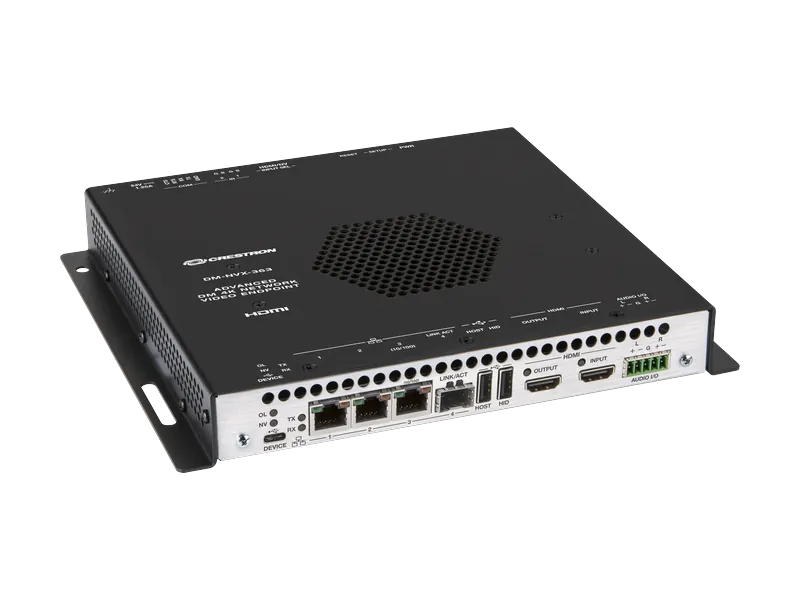
AV-over-IP with Dante29
DM-NVX-363
AV distribution that also needs an interface to a Dante audio system.
- Up to 4K60 4:4:4 video
- Dante audio connectivity
- Multichannel audio downmixing
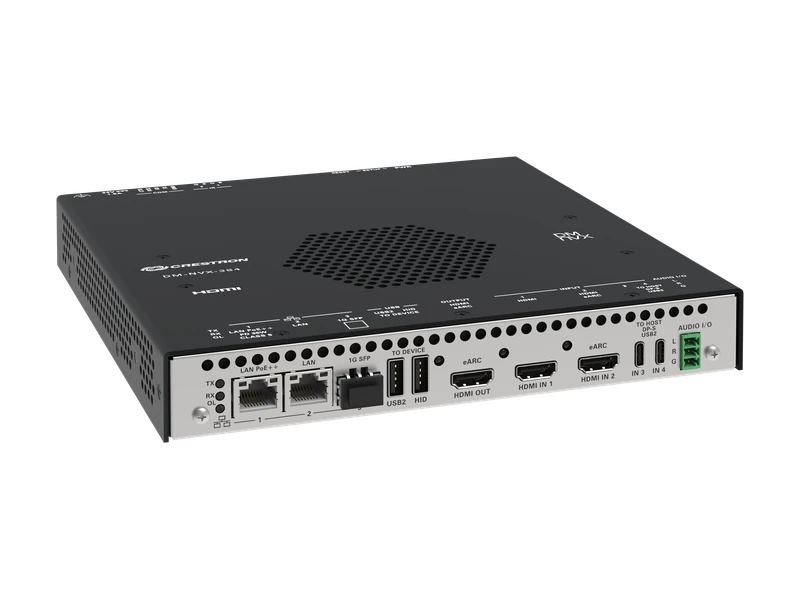
5K network AV switcher30
DM-NVX-384
Rooms with HDMI and USB-C sources, including ultrawide displays.
- Two HDMI and two USB-C inputs
- 5K ultrawide video support
- 4x1 switching in encoder mode
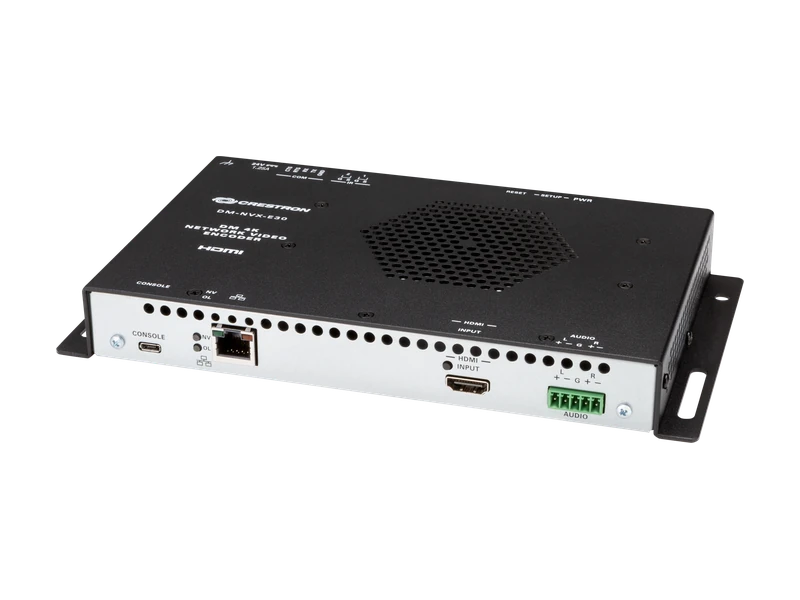
Network AV encoder31
DM-NVX-E30
Put one HDMI source onto a managed DM NVX network.
- HDMI source input
- Up to 4K60 4:4:4 video
- Multicast stream transport
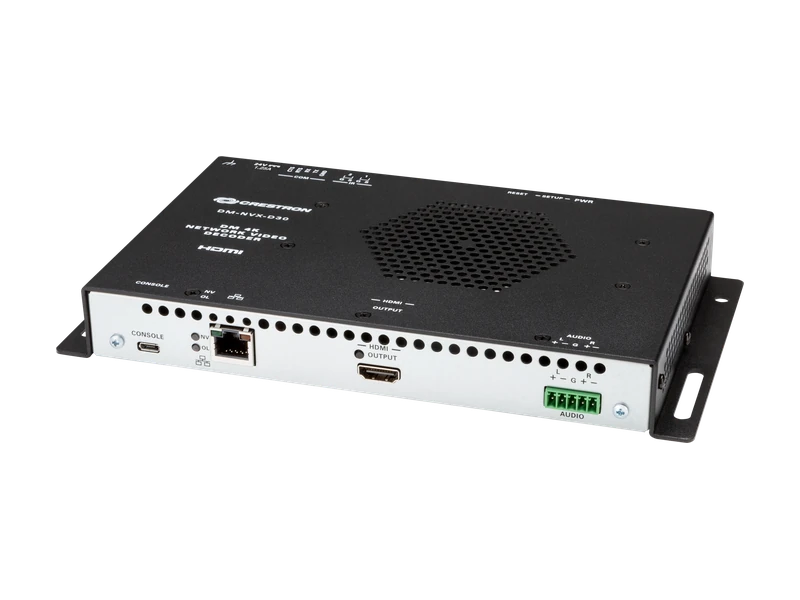
Network AV decoder32
DM-NVX-D30
Receive a DM NVX stream at a display without a local source encoder.
- HDMI display output
- Up to 4K60 4:4:4 video
- Gigabit Ethernet transport
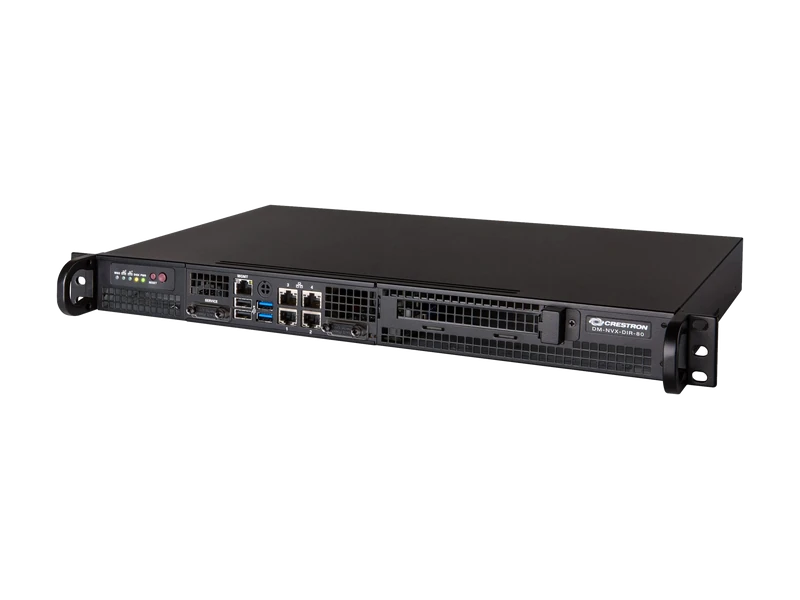
AV routing appliance33
DM-NVX-DIR-80
Manage source and destination names across a larger DM NVX installation.
- Up to 80 DM NVX endpoints
- One routing domain
- Automatic endpoint discovery
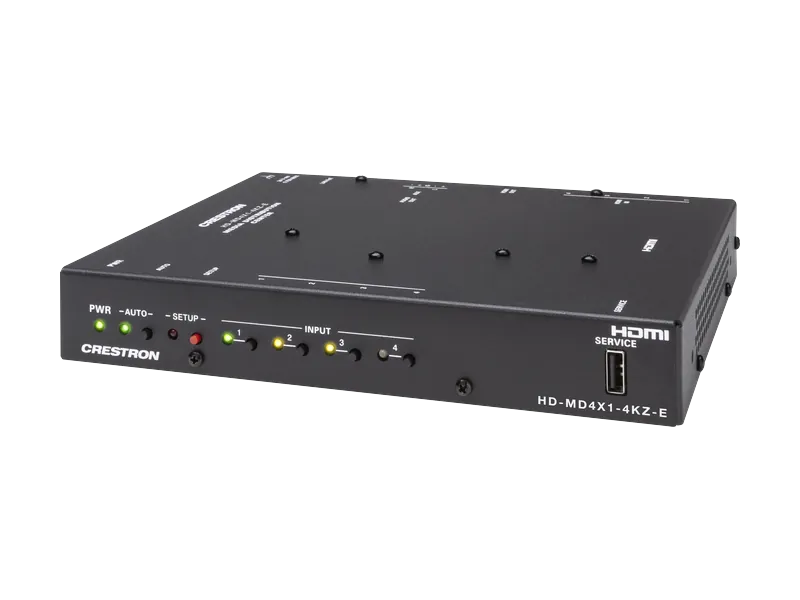
HDMI presentation switcher34
HD-MD4X1-4KZ-E
Four wired sources sharing one meeting-room display.
- Four HDMI inputs; one output
- Up to 4K60 4:4:4 video
- Auto switching and EDID management
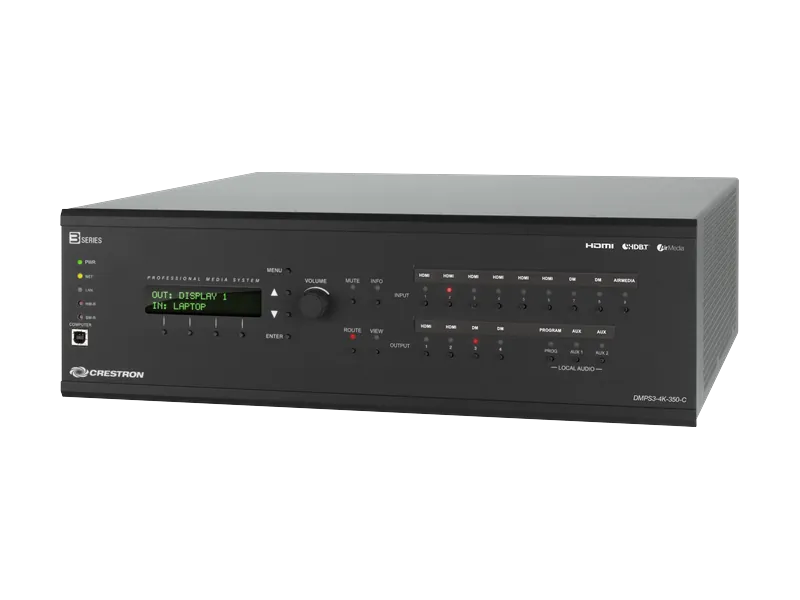
Presentation system35
DMPS3-4K-350-C
A training room combining multiple wired sources, microphones and display routes.
- Six HDMI and two DM inputs
- Two HDMI and two DM outputs
- Microphone inputs and onboard DSP
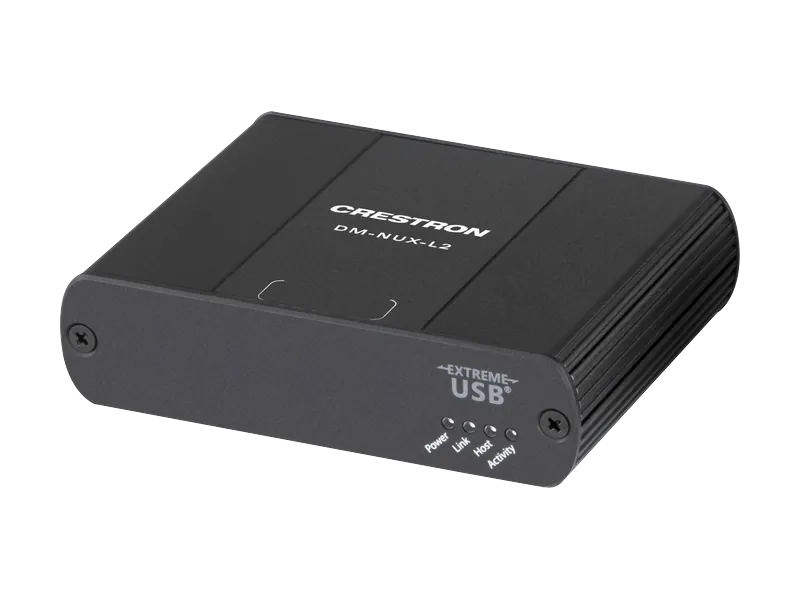
USB network endpoints36
DM-NUX-L2 / R2
Move USB host and peripheral connections between locations in a room or campus.
- USB 1.0, 1.1 and 2.0 support
- L2 host; R2 up to four devices
- Up to 100 m per network cable run
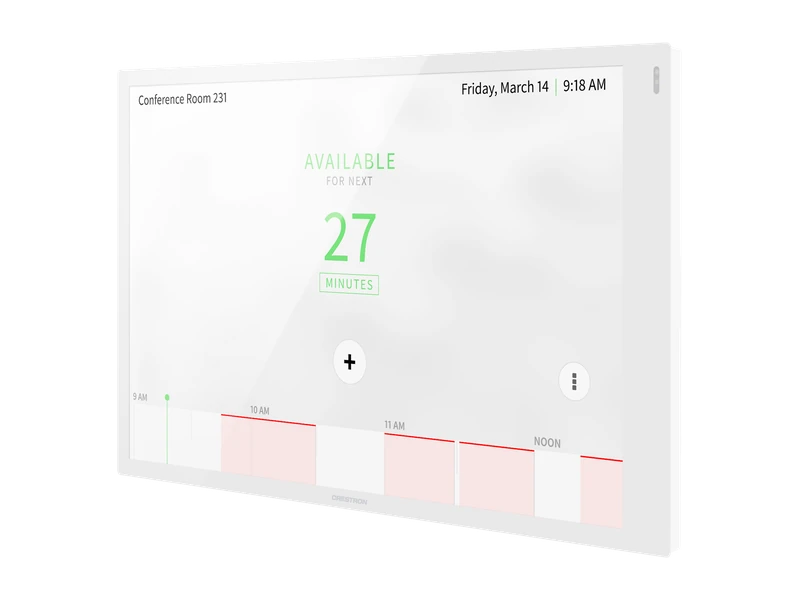
Room scheduling panel37
TSS-1070
Outside a meeting room to show availability and support room booking.
- 10.1 inch touch screen
- 1920 × 1200 resolution
- Dedicated scheduling applications
Booking platform and licensing must match the organisation's calendar service.
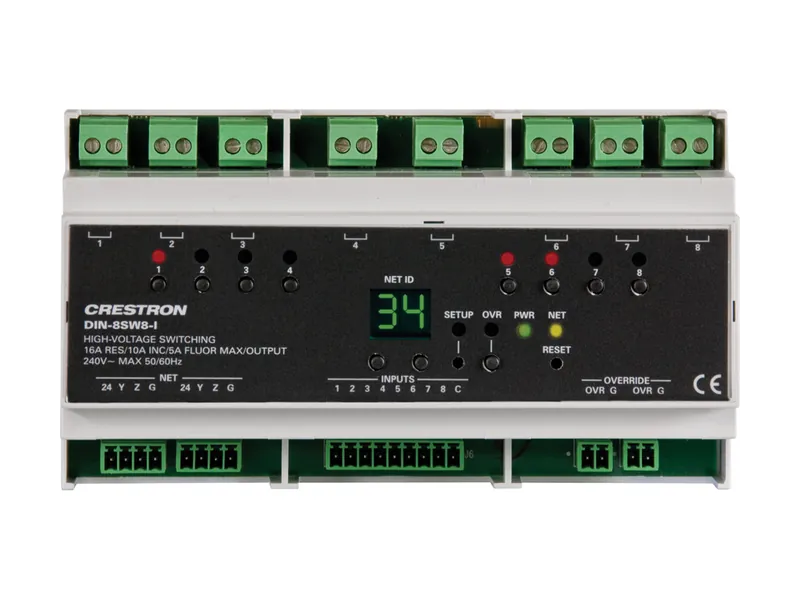
Lighting relay module38
DIN-8SW8-I
Switch non-dimmable lighting and fan loads from a central control cabinet.
- Eight switched channels
- Eight isolated digital inputs
- 120 to 240 VAC; DIN rail housing
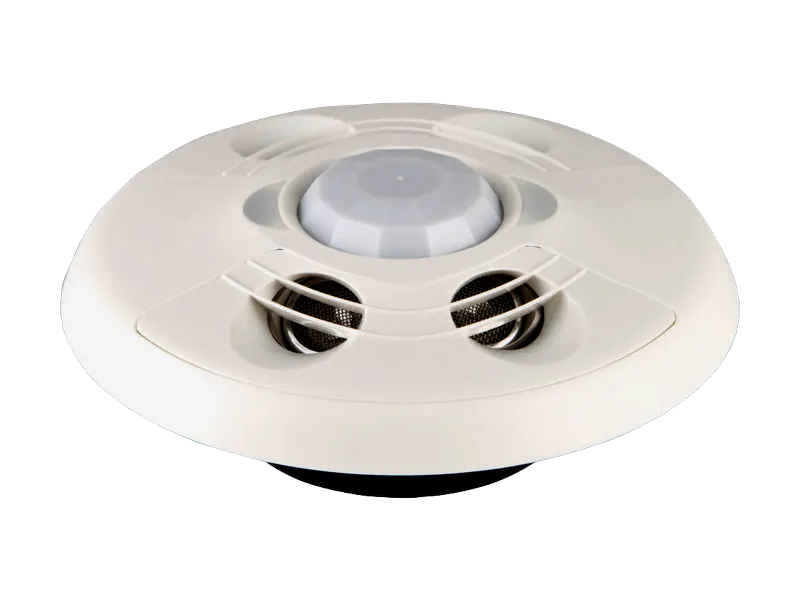
Ceiling occupancy sensor39
CEN-ODT-C-POE
Detect room occupancy for programmed AV and lighting behaviour.
- Dual-technology occupancy detection
- PoE network connection
- Rated coverage up to 2,000 sq ft
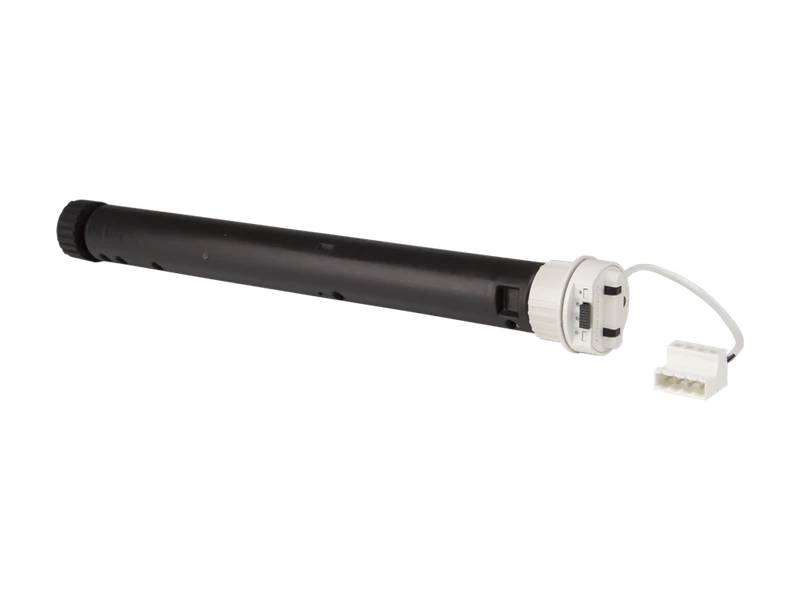
Motorised shade family40
Digital QMT roller shades
Manage daylight and glare on room displays and camera views.
- Low-voltage Digital QMT motors
- Brushless motor design
- Roller hardware and fabric options
Fabric, dimensions, brackets and regional availability require confirmation.
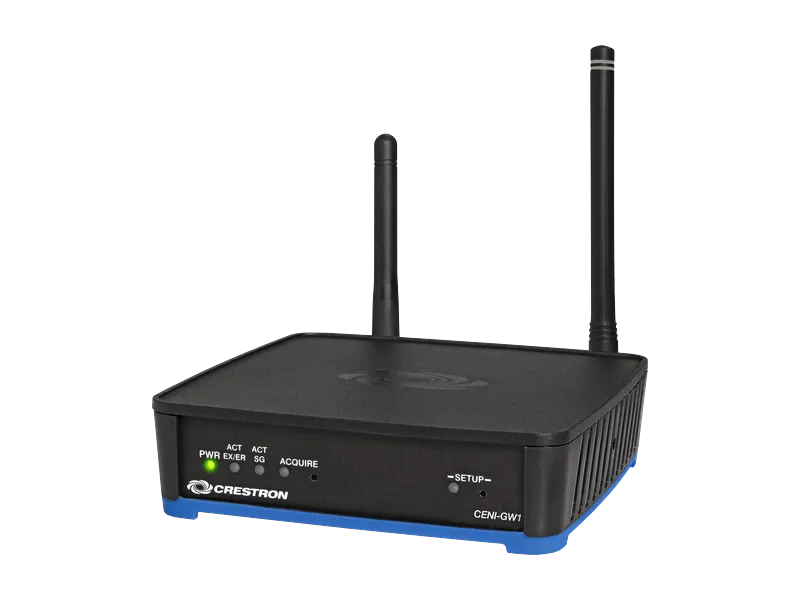
International wireless gateway41
CENI-GW1
Connect supported wireless keypads, remotes and shades to a control system.
- ER, SG and infiNET EX networks
- PoE or optional DC supply
- 3-Series or newer control systems
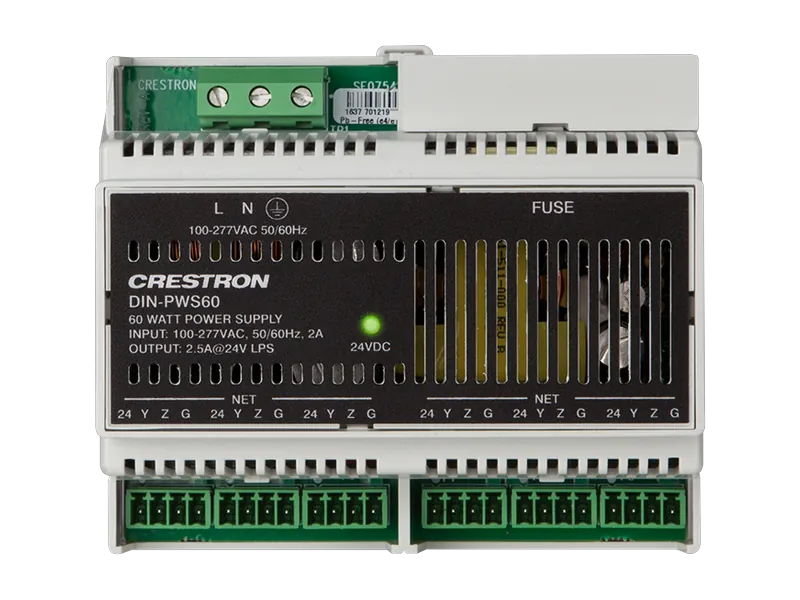
Cresnet power supply42
DIN-PWS60
Power Cresnet devices in an automation or lighting cabinet.
- 60 W Cresnet supply
- DIN rail mounting
- Powers processors and Cresnet devices
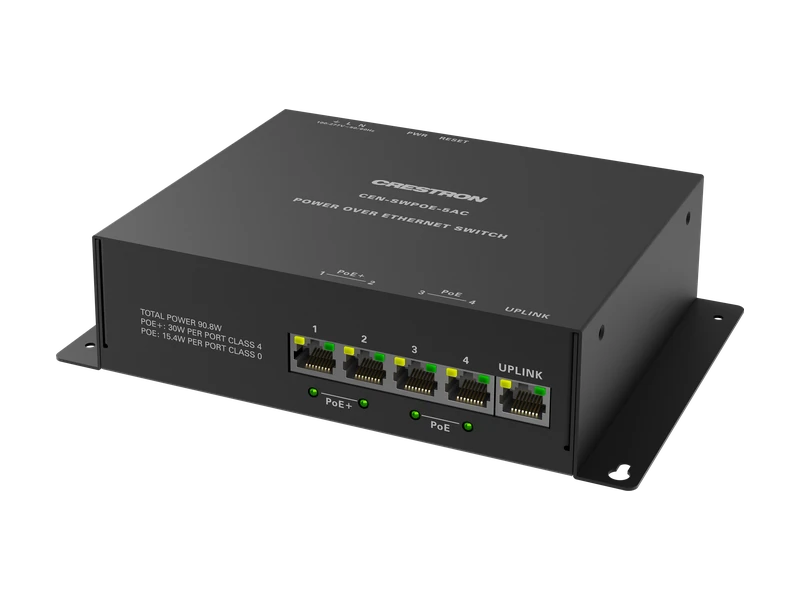
PoE network switch43
CEN-SWPOE-5AC
Connect and power a small cluster of room control devices.
- Five Ethernet ports
- PoE device connections
- Electrical box, DIN rail or surface mount
DM NVX switching requires a separately verified multicast network design.
Model and family guide, checked 24 October 2026. Regional kits, finishes, accessories and availability are confirmed with the quotation. A listing is not a stock or certification claim. Every card links to Crestron's product page or technical documentation.