
Video Conferencing Malaysia: Systems, Setup & Brands | Kasturi Technology
Q

What video conferencing solutions does Kasturi provide in Malaysia?

A

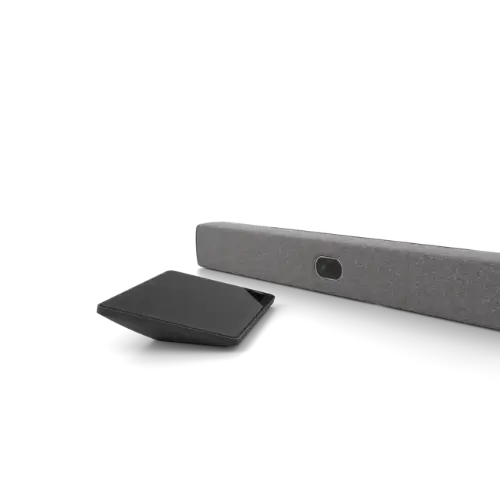
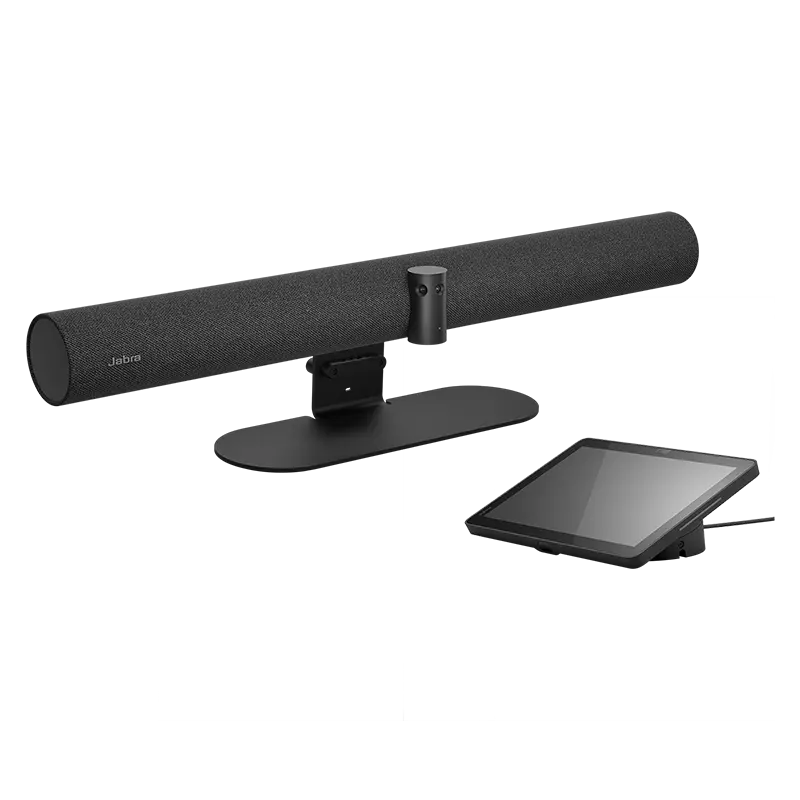
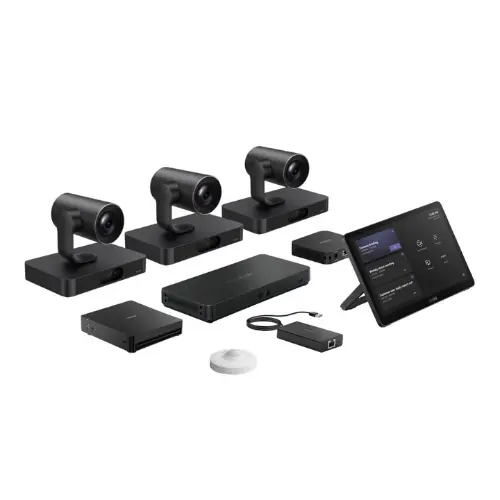
Kasturi Technology designs, supplies and installs complete video conferencing systems in Malaysia, from all-in-one video bars for huddle rooms to PTZ camera and DSP audio systems for boardrooms and auditoriums. We are an authorised partner for Neat, Jabra, Logitech, HP Poly, Yealink and Zoapi, and we certify rooms for Zoom Rooms, Microsoft Teams Rooms and Google Meet. Every project includes supply, installation and after sales support across Malaysia.

Room typeWhat it isBest forTypical investment
Huddle roomAll-in-one video bar with camera, mic and speaker on one cable2 to 6 people, quick focus meetingsFrom RM 8,000
Meeting roomWide-angle or auto-framing camera with an expandable mic array6 to 12 people, daily team meetingsRM 15,000 to RM 35,000
BoardroomDedicated PTZ camera, DSP audio processor and ceiling microphones12 or more people, executive meetingsRM 30,000 to RM 80,000
Training & auditoriumPresenter-tracking camera, distributed audio, large-format displayLecture halls and town hallsCustom quotation
By Room Size

The right system, for the room.

Room size decides everything: the camera, the microphone coverage and the audio processing. Here is how we match the system to the space.

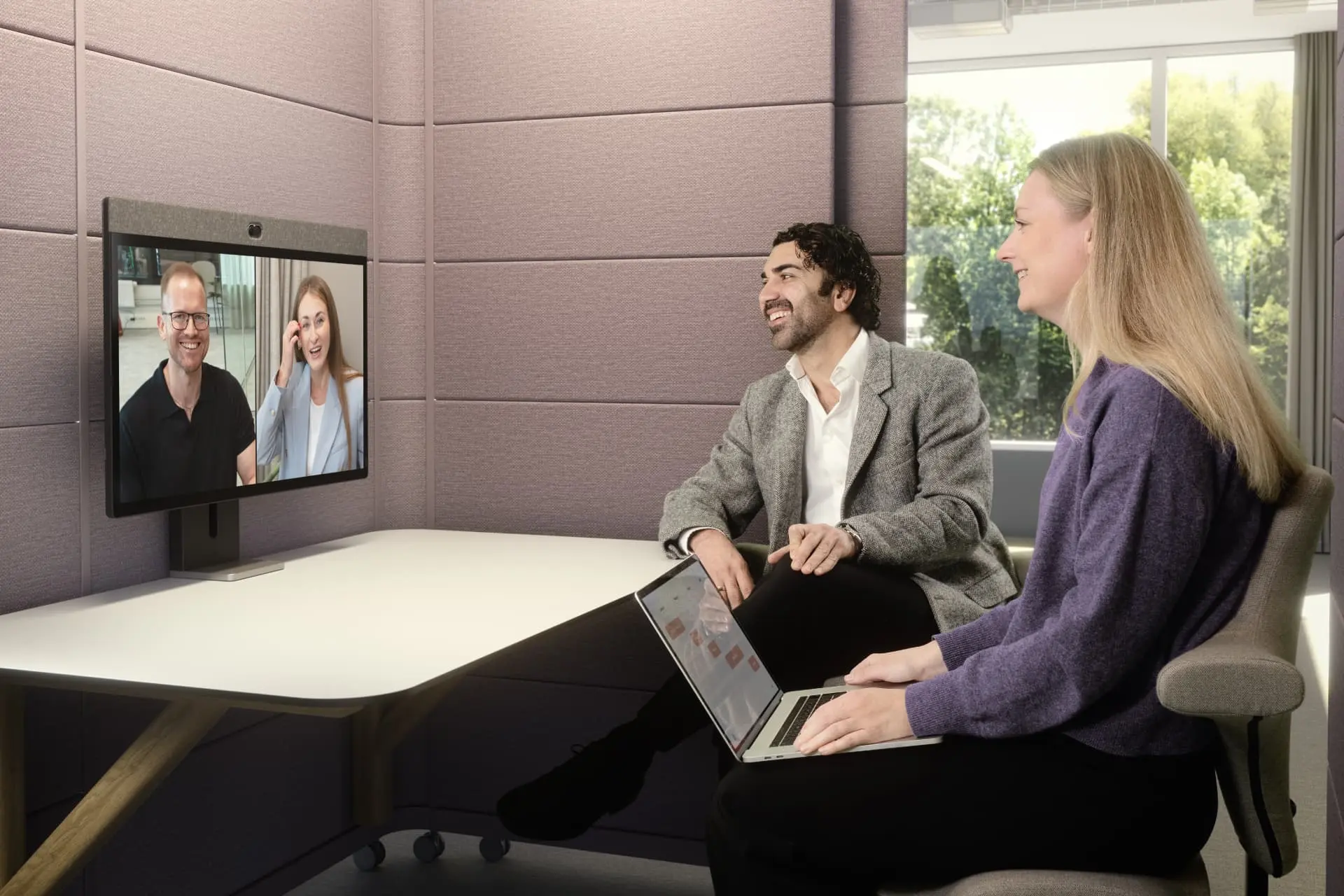
2 to 6 people

Huddle & small rooms

Choose a compact all-in-one video bar with a genuinely wide field of view. It should frame people seated close to the display, pick up conversation without a table microphone, and let a visitor join from a laptop when needed.

  • All-in-one video bar
  • Wide-angle framing
  • USB or appliance mode
Camera brief4K image with roughly 120° diagonal field of view for short tables.
Audio briefIntegrated beamforming microphones; no loose tabletop hardware.
DeploymentSingle display, touch controller optional, with USB BYOD fallback.

Recommended models

Logitech

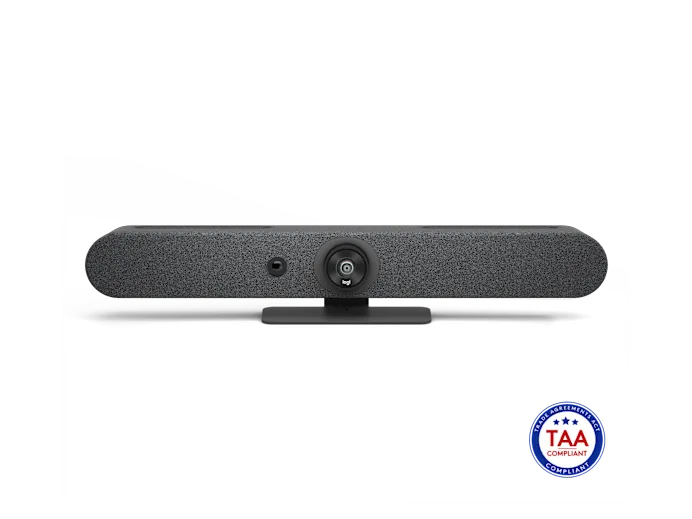
Rally Bar Huddle

Best all-in-one fit for a permanent huddle room

Camera
4K, 120° diagonal FOV
Zoom
4× HD digital
Microphones
6 beamforming MEMS
Pickup
Up to 7 m

A clean single-bar deployment with an integrated speaker and Logitech CollabOS for supported room platforms.

Official specifications
HP Poly

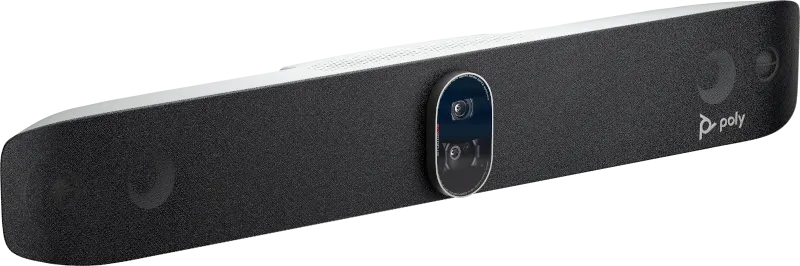
Studio R30

Best for laptop-led USB collaboration

Camera
4K, 8 MP
View
120° diagonal / 110° horizontal
Microphones
3-element array
Pickup
Up to 4.57 m

A compact USB bar for teams that bring their own laptop, with published Microsoft Teams and Zoom certification.

Official specifications

Design note: Confirm the closest seat-to-camera distance and display height before mounting. A 120° lens solves tight framing, but poor placement still creates an unflattering view.

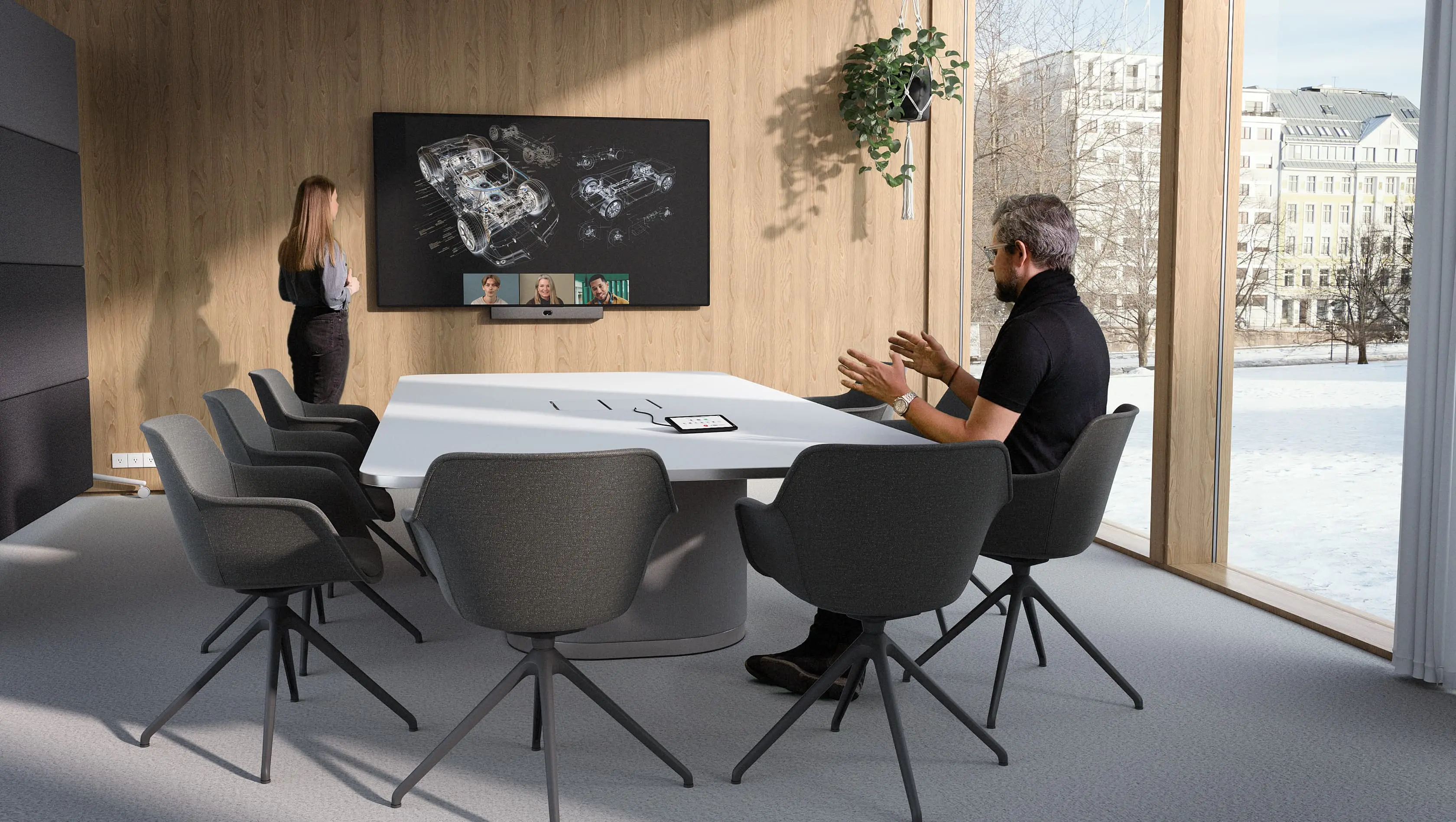
6 to 12 people

Standard meeting rooms

For a medium table, prioritise intelligent framing and microphone coverage at the farthest seat. An appliance-based room system keeps daily meetings consistent, while expandable microphones give you room to correct a long or acoustically difficult table.

  • AI auto-framing
  • Expandable audio
  • Dedicated touch control
Camera brief4K camera with speaker tracking or intelligent group framing.
Audio briefTarget clear pickup across the full table, with expansion where required.
DeploymentChoose Microsoft Teams Rooms or Zoom Rooms first, then match hardware.

Recommended models

Yealink

MeetingBar A30

Best dual-camera appliance for medium rooms

Cameras
Dual 8 MP
View
120° wide camera
Zoom
10× hybrid
Audio
8 MEMS mics, 6 m pickup

Dual-camera framing, speaker tracking and dual-screen support suit a room where people sit at different depths.

Official specifications
Logitech

Rally Bar Mini

Best expandable all-in-one alternative

Camera
4K, 120° diagonal FOV
Zoom
4× HD digital
Microphones
6 beamforming MEMS
Expansion
Up to 3 Rally Mic Pods

A practical choice when the room begins as an all-in-one installation but may later need table microphone expansion.

Official specifications

Design note: Do not size microphones from seat count alone. Table length, ceiling treatment, glass walls and air-conditioning noise determine whether integrated audio is enough.

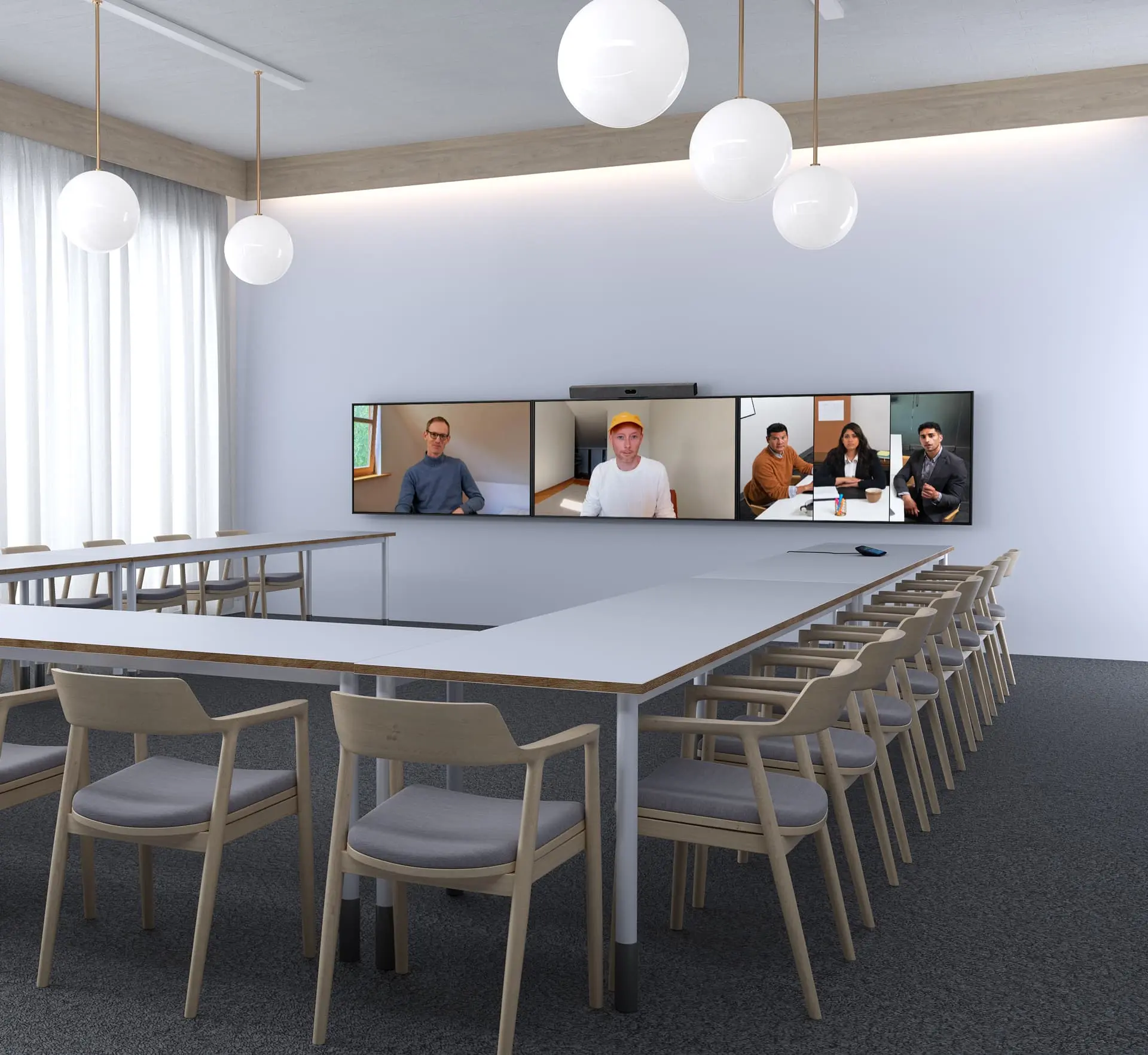
12+ people

Boardrooms & executive rooms

A boardroom needs tighter camera reach, repeatable one-touch operation and audio designed around the table, not just the display. Dual displays are often appropriate so remote participants and shared content remain visible at the same time.

  • Longer camera reach
  • Expandable microphones
  • Dual-display workflow
Camera briefOptical or intelligent zoom that still resolves faces at the far end.
Audio briefValidate every seat; add table or ceiling microphones where needed.
DeploymentDual displays, room controller and managed room-compute platform.

Recommended models

Logitech

Rally Bar

Best expandable video bar for a long boardroom

Camera
4K, 90° diagonal FOV
Zoom
15× HD, 5× optical
Pickup
Up to 7 m
Expansion
Up to 4 Rally Mic Pods

Its optical reach, microphone expansion and published two-display support make it suitable for many conventional boardroom layouts.

Official specifications
HP Poly

Studio X70

Best dual-lens appliance alternative

Camera
Dual-lens 4K
View
120° wide / 70° narrow horizontal
Pickup
Up to 7.62 m
Outputs
2 HDMI display outputs

A strong option where wide contextual framing and a tighter people view are both important in a dual-display room.

Official specifications

Design note: Large reflective rooms may still require a dedicated DSP, ceiling microphones and tuned loudspeakers. A premium video bar is not a substitute for an acoustic design.

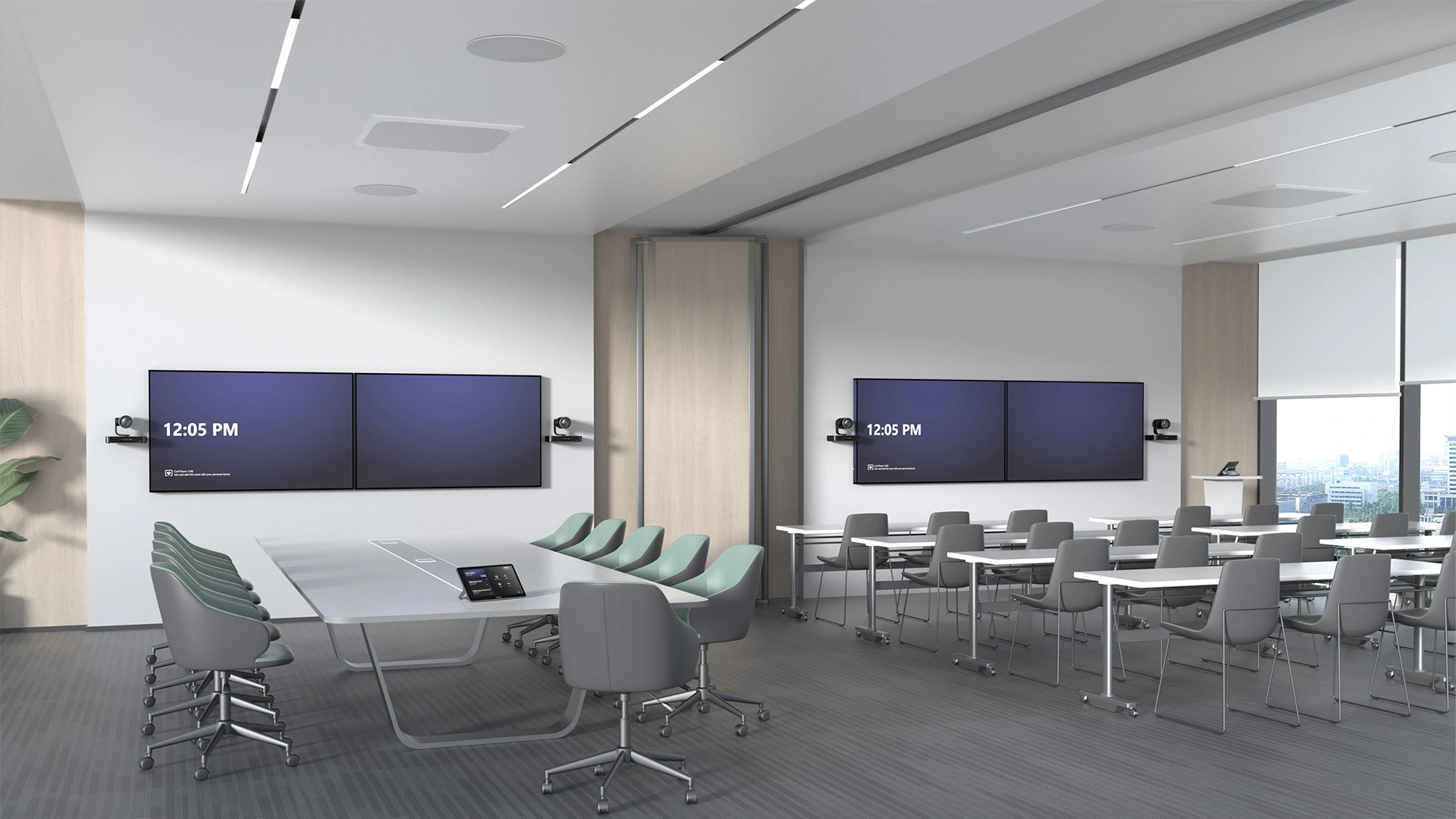
Lecture halls & town halls

Training rooms & auditoriums

These rooms need multiple camera views, presenter tracking and audio reinforcement that reaches both the remote audience and the back row. Treat the room as an integrated AV system: camera switching, microphones, loudspeakers, content sources and control must work together.

  • Presenter tracking
  • Multiple camera views
  • Distributed audio
Camera briefPTZ reach for the presenter plus a second view for audience or stage context.
Audio briefWireless presenter mic, audience pickup and zoned loudspeaker coverage.
DeploymentAV switching, control and platform integration designed as one signal flow.

Recommended systems

Yealink

MVC S90

Best multi-camera Microsoft Teams Rooms package

Cameras
Dual UVC86 4K PTZ
Zoom
12× optical per UVC86
Tracking
Speaker & presenter
Scale
Up to 9 cameras via AVHub

The published package includes room compute, touch control, two cameras and AVHub for large Microsoft Teams Rooms requiring multiple views.

Official specifications
Logitech

Rally Plus

Best modular camera-and-audio foundation

Camera
4K PTZ, 90° diagonal FOV
Zoom
15× HD, 5× optical
Movement
180° pan / 140° tilt
Expansion
Up to 7 mic pods

A modular base for large rooms where the camera, speakers and tabletop microphone coverage need flexible placement.

Official specifications

Design note: The named systems are a starting point, not a complete auditorium bill of materials. Display brightness, room control, wireless microphones, DSP and loudspeaker zoning must be engineered from the actual venue.

Shared & multi-purpose spaces

Wireless & BYOD rooms

Wireless conferencing lets a visitor use the room camera, microphone and speaker from their own laptop and preferred meeting platform. The right model depends on whether you need simple single-screen BYOD or a boardroom-grade system that switches between the fixed room platform and guest laptops.

  • Wireless conferencing
  • Guest-friendly BYOD
  • Platform flexibility
User briefJoin from a managed or guest laptop without changing room cabling.
AV briefConfirm compatibility with the room camera, microphone and loudspeaker path.
Network briefPlan guest access, security policy and firmware management before rollout.

Recommended models

Barco

ClickShare CX-30

Best single-screen wireless conferencing fit

Output
4K UHD at 30 Hz
Buttons
2 included
Sources
2 on screen
Workflow
Wireless BYOD conferencing

A straightforward choice for shared rooms that need wireless presentation plus access to the room’s USB camera and audio peripherals.

Official specifications
Barco

ClickShare CX-50 2nd gen

Best advanced dual-screen BYOD fit

Output
4K UHD at 60 Hz
Buttons
2 included
Displays
Dual-screen support
RoomDock
Wired USB-C connection

Designed for higher-end rooms that need advanced AV integration and a smooth switch between the permanent room setup and BYOD.

Official specifications

Design note: “Wireless” does not remove the infrastructure behind the room. USB device compatibility, corporate network policy and guest workflows should be tested with the laptops people actually use.

Selection guidance: Manufacturer-published specifications are shown for comparison. Final selection depends on room dimensions, seating layout, acoustics, platform licensing, cabling and current local availability. Confirm the final design with a site survey.

Not sure where to start? Read our conference room setup guide or book a free site survey.

Why Kasturi

27 years of rooms that just work.

Since 1998

27 years and 2,500+ completed rooms across Malaysia, spanning corporate, government, education and enterprise clients. We have seen every room and every problem before.

One-button simple

Every room is built to pass a one-button test. Anyone can start a meeting without calling IT, with touch panels labelled in plain language and presets configured for your layout.

One number to call

When something needs attention, you reach the team that installed it. We do not subcontract support, and we send our own engineers nationwide.

Track Record

Companies that trust Kasturi

Meeting rooms delivered for Malaysian enterprise, banking, government and multinational teams since 1998.

Perodua CIMB Bank Shell Malaysia Gamuda BASF Mitsubishi SAP Uniqlo Malaysia SME Bank Indah Water MATRADE BAT Malaysia Government Agencies
27Years in Malaysia
2,500+Rooms delivered
15+Authorised brands
Certified for Zoom Rooms Microsoft Teams Rooms Google Meet Authorised Reseller Malaysia
From the Kasturi Blog

Read before you buy, not after.

Guides written from 27 years of installing meeting rooms across Malaysia, no vendor spin.

Buying Guide

The Video Conferencing Room Guide

What every Malaysian business owner needs to know before spending a ringgit on a meeting room.

Read article →

Explained

Video Conferencing Devices Explained

Cameras, microphones, speakers and controllers, broken down in plain language.

Read article →

Wireless

Zoapi Explained

How wireless presentation lets any laptop join any platform without cables.

Read article →

Displays

LED Wall Screen for Meeting Rooms

Everything to know before choosing an LED wall over a projector or flat panel.

Read article →
Common Questions

Video conferencing in Malaysia, answered.

Next Step

Let's build a room that just works.

Book a free site survey. We visit your space, listen to what you need and give you an honest, itemised recommendation. No pressure, no hard sell.