
MAXHUB conferencing for corporate meeting rooms in Malaysia
One tap to join. The right kit for the table.
MAXHUB conferencing planned for Teams, Zoom and budget.
Measure seats and table length first. Then we match XBoard V7, an XBar, or an XT compute kit so people start the call the same way in every room.
Talk to a specialist today
Share seat count, platform and whether visitors join from a laptop. We will recommend a MAXHUB stack and send a quote in Malaysian Ringgit.
By room size
Three room sizes cover most MAXHUB installs
MAXHUB publishes kit families by room scale. The table length and seat count decide the camera and the microphone, not the brochure hero shot.
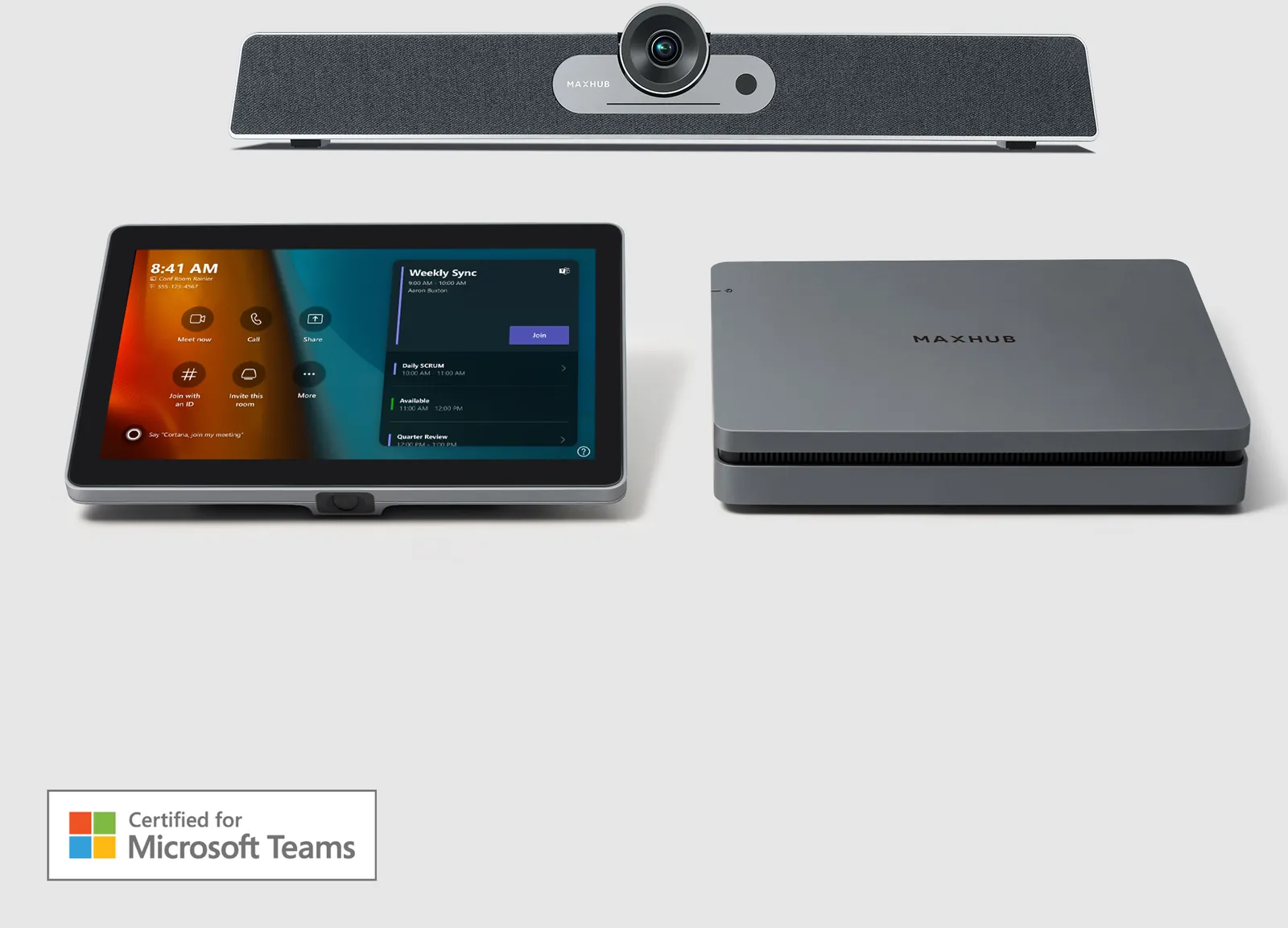 Huddle room
XT10-VB Kit or XBar U50 on a 43 or 55 inch CMA for 2 to 4 people.
Huddle room
XT10-VB Kit or XBar U50 on a 43 or 55 inch CMA for 2 to 4 people.
MAXHUB conferencing in Malaysia at a glance
Where to start
Two reasons people specify MAXHUB
Every room should start the same way
IT wants one-touch join on Microsoft Teams Rooms from huddle to boardroom, with a table console and one cloud to watch firmware. MAXHUB covers that with XBar kits, XT compute kits and XBoard Teams SKUs, then Kasturi confirms the camera and pickup against the real table.
The wall may also need to be the whiteboard
XBoard V7 puts the 4K touch display, triple 50MP cameras, 16-microphone array and speakers in one glass. If the room only presents slides, an XBar on a CMA display is the honest build. Do not pay for touch glass you will never write on.
Answer first
How do I choose MAXHUB conferencing for a meeting room in Malaysia?
Start with seat count, table length and whether people sit facing a display or around a table. Then pick the platform: Microsoft Teams Rooms on Windows, Teams Rooms on Android, Zoom Rooms, or a guest laptop that takes the room. Then choose an all-in-one XBoard, a front-of-room XBar, or an XT compute kit with a separate camera and speakerphone. Kasturi confirms the kit on a site survey so pickup range and camera coverage match the real table, not a brochure room.
| If the room must | Start here | Why |
|---|---|---|
| Join Teams with one tap and keep the table clear | XBar V50, V70 or W70 kit | Certified videobar plus console. Pair a CMA display. |
| Let a visitor laptop take camera and audio | XBar U50, or USB-C BYOD on V50 / V70 / W70 | U50 is the USB path. The kits keep wired BYOD beside native Teams. |
| Write on the wall during the same call | XBoard V7, 55 to 92 inch | Touch display, cameras and mics live on one glass. |
| Keep compute separate from camera and audio | XCore Kit or XCore Kit Pro | XT10 for huddle and small. XT20 for medium and large. |
Manufacturer range: MAXHUB products. Planning ranges on this page come from Kasturi published meeting-room figures, not from invented XBoard or XBar list prices.
Before you buy
Four checks before you pick a kit
1. How long is the table?
UC S07 and XBar V50 / U50 publish 8 metre pickup. XBar V70 and W70 publish 10 metres. XBoard V7 publishes 8 metres best and 15 metres maximum. If the last chair sits beyond that, step the camera and the microphone up, do not hope digital zoom will save the back row.
2. What platform already runs the office?
W70 and the XT compute kits run Microsoft Teams Rooms on Windows. V50 and V70 run Teams Rooms on Android MDEP. XBoard has Windows collaboration models and dedicated Teams Rooms SKUs such as V555T through V925T. Confirm the current Microsoft and Zoom certified list before order.
3. Do guests still plug in a laptop?
If yes, specify U50 or wired USB-C BYOD on the kit bars. XBoard shares over MAXHUB Share, Miracast, AirPlay, Chromecast and BYOM. XT consoles include HDMI ingest. Skip extra dongles if nobody uses them. Each path is a line on the quote.
4. Is the wall a whiteboard or only a display?
XBoard V7 is the room that still needs a marker. A CMA 4K display from 43 to 98 inch plus an XBar is the cheaper honest build when the room only presents slides.
Microphone coverage
Pick devices from the published pickup
Use the last occupied chair, not the brochure room. Metres below are the figures MAXHUB publishes for that microphone path. Camera zoom is a separate decision.
Huddle and small rooms where the last chair is within 6 metres. UC BM35 publishes 6 metre pickup. UC BM45 publishes 4 metre best pickup. Mic Pod DM30 publishes 3 metre optimal pickup.
Daily meeting rooms where the last chair is within 8 metres. UC S07, XBar V50 and XBar U50 publish 8 metre pickup. XBoard V7 publishes 8 metres best. UC BM45 publishes 8 metres maximum.
Medium and large rooms where the last chair is within 10 metres. XBar V70 and XBar W70 publish 10 metre pickup and a 16-microphone array.
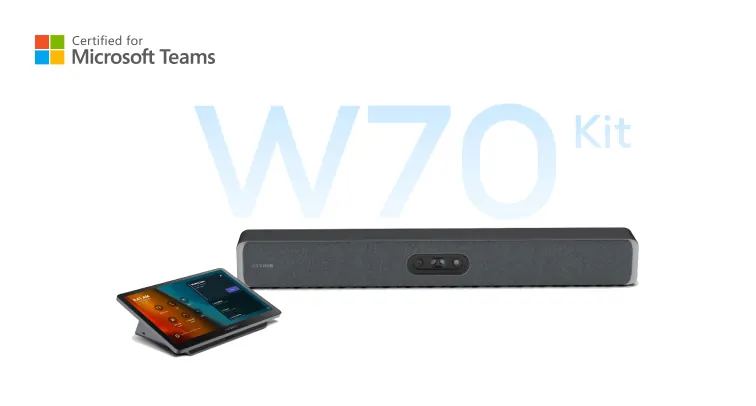
XBar W70 Kit
16 MEMS microphones, published 10 metre pickup. Windows Teams Rooms for medium to large rooms.
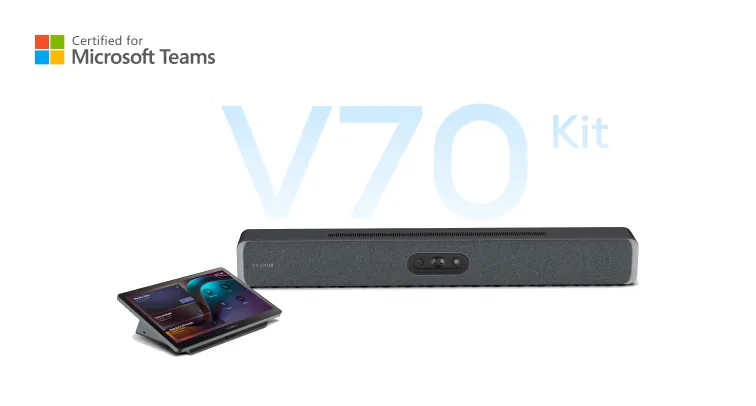
XBar V70 Kit
16 microphones, published 10 metre pickup. Android MDEP Teams Rooms at the same coverage as W70.
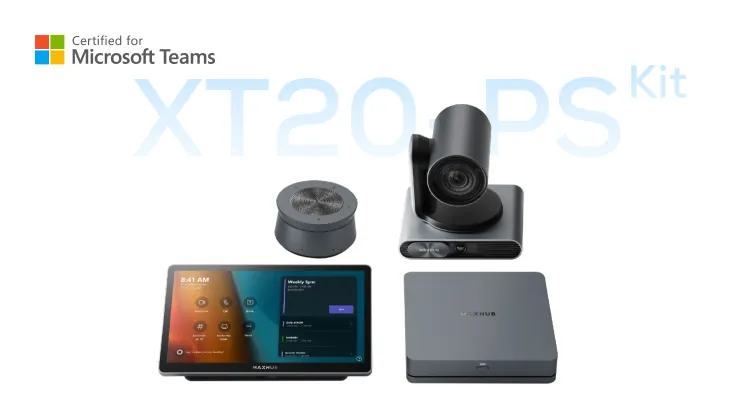
XT20-PS Kit
UC P30 12x optical PTZ plus UC BM45. Use when the table is long and the camera must zoom to the far end.
Tables that run past 10 metres. XBoard V7 publishes 8 metres best and 15 metres maximum. MAXHUB does not publish a combined metre figure for daisy-chained pods. Kasturi measures the last chair on survey.
Pickup figures are from the current MAXHUB product pages. Digital zoom does not extend microphone range. If the last chair sits outside the published figure, step the array up or add a published daisy-chain path after a site survey.
Current US catalog
Every MAXHUB hardware family on the list
Taken from maxhub.com/us/products. Specs below are from those product pages. If a room only needs conferencing, start with XBoard, XBar or an XT kit. LED, outdoor cabinets, the lectern and capture stay on the drawing only when the brief actually needs them.
Interactive flat panels
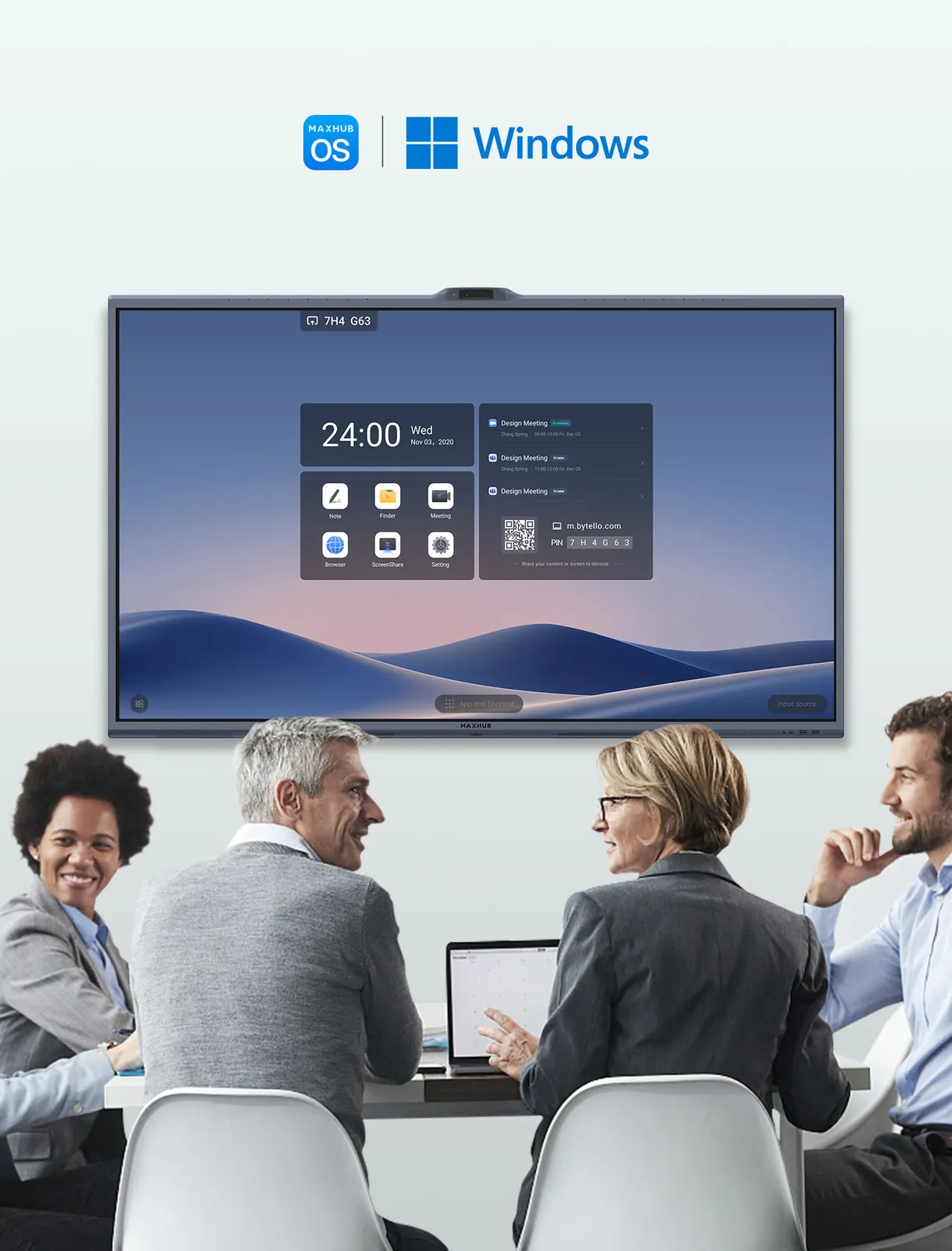
XBoard V7 Series
MAXHUB OS 7.0 collaboration board with a triple 50MP camera system, 16-microphone array, 2.1 speakers and 50-point touch. Sizes 55, 65, 75, 86 inch.
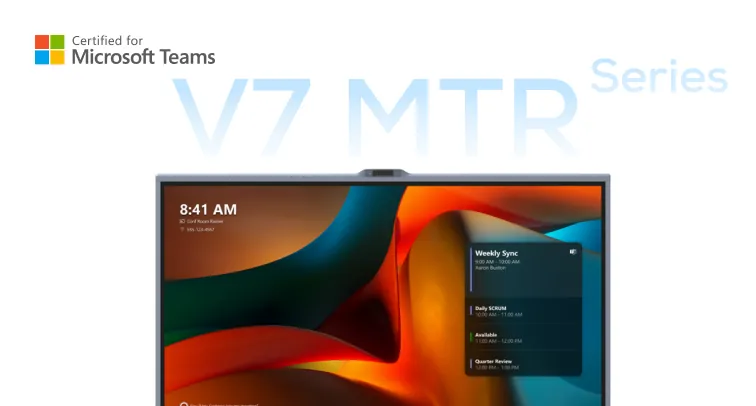
XBoard for Microsoft Teams Rooms
Teams Rooms all-in-one. Same triple 50MP camera path, 16 microphones and 2.1 speakers. 55, 65, 75, 86 inch 16:9 plus 92 inch 21:9.
Videobars and Teams Rooms kits
XBar W70 Kit
Windows Teams Rooms bar. 200MP Quad Sight, 125 degree horizontal view, 16 MEMS microphones, 10 metre pickup, dual 20 watt speakers.
XBar V70 Kit
Android MDEP Teams Rooms bar. Same 200MP camera, 16 microphones, 10 metre pickup and dual 20 watt speakers as W70.
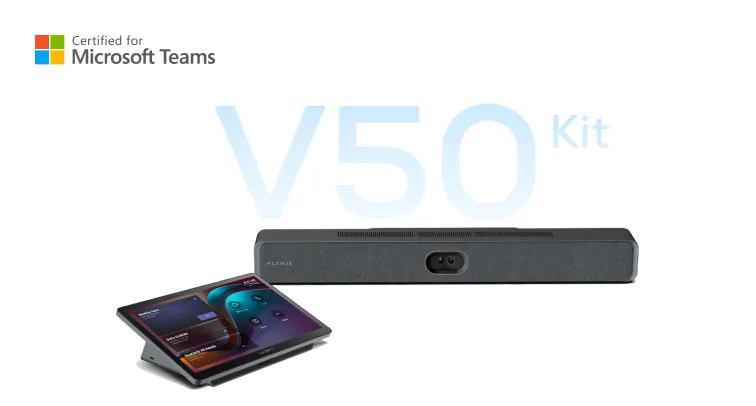
XBar V50 Kit
Android MDEP bar for small to medium rooms. 100MP dual-lens, 12 microphones, 8 metre pickup, dual 15 watt speakers.
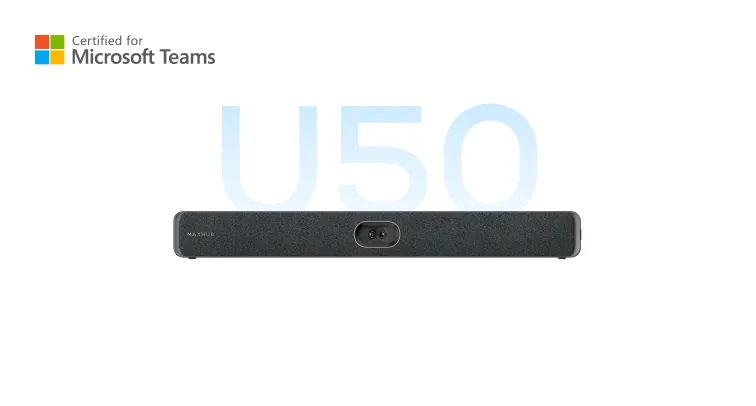
XBar U50
USB Teams-certified BYOD bar. 100MP dual-lens, 12 microphones, 8 metre pickup. Also ships inside XT20-VB Kit.
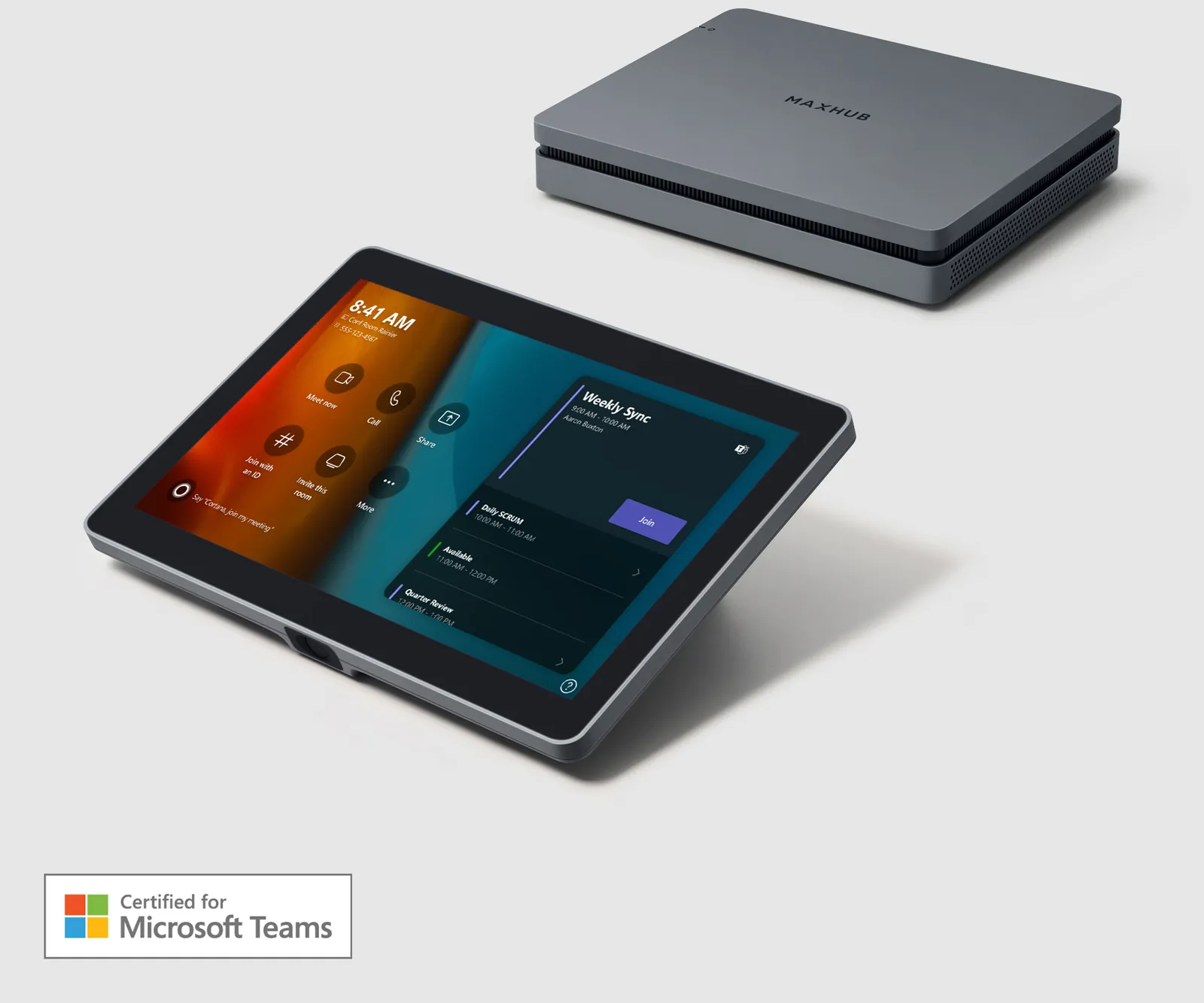
XCore Kit
Entry Teams Rooms compute. 12th Gen Intel Core i3 plus a 10.1 inch console. Pair camera and audio separately.
XT10-VB Kit
XCore Kit plus UC S07 videobar for huddle and small rooms.
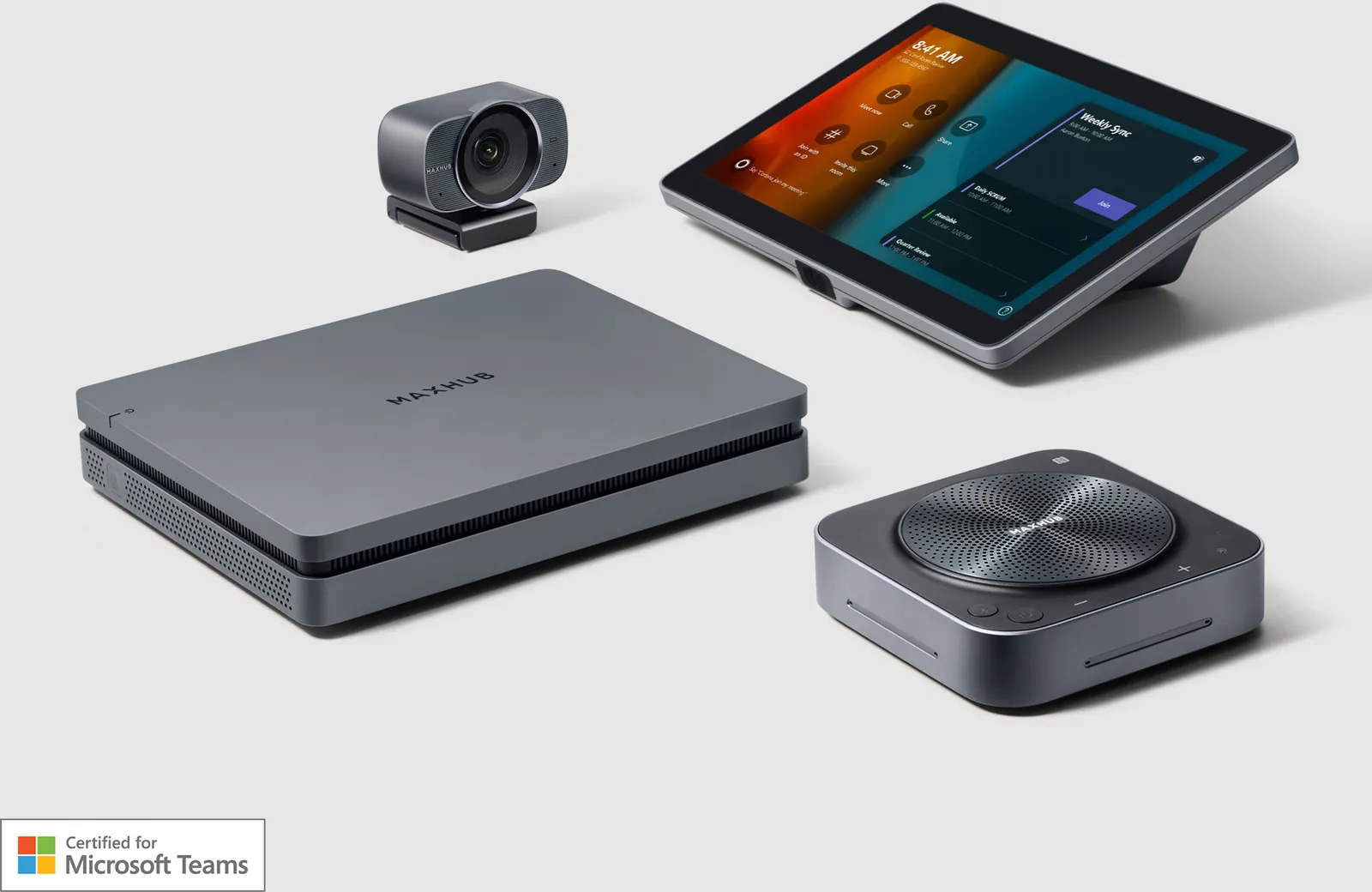
XT10-WS Kit
XCore Kit plus UC W31 camera and UC BM35 speakerphone when people sit around the table.
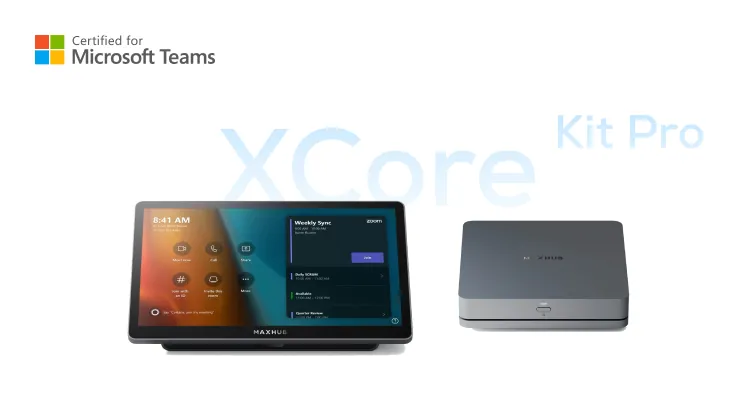
XCore Kit Pro
12th Gen Intel Core i5, 16 GB, 256 GB and an 11.6 inch TCP30T console with dual-display support.
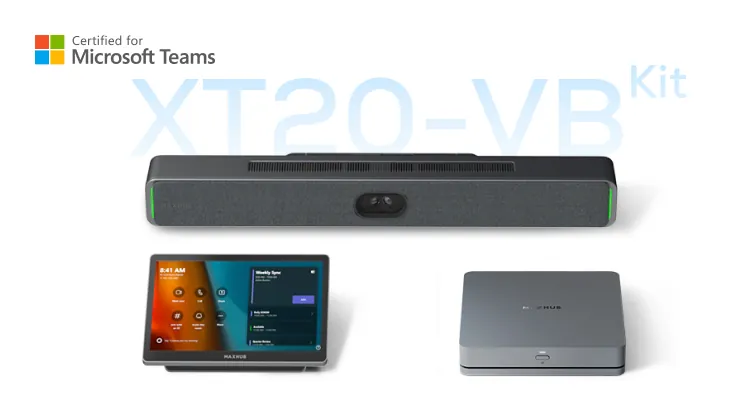
XT20-VB Kit
XCore Kit Pro plus XBar U50 for small to medium Teams Rooms.
XT20-PS Kit
XCore Kit Pro plus UC P30 12x optical PTZ and UC BM45 speakerphone for medium to large rooms.
Cameras, audio and consoles
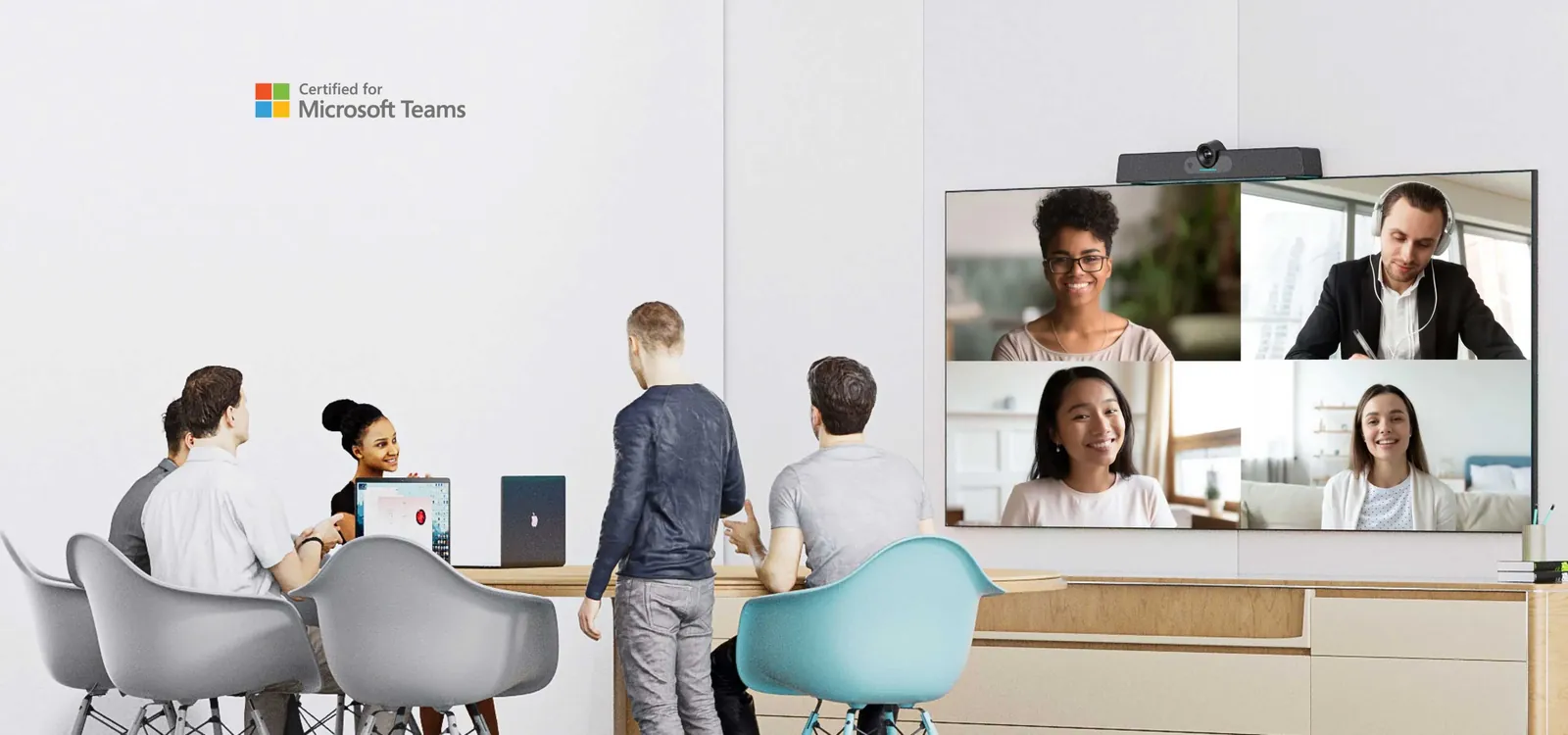
UC S07
4K 12MP Sony sensor, 120 degree diagonal view, 5x digital zoom, six beamforming microphones, 8 metre pickup.
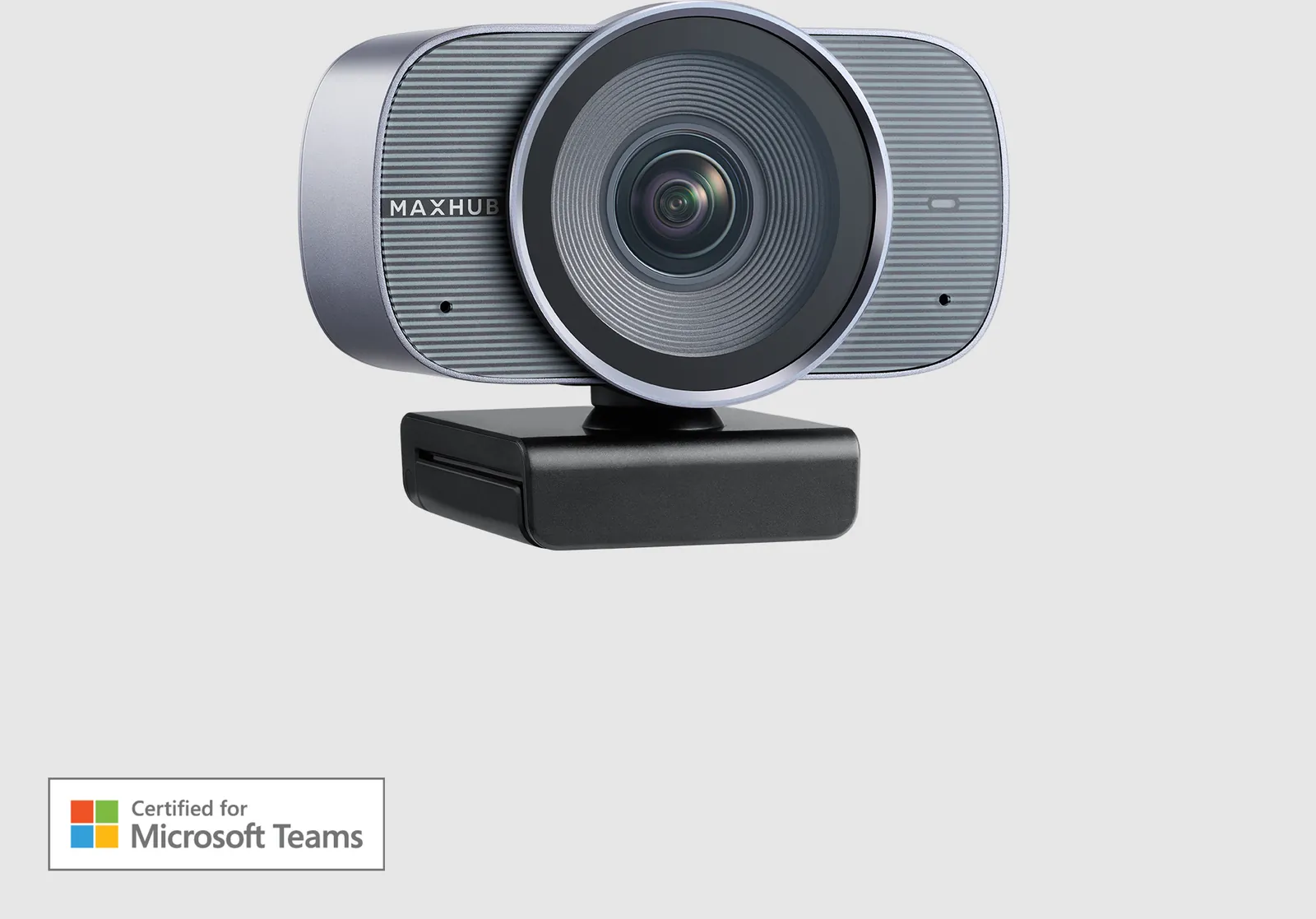
UC W31
4K Teams Rooms USB camera at 30 fps, 5x zoom, 120 degree diagonal and 109.1 degree horizontal view.
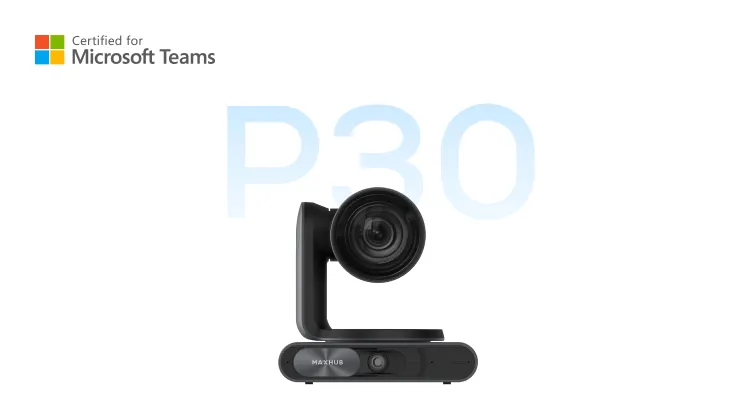
UC P30
Dual-eye 4K PTZ. 12x optical zoom, Sony sensors, 90 degree PTZ view and 120 degree panoramic view.
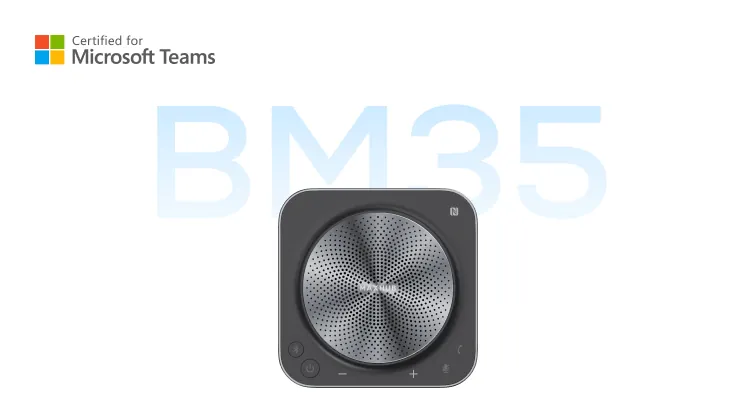
UC BM35
Speakerphone with tweeter and woofer and a published 6 metre pickup. True Wireless Stereo extends the reach.
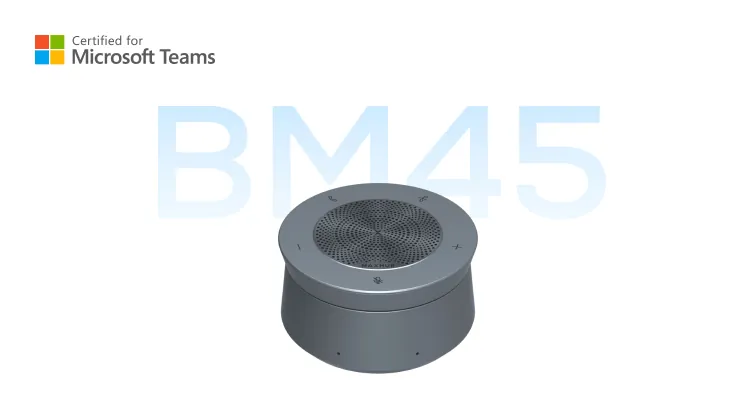
UC BM45
Eight microphones, 4 metre best and 8 metre maximum pickup, daisy-chain over Cat5e.
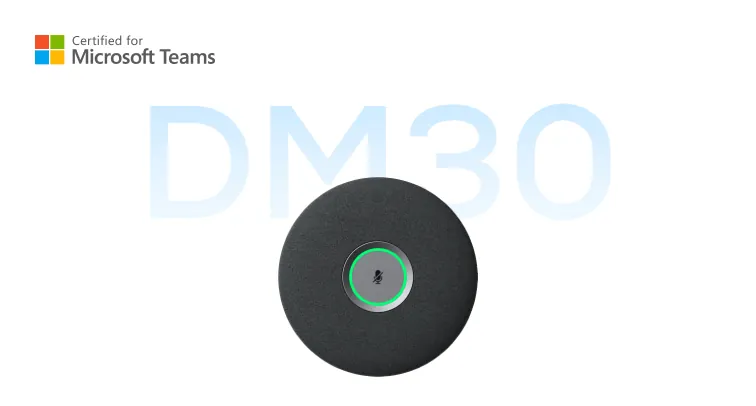
Mic Pod DM30
Teams Rooms expansion pod. Eight silicon microphones, 3 metre optimal pickup, daisy-chain up to four units.
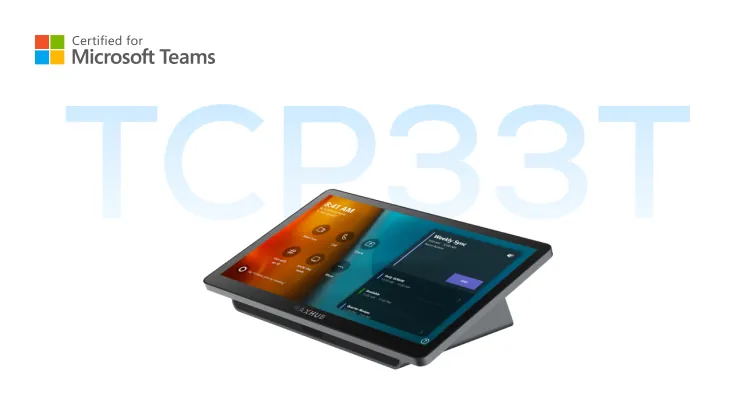
Universal Console TCP33T
11.6 inch Teams Rooms console for Surface Hub and XBoard control from the table.
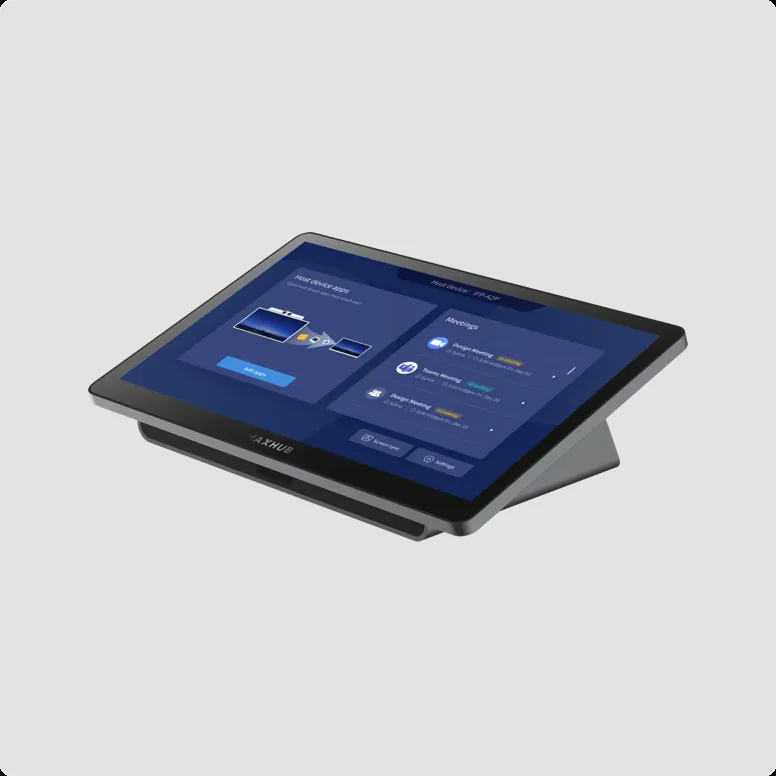
TCP30M
11.6 inch 1920 x 1080 touch console for meeting and device control.
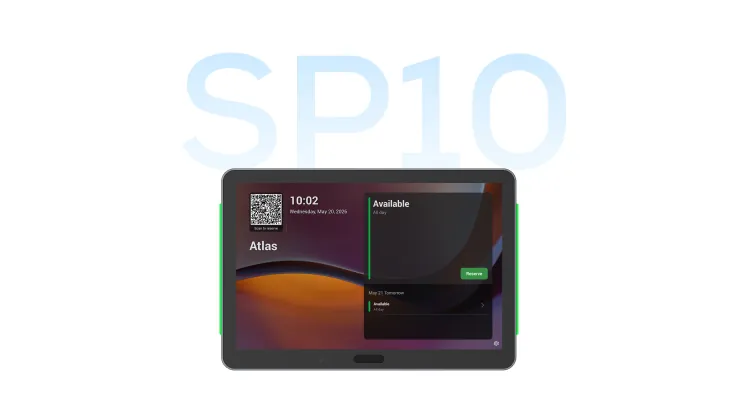
Panel SP10
11 inch MDEP scheduling panel with a native Teams experience and LED availability bars.
Commercial displays
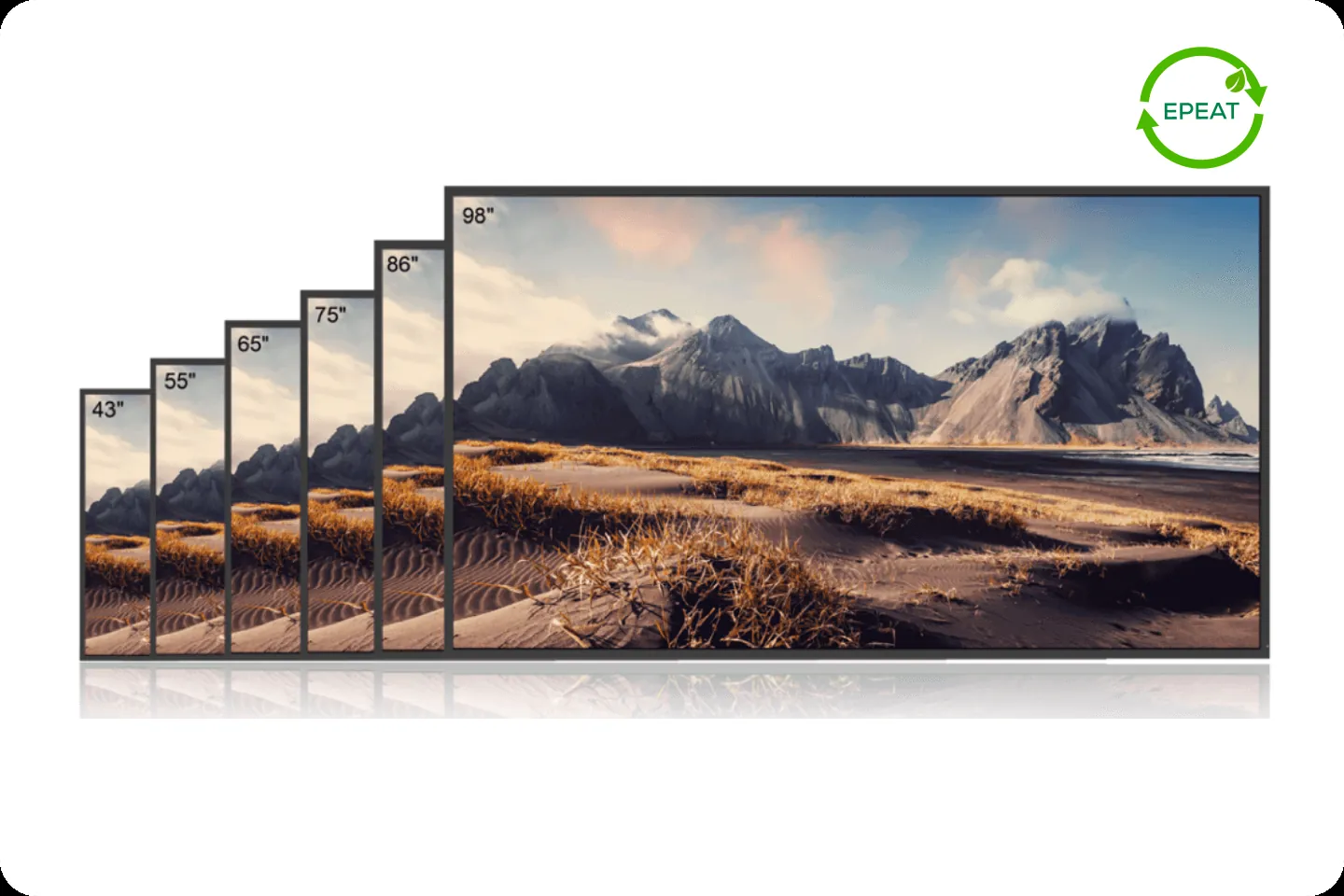
CMA Series
4K at 43, 55, 65, 75, 86 and 98 inch, 500 nits, non-glare coating. The usual pair for an XBar or XT kit.
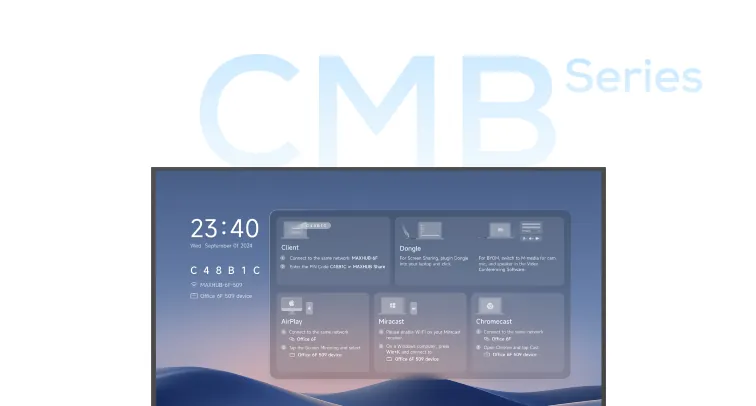
CMB Series
4K commercial display from 43 to 98 inch at 500 nits, 24/7 rated, with published Teams Rooms Meeting Mode.
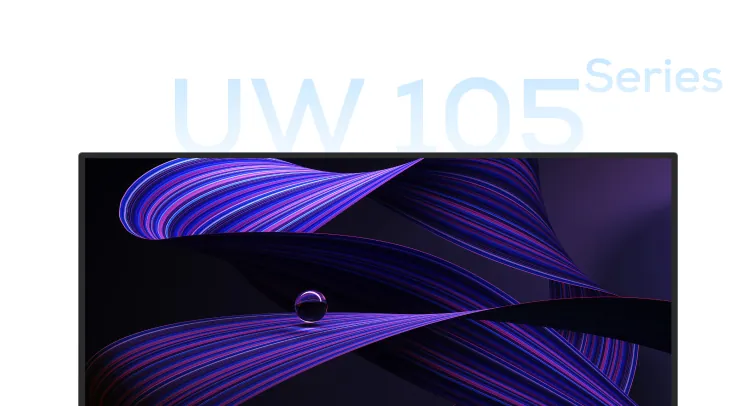
UW Series
21:9 ultra-wide 5K panels in 92 and 105 inch for Signature Teams Rooms and Front Row layouts.
Direct view LED
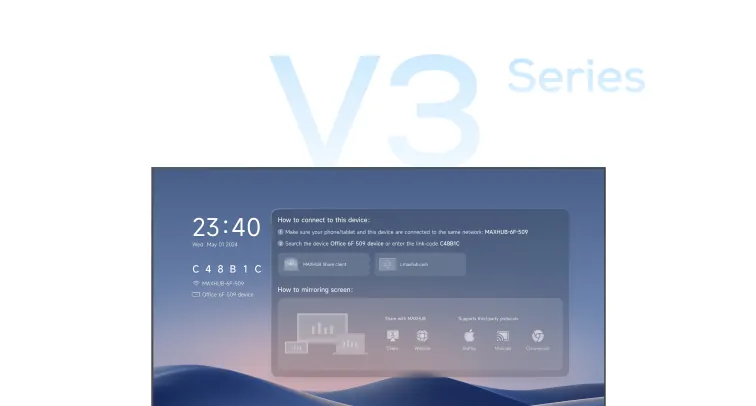
Raptor Series V3
All-in-one LED from 120 to 220 inch. Built-in Android 13, optional PC, MAXHUB Share, Miracast, AirPlay and BYOM.
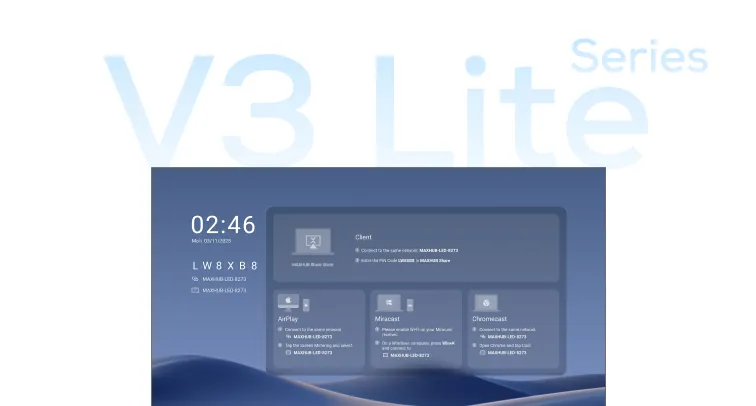
Raptor Series V3 Lite
Ultra-thin meeting-room LED in 135 inch COB, 135 inch SMD and 162 inch SMD.
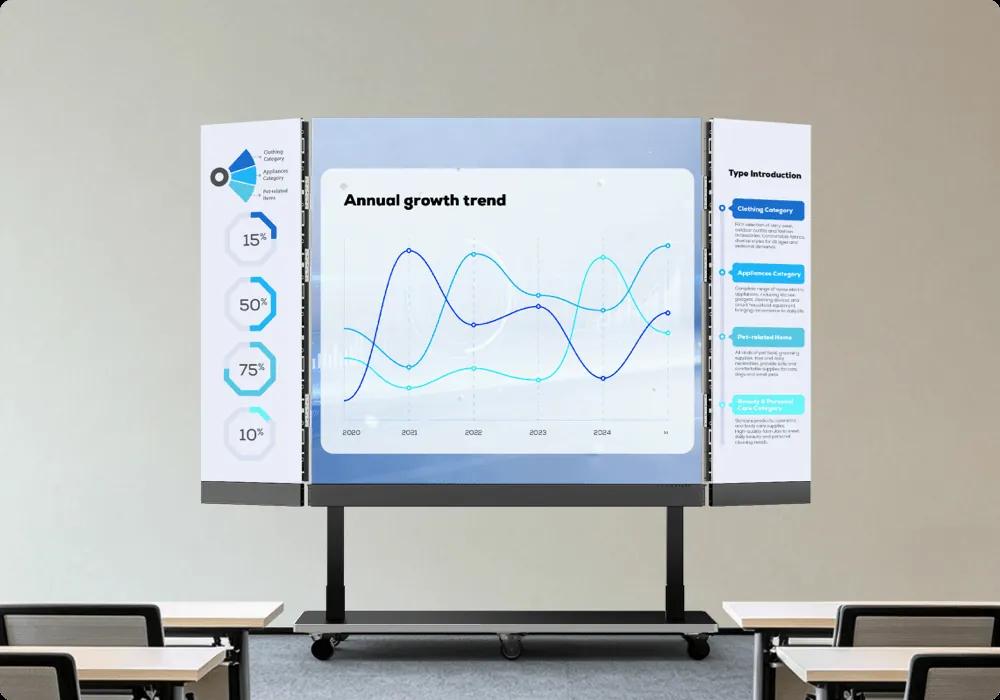
LQ Foldable All-in-One LED
Pre-assembled foldable wall. 110 inch at 1.2 mm pitch and 138 inch at 1.5 mm pitch.
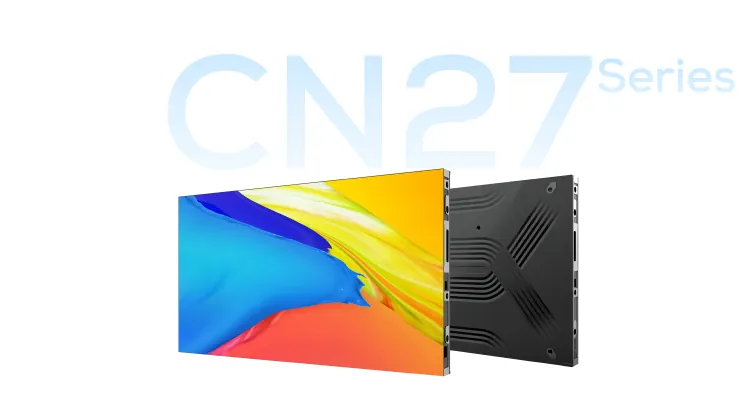
CN27 Series
Indoor COB cabinets at 0.9, 1.25 and 1.5 mm pitch for showrooms, control rooms and halls.

FA27 Series
Indoor LED cabinet platform. Published pitches 0.9375, 1.25 and 1.5625 mm.
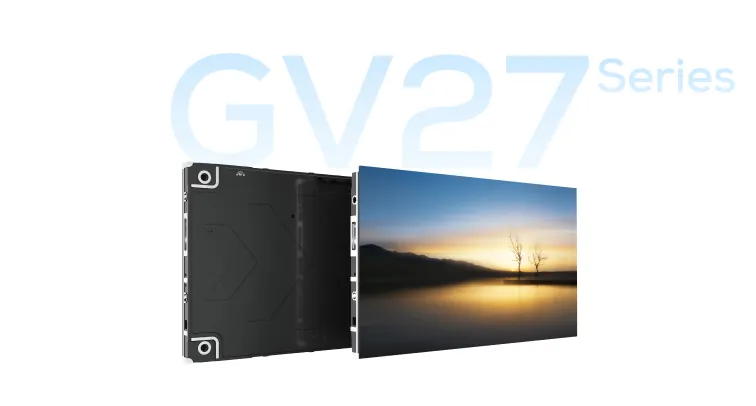
GV27 Series
Integrated indoor LED, 16:9 cabinet ratio, 31 mm depth, MAXHUB OS control.
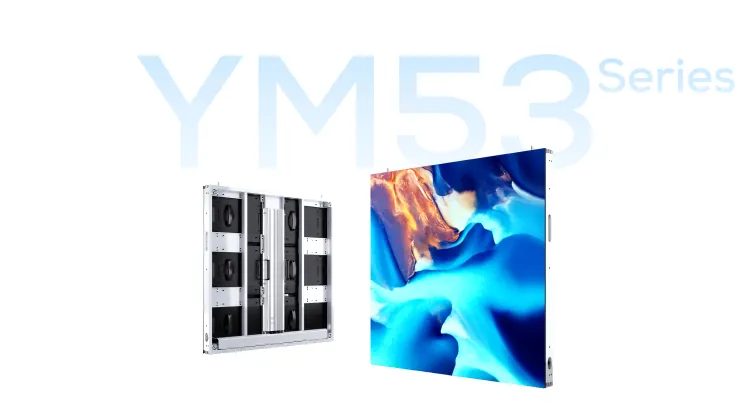
YM53 Series
Outdoor LED at P4, P6 and P10 mm. IP65 front and rear for exterior signage.
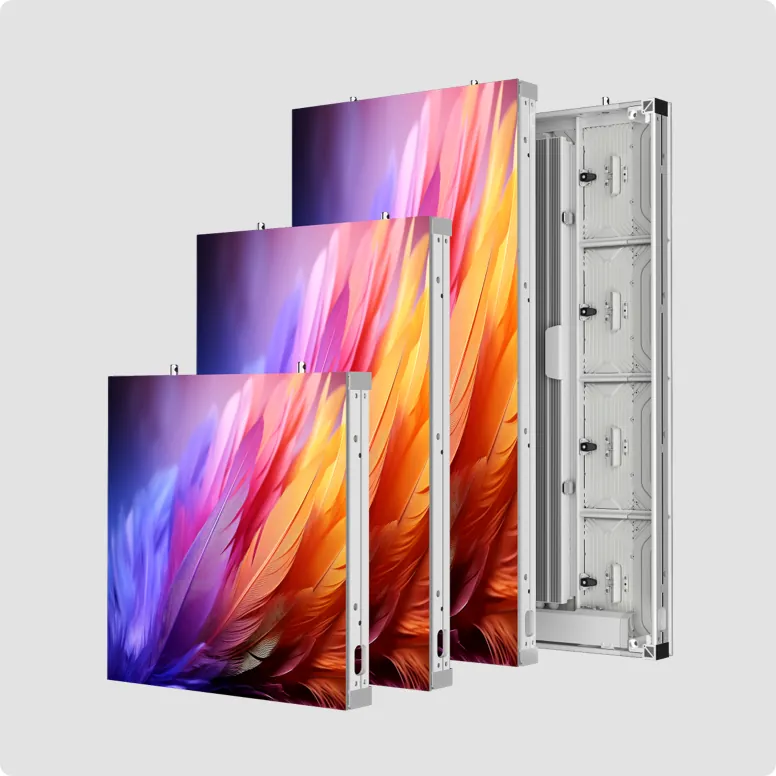
EM28 Series
Outdoor LED at P2.97 and P3.91 mm. Published brightness up to 7,000 nits.
Accessories, share, lectern and capture
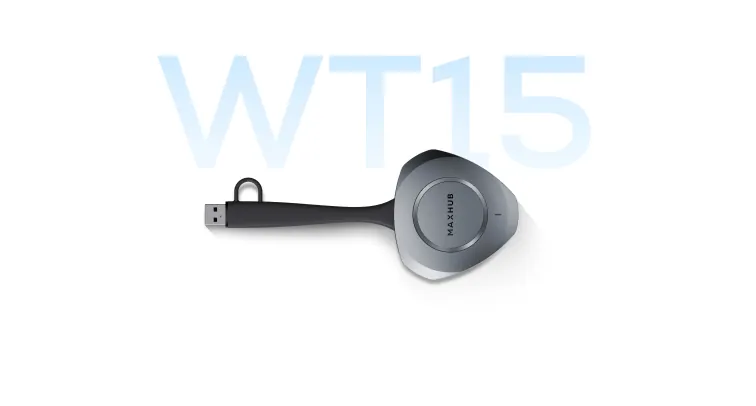
Wireless Dongle WT15S
Plug-and-play 4K wireless share dongle on 5 GHz Wi-Fi.

MAXHUB Share
Wireless presentation for MAXHUB panels. Multi-device share up to 4K from laptop, phone or dongle.

MAXHUB Pivot+
Cloud enrollment, batch config, firmware, logs and content for MAXHUB Windows and Android devices.
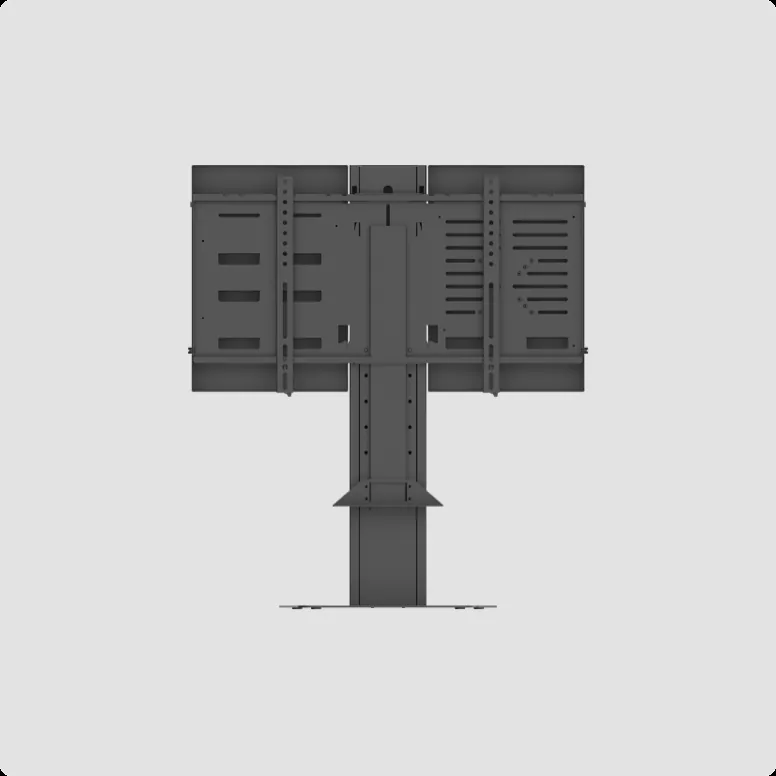
Stand For Express Install
Table stand for 43, 55 and 65 inch displays with compute storage and AV bar mount for focus and small rooms.
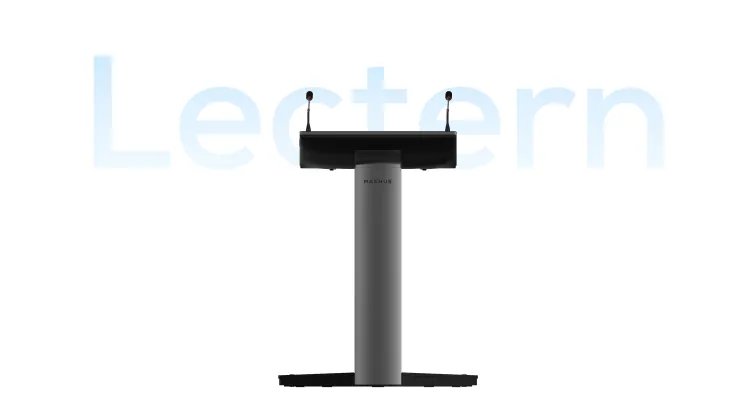
Smart Lectern
Height-adjustable lectern with a 21.5 inch annotation display, dual gooseneck microphones and wired plus wireless share.
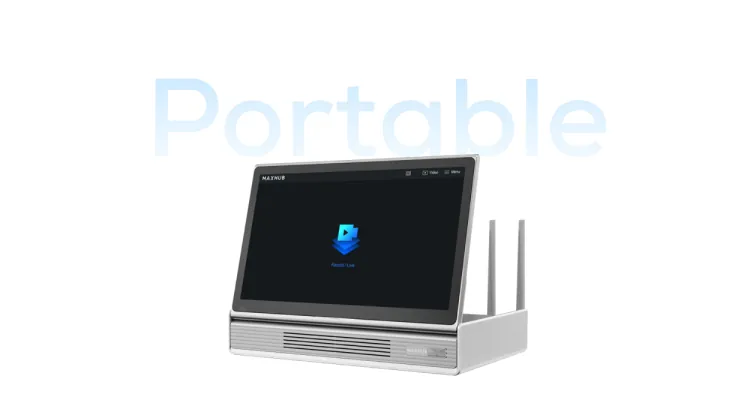
Portable Capture System
Capture host with wireless pan-tilt cameras and wireless microphones for events, training and live recording.
What the spec must solve
The six decisions that make or break the room
Each one is a real trade-off. Paying for the wrong one is how projects overspend without working better.
Camera coverage you can name
XBoard V7 publishes one 50MP wide camera at 99 degree diagonal plus two 50MP telephoto lenses, with 2x optical and 5x hybrid zoom. XBar V70 and W70 publish four 50MP sensors at 125 degree horizontal view and 8x hybrid zoom. UC S07 publishes a 12MP Sony sensor at 120 degree diagonal and 5x digital zoom. UC P30 publishes 12x optical zoom for the far end of a long table.
Pickup range in metres
UC S07 carries six beamforming microphones and 8 metres. XBar V50 and U50 carry 12 MEMS microphones and 8 metres. XBar V70 and W70 carry 16 microphones and 10 metres. XBoard V7 carries 16 microphones, 8 metres best and 15 metres maximum. UC BM45 publishes 8 microphones, 4 metres best and 8 metres maximum, and daisy-chains over Cat5e.
Windows kit versus Android kit
W70 and the XT compute path run Windows 11 IoT Enterprise and a larger Windows console. V50 and V70 run Android MDEP with monthly Microsoft-approved updates. Pick Windows when Group Policy and the existing Windows estate matter. Pick Android when you want a sealed appliance and a smaller bill of materials.
How a guest laptop takes the room
XBar U50 is the clean USB path. V50, V70 and W70 kits keep wired USB-C BYOD beside native Teams. XBoard V7 shares with MAXHUB Share, Miracast, AirPlay, Chromecast and BYOM. XT consoles include HDMI ingest. Wireless dongles stay optional.
Whiteboard and content on the same glass
XBoard V7 is the room that still needs a marker. If the room only presents slides, a CMA display plus an XBar is the cheaper honest build. Size the panel from viewing distance, not from the largest number in the brochure.
One cloud to watch the estate
MAXHUB Pivot handles remote deploy, batch config, firmware and logs across XBoard, XBar and XT rooms. Crestron Connected covers the CMA and UW commercial displays when facilities already run lighting from another processor. The join path stays MAXHUB. The lights can stay on the processor you already own.
Compare approaches
USB bar, XBar kit, XT kit or XBoard
Each option wins in a real room. The table is here so you can stop buying the wrong category.
| Capability | USB video bar | XBar V50 / V70 / W70 | XT compute kit | XBoard V7 |
|---|---|---|---|---|
| One-touch Teams join | Only with room compute | Yes, native kit | Yes, native kit | Yes on Teams SKUs |
| Display included | No | No, pair a CMA | No, pair a CMA | Yes, 55 to 92 inch |
| Whiteboard on the wall | No | No | No | Yes, touch glass |
| Published pickup | 8 m on U50 | 8 m on V50, 10 m on V70 / W70 | Best with P30 and BM45 chain | 8 m best, 15 m max |
| Guest laptop join | USB on U50 | Wired USB-C BYOD | HDMI ingest on the console | Share, BYOM, AirPlay, Miracast |
| Typical fit | One or two huddle rooms | Estate of front-of-room bars | Rooms that need a separate camera | Rooms that also write and train |
If the room is under about 6 people and a certified bar already covers the table, start there. See meeting room planning. Specify XBoard when the wall must also be the whiteboard. Specify W70 or XT20-PS when the table is long and the estate must stay on Windows Teams Rooms.
Budgeting
What actually drives a MAXHUB room quote
There is no honest single price for an XBoard or an XBar that survives contact with a real wall. These six lines are what Kasturi prices after a survey.
Family and screen size
A 55 inch XBoard, an 86 inch XBoard, an XBar V50 and an XT20-PS kit are different bills of materials. Touch glass costs more than a CMA pair. The series name is not the quote.
Platform and room licence
Teams Rooms on Windows, Teams Rooms on Android and Zoom Rooms are different SKUs. Microsoft and Zoom room licences sit outside the hardware and belong in year-one cost.
Camera and audio coverage
Stepping from UC S07 to a 200MP XBar, or from one BM45 to a daisy-chain, is a coverage decision. Long tables and high ceilings are the usual reason the huddle kit fails on day two.
BYOD and sharing paths
USB bars, HDMI ingest on the console, MAXHUB Share and wireless dongles each add a hardware line. Only specify the paths guests actually use.
Mounts, dual display and wall works
Fixed wall, trolley, dual screen and whether the partition can take an 86 inch glass change labour more than the brochure suggests. Cable routes to the table are part of the room.
Commissioning and the estate
Pairing, one-touch join, camera presets, Pivot access and operator handover belong in the first quote. Leaving them out makes a hardware-only bid look cheaper than the room you will actually run.
Planning context from Kasturi published meeting-room pages: from RM 8,000 for a 2 to 4 person huddle room, RM 15,000 to RM 35,000 for a 5 to 12 person meeting room, and RM 30,000 to RM 80,000 for a boardroom with 12 or more seats. A full boardroom with an LED video wall and ceiling microphones starts from around RM 211,000. MAXHUB hardware is quoted after we measure seats, platform and guest join. Every project is designed after a free site survey.
How we deliver
From survey to a room people can join
Site survey
We measure seats, table length, display wall, network drops and the meeting platform. Bring a furniture plan if the table is not yet in the room.
System design
Family, camera, audio, BYOD path, display size and Pivot access go on one drawing. You see the join path before anyone orders hardware.
Install and commission
Mounts, pairing, one-touch join, camera framing and a live Teams or Zoom call from every seat. If a guest laptop must take the room, we test that on the same visit.
Handover and support
Operator training, Pivot access, warranty terms and a local engineer path. Kasturi supports installs across Peninsular and East Malaysia.
Where the rooms go
Spaces we specify MAXHUB for in Malaysia
Captions name the sector. Client names stay off the page unless written permission is held.
W70 on a dual CMA wall, table left clear, one-touch Teams join from the Windows console.
XBoard V7 65 inch as the only device on the wall: write, share and join from the same glass.
XT10-VB Kit with UC S07 above a 55 inch CMA, four seats, one cable to the display.
Read next
Guides that sit beside this page
Meeting room AV planning
How an XBoard or XBar sits with camera, display, sharing and control when the room has to take calls.
Microsoft Teams Rooms Malaysia
Certified room systems, including MAXHUB XBar and XBoard Teams SKUs, planned as an estate.
Zoom Rooms Malaysia
Licences, certified kits and what changes when the native platform is Zoom instead of Teams.
Questions
MAXHUB conferencing in Malaysia, answered
How do I choose MAXHUB conferencing for a meeting room in Malaysia?
What is the difference between XBoard V7, XBar and an XT kit?
How much does a MAXHUB meeting room cost in Malaysia?
Which MAXHUB kit fits a huddle room?
Which MAXHUB system fits a medium or large meeting room?
Is MAXHUB certified for Microsoft Teams Rooms and Zoom?
Do visitors still plug in a laptop?
What camera and microphone specs should I expect?
What display sizes does MAXHUB offer for meeting rooms?
What does a MAXHUB install include?
Should I standardise MAXHUB across every room?
How do I get a MAXHUB quote from Kasturi?
Next step
Send the room. Get a kit plan and a quote.
Share seats, platform and whether guests plug in a laptop. Kasturi replies with a MAXHUB drawing and a Ringgit figure after a free survey.