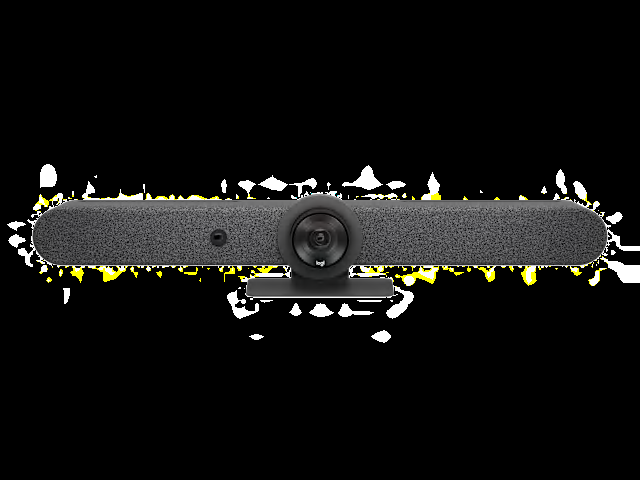
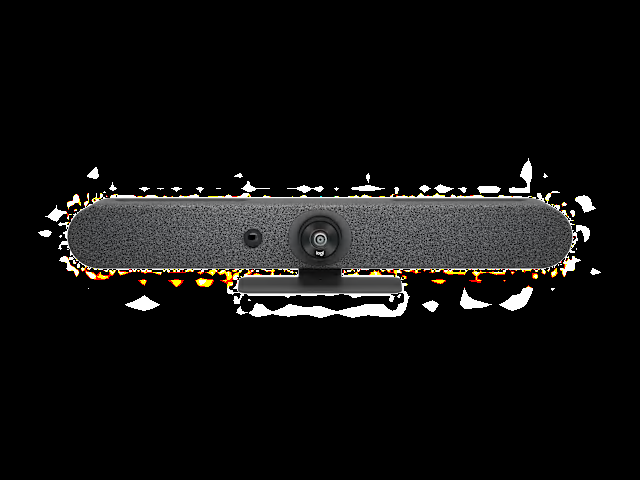
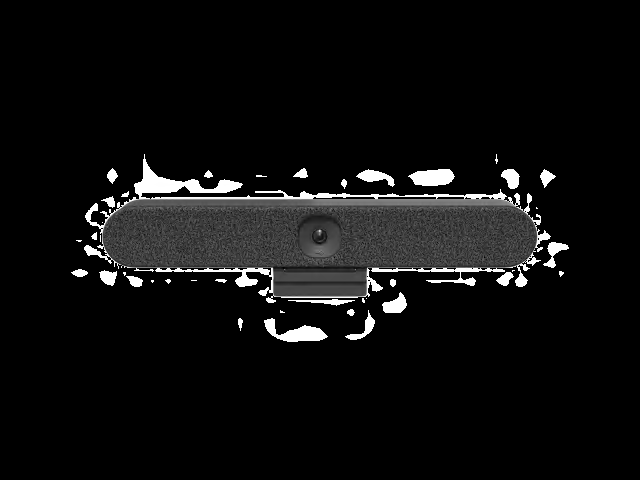
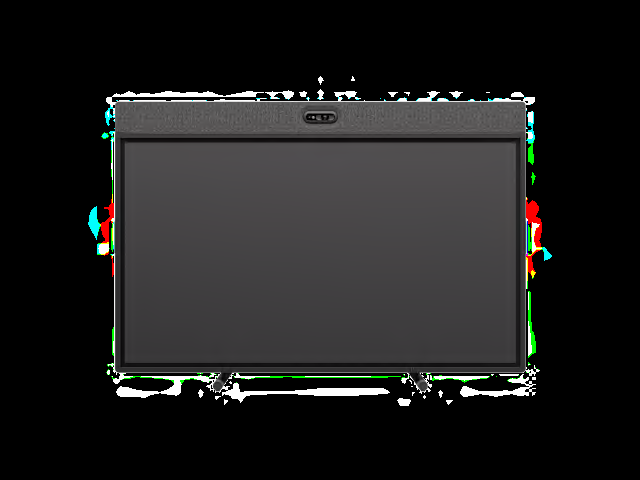
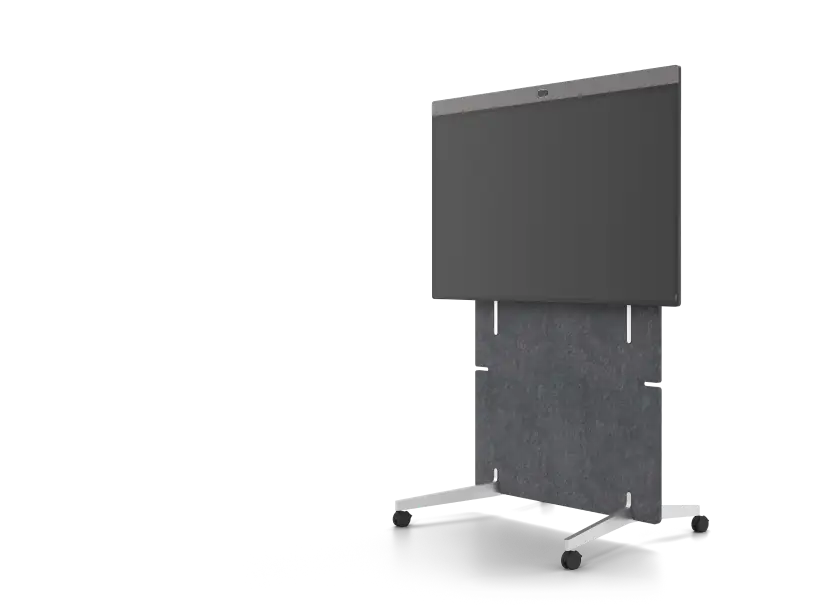
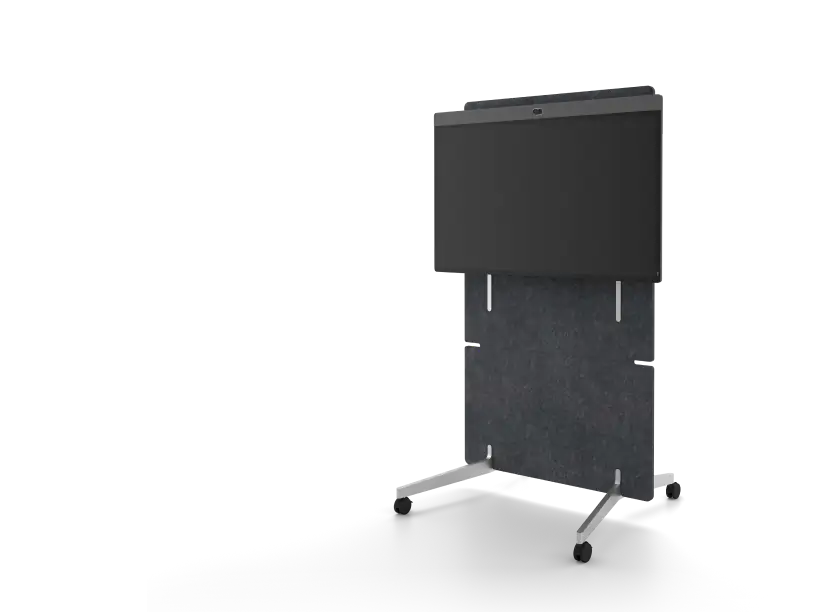
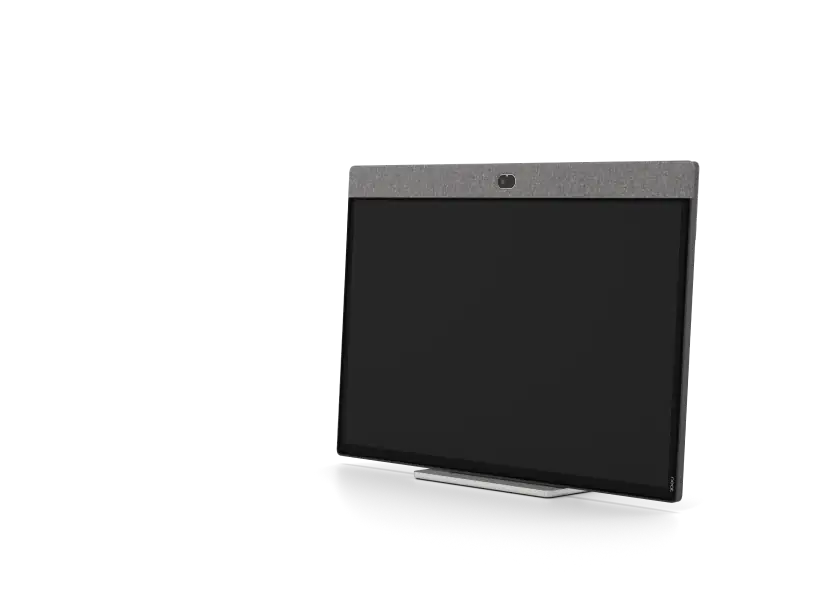
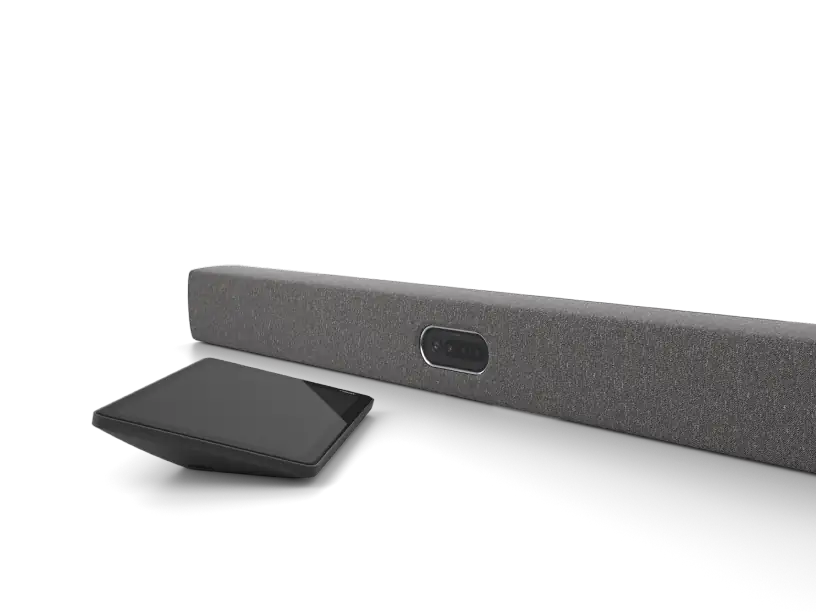
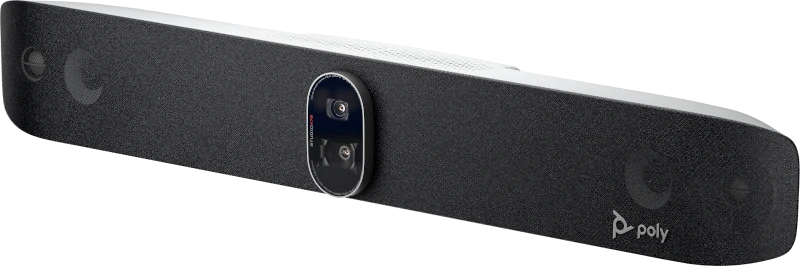
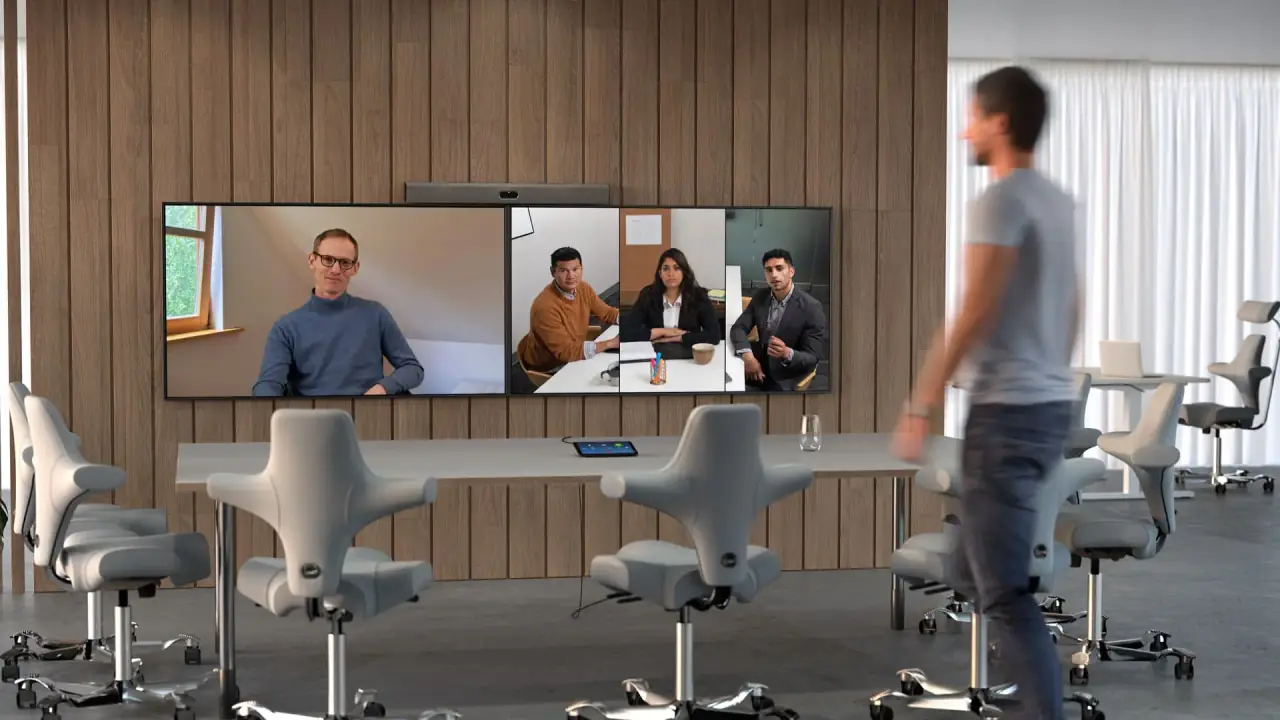
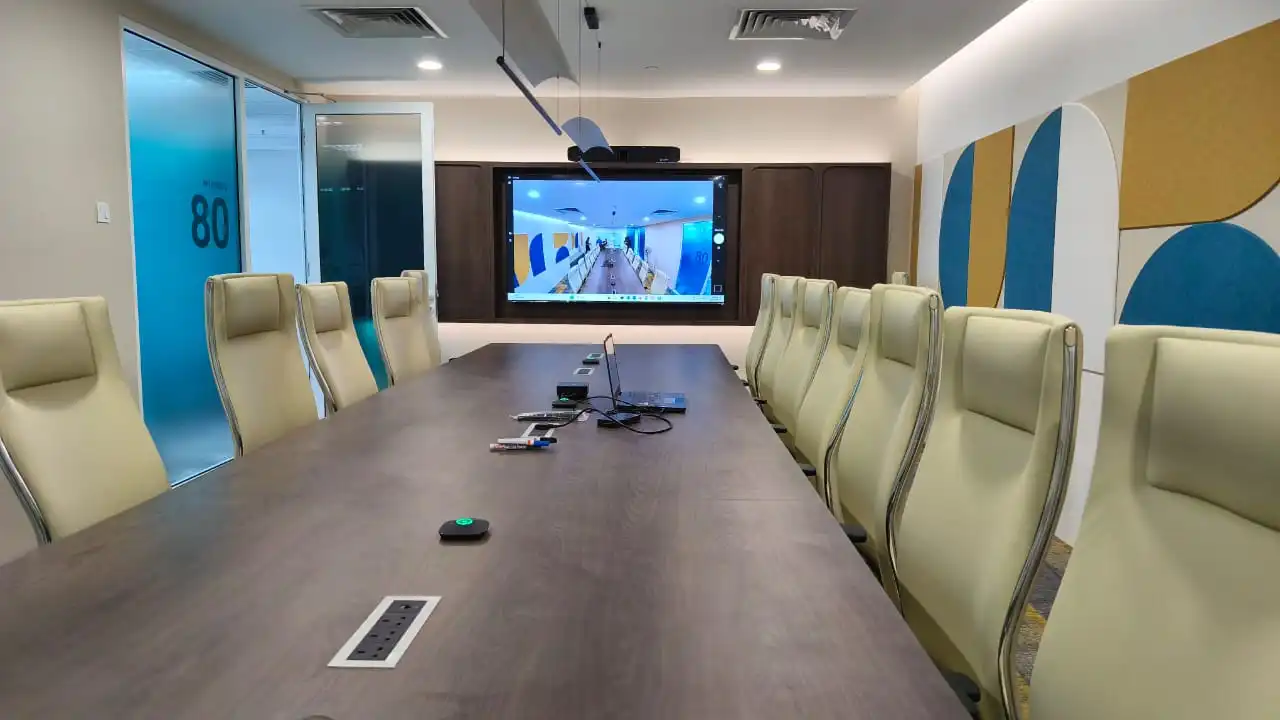
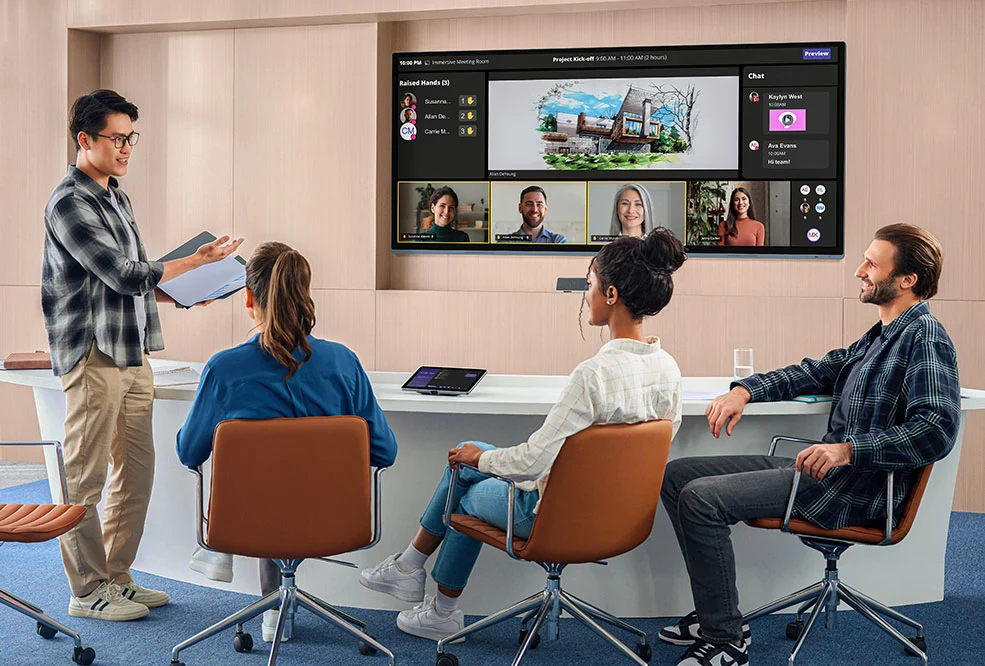
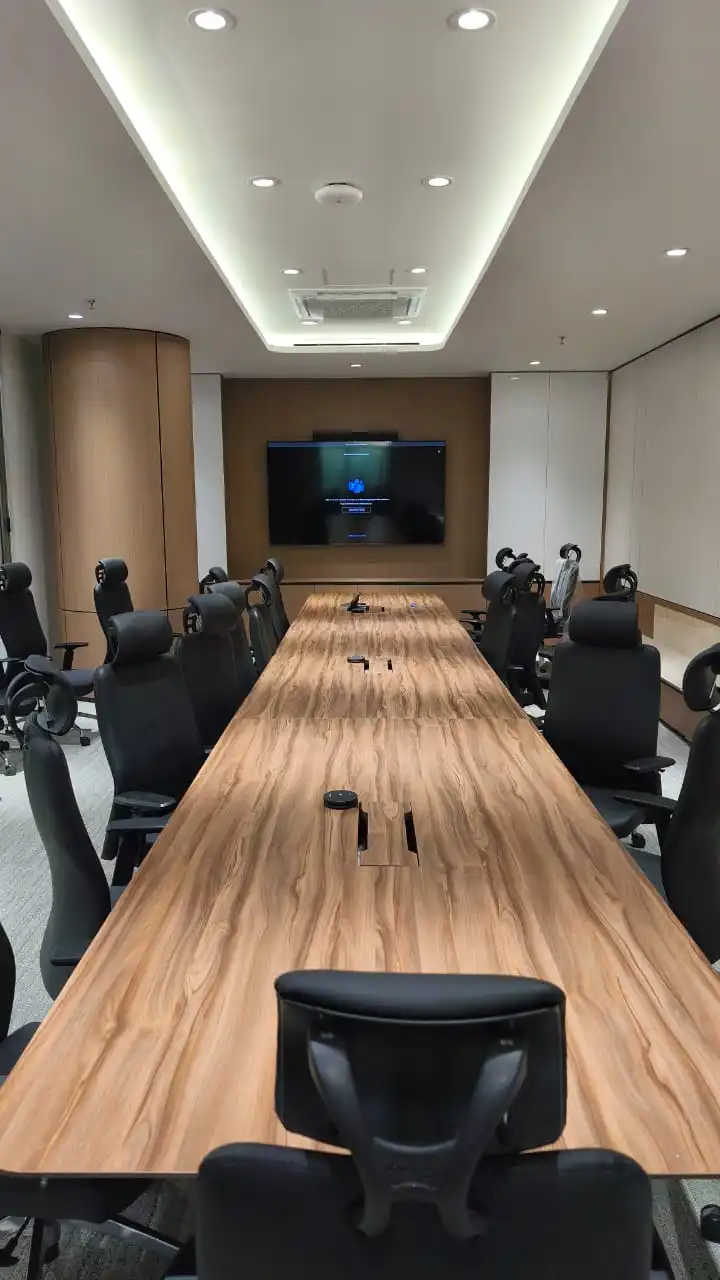
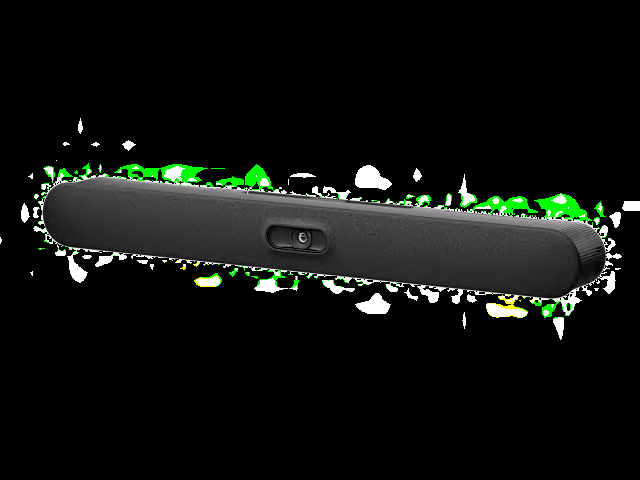
HP Poly Studio X72 all-in-one video bar, certified for Google Meet

Google Meet rooms in Malaysia

Meet certified video bars and boards, installed and supported.

Kasturi designs, installs and supports Google Meet rooms on certified hardware from Logitech, Neat and HP Poly, three of its authorised partner brands. Every room is sized after a free site survey.

Free in Peninsular Malaysia. We reply within one business day.

Planning figures

2,500+

Rooms deployed

1998

Founded

13

Meet certified devices listed

1

Business day to reply

Kasturi is an authorised partner of

  • Logitech
  • HP Poly
  • Yealink
  • Cisco
  • Jabra
  • Neat
  • MAXHUB
  • Biamp
  • Shure
  • Q-SYS
  • Huddly
  • Zoom

About Google Meet hardware

Who makes Google Meet hardware

Google makes Meet and certifies the room devices that run it. The devices come from hardware partners: today every certified Android room device on Google's list is made by Logitech, Neat or HP Poly. Google provides technical support only for certified devices.

On 1 September 2026 Google began moving Meet room hardware from ChromeOS to Android. New ChromeOS devices are no longer certified, and existing ChromeOS rooms keep their published support dates. Kasturi surveys the room, specifies the certified device and installs it.

Google's announcement of the move to Android

  • Android

    Where new rooms go

    Google is moving its Meet hardware portfolio to Android, with devices for large spaces planned for 2027.

  • 8 years

    Target support

    A certified Android device typically gets an 8-year Meet support target from general availability, with recertification at year 5.

  • Sep 2030

    ChromeOS support

    Existing ChromeOS Meet devices stay supported to their published dates, up to the end of September 2030 for recent models.

  • Feb 2027

    ChromeOS sales end

    Logitech and CTL end manufacturing and sales of their Meet Compute System in February 2027, ASUS in April 2027.

The short answer

Which Google Meet room do I need?

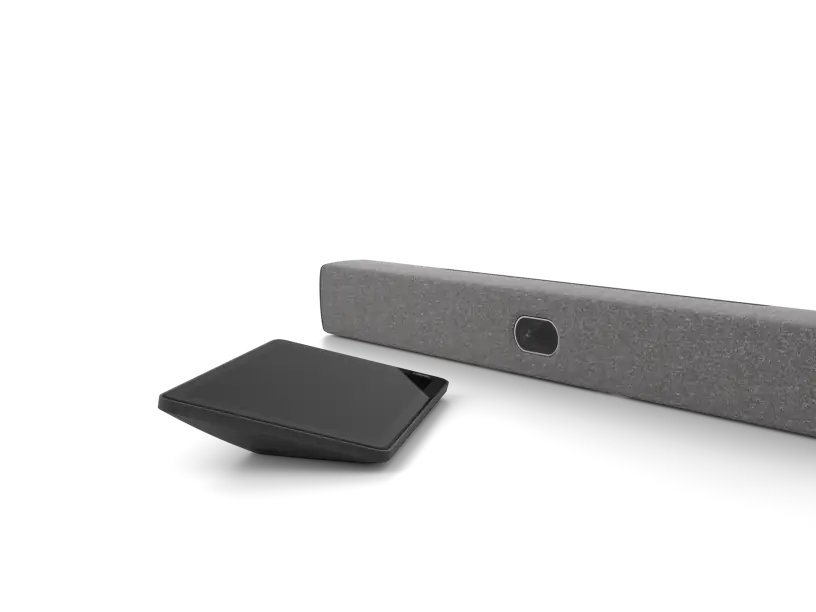
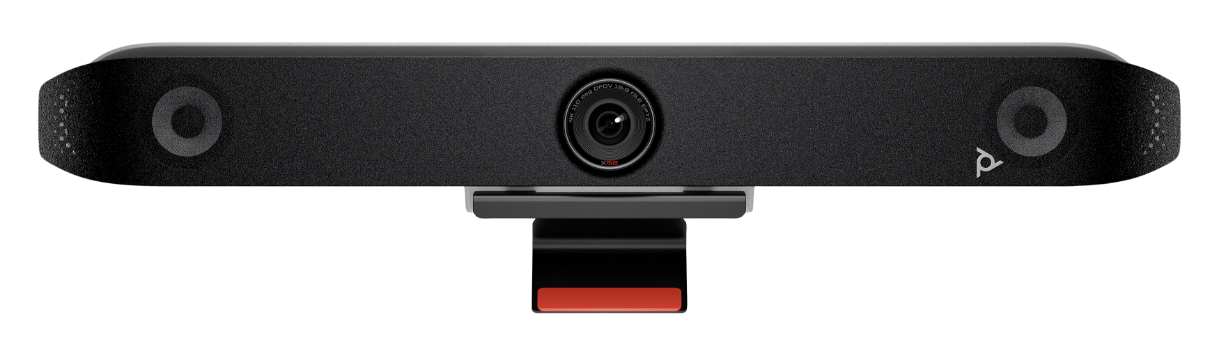
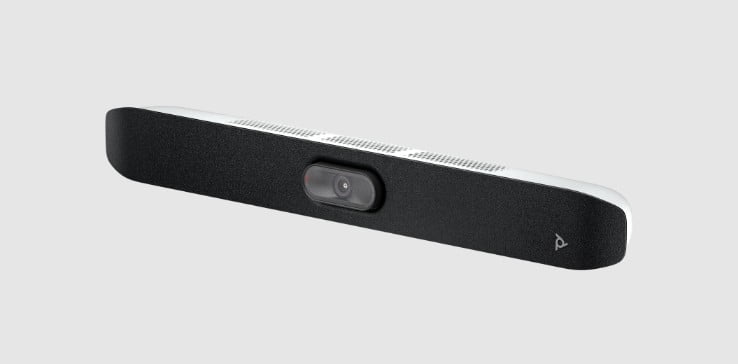
For a new room, choose a Meet certified Android device sized to the room: Logitech Rally Bar Huddle or HP Poly Studio X32 for a huddle room, Neat Bar Gen 2 or HP Poly Studio X52 for a medium room, and Logitech Rally Bar 2 or HP Poly Studio X72 for a large one. Each needs Google Workspace, a Meet hardware licence and a room calendar in Google Calendar.

Support dates and requirements from Google's own Meet hardware pages, room sizes from each maker's product page, checked on 21 October 2026.

  • 13

    Android room devices certified for Google Meet

  • 1 year

    Term of each Meet hardware licence, one per device

  • Oct 2034

    End of Meet support for Logitech Rally Bar 2, the latest on the list

  • 3

    Other platforms a Meet room can join: Teams, Zoom and Webex

Pick by what you need: a complete meeting room

Each job in a Google Meet room and the product that does it, shown here on Logitech for a medium to large room. Pick a part to see where it sits in the room.

One Google Meet room, four jobs, one team responsible for all of them.
01

Share from your own laptop

In a Google Meet room people present from their laptop in Companion mode, which turns the laptop's microphone and video off to avoid audio feedback.

  • Room check-in puts each person's name on the room tile
  • Chat, polls, Q&A and host controls run on the laptop
Companion mode on Google →
02

Front-of-room video bar

Rally Bar is the all-in-one video bar for medium to large rooms: a PTZ camera, six beamforming microphones and two speakers in one enclosure under the display.

  • 4K camera with motorised pan and tilt, 15x HD zoom
  • Microphone pickup up to 7 m
  • Runs Google Meet on Android, Meet support to October 2029
Rally Bar on Logitech →
03

Microphones along the table

Rally Mic Pods extend the video bar's microphone coverage to people at the far end of a longer table.

  • 4.5 m pickup range per pod
  • Rally Bar takes up to four pods on Google Meet on Android
  • Each pod puts a mute control within reach
Rally Mic Pod on Logitech →
04

Book in Calendar, join with a tap

Logitech Tap IP sits on the table. It shows the room's Google Calendar agenda, and anyone joins the next meeting with one tap.

  • Listed by Logitech for Rally Bar Huddle, Rally Bar Mini, Rally Bar and Rally Board 65 on Android
  • Logitech Tap is also listed for the three video bars
Logitech for Google Meet →

Want the whole room done? Kasturi surveys, specifies and installs it. The survey is free in Peninsular Malaysia.Book a free site survey

In the room

How a Google Meet room works

Four steps in an everyday meeting.

01

Book

Schedule the meeting in Google Calendar and add the room. The event appears on the room device's agenda.

02

Join

Walk in and tap the meeting on the room controller. No laptop has to host the call.

03

Share

Present from a laptop in Companion mode, which keeps its microphone and video off so the room does not echo.

04

Join a client's call

The same room joins Microsoft Teams, Zoom and Webex meetings at no extra cost, with core features only.

Choose how your room works

The four choices to make

Before choosing a model, settle how the room will run, which calendar it books from, which platform generation to buy and how it joins other companies' calls. Every fact below is from Google's or the maker's own page, linked at the end, checked on 21 October 2026.

The short version

Meet room or laptop room

A Meet room runs the call on its own certified device, enrolled with a Meet hardware licence. A laptop room runs the call on whoever's laptop is plugged into the room's USB camera and audio.

A Meet room fits when
the room is booked all day and anyone should be able to start a meeting without a laptop.
A laptop room fits when
people meet on many platforms from their own laptops and rarely book the room ahead.

Google Meet or Teams Rooms

Google names Google Calendar as the only calendar service fully compatible with Meet hardware. A company that books rooms in Outlook gets a different experience on Meet.

Google Meet fits when
the company runs Google Workspace and books rooms in Google Calendar.
Teams Rooms fits when
the company books rooms in Outlook and meets mainly on Microsoft Teams.

Android or ChromeOS

Google no longer certifies new ChromeOS devices for Meet. Existing ChromeOS rooms stay supported to their published dates, up to September 2030.

Android fits when
you are equipping a new room or replacing an old one.
ChromeOS fits when
you are adding to an existing ChromeOS fleet before sales end in 2027.

Built-in joining or Pexip Connect

Meet hardware joins Teams, Zoom and Webex calls at no extra cost. Pexip Connect, bought separately, adds SIP meetings and HDMI presenting in Teams calls.

Built-in joining fits when
clients sometimes invite you to a Teams, Zoom or Webex call.
Pexip Connect fits when
you join SIP video rooms or must present over HDMI in Teams calls.

Joining another platform from a Meet room

Features available when Google Meet hardware joins Webex, Zoom and Microsoft Teams meetings, built in or through Pexip Connect
FeatureWebexZoomMicrosoft TeamsTeams using Pexip ConnectPexip Connect, SIP
How the room joinsBuilt in, no extra costBuilt in, no extra costBuilt in, no extra costPexip Connect, bought separatelyPexip Connect, bought separately
Presenting using HDMIYesYesNoYesYes
Changing participant layoutNoYesNoNoNo
Dual-screen supportNoNoNoNoNo
Closed captionsNoNoNoNoNo
Sending chat messagesNoNoNoNoNo

Sources: Google's third-party joining guide, Meet hardware requirements, Meet hardware licences, certified Meet hardware list and move to Android, checked on 21 October 2026. A Zoom meeting can also be set to admit Meet rooms without a host, using a token from the Zoom web portal. Product names are trademarks of their owners.

Certified hardware

Every Meet certified room device

All 13 Android room devices on Google's certification list, taken from Google's page on 21 October 2026, each from a Kasturi authorised partner brand. Each card shows Google's end of Meet support date and opens the maker's own page. A model is specified for a Kasturi project only after the survey.

Refine results
Maker
Room, type and support

Showing 1 to 12 of 13 results

Sources: Google's certified Meet hardware list for the support dates, and each maker's product page for the room size. ChromeOS Meet Compute systems are left out because Google no longer certifies new ones.

Planning the budget

What drives the cost

Kasturi quotes every Google Meet room after the site survey. These four things set the size of the quote, and the fourth one recurs every year.

Room size

A huddle room needs one video bar, such as Logitech Rally Bar Huddle or HP Poly Studio X32. A larger room needs a bigger bar or board and often extra microphones along the table.

Display and mounting

Google asks for a display with an HDMI, DVI or DisplayPort input and at least 1280 x 720, recommending 1920 x 1080. Video bars mount under it; boards stand or hang on the wall.

Control and extra audio

A table controller such as Logitech Tap IP or a Neat Pad, and expansion microphones such as Rally Mic Pods, add to the system where the room needs them.

The yearly licence

Each device needs a Meet hardware licence on top of Google Workspace, sold for a one-year term. Licences bought direct from Google do not renew themselves; resellers offer auto-renewal.

The proposal separates equipment from installation. Where Google Meet is part of a video conferencing room, Kasturi's published room bands apply: a huddle room from RM 8,000, a meeting room from RM 15,000 and a boardroom from RM 30,000, covering hardware and system, with installation and cabling quoted after the survey. The Meet hardware licence is a separate yearly cost.

See the room price list

Survey to handover

How a Meet room gets built

Survey

Free in Peninsular Malaysia. Outside the Klang Valley it usually starts on a video call, then one site visit.

Proposal

A proposal for the room that names each Meet certified device and separates equipment from installation.

Install

A meeting room typically takes 1 to 2 days, a boardroom or training hall 3 to 5 days. Wiring can be after hours or at weekends.

Handover

A real call is run before handover and staff are trained. Support responds within 4 business hours.

FAQ

Questions to answer before you buy a Google Meet room

Answers from Google's own Meet hardware pages, the makers' product pages and how Kasturi runs a project.

Question not answered here?

WhatsApp +6017 303 9377 or call +603 7960 1808. We reply within one business day.

Is Kasturi an authorised Google partner?

No. Kasturi designs, installs and supports Google Meet rooms on Meet certified hardware from Logitech, Neat and HP Poly, which are authorised partner brands. Kasturi's authorised partner brands are Logitech, HP Poly, Yealink, Cisco, Jabra, Neat, MAXHUB, Biamp, Shure, Q-SYS, Huddly and Zoom.

What do we need for a Google Meet room?

A Google Workspace edition with Meet turned on and at least one paid user, a Meet certified room device, a Meet hardware licence for that device, and a display. To book the room and join with a tap, Google Calendar must be on and a room calendar assigned to the device in the Google Admin console.

What does the Meet hardware licence cover, and who renews it?

The licence covers the software that lets the device work with Google Meet and be managed in the Admin console. It is needed on top of Workspace, one per device, for a one-year term. A company that buys Workspace direct from Google can buy up to 10 licences in the Admin console, and those do not renew themselves. Google recommends a reseller for more than 10 licences or for auto-renewal. If a licence is not renewed, the subscription is cancelled after a grace period and the devices are eventually deprovisioned.

Can a Google Meet room join Teams, Zoom and Webex calls?

Yes, at no extra cost, with core video conferencing only. Presenting over HDMI works in Zoom and Webex calls but not in Teams calls. Dual screens, closed captions and meeting chat do not work in any of the three, and only Zoom lets you change the participant layout. Pexip Connect, bought separately, adds SIP meetings and HDMI presenting in Teams calls.

Can we use a laptop and USB room equipment instead?

Yes. In a laptop room the call runs on the laptop that is plugged in, so each person joins from their own invite and picks the room's camera and microphones. Some Meet certified devices also work this way: Neat Bar Gen 2 has a BYOD-only mode, and HP lists a device mode for a USB connection to a laptop on the Studio X32, X52 and X72.

Should we buy an Android or a ChromeOS Meet device?

Android, for a new room. Google began moving Meet room hardware to Android on 1 September 2026 and no longer certifies new ChromeOS devices. Existing ChromeOS rooms stay supported to their published dates, up to the end of September 2030 for recent models. Logitech and CTL stop making and selling their Meet Compute System in February 2027, and ASUS in April 2027.

How long is a Meet device supported?

Each model has its own end of Meet support date on Google's certification list. A certified Android device typically gets an 8-year target from its general availability date, with a recertification at year 5, and some premium devices target up to 10 years. After that date the device is marked unsupported and stops getting feature updates, security patches and technical support.

Does a Meet room work with our Outlook calendar?

Google states that Google Calendar is the only calendar service fully compatible with Meet hardware. A company that books its rooms in Outlook should weigh that before choosing Meet hardware. If Outlook and Teams are where most meetings happen, a Microsoft Teams Rooms system may suit the room better.

How much does a Google Meet room cost in Malaysia?

Kasturi quotes every Google Meet room after a site survey, with equipment and installation separated. Kasturi's published room bands apply: a huddle room for 2 to 5 seats from RM 8,000, a meeting room for 6 to 12 seats from RM 15,000, and a boardroom for 12 to 20 seats from RM 30,000. Starting prices cover hardware and system. Installation and cabling are quoted after the survey. The Meet hardware licence is a separate yearly cost.

Who installs and supports the room, and how long does it take?

Kasturi's own engineers and technicians survey, design, install and support every room, outstation projects included. No subcontractors. A huddle room takes 1 day, a meeting room 1 to 2 days, and a boardroom or training hall 3 to 5 days. Wiring can be done after hours or at weekends. Support responds within 4 business hours, and manufacturer warranty is generally 1 to 2 years, subject to its terms.

Free site survey

Tell us about the system

Send the details and we reply within one business day with the next step: a call, a site visit or a showroom demo. The survey is free in Peninsular Malaysia.

Book a free site survey

Seven questions, about a minute. Fields marked optional can wait for the call.

Submitting lets Kasturi contact you about this project. Privacy Policy

Request received

Thank you. Kasturi's sales team has your details and will reply within one business day.

Continue on WhatsApp