Display and present
Zoapi Hub Meet combines conferencing and wireless presentation. Hub Connect can run on compatible Windows mini PC or OPS hardware.
- Confirm screen size, quantity and resolution
- Choose wired or supported wireless sharing workflows
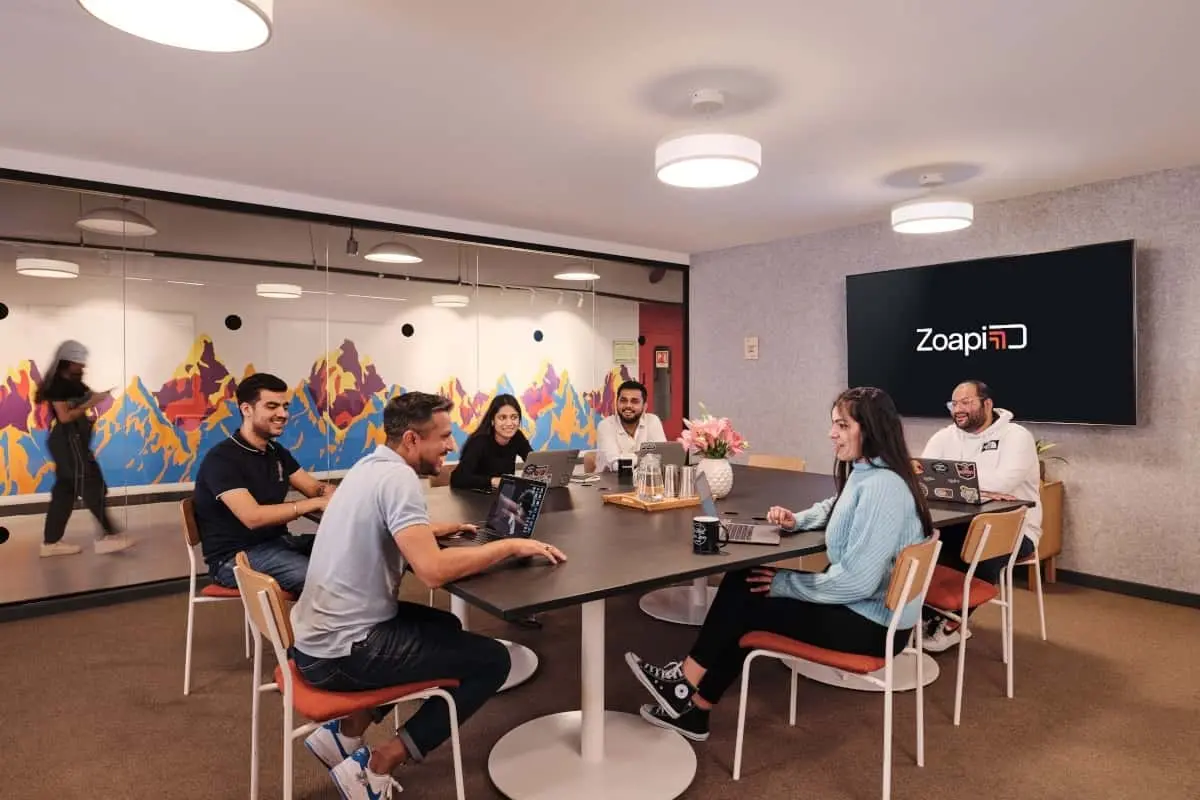
Zoapi rooms

One room platform for calls and wireless presentation.
Kasturi supplies and installs Zoapi Hub Meet hardware and Zoapi Hub Connect software for meeting rooms that use Zoom, Microsoft Teams, Google Meet, Webex and other platforms.
Free in Peninsular Malaysia. We reply within one business day.
Compare Zoapi options WhatsApp +6017 303 9377 Call +603 7960 1808
2,500+
Rooms deployed by Kasturi
1998
Kasturi founded
2
Zoapi deployment paths
1
Business day to reply
Kasturi is an authorised partner of
About Zoapi
Zoapi combines video conferencing and wireless presentation for meeting spaces. Hub Meet is the hardware endpoint. Hub Connect is software for compatible Windows mini PCs and OPS devices.
Both paths can connect with room cameras, microphones, speakers and displays. The right choice depends on existing equipment, preferred meeting workflow and room requirements.
Hub Meet
A dedicated Zoapi device for video conferencing, wireless presentation and digital signage.
Hub Connect
Zoapi software for a compatible Windows mini PC or OPS module.
Multi-platform
Zoapi lists Zoom, Microsoft Teams, Google Meet, Webex and other conferencing platforms.
Room AV
Use compatible room displays, cameras, microphones and speakers, subject to system design.
The short answer
Choose Hub Meet when you want a dedicated video conferencing endpoint with wireless presentation. Choose Hub Connect Premium when you want to use compatible Windows mini PC or OPS hardware. Hub Connect Lite is for wireless presentation. Confirm the operating mode, room peripherals, display count and licensing requirements before specifying the system.
Product details are from Zoapi's current product pages, linked below, checked on 21 October 2026.
2
Deployment paths: Hub Meet hardware or Hub Connect software
4+
Named platforms include Zoom, Microsoft Teams, Google Meet and Webex
16
Presenter connections listed for wireless screen sharing
1 or 4
On-screen sharing layouts described by Zoapi
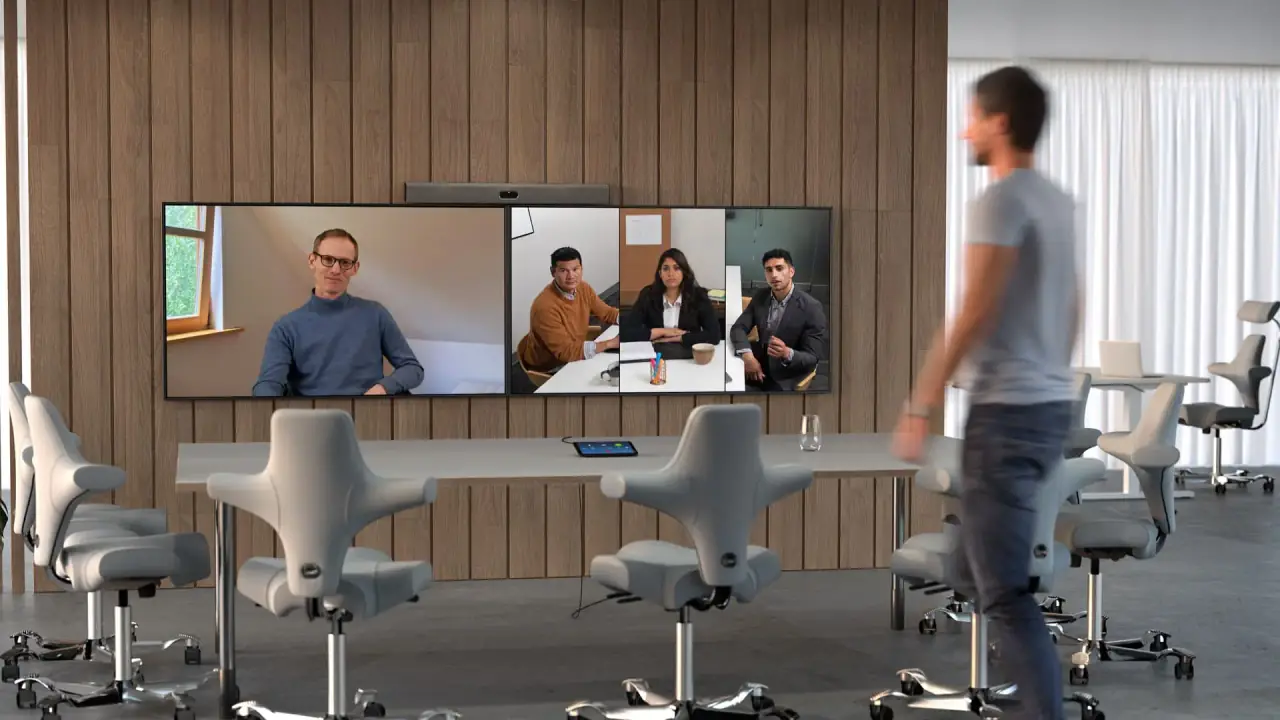
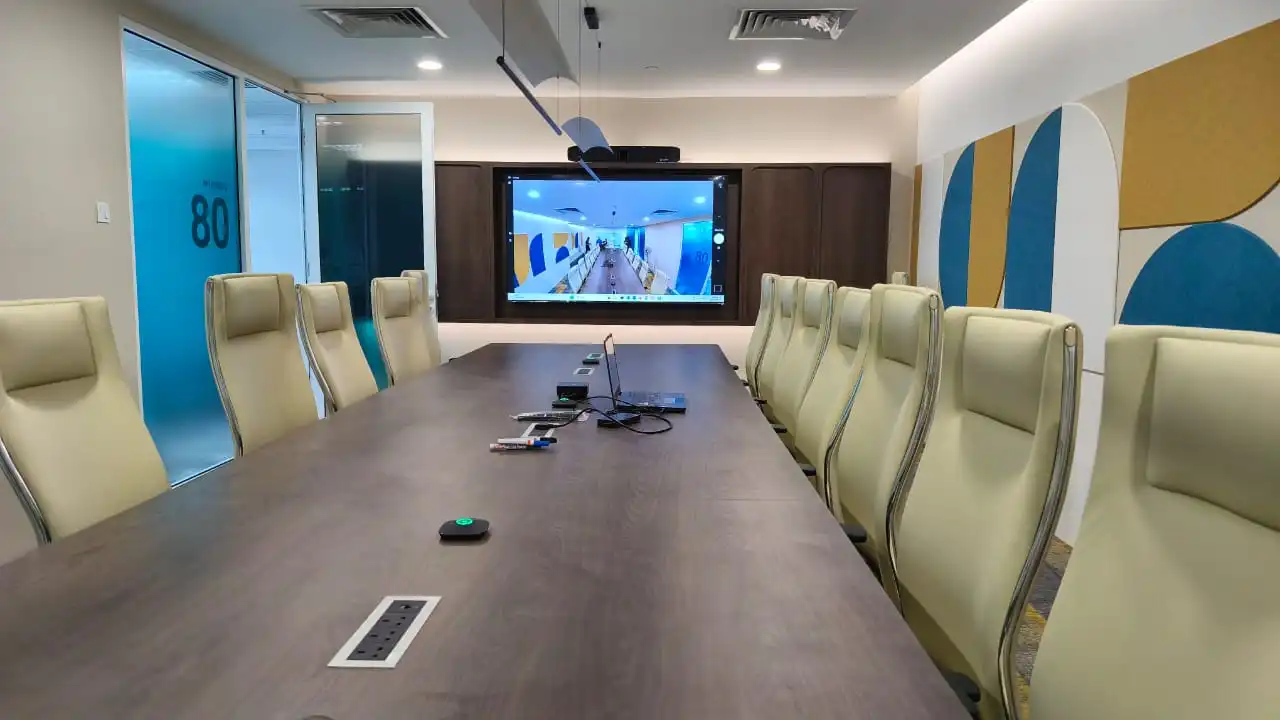
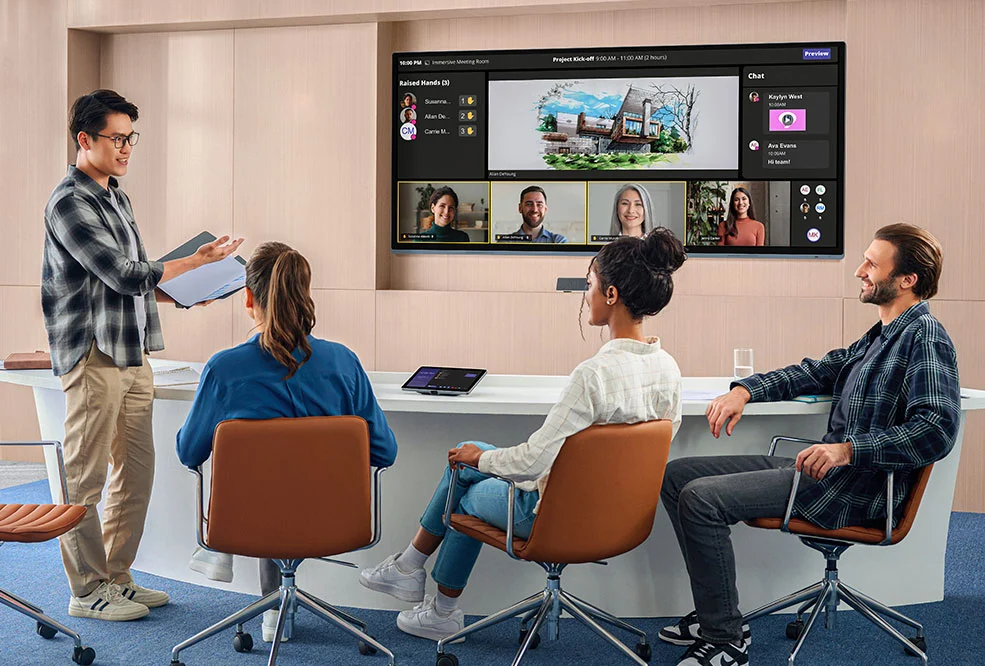
A typical Zoapi room brings the display, conferencing endpoint, room AV and meeting controls into one planned system.
Zoapi Hub Meet combines conferencing and wireless presentation. Hub Connect can run on compatible Windows mini PC or OPS hardware.
The room camera must suit the room's layout and the selected Hub Meet or Hub Connect configuration.
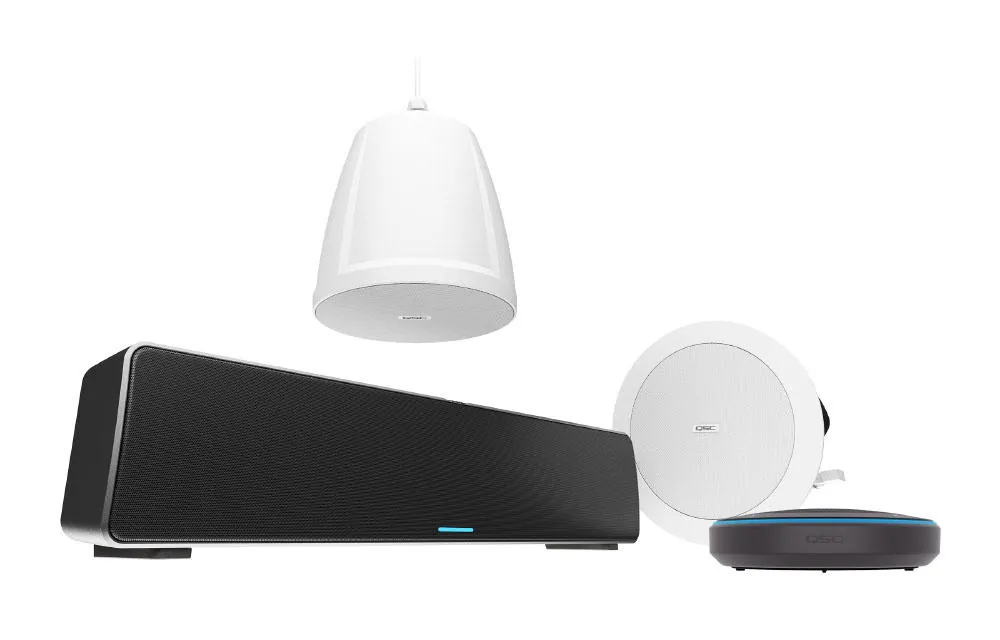
Use the room's compatible microphones and speakers, then test pickup and playback from the seating positions.
Zoapi describes meeting join by calendar, meeting ID or link. A room controller can be added for touch operation.
Kasturi can survey the room, check existing AV and prepare a Zoapi proposal. The survey is free in Peninsular Malaysia.Book a free site survey
In the room
Plan the endpoint, room AV, meeting mode and support path together.
Select Hub Meet hardware or compatible Windows mini PC or OPS hardware running Hub Connect.
Confirm the display, camera, microphones and speakers work with the selected system.
Choose endpoint conferencing or wireless BYOD, then verify the organisation's meeting and calendar workflow.
Kasturi runs a real call, checks room operation and trains staff before handover.
Current product paths
Compare Hub Meet with Hub Connect, then confirm the exact configuration against Zoapi's current documentation and your room requirements.
Showing 1 to 3 of 3 results

Zoapi Hub Meet
Dedicated hardware endpoint for multi-platform conferencing, wireless presentation and digital signage.
Hardware endpoint

Zoapi Hub Connect
Software deployment for compatible Windows mini PCs and OPS devices, with conferencing and room features.
Compatible Windows PC or OPS

Zoapi Hub Connect
Software option focused on wireless presentation for compatible Windows mini PCs and OPS devices.
Wireless presentation
Sources: Zoapi Hub Meet, Zoapi Hub Connect and Zoapi Hub features.
Planning the budget
Kasturi quotes each Zoapi room after reviewing the site and requirements. These four areas shape the proposal.
Room depth, seating layout and participant count affect camera, microphone and speaker selection.
Compare dedicated Hub Meet hardware with Hub Connect software on compatible Windows mini PC or OPS equipment.
Displays, room cameras, audio, mounting and cabling affect compatibility and installation work.
Confirm conferencing platforms, calendars, room controls, wireless BYOD and any licence requirements with your IT team.
Zoapi product prices are not listed here. Kasturi provides a room-specific proposal that separates equipment from installation. Published room starting bands cover hardware and system, with installation and cabling quoted after the survey.
See Kasturi's room price guideSurvey to handover
Free in Peninsular Malaysia. Outside the Klang Valley it usually starts on a video call, then one site visit.
A room-specific proposal names the Zoapi option and separates equipment from installation.
Kasturi's own engineers and technicians install the room. Wiring can be scheduled after hours or at weekends.
A real call is run before handover and staff are trained. Support responds within 4 business hours.
Around the system
Zoapi provides conferencing and collaboration software. Kasturi can plan the displays, audio, installation and room integration around it.
Room integration
FAQ
Answers from Zoapi's product information and Kasturi's approved project details.
Question not answered here?
WhatsApp +6017 303 9377 or call +603 7960 1808. We reply within one business day.
Free site survey
Send the details and we reply within one business day with the next step: a call, a site visit or a showroom demo. The survey is free in Peninsular Malaysia.
Seven questions, about a minute. Fields marked optional can wait for the call.
Thank you. Kasturi's sales team has your details and will reply within one business day.
Continue on WhatsApp