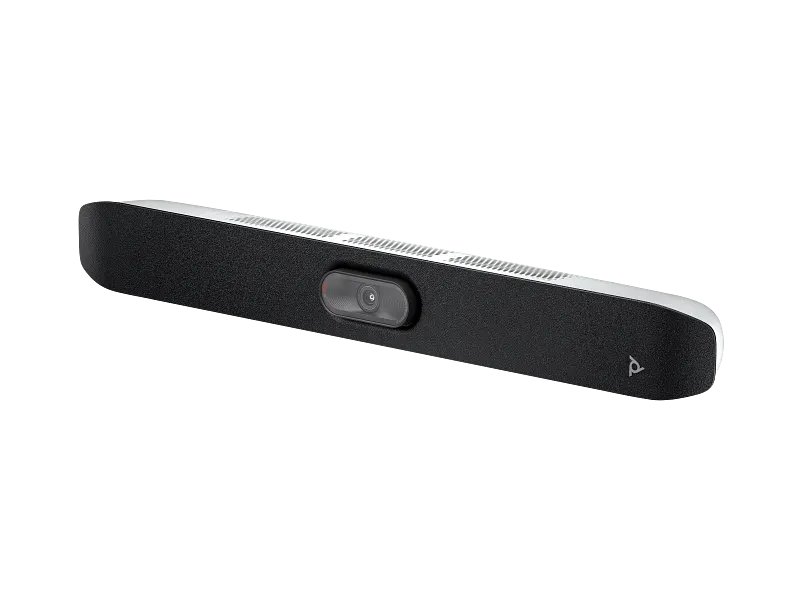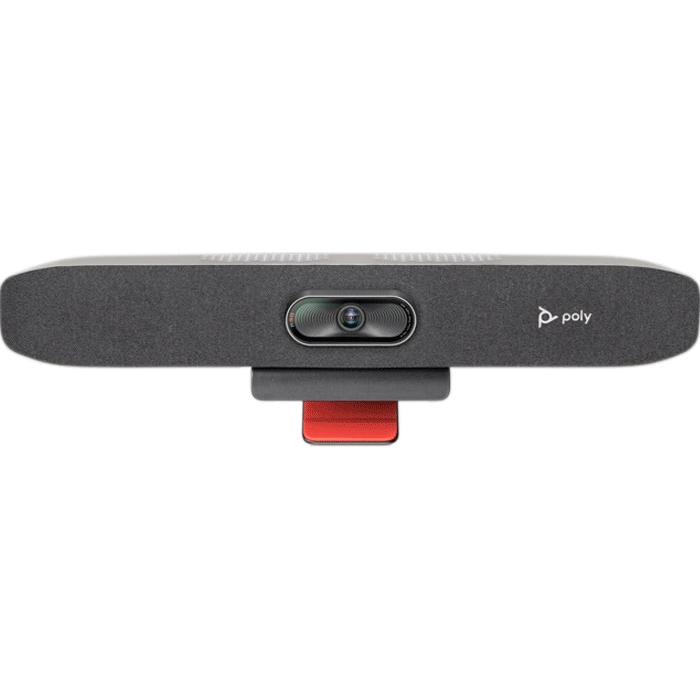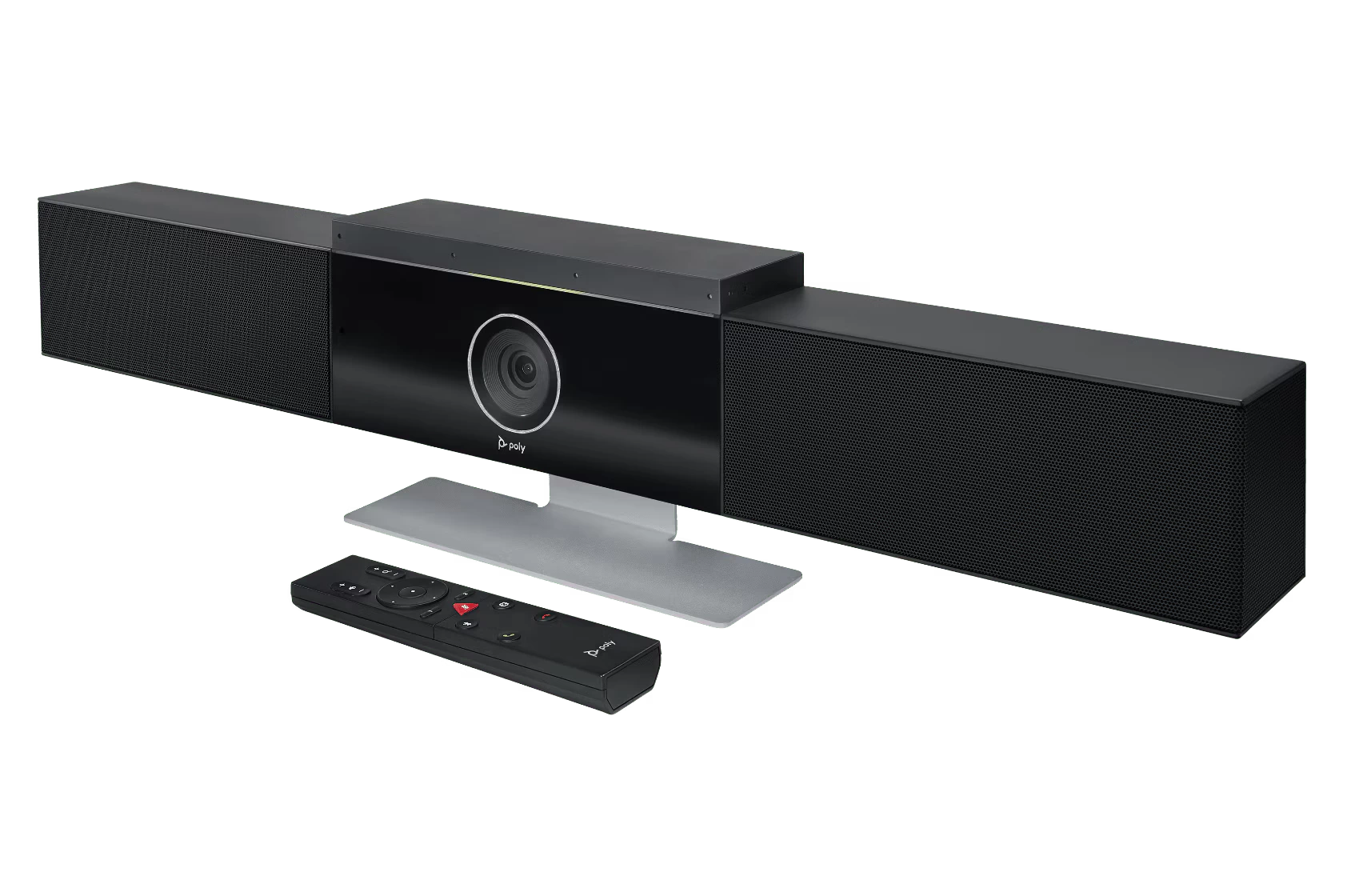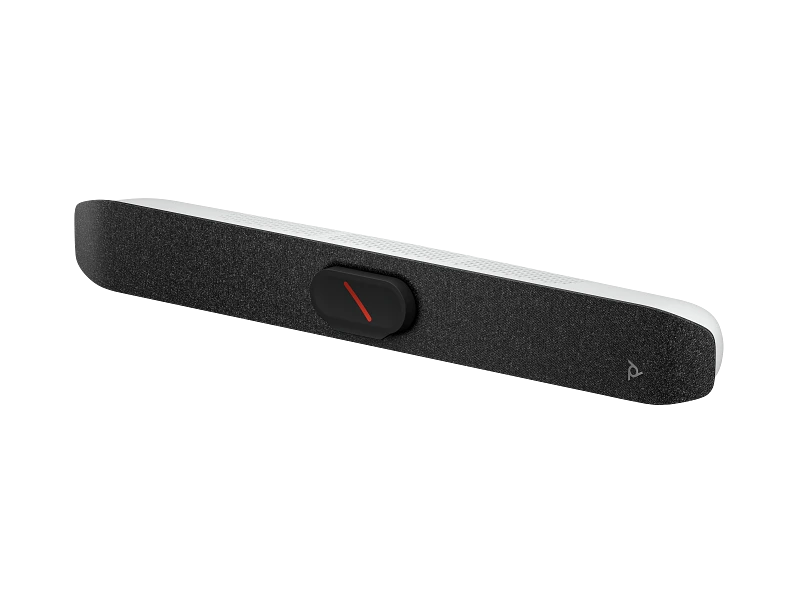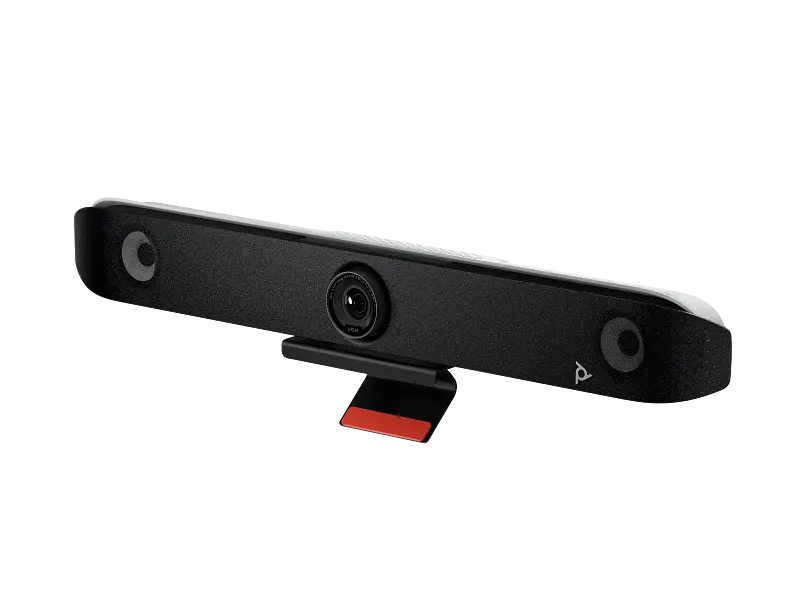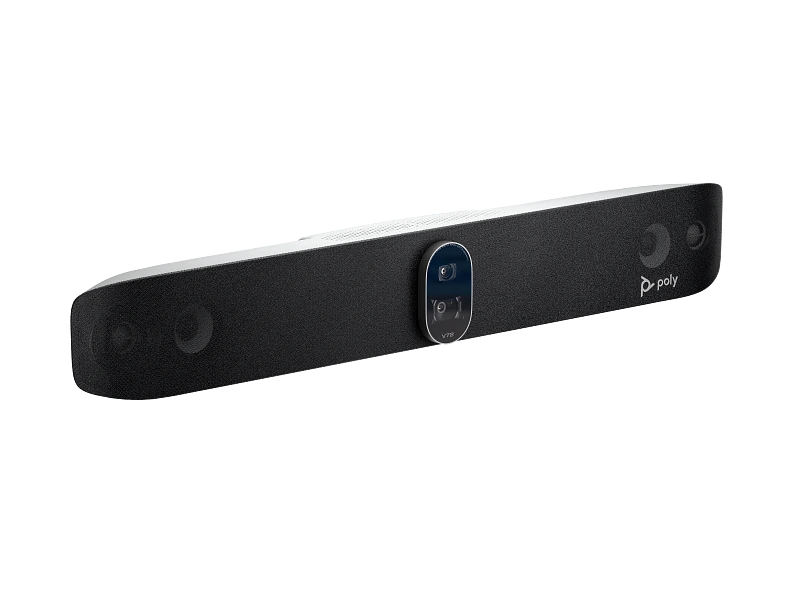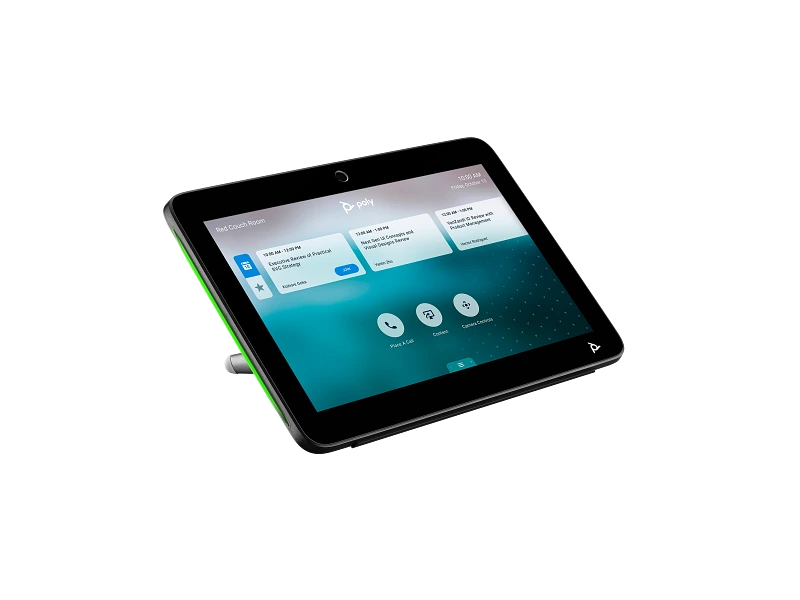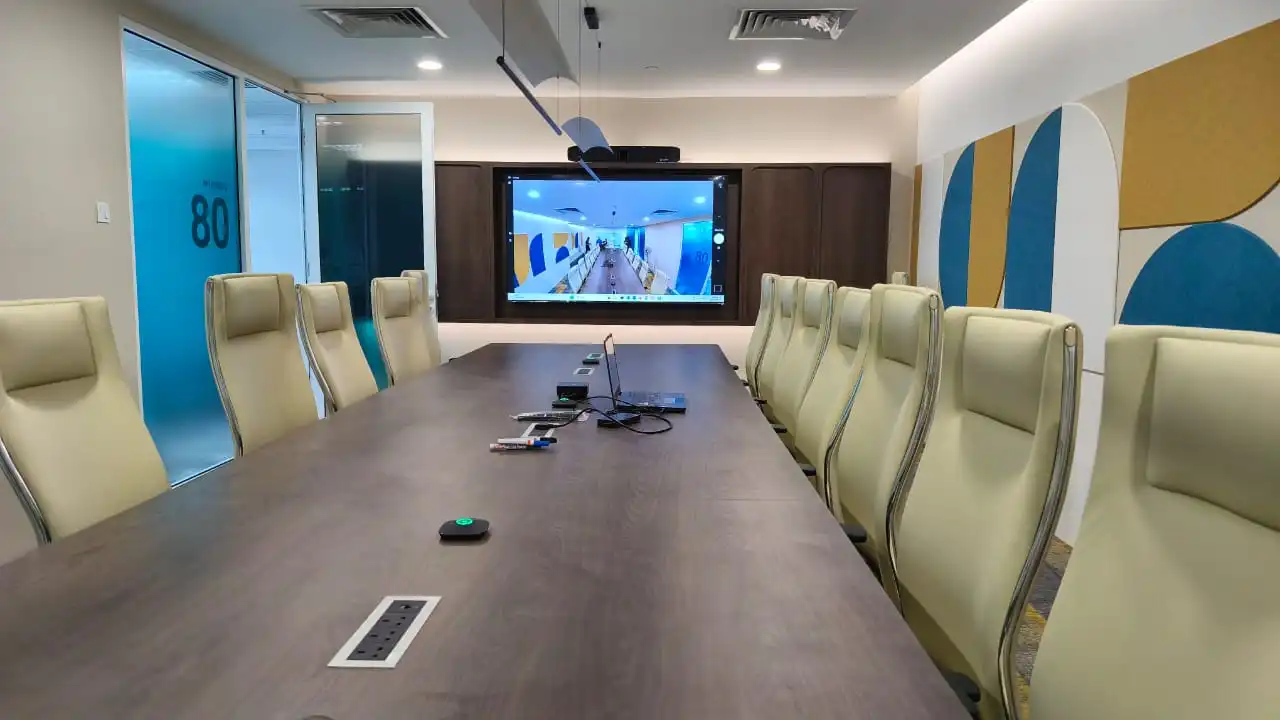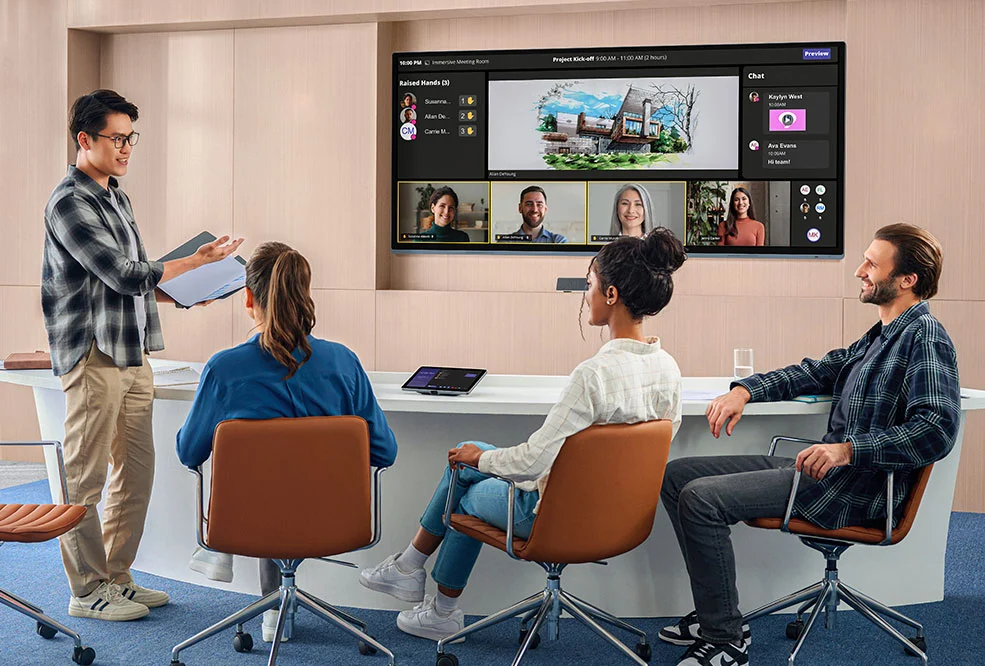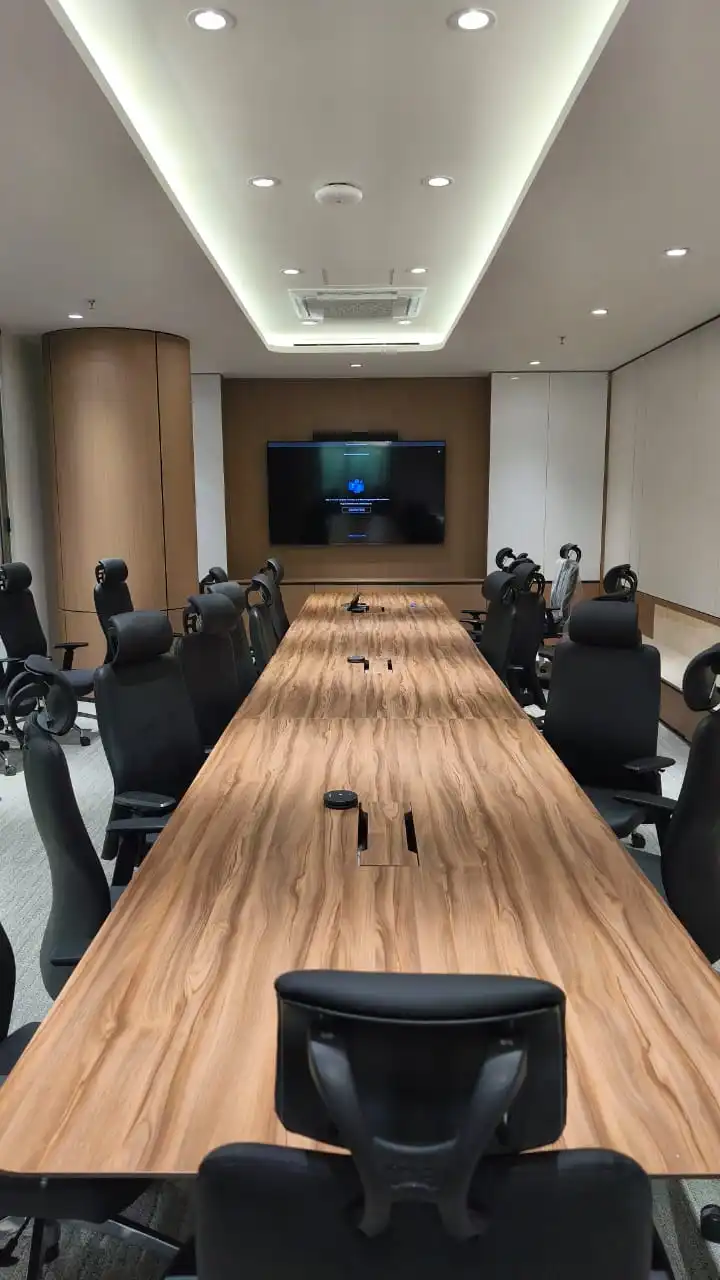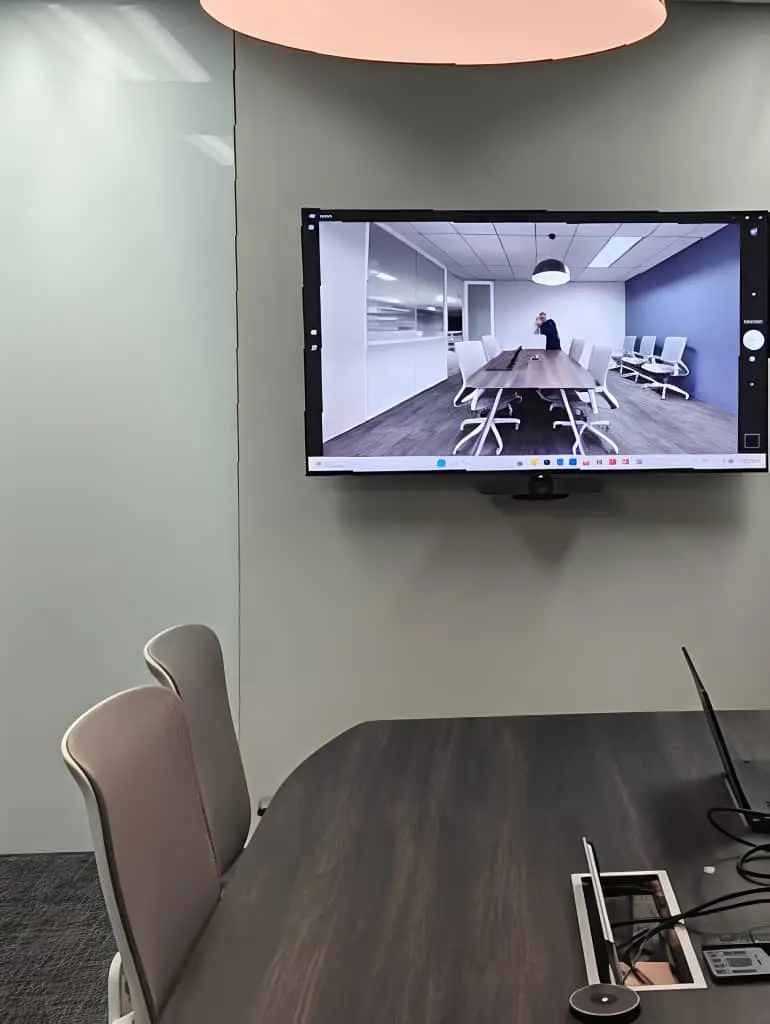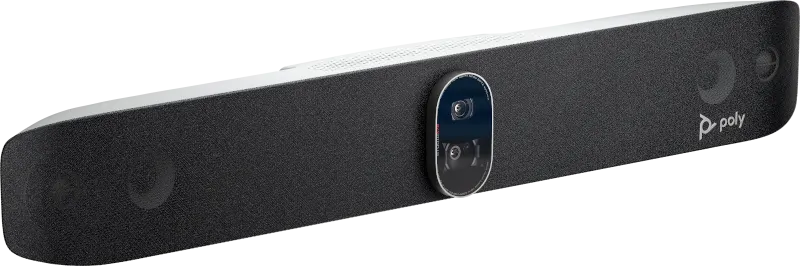
Poly Studio X72 all-in-one video bar

HP Poly video conferencing in Malaysia

Video bars, cameras and room systems for every room size.

Kasturi is an authorised HP Poly partner, supplying and installing Poly Studio X and V video bars, modular room systems, cameras and touch controllers for Microsoft Teams, Zoom and Google Meet rooms. Every room is sized after a free site survey.

Free in Peninsular Malaysia. We reply within one business day.

Planning figures

2,500+

Rooms deployed

1998

Founded

21

Current HP Poly models listed

1

Business day to reply

Kasturi is an authorised partner of

  • Logitech
  • HP Poly
  • Yealink
  • Cisco
  • Jabra
  • Neat
  • MAXHUB
  • Biamp
  • Shure
  • Q-SYS
  • Huddly
  • Zoom

About HP Poly

Who makes HP Poly

HP describes itself as a technology company with over 80 years of history, whose portfolio covers personal systems, printers and 3D printing. HP Poly is its range of headsets, phones and video conferencing.

For meeting rooms, HP Poly makes all-in-one video bars, USB video bars, modular systems and smart cameras, which HP lists as certified for Microsoft Teams, Zoom and Google Meet. HP sizes the range from huddle spaces to boardrooms.

HP's own About page

  • 80+

    Years of HP

    HP's About page describes more than 80 years as a technology company.

  • 3

    Room sizes

    HP sizes its video bars for small rooms of 15 x 10 ft, medium rooms of 20 x 15 ft and large rooms of 28 x 15 ft.

  • 3

    Platforms

    HP lists its video conferencing range as certified for Microsoft Teams, Zoom and Google Meet.

  • Lens

    Remote management

    HP Poly Lens lets IT configure, monitor and update the room devices remotely.

The short answer

Which HP Poly system do I need?

Choose by room size and by how the room joins calls. For a room that runs meetings on its own, HP lists Poly Studio X32 for small rooms, X52 for mid-sized rooms and X72 for large rooms, with the video apps built in. Where a PC or laptop runs the call, the USB Studio V12, V52 and V72 follow the same sizes. Unusual rooms use a modular system.

Figures from HP's own Poly product pages, linked in each card below. HP has no Malaysian Poly site, so these are its global English pages, checked on 21 October 2026.

  • 120°

    Horizontal field of view on Poly Studio X32 and Studio V12

  • 28 x 15

    Feet: the large room HP lists for Poly Studio X72

  • 12x

    Optical zoom on the Poly Studio E60 PTZ camera

  • 32

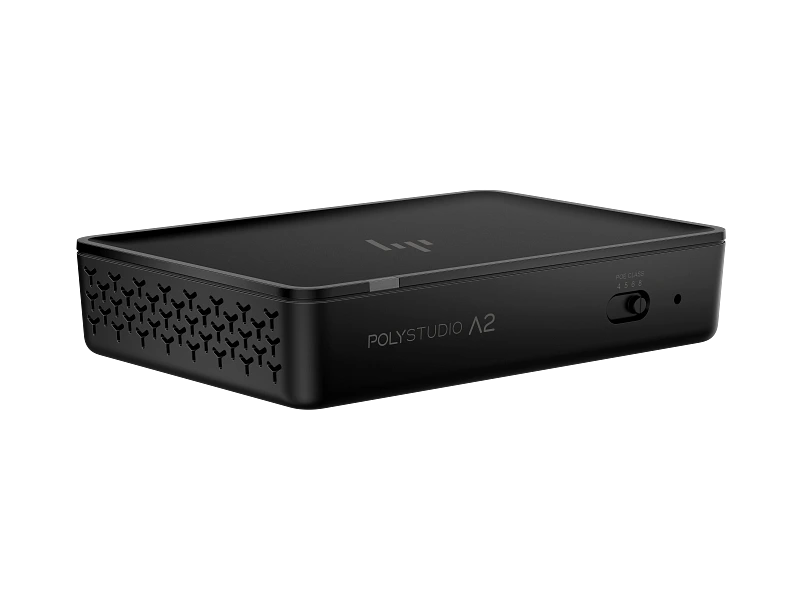
    Audio input channels on the HP Poly Studio A2 Audio Bridge

Pick by what you need: a complete meeting room

Each job in a typical meeting room and the HP Poly product that does it. The four cards below make one mid-sized room built around a Poly Studio X52.

One meeting room, one HP Poly system, one team responsible for all of it.
01

Laptop sharing to the room

HP Poly's video conferencing pages list no sharing box for this job, so Kasturi pairs HP Poly with a certified product for it, chosen at the survey.

  • Wired or wireless sharing, matched to the room's meeting platform
  • Tested with a real call before handover
Meeting room solutions →
02

Front-of-room video bar

Poly Studio X52 is HP's all-in-one video bar for mid-sized rooms: camera, microphones, speakers and the video apps in one bar under the display.

  • 4K camera with a 95-degree horizontal field of view and microphone pickup up to 20 ft, 6.09 m
  • HP's room size guide is 20 x 15 ft
Poly Studio X52 on HP →
03

Microphones along the table

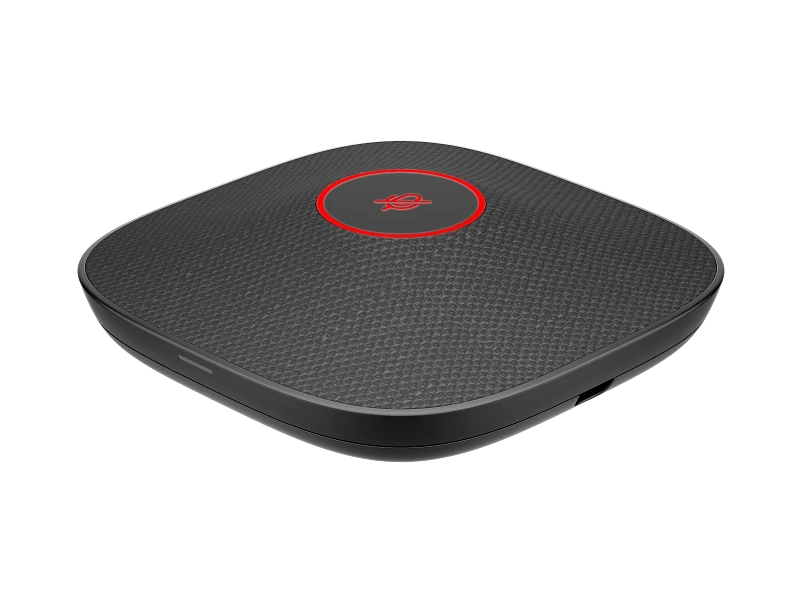
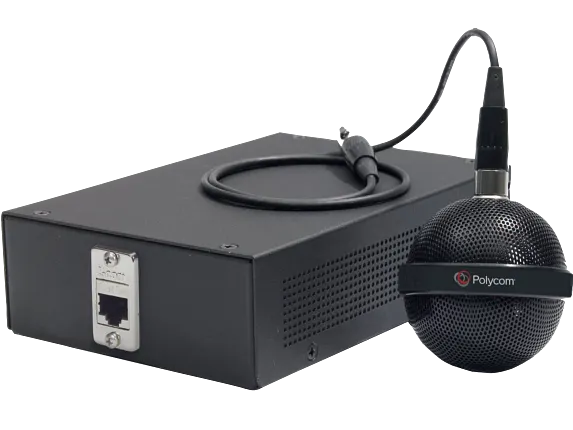
HP Poly Studio A2 Table Microphones carry pickup to the people at the far end of a longer table.

  • Four-element, multi-directional microphone, available in black or white
  • Poly Studio X52 supports up to four
Studio A2 Table Microphone on HP →
04

One-touch meeting control

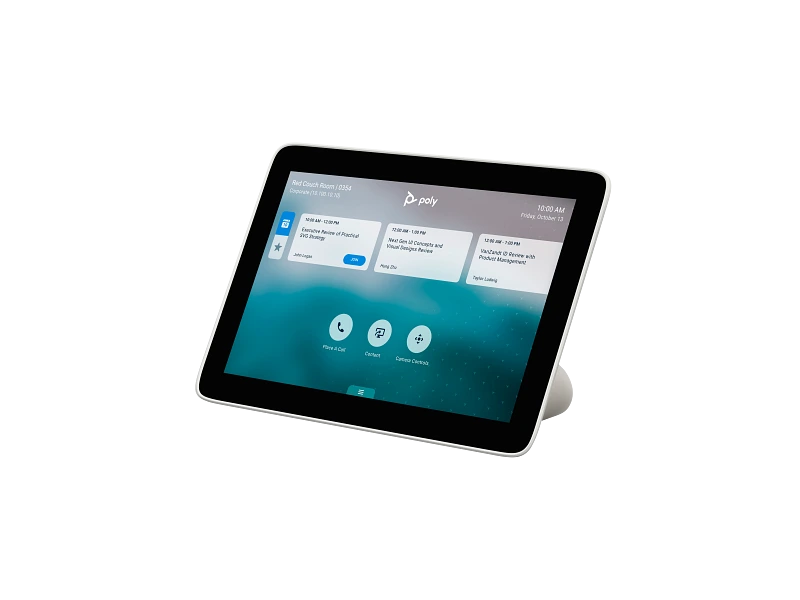
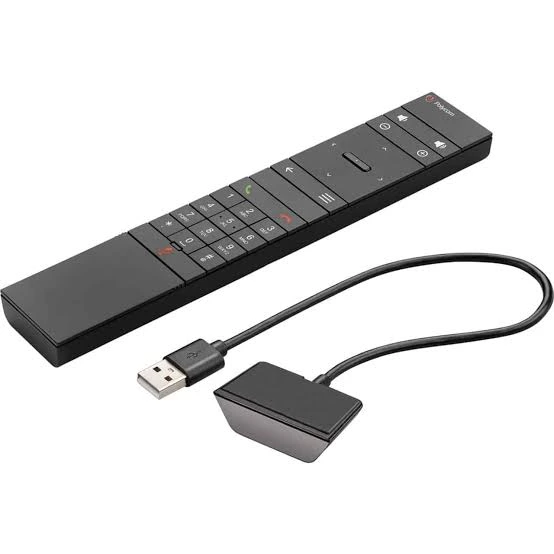
Poly TC8 is the touch controller on the table that starts and joins meetings on a Poly Studio X bar.

  • TC8 works with the Poly Studio X family and G7500; X32, X52 and X72 list TC8 or TC10 support
  • TC10 adds room scheduling on a 10 inch display
Poly TC8 on HP →

Want the whole room done? Kasturi surveys, specifies and installs it. The survey is free in Peninsular Malaysia.Book a free site survey

In the room

How an HP Poly room works

Four parts that turn a meeting space into a video room.

01

Video bar

A Poly Studio bar sits under the display. Its camera frames the people in the room and its microphones pick up the table.

02

More microphones

In a longer room, Studio A2 Table Microphones carry pickup to the far end of the table.

03

Controller

A Poly TC8 or TC10 on the table starts or joins the meeting with one touch.

04

Management

HP Poly Lens lets the IT team configure, monitor and update every room device from one place.

The range

HP Poly ranges Kasturi supplies

Kasturi is an authorised HP Poly partner and installs all six of HP Poly's meeting room ranges. Each button filters the catalogue below to that range.

Poly Studio X52 video bar

All-in-one video bars

Poly Studio X32, X52 and X72, for small, mid-sized and large rooms, with the video apps built in.

HP Poly listing

Poly Studio V52 USB video bar

USB video bars

Poly Studio V12, V52 and V72, Poly Studio and Studio R30, used with a room PC or a laptop.

HP Poly listing

HP Poly G7500 modular system

Modular systems

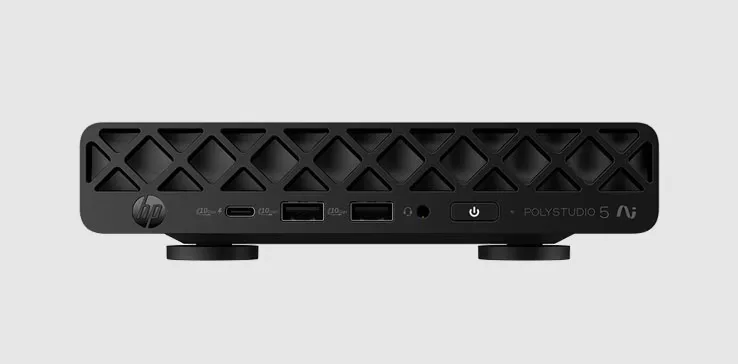
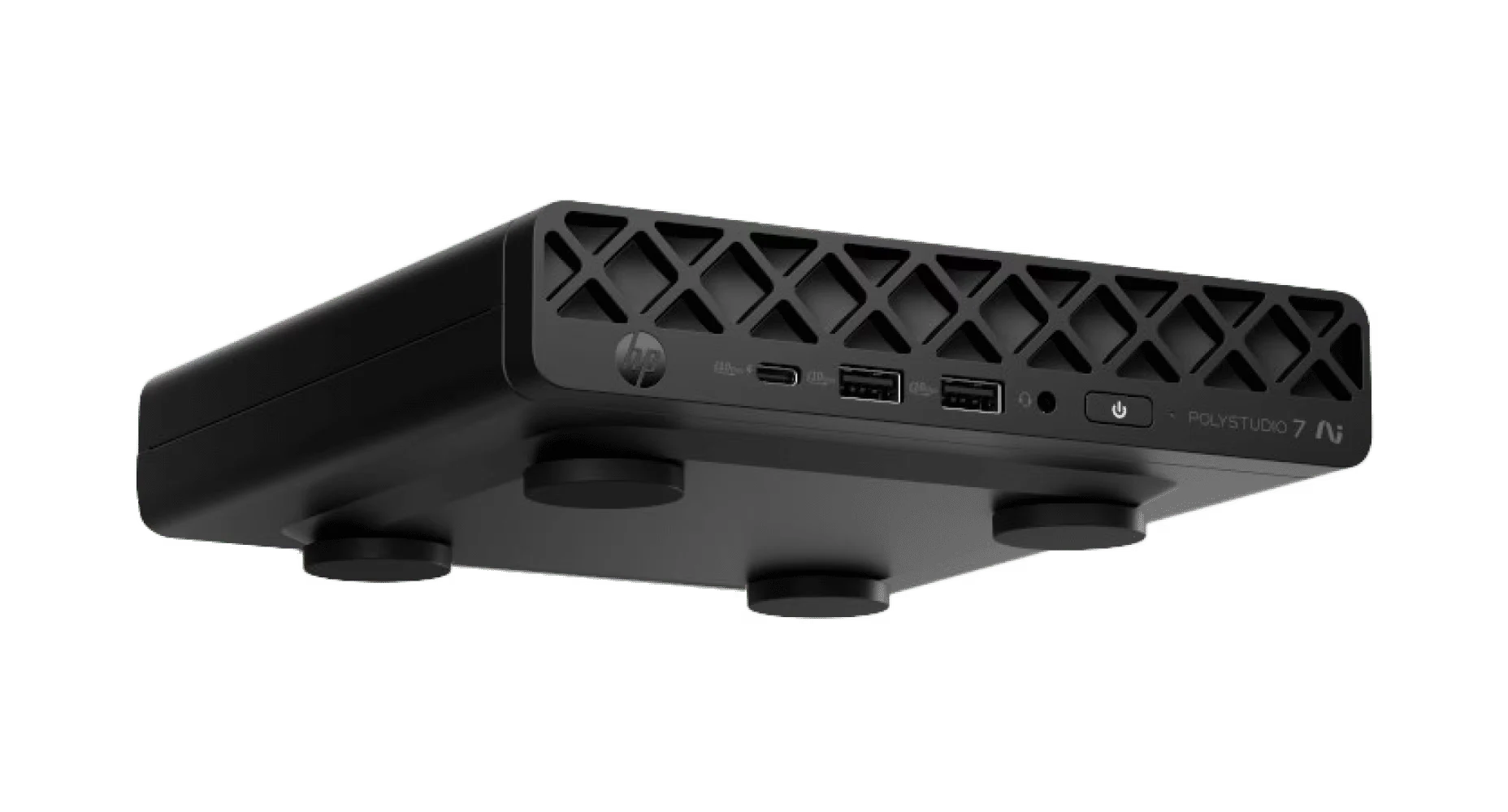
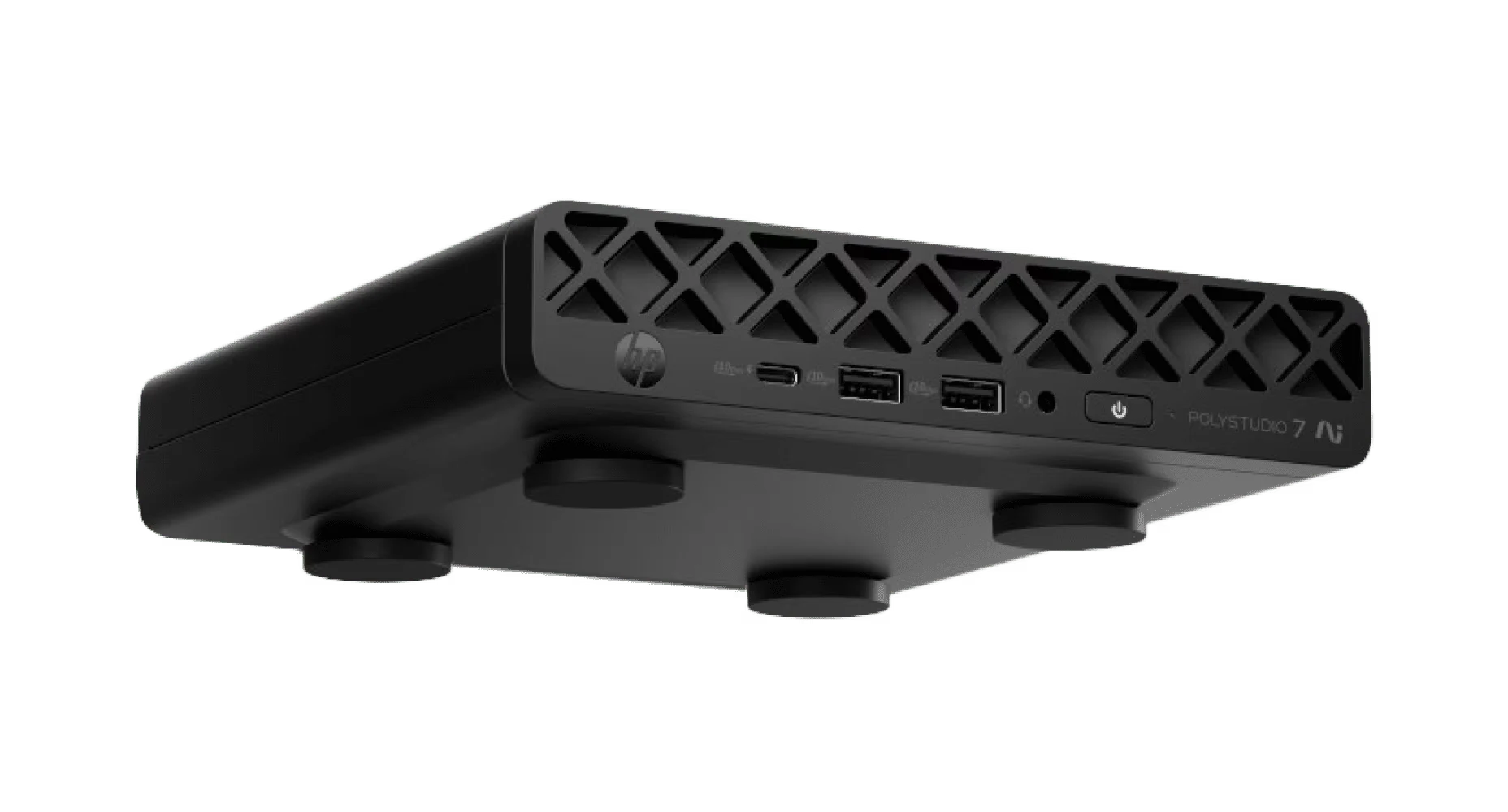
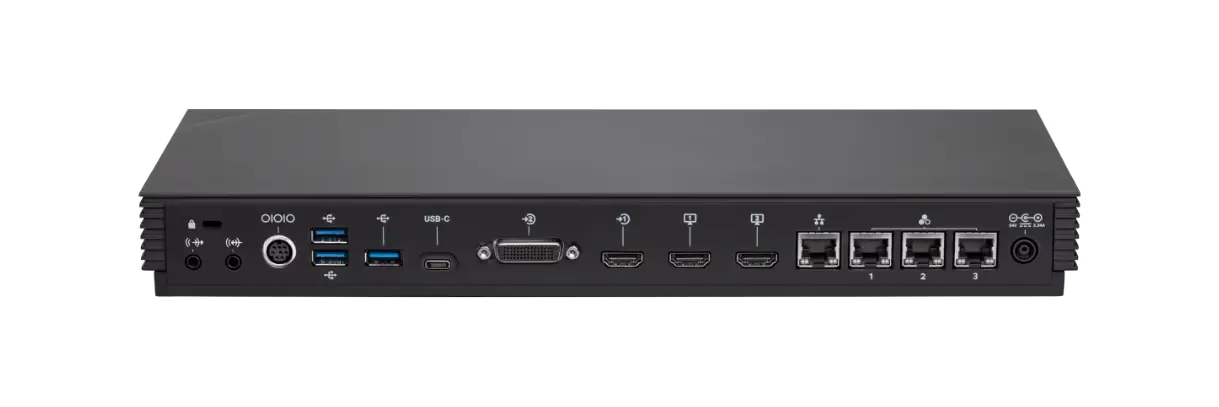
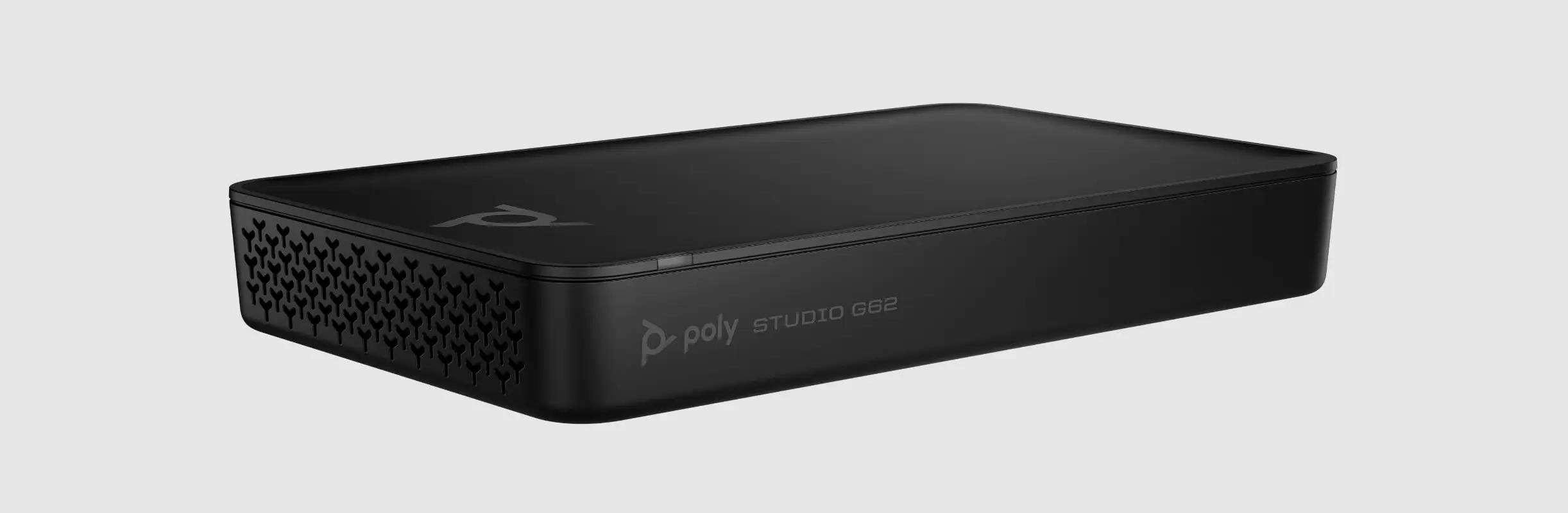
Studio 5 and Studio 7 Room Compute for Teams Rooms or Zoom Rooms, the G7500 and the Studio G62.

HP Poly listing

Poly Studio E60 PTZ camera

Cameras

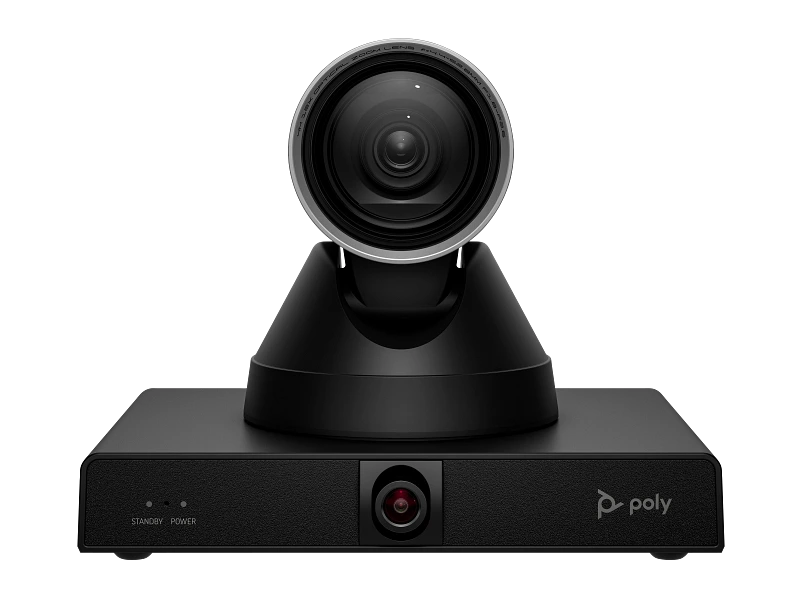
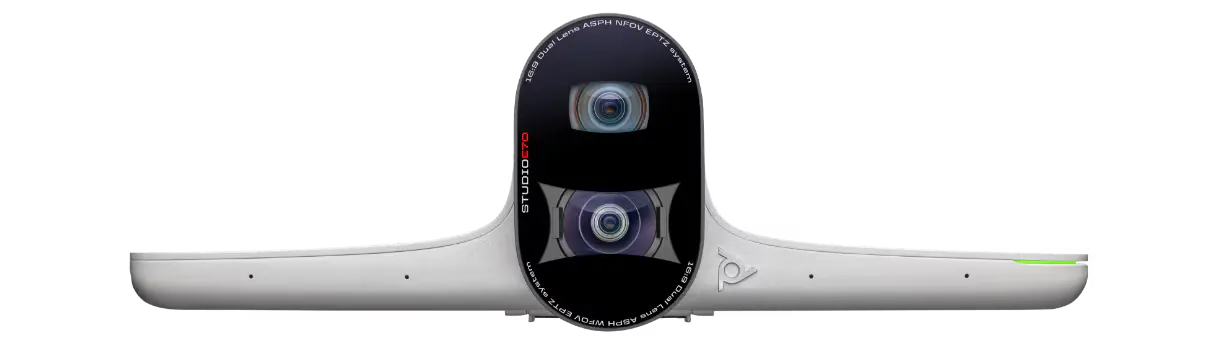
Poly Studio E60, a PTZ camera with 12x optical zoom, and Studio E70 for large meeting rooms.

HP Poly listing

HP Poly Studio A2 Table Microphone

Audio

HP Poly Studio A2 Audio Bridge and Studio A2 Table Microphone, for pickup beyond the bar.

HP Poly listing

Poly TC10 touch controller

Touch controllers

Poly TC8 for the Studio X family and G7500, and the TC10 panel for scheduling and meeting control.

HP Poly listing

Browse all 21 models

Every current HP Poly meeting room model in one list, with filters by range and by feature.

See the catalogue

HP Poly catalogue

Every current HP Poly room model

21 products, taken from HP's global Poly pages on 21 October 2026, as HP has no Malaysian Poly site. Headsets, phones and webcams are left out. Each card opens HP's own listing. A model is specified for a Kasturi project only after the survey.

Refine results
Range
On the listing

Showing 1 to 12 of 21 results

Source: HP Poly video conferencing.

Planning the budget

What drives the cost

HP has no Malaysian Poly site, so every HP Poly system is quoted after the survey. These four choices move the figure most.

Room size and layout

Small rooms suit a Studio X32 or V12. Mid-sized and large rooms need the longer pickup and wider cameras of the X52, X72, V52 or V72, or a modular system.

Appliance, USB or modular

A Studio X bar runs the meeting itself. A Studio V bar needs a room PC or a laptop. A modular system adds room compute and separate cameras.

Audio coverage

The microphones in the bar suit smaller rooms. Longer tables add HP Poly Studio A2 Table Microphones, up to four on a Studio X52 or X72.

Control and extras

A Poly TC8 or TC10 controller, a second camera such as the Studio E70, mounting, cabling and display connections all add to the scope.

The proposal separates equipment from installation. Where HP Poly is part of a video conferencing room, Kasturi's published room bands apply: a huddle room from RM 8,000, a meeting room from RM 15,000 and a boardroom from RM 30,000, covering hardware and system, with installation and cabling quoted after the survey.

See the room price list

Survey to handover

How a system gets built

Survey

Free in Peninsular Malaysia. Outside the Klang Valley it usually starts on a video call, then one site visit.

Proposal

A proposal for the building that names each HP Poly model and separates equipment from installation.

Install

A meeting room typically takes 1 to 2 days, a boardroom or training hall 3 to 5 days. Wiring can be after hours or at weekends.

Handover

Every room is tested before handover and staff are trained. Support responds within 4 business hours.
FAQ

Questions to answer before you buy HP Poly

Answers from HP's own Poly product pages and from how Kasturi runs a project.

Question not answered here?

WhatsApp +6017 303 9377 or call +603 7960 1808. We reply within one business day.

Is Kasturi an authorised HP Poly partner?

Yes. Kasturi is an authorised HP Poly partner. Kasturi's own engineers and technicians survey, design, install and support every room, outstation projects included. No subcontractors.

Which Poly video bar fits my room?

HP sizes its video bars by room. Poly Studio X32 and Studio V12 are for small rooms of about 15 x 10 ft, Studio X52 and V52 for mid-sized rooms of about 20 x 15 ft, and Studio X72 and V72 for large rooms of about 28 x 15 ft. Kasturi confirms the choice against the seating at the survey.

What is the difference between Poly Studio X and Studio V?

Studio X bars have the video apps built in, so the bar runs the meeting itself. Studio V bars connect over USB to a Mac or PC, which runs the meeting software. HP lists Teams Rooms and Zoom Rooms on Studio V through a Mac, a PC or a Poly PC-based kit, and Google Meet through a Mac or PC. HP lists Microsoft Teams, Zoom and Google Meet across its range, but support varies by model and room system.

How much does an HP Poly room cost in Malaysia?

HP has no Malaysian Poly site, so every HP Poly system is quoted after a site survey. Kasturi's published room bands are a huddle room from RM 8,000, a meeting room from RM 15,000 and a boardroom from RM 30,000, covering hardware and system. Installation and cabling are quoted after the survey.

Can I add microphones to a Poly video bar?

Yes, with HP Poly Studio A2 Table Microphones. HP lists up to four on Studio X72, V72, X52 and V52, up to two on Studio X32, one on Studio V12, and up to eight on the Studio G62 modular system.

How long does installation take?

A huddle room takes 1 day. A meeting room takes 1 to 2 days. A boardroom or training hall takes 3 to 5 days. Wiring can be done after hours or at weekends.

Is the site survey free?

The consultation, product demo and site assessment are free in Peninsular Malaysia. For East Malaysia, contact Kasturi to arrange the project discussion. Outside the Klang Valley the survey usually starts on a video call, then one site visit.

What warranty and support come with the system?

Each product carries the manufacturer warranty, generally 1 to 2 years, subject to its terms. Kasturi's support responds within 4 business hours.

Free site survey

Tell us about the system

Send the details and we reply within one business day with the next step: a call, a site visit or a showroom demo. The survey is free in Peninsular Malaysia.

Book a free site survey

Seven questions, about a minute. Fields marked optional can wait for the call.

Submitting lets Kasturi contact you about this project. Privacy Policy

Request received

Thank you. Kasturi's sales team has your details and will reply within one business day.

Continue on WhatsApp