Capture
A Microflex array picks up seated talkers. For a presenter who moves around, consider Microflex Wireless neXt with an appropriate handheld or bodypack.
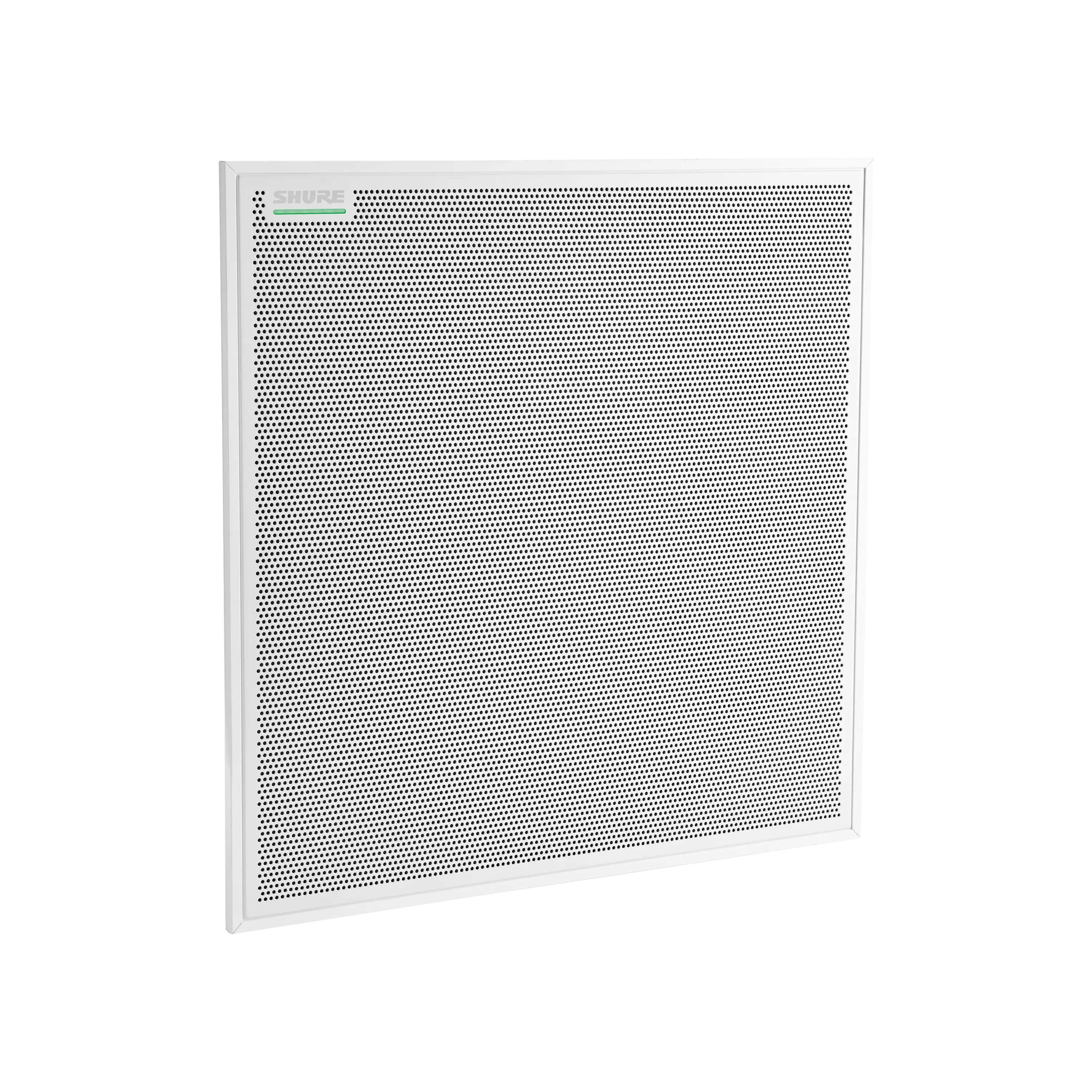
Help remote participants hear every seat.
Plan microphones, processing and loudspeakers around your layout, meeting platform and existing equipment.
Share a floor plan and tell us where speech drops out.
Compare microphones WhatsApp +6017 303 9377 Call +603 7960 1808
3
Array form factors
2
System approaches
7
Products to explore
1998
Operating since
Kasturi is an authorised partner of
System options
Keep a suitable room system and build around it with Microflex networked audio, or scope a complete IntelliMix video conferencing system when the room also needs video and compute.
For an upgrade, start with the equipment IT already supports. For a new room, decide how people will join meetings and who will manage the system after handover.
Microflex
Select microphones, processing, interfaces and loudspeakers to match the space and the existing conferencing platform.
IntelliMix
Shure's IntelliMix video conferencing portfolio combines audio, video and compute in Microsoft Teams certified system configurations.
Designer
Map coverage, configure supported devices and route network audio in Shure Designer.
ShureCloud
Check device and firmware support before planning cloud monitoring and management for your rooms.
Start with the room
Choose the microphone position from the seating plan first. Then decide where echo cancellation runs, how audio reaches the room computer and how remote voices are played back.
Product details checked against Shure documentation on 3 November 2026.
Table
Start here when the seating positions are fixed
Ceiling
Keep surfaces free of microphones and cabling
Linear
Consider a bar-shaped array when mounting space is constrained
Wireless
Add a presenter or audience microphone where people move
Scroll through the illustrative room to see how speech reaches the call and how remote voices come back.
Follow speech from the seats to the call, and remote voices back into the room.
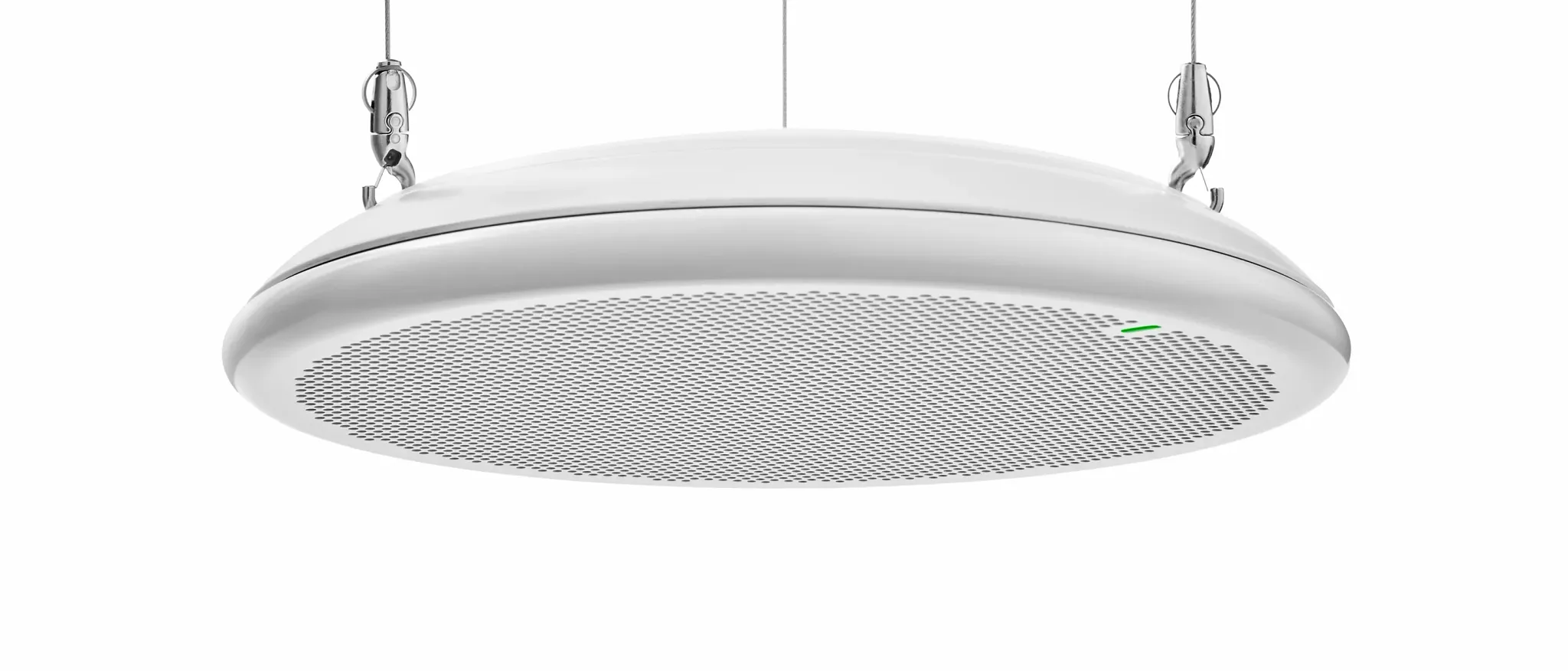
MXA901 is a compact round ceiling array with adjustable coverage and onboard IntelliMix processing. The cyan zone is the pickup area to check against the furthest seat. Its audio runs over a network cable to the rack.
A ceiling array is planned around the seats. For someone who presents standing or walks the room, Microflex Wireless neXt offers handheld and bodypack transmitters.
IntelliMix P300 provides dedicated processing, such as mixing and echo cancellation, with Dante and USB audio connectivity. It hands the room audio to the room computer, which runs the call on the display.
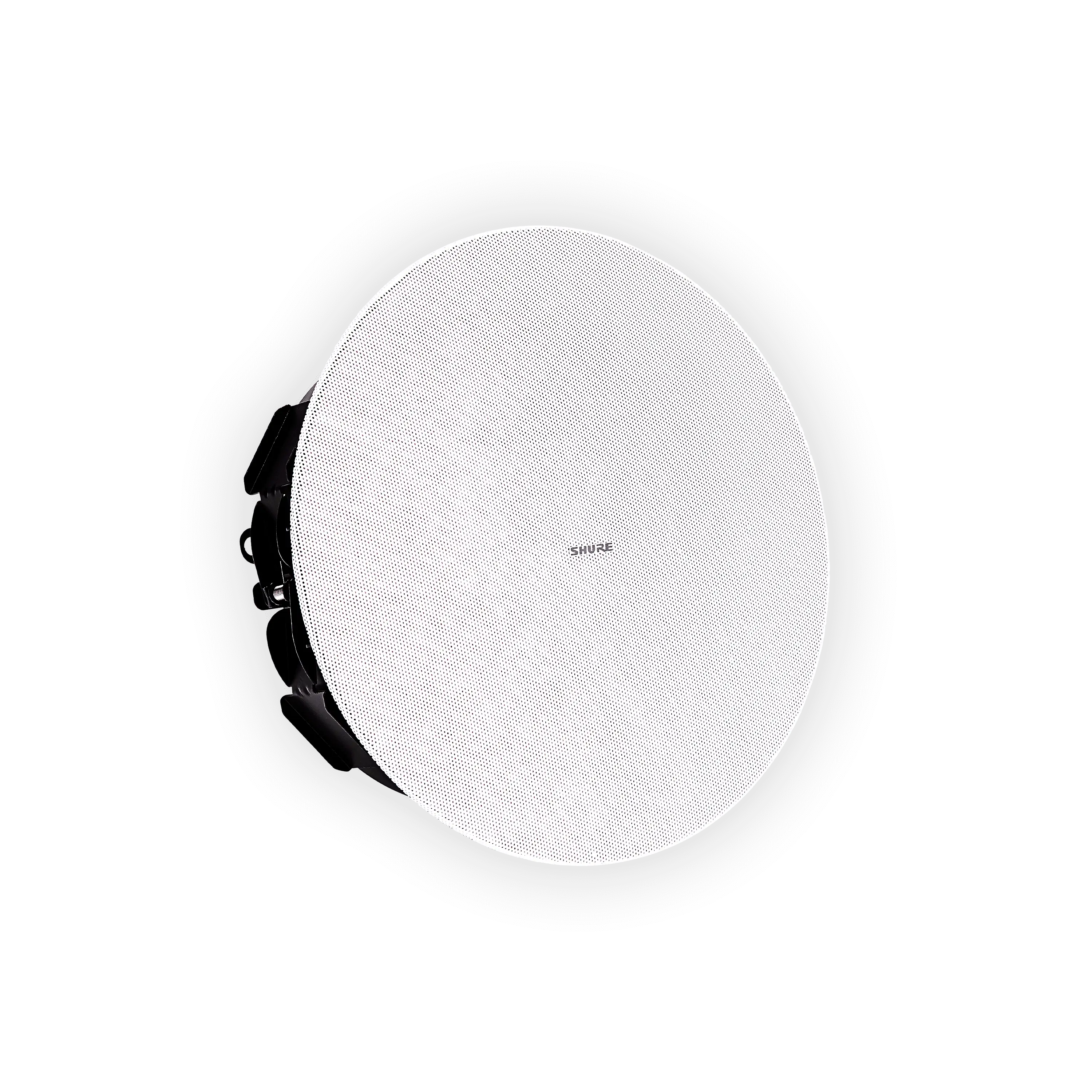
MXN5W-C is a PoE powered network loudspeaker for speech playback at its own ceiling position. Two are shown here, fed from the network switch in the rack. The blue zones show where each one is meant to reach.
Illustrative room layout. Final device positions depend on the survey.
Send a room plan, your platform and a list of the equipment you want to retain.Request a room quote
The signal path
Follow speech from the room to the call and remote audio back to the room.
A Microflex array picks up seated talkers. For a presenter who moves around, consider Microflex Wireless neXt with an appropriate handheld or bodypack.
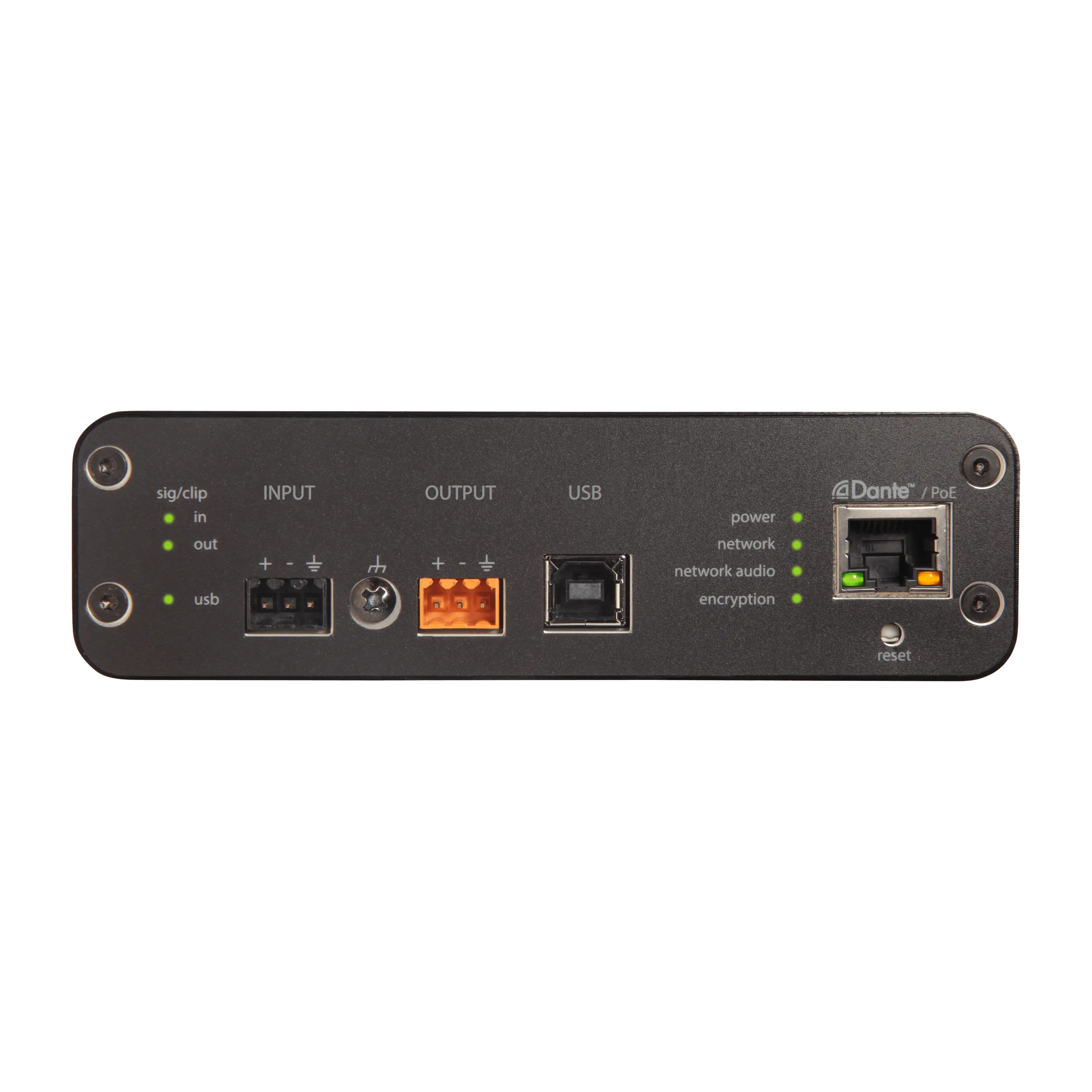
Digital signal processing (DSP) handles jobs such as mixing and echo cancellation. IntelliMix P300 provides dedicated DSP. ANIUSB-MATRIX can bridge Dante audio and a USB conferencing host.
MXA902 has a built-in loudspeaker. Designs that need separately positioned playback can use a networked ceiling loudspeaker such as MXN5W-C.
Use Designer to set up supported Shure devices and routes. Use ShureCloud for remote monitoring and management where the devices and firmware support it.
Choose by role
Filter the catalogue by microphone position or by the job the device needs to do.
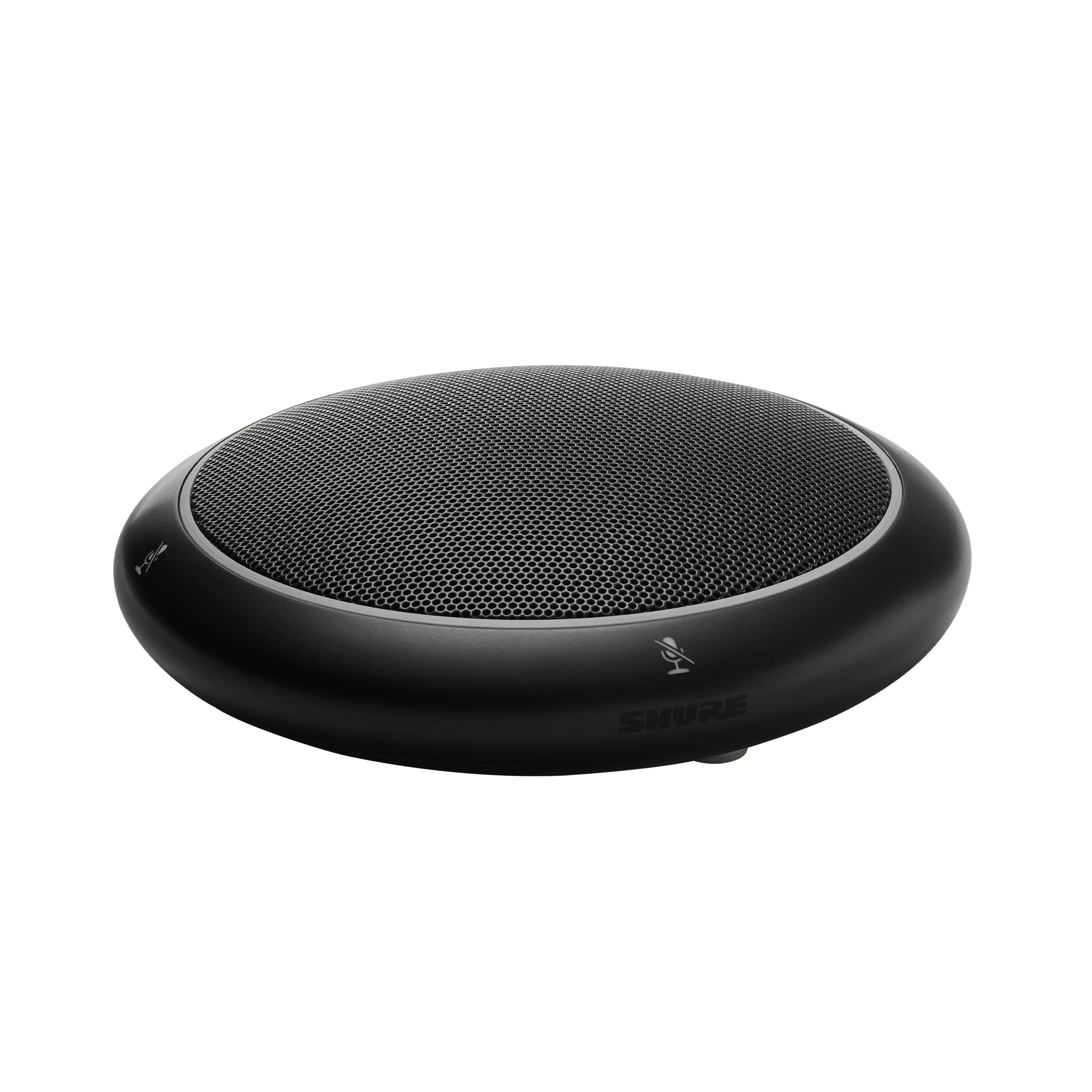
MXA320 keeps pickup near seated participants. Plan the Ethernet route to the table.
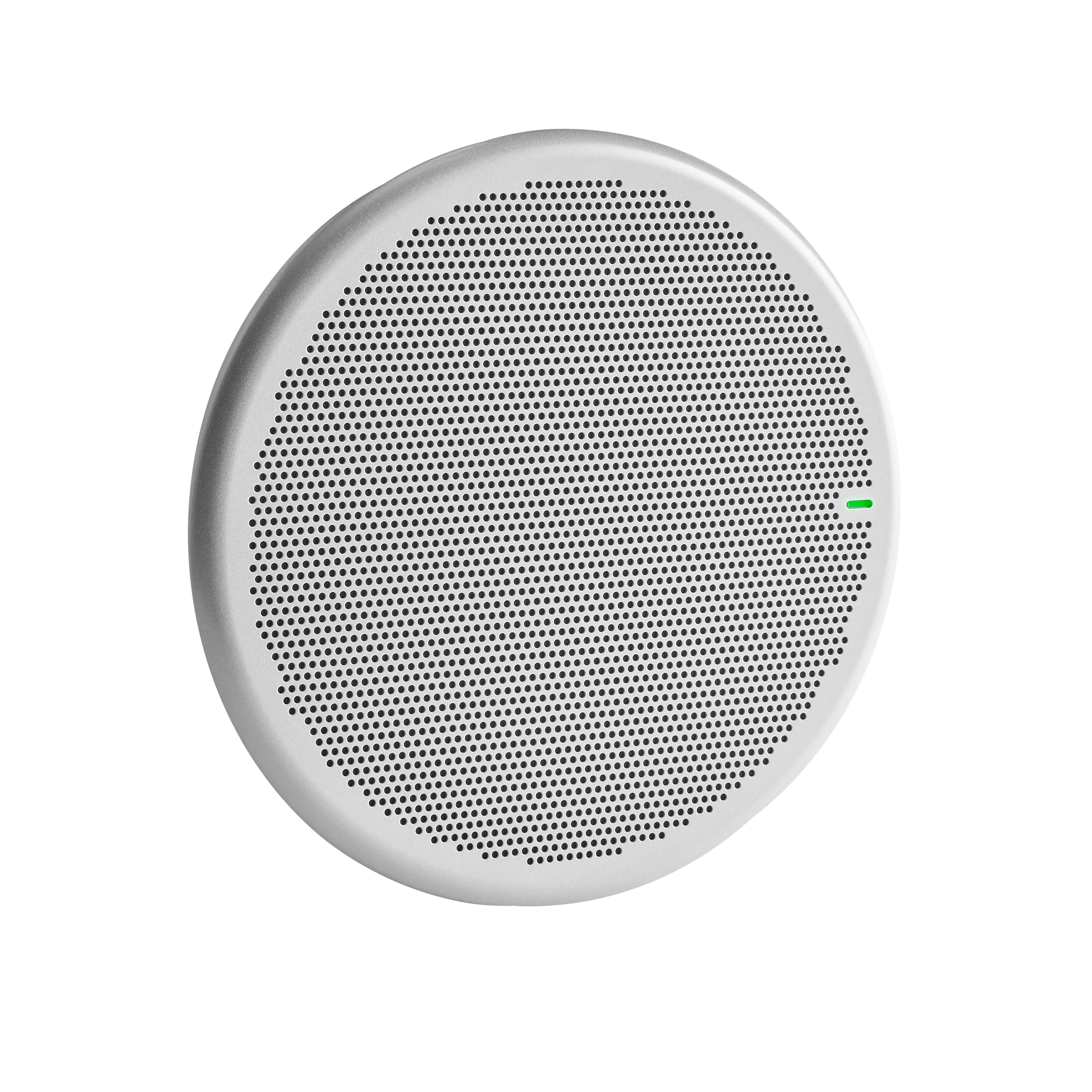
MXA901 provides ceiling pickup. MXA902 adds playback in the same ceiling unit.
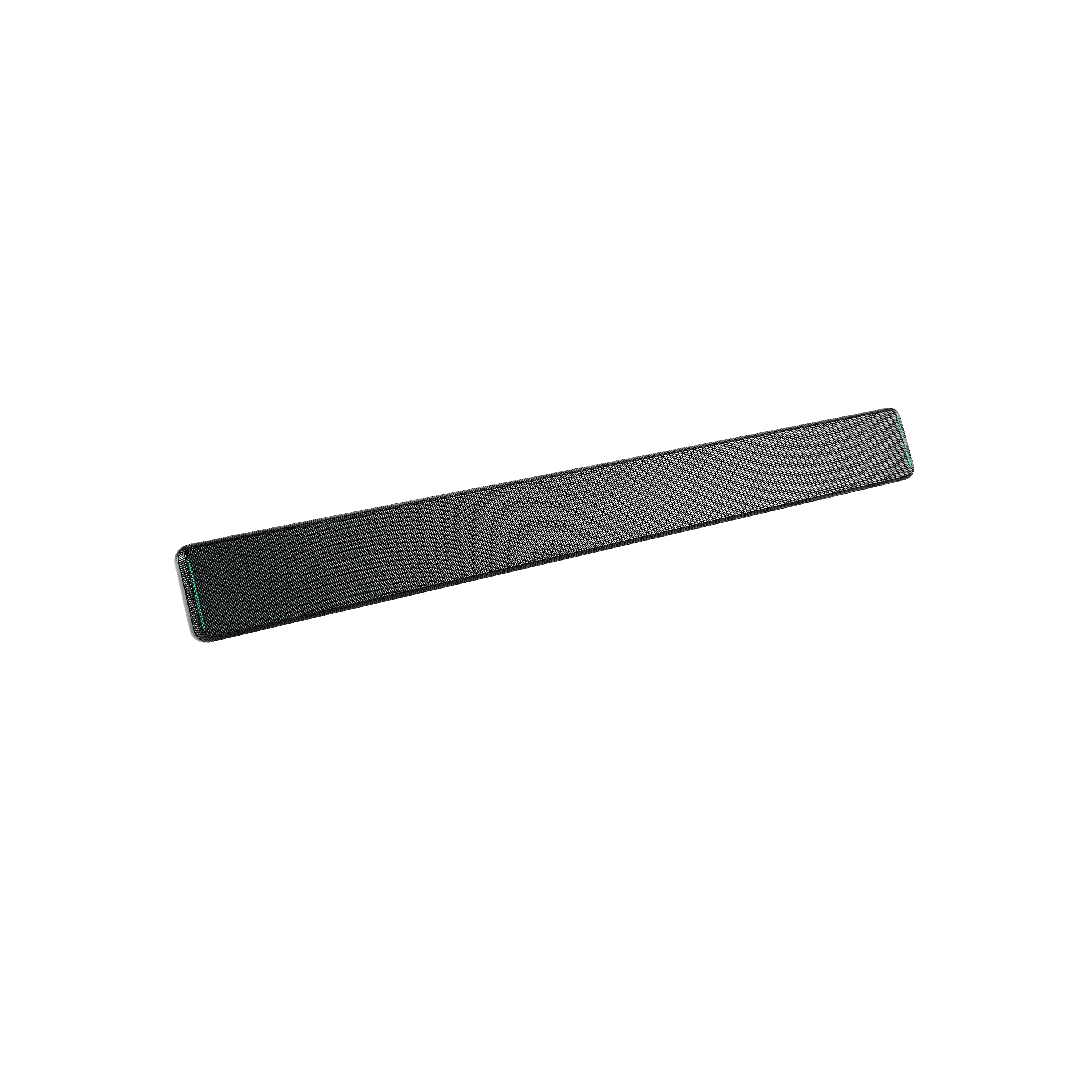
MXA710 offers a narrow form factor for positions such as a wall by the display.
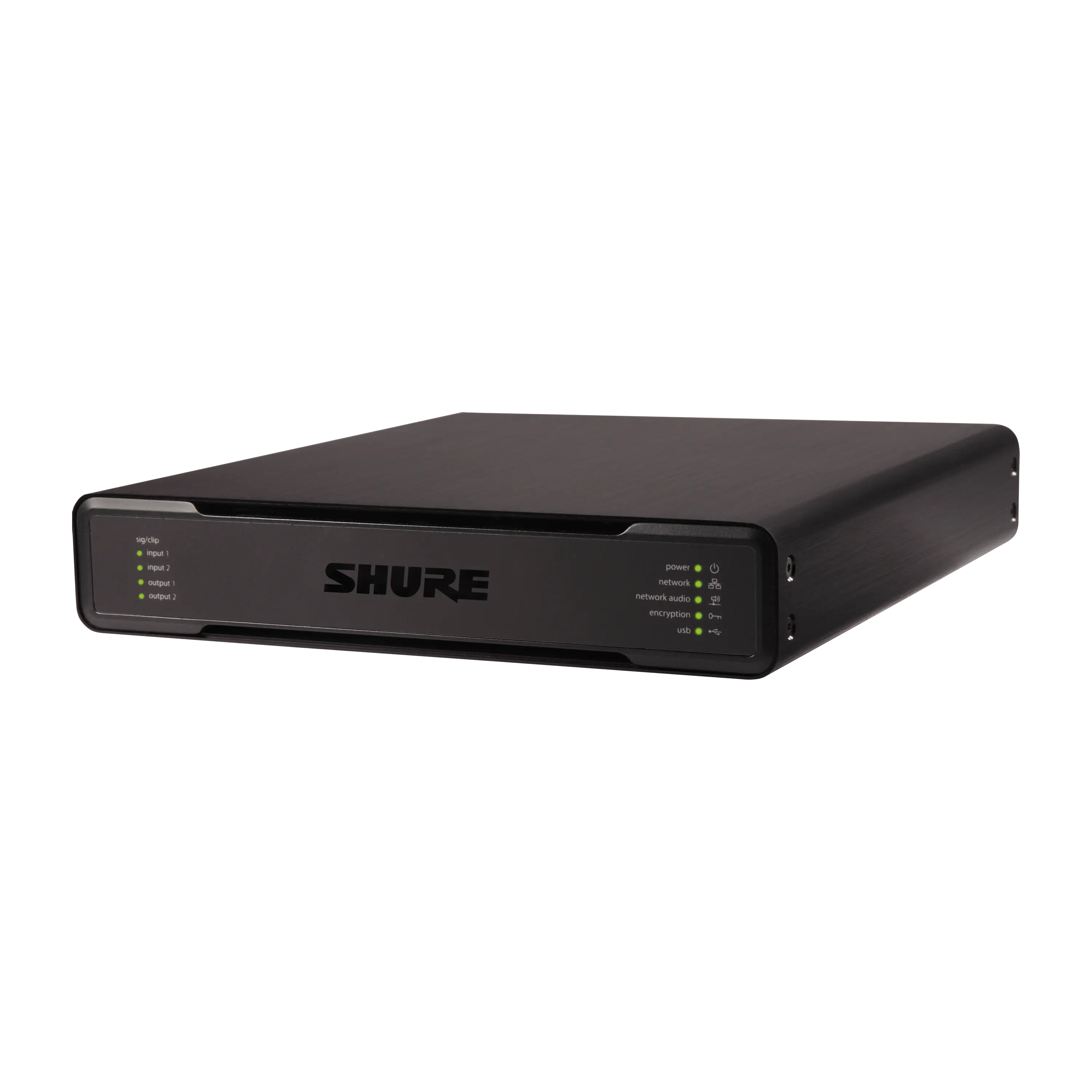
Use P300 where the design calls for dedicated processing. Use ANIUSB-MATRIX where the room needs an audio bridge to USB.
Microphone placement
Start with the surface you can use and where people speak. A room plan helps you check cable routes, talker positions and speaker placement before you specify the model.
Shure MXA320
A table array for a layout with defined seating positions.
Shure MXA901
A compact round ceiling array with onboard IntelliMix processing.
Shure MXA902
A ceiling array and loudspeaker in the same enclosure.
Shure MXA710
A linear array that can sit near the display, above the seating or at the table.
| Feature | MXA320 | MXA901 | MXA902 | MXA710 |
|---|---|---|---|---|
| Position | Table | Ceiling | Ceiling | Wall, ceiling or table |
| Mounting to consider | Tabletop or optional flush mount | Surface mount or VESA bracket | Ceiling tile grid or compatible mounting hardware | Wall bracket or mounting accessories for ceiling or table |
| Loudspeaker | Separate | Separate | Built in | Separate |
| Room planning priority | Cable access at the table | Pickup area and ceiling height | Pickup and playback from one position | Orientation and length |
Shure product details MXA320, MXA901, MXA902, MXA710. For MXA920 upgrades, Shure now lists the MXA925 as its successor.
Product catalogue
7 products checked on 3 November 2026. Use the filters to shortlist by placement or function. Each card opens official Shure documentation.
Showing 1 to 7 of 7 results
Table arrays
Table array with steerable pickup and onboard IntelliMix DSP.
Ceiling arrays
Compact ceiling array with adjustable coverage and onboard IntelliMix DSP.
Ceiling arrays
Ceiling array and loudspeaker in the same enclosure.
Linear arrays
Linear array available in two lengths for a range of mounting positions.
DSP and interfaces
Dedicated DSP with Dante and USB audio connectivity.
DSP and interfaces
Network interface for routing Dante and analogue audio to a USB host.
Loudspeakers
PoE-powered network loudspeaker for speech playback.
Source Shure Asia conferencing.
Budget and procurement
Request a quotation in Malaysian ringgit based on your floor plan and the equipment you want to retain.
Room shape, table position, ceiling height and acoustic conditions determine microphone and speaker placement.
List the room computer, camera, speakers, DSP and switches so the quote can identify what can be retained.
Confirm switch ports, PoE budget, ceiling access, brackets and cabling responsibilities before approving a scope.
Specify the meeting workflow, required platform certifications, licences and the support your team needs.
Ask for an itemised scope covering equipment, installation, cabling responsibilities and commissioning.
Request a room quoteFrom brief to handover
Share a floor plan, room photos, seating positions and the audio problem your users experience.
Agree the models, mounting positions, audio routes and platform before the procurement team approves the scope.
Assign responsibility for ceiling works, cable paths, switch ports and network configuration.
During commissioning, test speech from each seating zone, remote playback, echo control and mute behaviour.
Room planning resources
Explore the room design, the two Shure system approaches and examples of Kasturi's wider AV work.
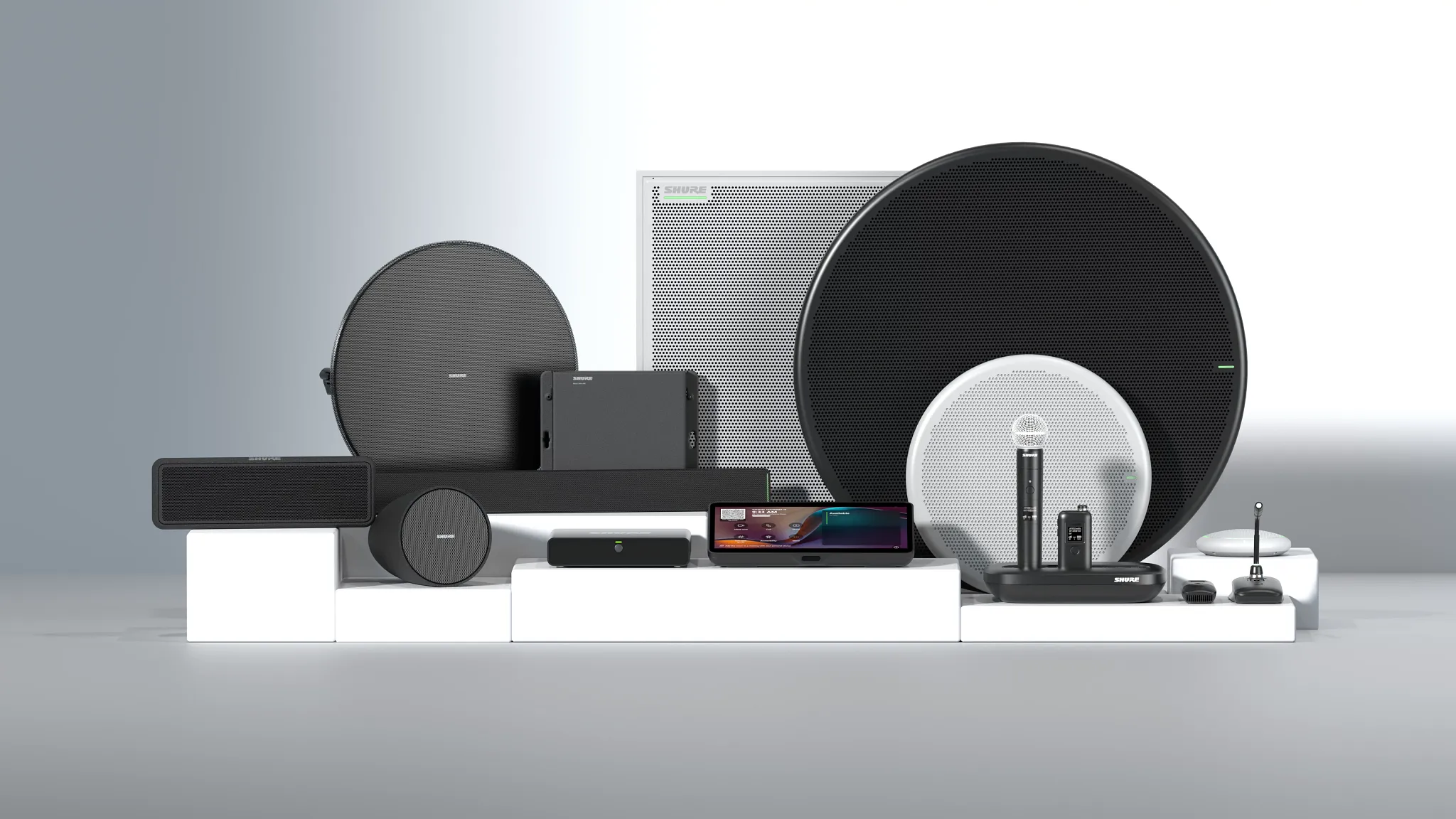
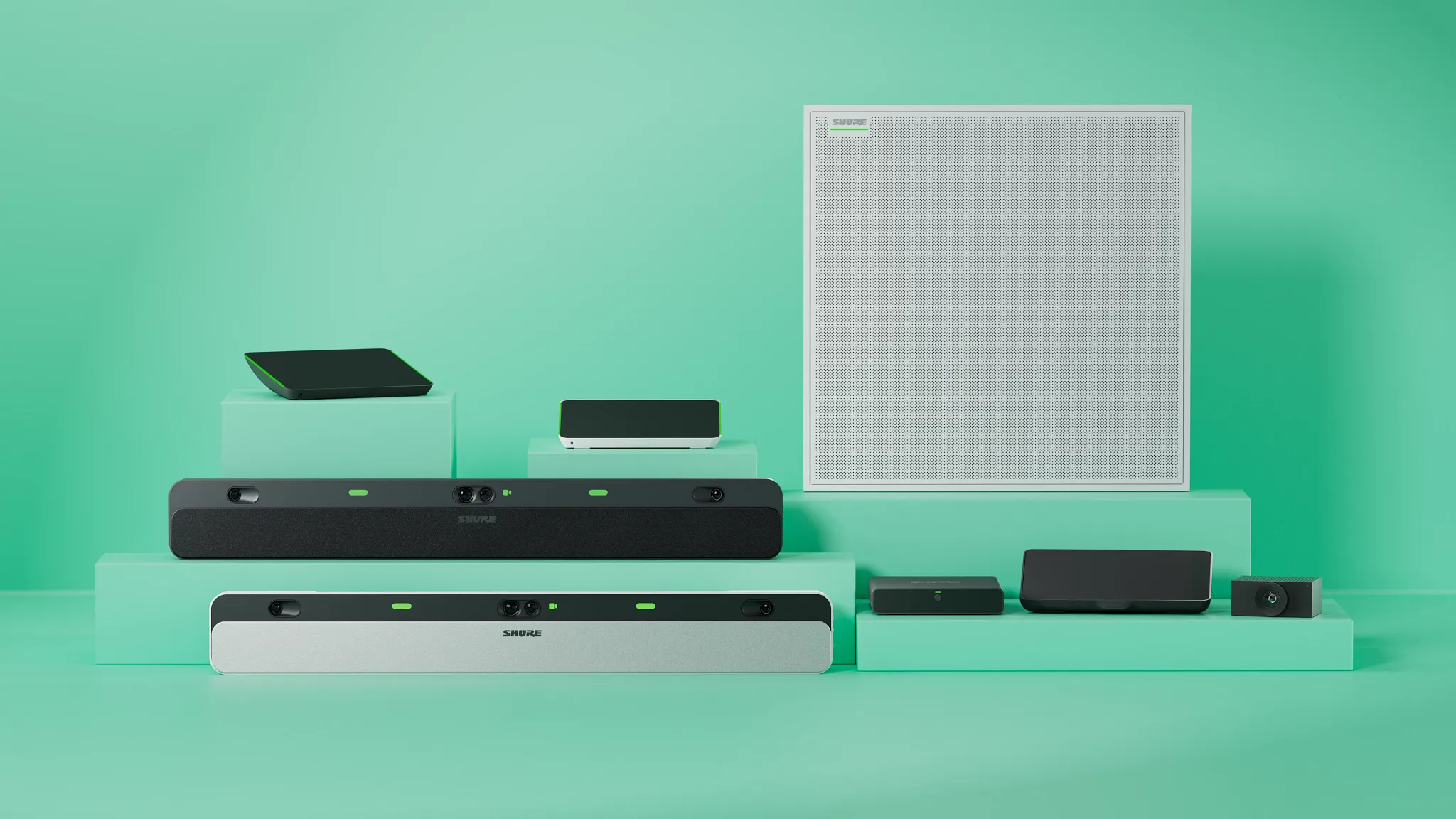
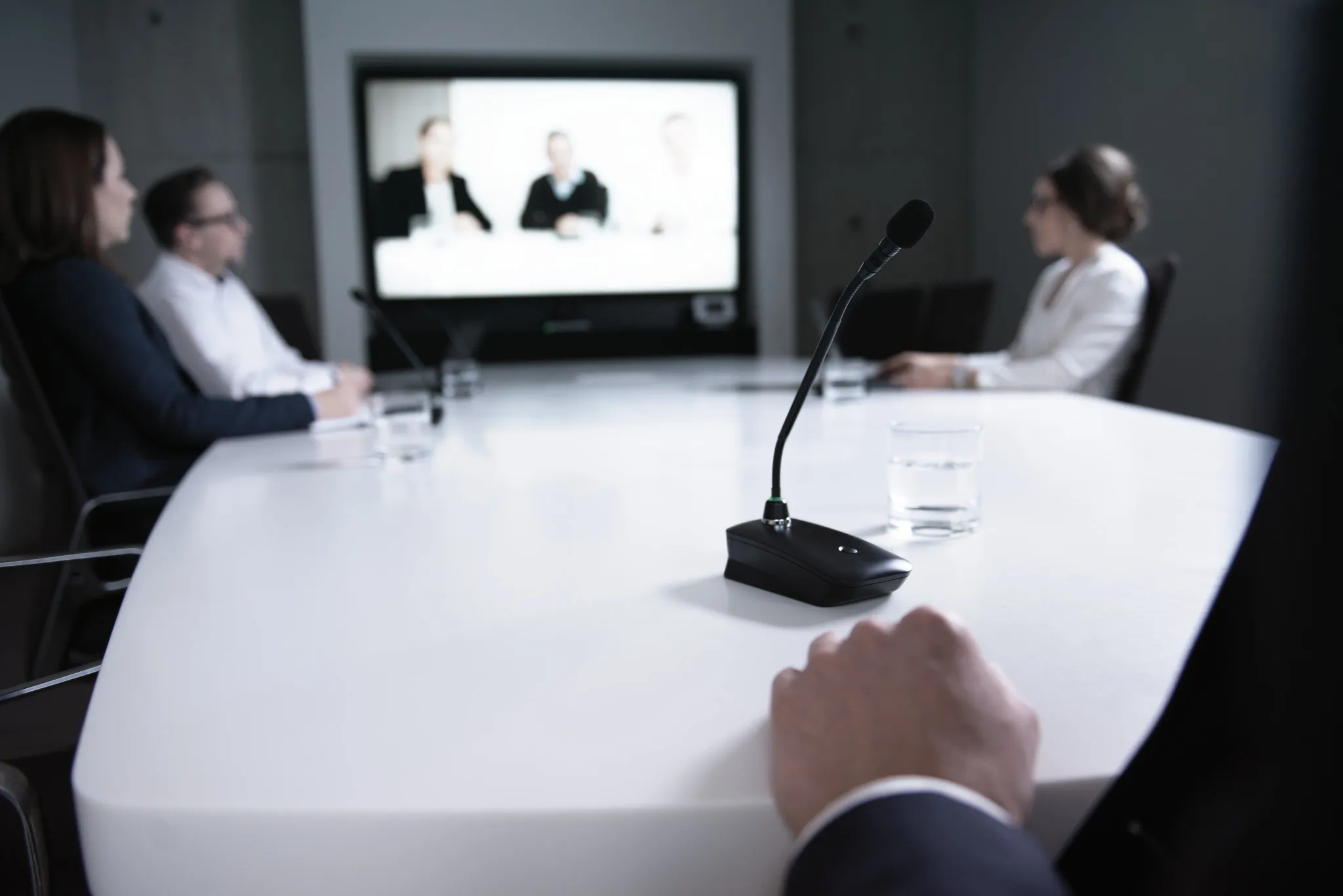
 Shure product photograph
FAQ
Common questions from IT, facilities and procurement teams.
Want to discuss a room?
WhatsApp +6017 303 9377 or call +603 7960 1808.
Free site survey
Send the details and we reply within one business day with the next step: a call, a site visit or a showroom demo. The survey is free in Peninsular Malaysia.
Seven questions, about a minute. Fields marked optional can wait for the call.
Thank you. Kasturi's sales team has your details and will reply within one business day.
Continue on WhatsApp