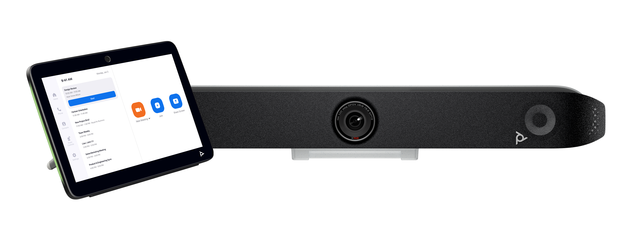
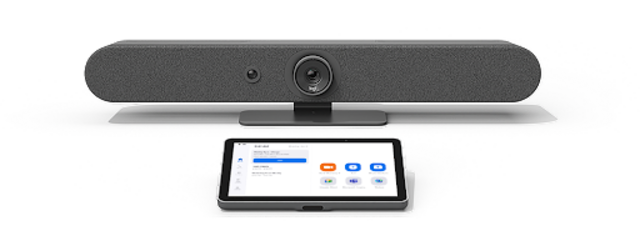
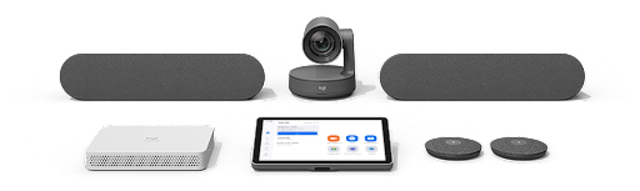
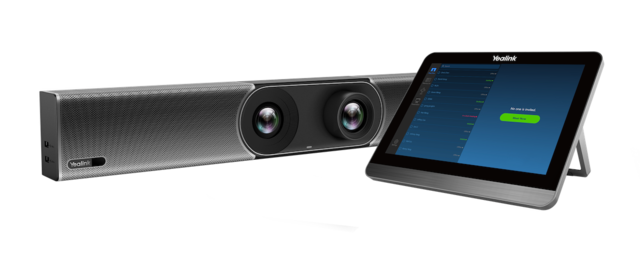
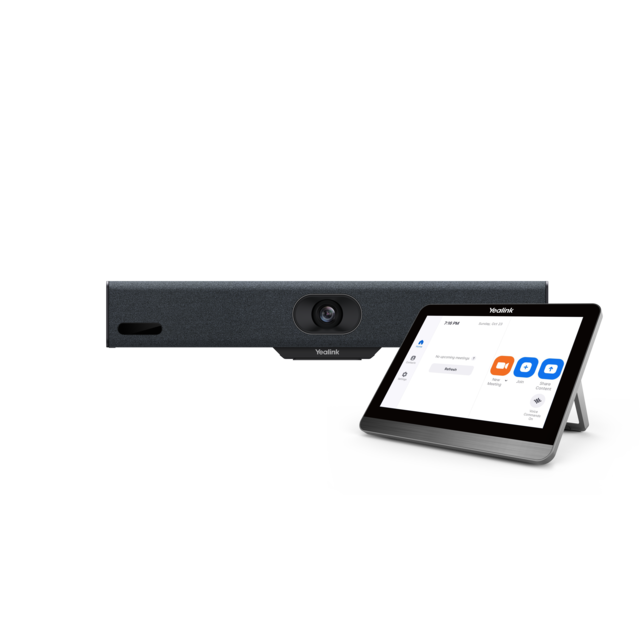
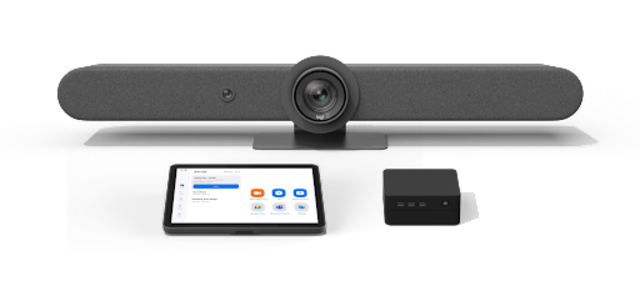
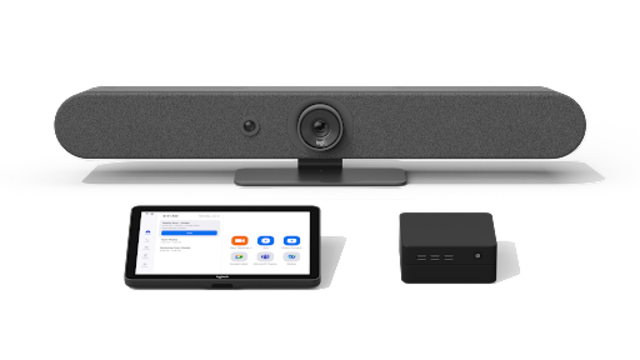
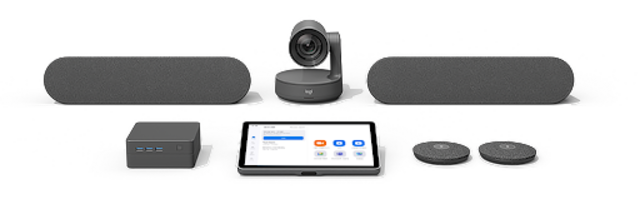
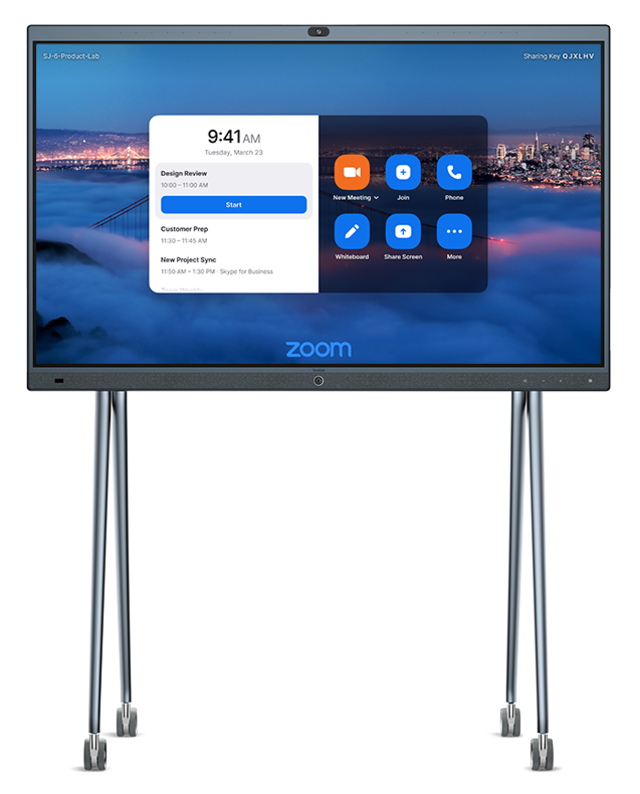
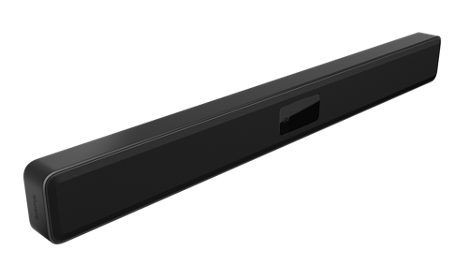
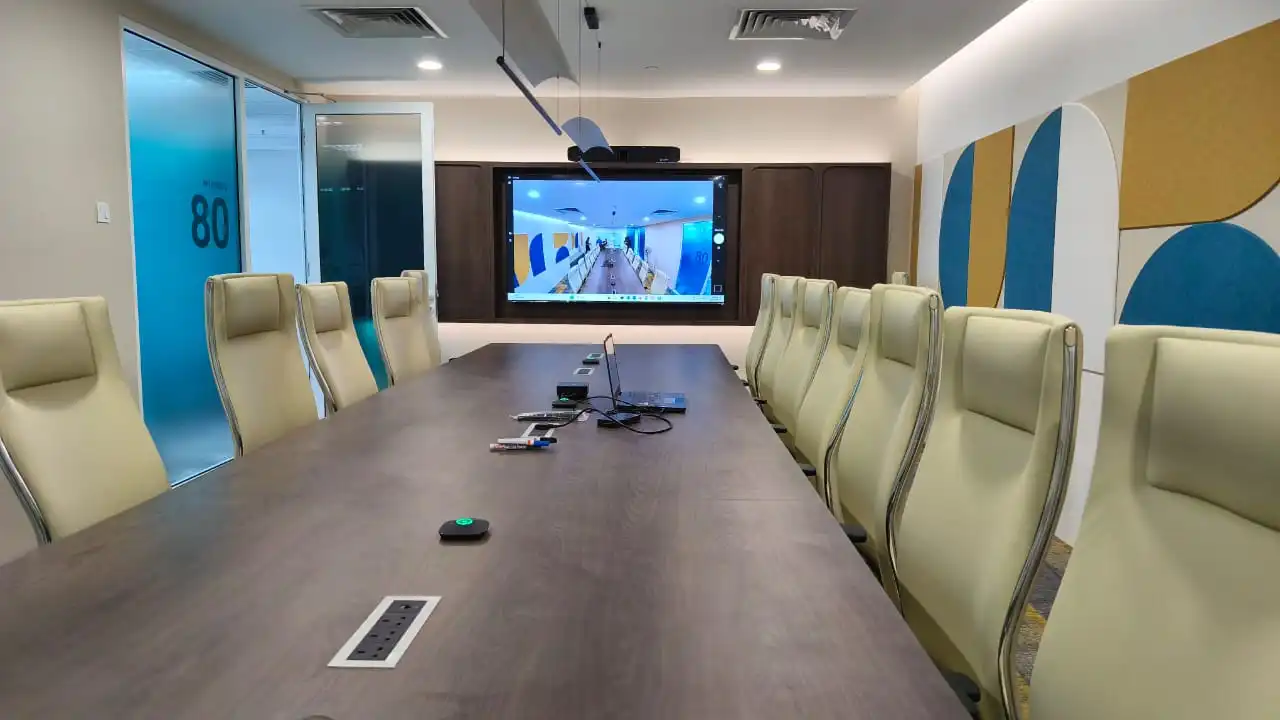
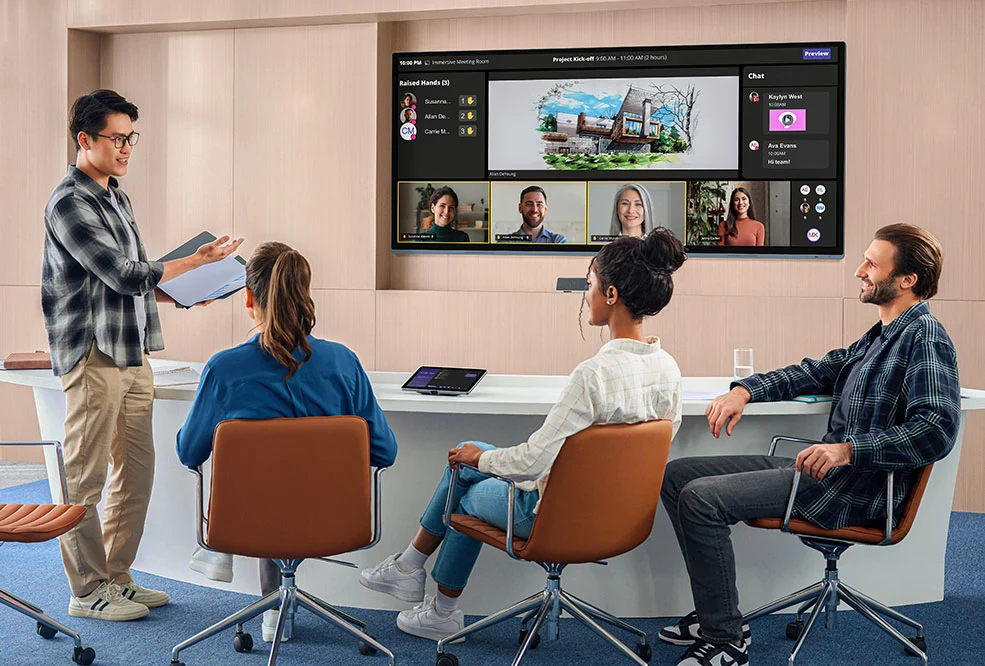
HP Poly Studio X72 video bar, a Zoom recommended Zoom Rooms appliance

Zoom Rooms hardware and installation in Malaysia

Zoom recommended devices, planned for your room.

Kasturi is an authorised Zoom partner. We plan, supply and install Zoom Rooms on video bars, boards, cameras, audio and controllers from Zoom's recommended hardware list, sized after a free site survey.

Free in Peninsular Malaysia. We reply within one business day.

Planning figures

2,500+

Rooms deployed

1998

Founded

50

Zoom recommended devices listed

1

Business day to reply

Kasturi is an authorised partner of

  • Logitech
  • HP Poly
  • Yealink
  • Cisco
  • Jabra
  • Neat
  • MAXHUB
  • Biamp
  • Shure
  • Q-SYS
  • Huddly
  • Zoom

About Zoom Rooms

What is Zoom Rooms?

Zoom Rooms is Zoom's software for shared meeting spaces. It runs on a room appliance or a room PC, uses a touch controller in the room, and is licensed per room, billed annually. Zoom tests certified hardware for compatibility with its service and publishes a recommended list by device type.

A Zoom Room can join Microsoft Teams, Google Meet and Webex meetings as well as Zoom meetings, and reads room calendars from Microsoft 365, Google or Exchange. Kasturi is an authorised Zoom partner: we survey the space, pick the hardware from Zoom's list and install the room.

Zoom Rooms on zoom.com

  • Appliance

    Zoom Rooms appliances

    Video bars and modular systems with Zoom Rooms built in, so no separate room PC is needed.

  • PC

    PC-based Zoom Rooms

    Zoom Rooms on a room computer, with a USB video bar or separate camera and audio.

  • Control

    Room controller

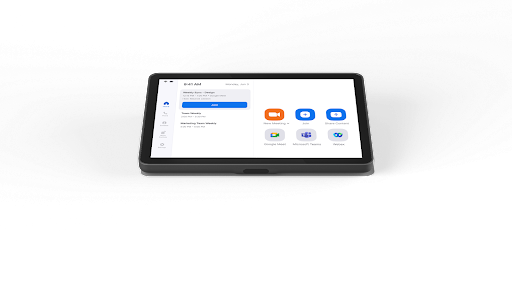
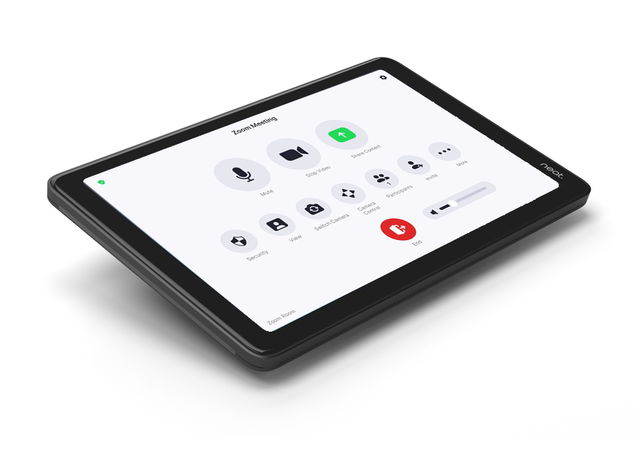
    Every Zoom Room pairs with a controller: a Neat Pad, Logitech Tap IP, Poly TC10 or a supported tablet.

  • Booking

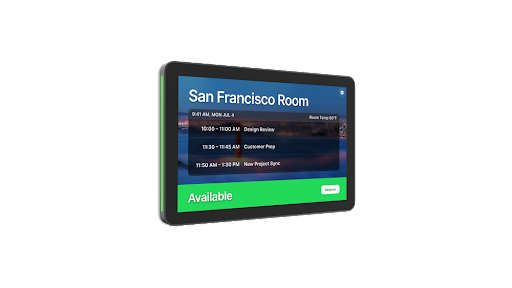
    Scheduling displays

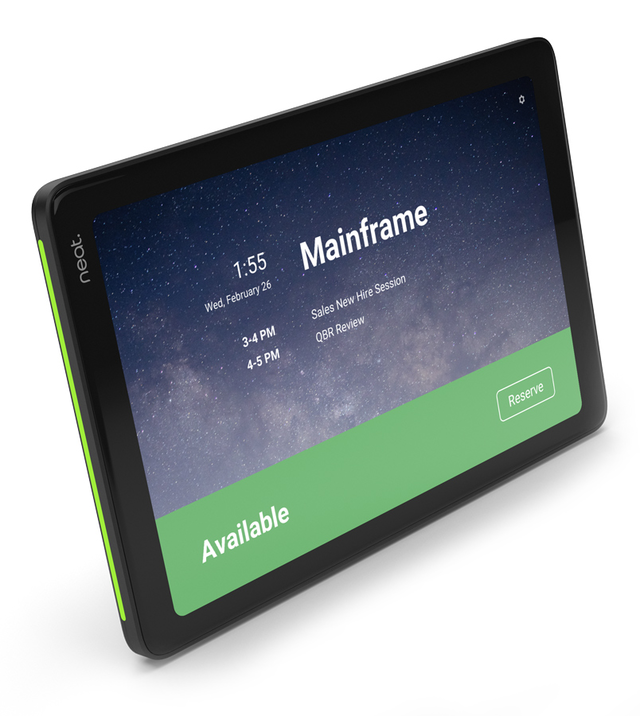
    A panel outside the room shows whether it is free and lets staff book it from the door.

The short answer

What does a room need?

A Zoom Room needs a Zoom Rooms licence, a room system (an appliance or a room PC), a camera, microphones and speakers, one or more displays and a controller. Start with the room, not a device: confirm seats, sightlines, audio coverage, network and power, then match devices from Zoom's recommended list to those needs.

Zoom's recommended list groups devices into appliances, PC-based systems, all-in-one touch displays, cameras, audio, controllers and scheduling displays. Zoom Rooms supports up to three displays and up to ten room controllers per room. See Zoom's recommended hardware.

  • Room

    Number of seats and table layout

  • View

    Display and camera coverage

  • Audio

    Microphone and speaker coverage

  • Control

    Room controller and scheduling needs

Plan by what the room needs

Select a room function to see the equipment questions to resolve before choosing a system.

A complete meeting room needs compatible display, camera, audio and control.
01

Present and share content

Decide between one, two or three displays, or an all-in-one touch display such as Neat Board Pro or Yealink MeetingBoard. Guests share by HDMI, AirPlay or a sharing key.

  • Display size and mounting plan
  • HDMI, AirPlay or direct share
Zoom Rooms sharing options →
02

Frame people in the room

Check room depth, table width and sightlines. Small rooms suit a video bar; larger rooms add a PTZ camera or a second camera for Zoom's Intelligent Director.

  • Room dimensions and viewing angle
  • Auto framing or multiple cameras
Intelligent Director on zoom.com →
03

Cover the room’s audio

Check how far each person sits from the microphone. Bars cover smaller rooms; boardrooms add ceiling or table arrays from Shure, Biamp or Q-SYS.

  • Microphone coverage by seat
  • Audio and camera placement
Zoom Rooms hardware guide →
04

Control and schedule the room

Every Zoom Room pairs with a controller such as Neat Pad, Logitech Tap IP or Poly TC10. Add a scheduling display at the door to show and book the room.

  • Table or wall mounted controller
  • Controller and scheduling display roles
Zoom Rooms controller features →

Kasturi surveys, specifies and installs the complete room. The survey is free in Peninsular Malaysia.Book a free site survey

In the room

How a Zoom Rooms system works

Four parts make a working Zoom Room.

01

Room system

A Zoom Rooms appliance, such as a Neat, Logitech, HP Poly or Yealink video bar, or a room PC runs Zoom Rooms and drives the displays.

02

Camera and audio

Built into the bar in smaller rooms. Larger rooms add PTZ cameras and ceiling or table microphones, planned around seats and sightlines.

03

Controller

A touch controller on the table starts scheduled meetings, joins by meeting ID, shares content and mutes the room.

04

Licence

Each room needs a Zoom Rooms licence on the company's Zoom account, set up with the room calendar before handover.

Device types

Zoom Rooms hardware by type

Zoom sorts its recommended hardware by device type. Each button filters the catalogue below to that type.

Neat Bar 2 video bar

Zoom Rooms appliances

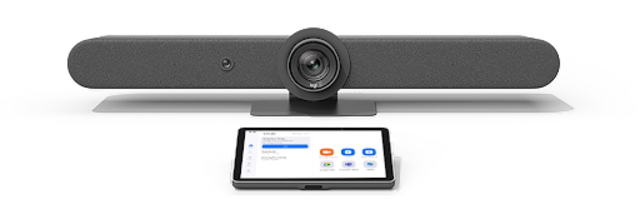
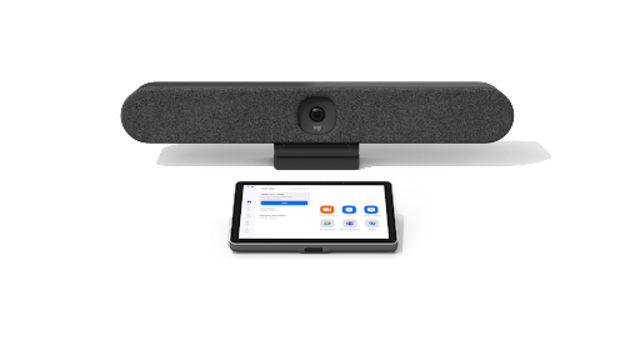
Video bars and modular systems with Zoom Rooms built in, from Logitech Rally Bar Huddle for huddle rooms to Poly Studio X72 and Neat Bar Pro for large rooms.

Zoom listing

Logitech Rally Bar Mini PC-Based Solution

PC-based systems and USB bars

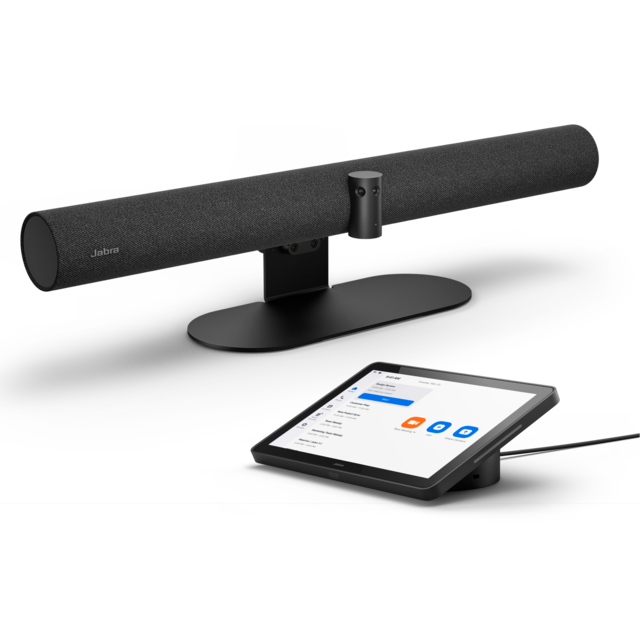
Zoom Rooms on a room PC: Logitech PC-based solutions, Shure IntelliMix Room Kits, and USB video bars from Biamp and Jabra.

Zoom listing

Neat Board Pro touch display on a stand

All-in-one touch displays

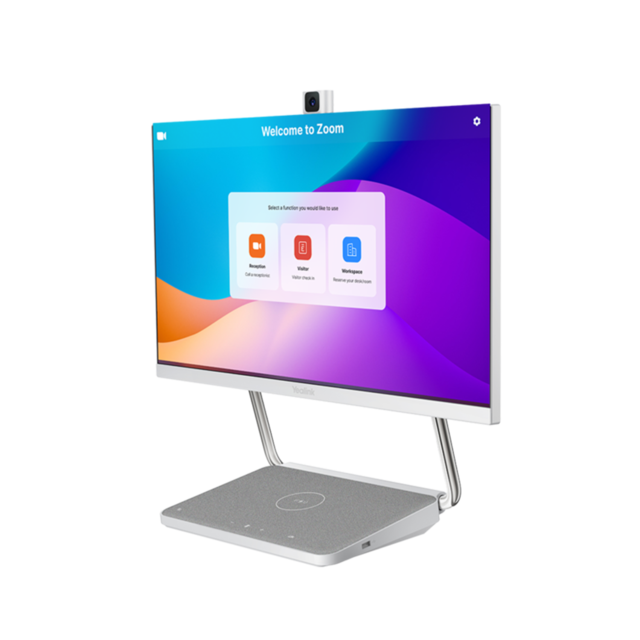
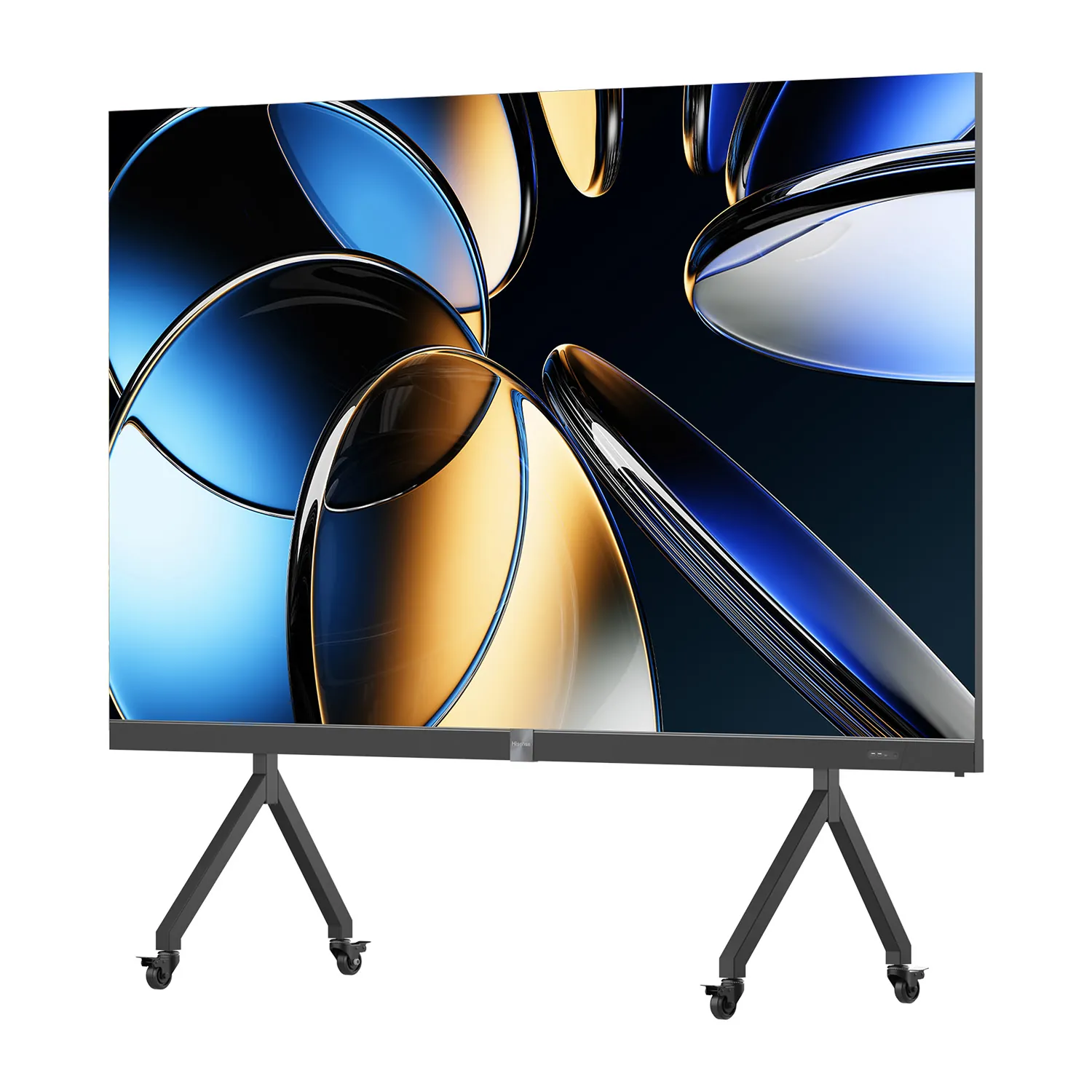
Neat Board Pro and Board 50, Yealink MeetingBoard 65/86 and the DeskVision A24 desk display, each with camera, microphones and speakers built in.

Zoom listing

Poly Studio E70 camera

Cameras

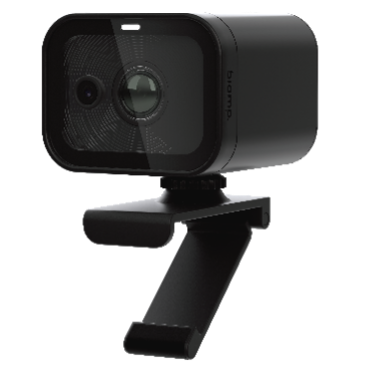
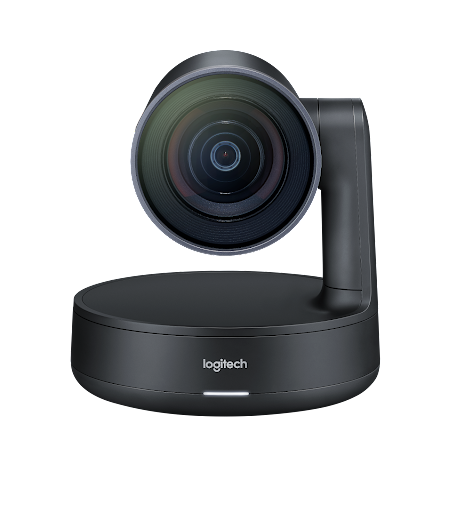
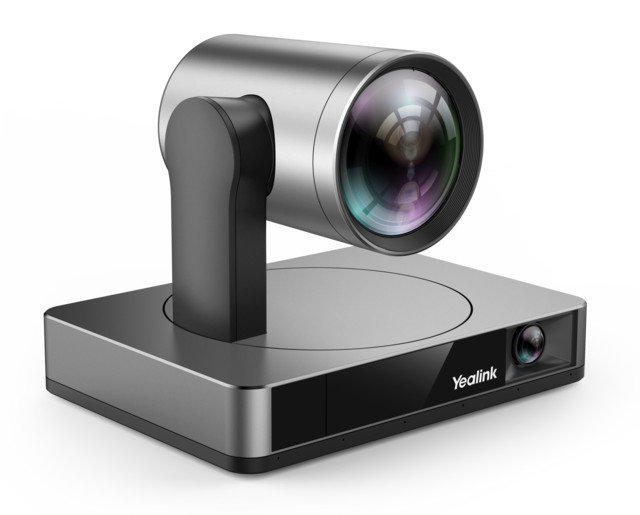
PTZ and auto framing cameras from HP Poly, Logitech, Yealink, Biamp and Q-SYS, for rooms a bar camera cannot cover.

Zoom listing

Shure MXA925 ceiling microphone solution

Audio

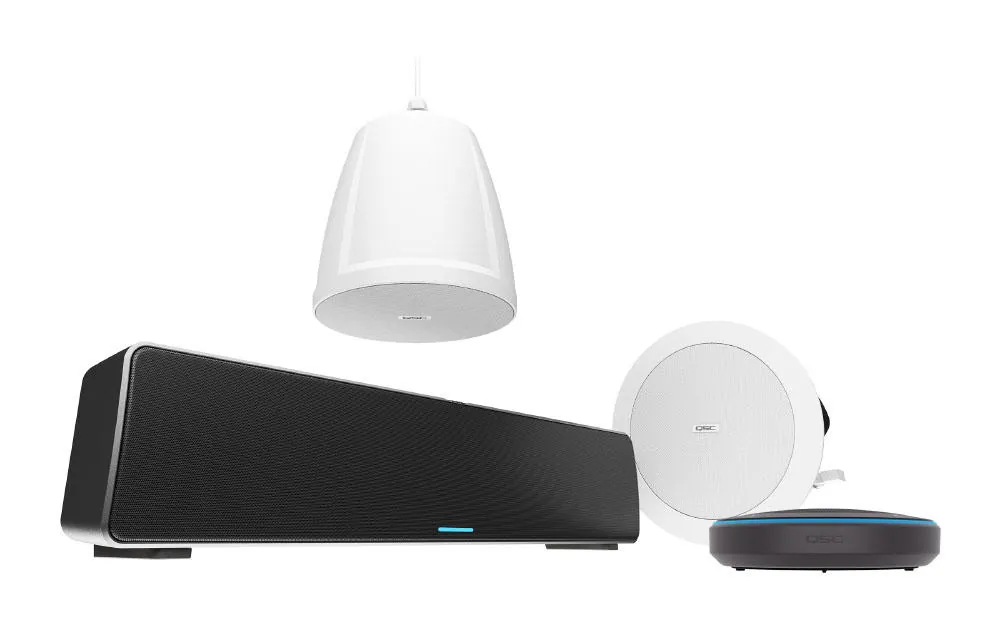
Ceiling and table microphone arrays, processors and loudspeakers from Shure, Biamp and Q-SYS for boardrooms and training rooms.

Zoom listing

Neat Pad controller

Controllers and scheduling

Table controllers from Neat, Logitech, HP Poly and Q-SYS, and scheduling displays that show and book the room from the door.

Zoom listing

Zoom recommended hardware

Zoom Rooms devices Kasturi installs

50 devices from Zoom's recommended hardware list, read on 21 October 2026, each from a Kasturi authorised partner brand. Filter by device type or maker; each card opens Zoom's own product page. The exact model for your room is confirmed after the site survey.

Refine results
Device type
Maker

Showing 1 to 12 of 50 results

Source: Zoom recommended hardware, product names and images as Zoom lists them.

Planning the budget

What drives the cost

Kasturi prepares a room-specific proposal after understanding the space. These factors shape the room plan and installation scope.

Room size

Room size, table layout and seating affect camera position, microphone coverage and display choice.

Licence

Each shared room needs its own Zoom Rooms licence, priced per room per month and billed annually.

Appliance or PC

An all-in-one appliance needs the least equipment. Larger rooms on a room PC add separate cameras, microphones, a DSP and speakers.

Mounting and control

Mounts, controllers, cabling, network readiness and room scheduling affect the equipment list.

The proposal separates equipment from installation. For video conferencing rooms, Kasturi's published room bands apply: a huddle room from RM 8,000, a meeting room from RM 15,000 and a boardroom from RM 30,000, covering hardware and system, with installation and cabling quoted after the survey.

See the room price list

Survey to handover

How a Zoom Rooms system gets built

Survey

Free in Peninsular Malaysia. Outside the Klang Valley it usually starts on a video call, then one site visit.

Proposal

A room-by-room proposal that names the equipment and separates equipment from installation.

Install

A meeting room typically takes 1 to 2 days, a boardroom or training hall 3 to 5 days. Wiring can be after hours or at weekends.

Handover

Every room is tested before handover and staff are trained. Support responds within 4 business hours.

FAQ

Questions to answer before you choose Zoom

Answers from Zoom's product and support pages, and from how Kasturi runs a project.

Question not answered here?

WhatsApp +6017 303 9377 or call +603 7960 1808. We reply within one business day.

Is Kasturi an authorised Zoom partner?

Yes. Kasturi is an authorised Zoom partner.

Which hardware works with Zoom Rooms?

Zoom publishes a list of Zoom recommended hardware: appliances such as Neat Bar 2, Logitech Rally Bar and Poly Studio X52, PC-based systems, touch displays, cameras, audio, controllers and scheduling displays. The catalogue on this page lists the 50 devices on that list from Kasturi's partner brands, and each card links to Zoom's product page. Zoom recommends certified hardware because it is tested with the service.

What does a Zoom Room need?

A Zoom Rooms licence for the room, a room system (an appliance or a room PC), a camera, microphones and speakers, at least one display and a controller. Zoom Rooms supports up to three displays and up to ten controllers per room. A scheduling display outside the room is optional.

What is the difference between a Zoom Rooms appliance and a PC-based Zoom Room?

An appliance, such as Logitech Rally Bar Mini or Yealink MeetingBar A30, runs Zoom Rooms on the device itself, so there is no room PC to maintain. A PC-based Zoom Room runs on a room computer with a USB video bar or separate cameras and audio, which suits larger rooms and custom audio such as Shure or Biamp ceiling microphones.

Can I join a meeting from the room controller?

Yes. From the controller you can start a scheduled meeting from today's list, start an instant meeting, join any meeting or webinar by meeting ID, share content and mute the room. The controller can be a Neat Pad, Logitech Tap IP, Poly TC10, Q-SYS touch screen or a supported iPad, Android or Windows tablet.

Can a Zoom Room join Microsoft Teams or Google Meet meetings?

Yes. Zoom lists joining Microsoft Teams, Google Meet and Webex meetings among Zoom Rooms features, so visiting clients can invite the room to their own platform. Calendar integration works with Microsoft 365, Google and Exchange.

How much does a Zoom Rooms system cost in Malaysia?

Kasturi quotes every Zoom Rooms system after a site survey, with equipment and installation separated. For video conferencing rooms, Kasturi's published room bands apply: a huddle room for 2 to 5 seats from RM 8,000, a meeting room for 6 to 12 seats from RM 15,000, and a boardroom for 12 to 20 seats from RM 30,000. Starting prices cover hardware and system. Installation and cabling are quoted after the survey.
How long does installation take?

A meeting room takes 1 to 2 days. A boardroom or training hall takes 3 to 5 days. Larger systems across several rooms are scheduled after the survey. Wiring can be done after hours or at weekends.

Is the site survey free?

The consultation, product demo and site assessment are free in Peninsular Malaysia. For East Malaysia, contact Kasturi to arrange the project discussion. Outside the Klang Valley the survey usually starts on a video call, then one site visit.

Who installs and supports the system?

Kasturi's own engineers and technicians survey, design, install and support every room, outstation projects included. No subcontractors. Support responds within 4 business hours. Enquiries are answered within one business day. Manufacturer warranty is generally 1 to 2 years, subject to its terms.

Free site survey

Tell us about the system

Send the details and we reply within one business day with the next step: a call, a site visit or a showroom demo. The survey is free in Peninsular Malaysia.

Book a free site survey

Seven questions, about a minute. Fields marked optional can wait for the call.

Submitting lets Kasturi contact you about this project. Privacy Policy

Request received

Thank you. Kasturi's sales team has your details and will reply within one business day.

Continue on WhatsApp