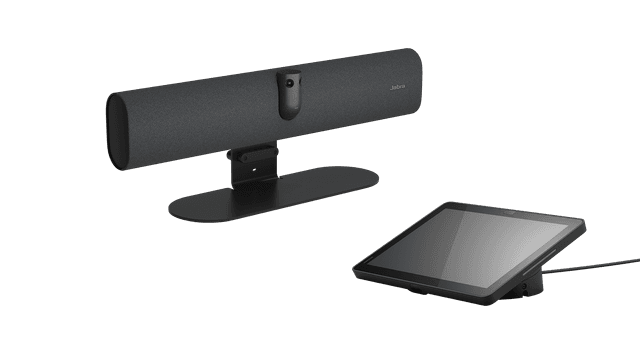
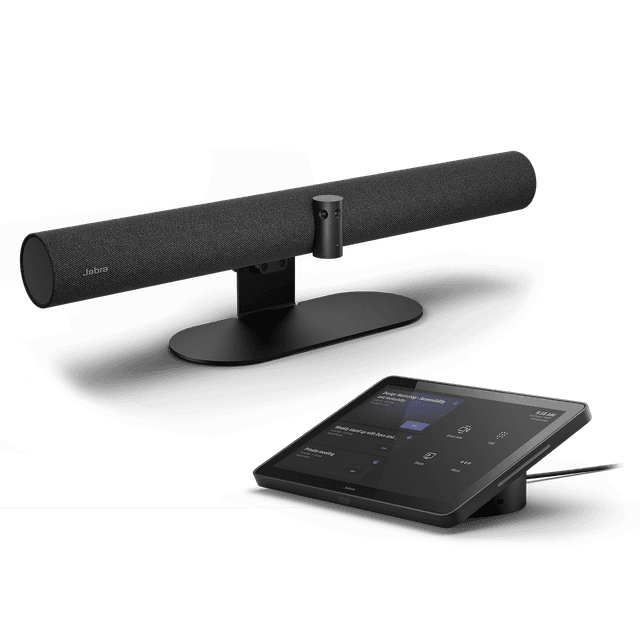
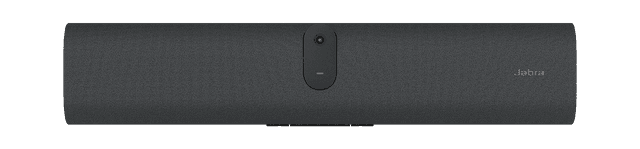
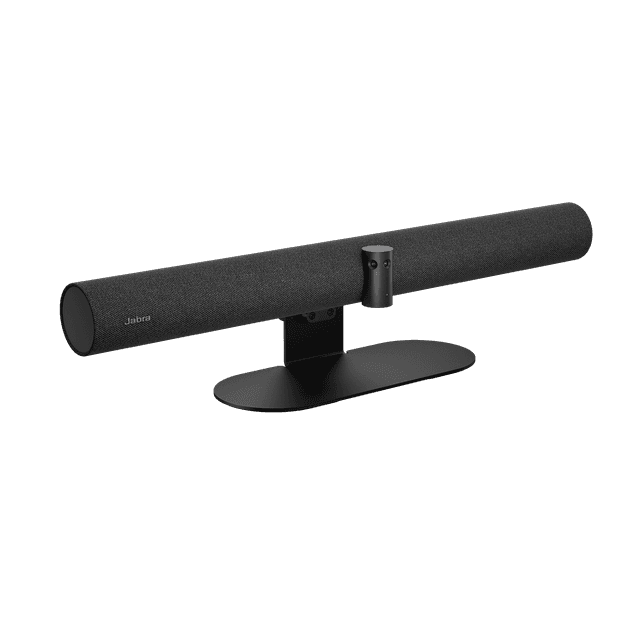
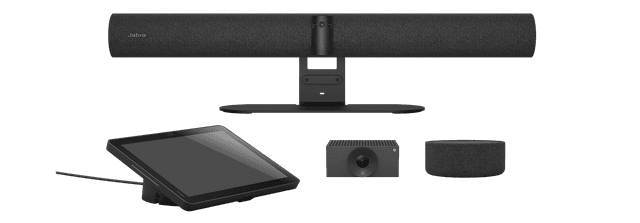
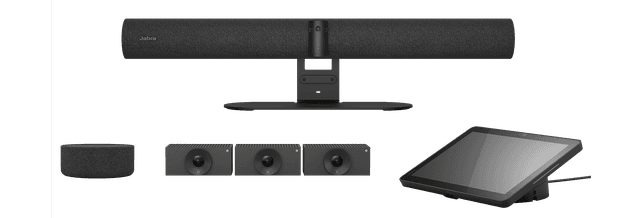
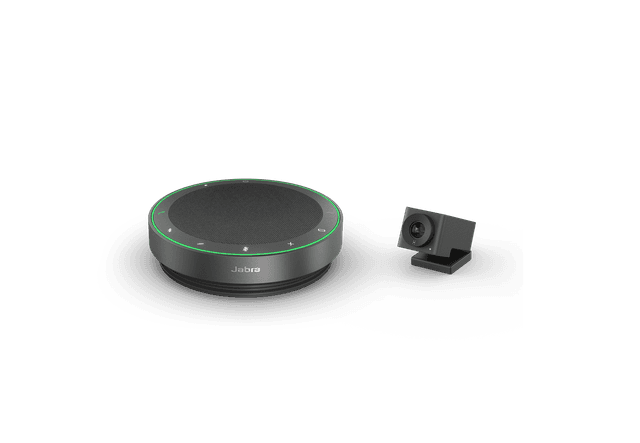
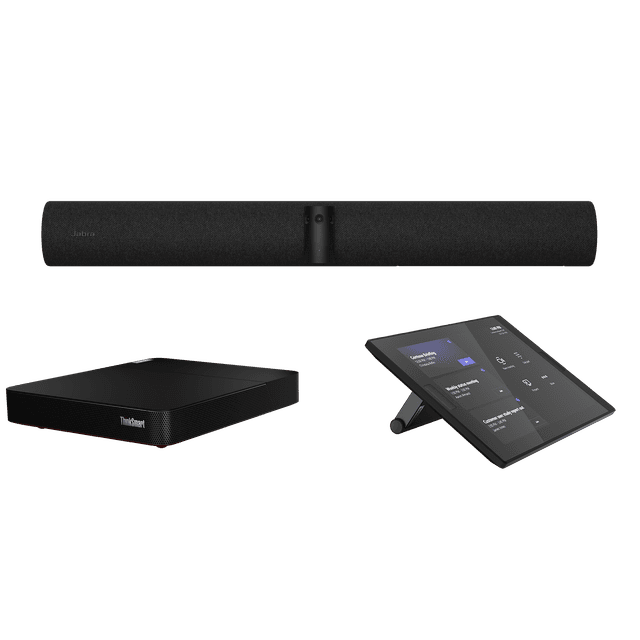
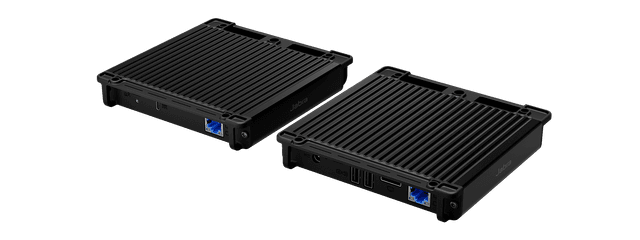
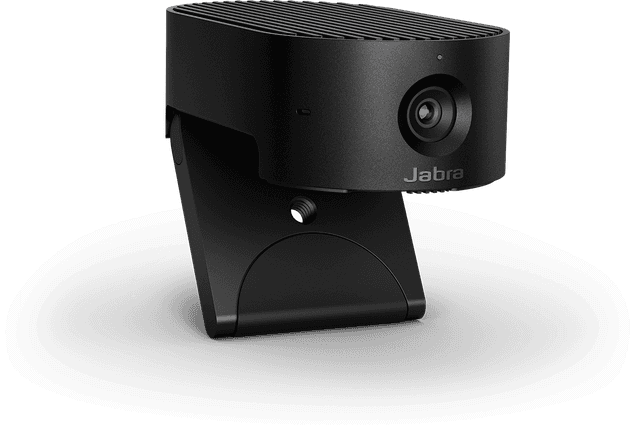
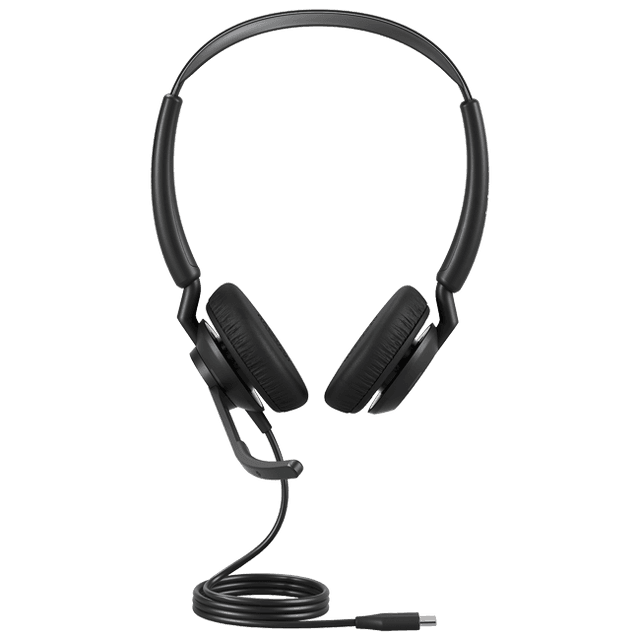
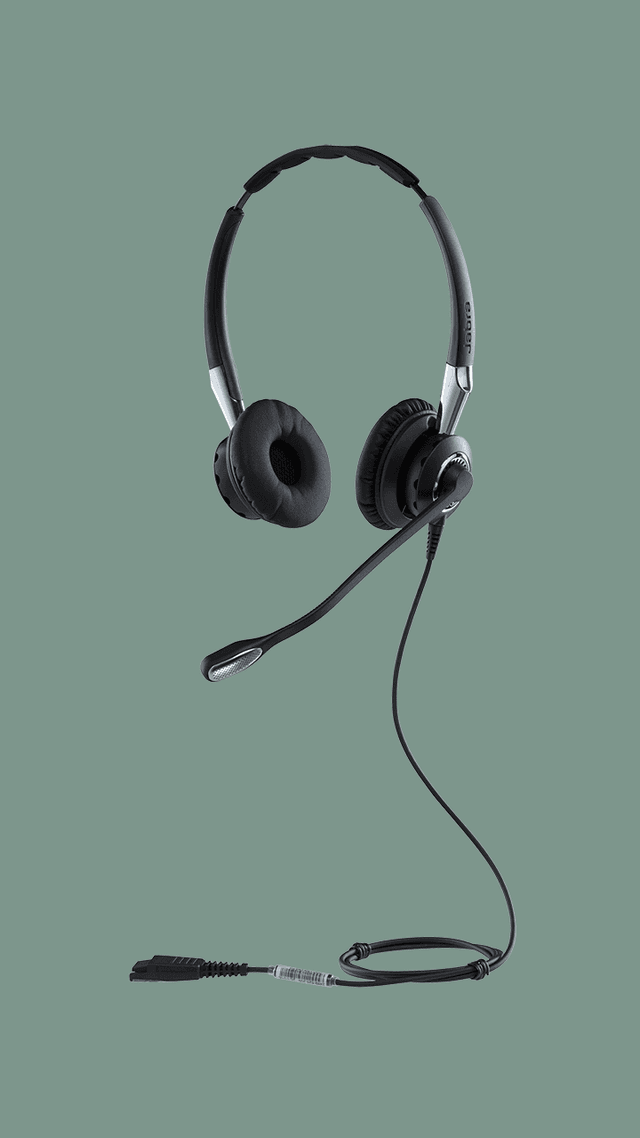
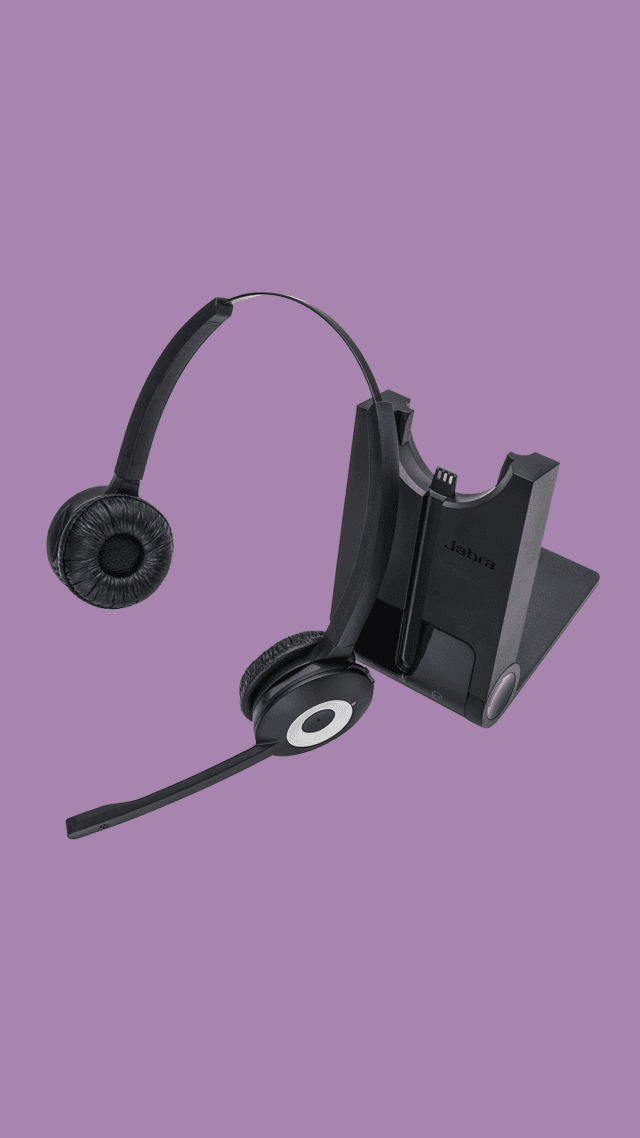
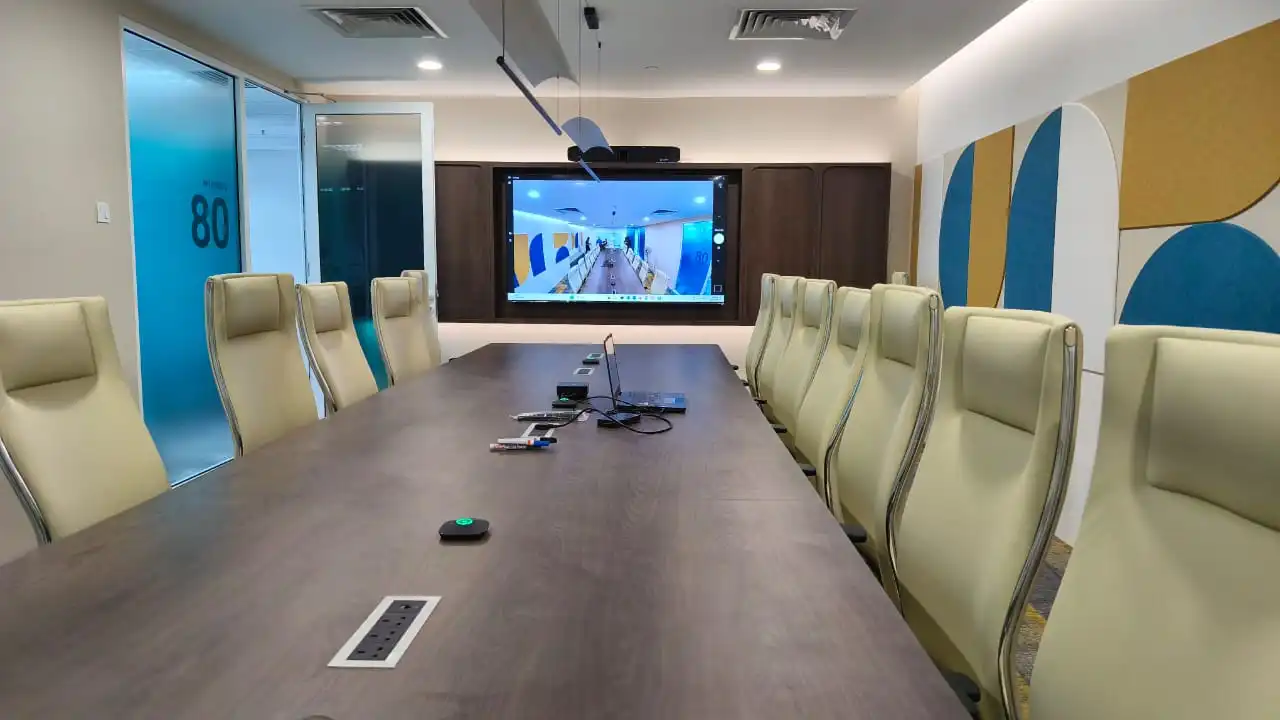
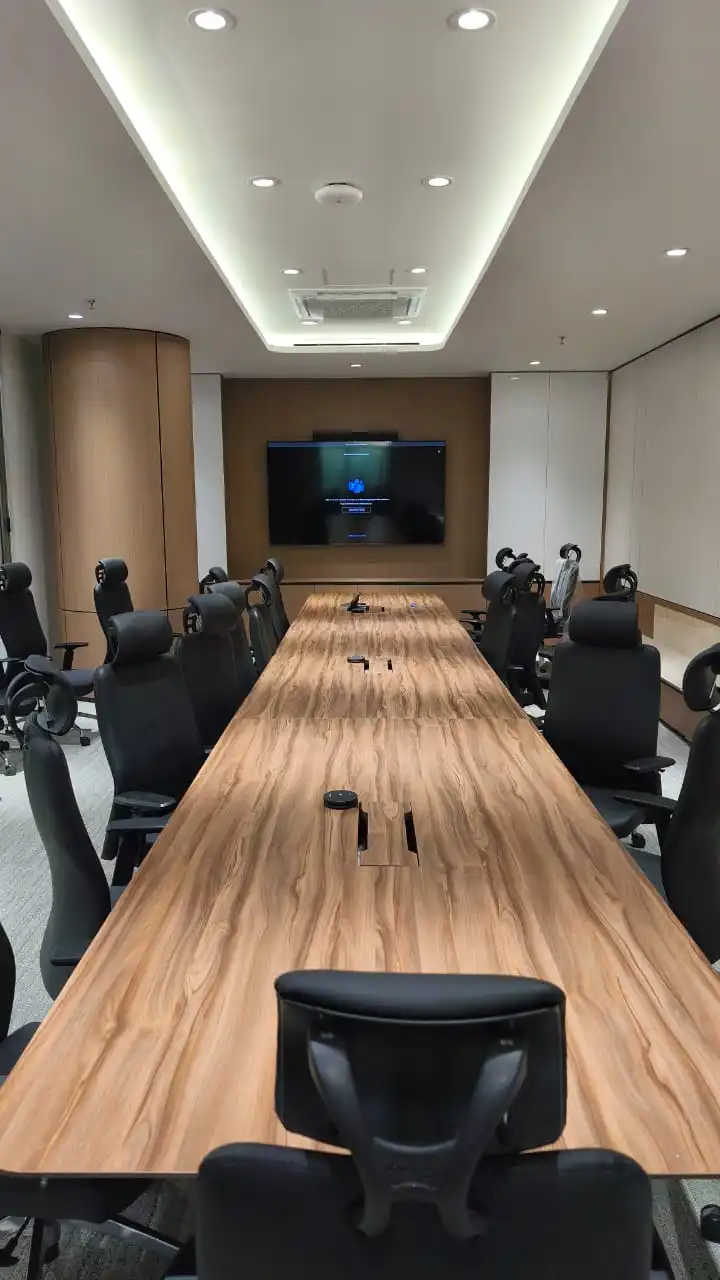
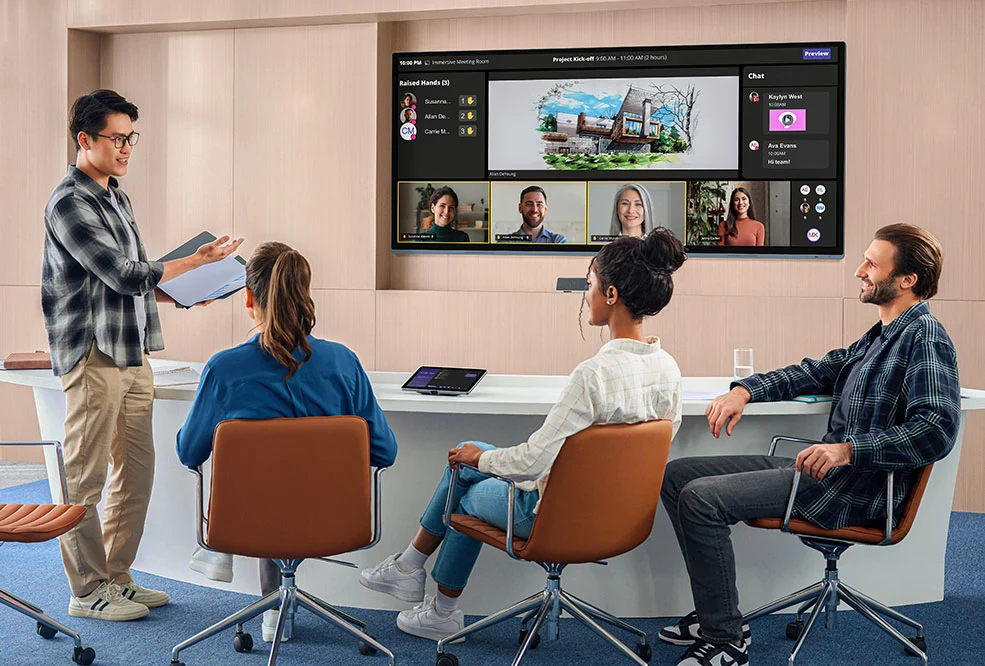
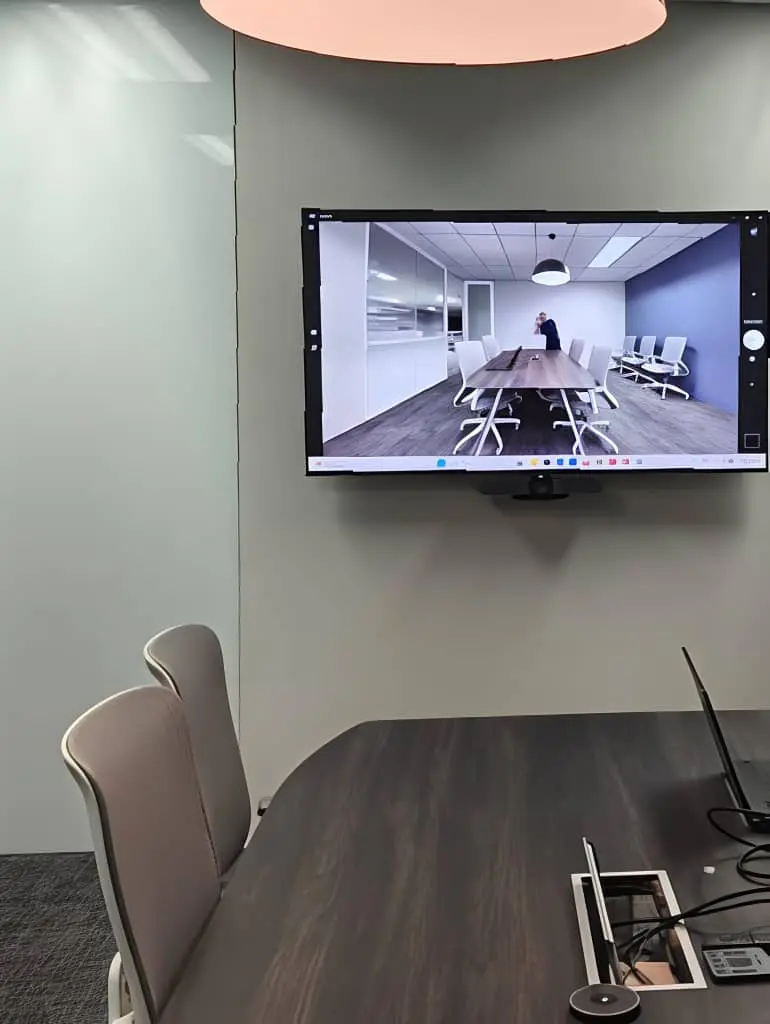
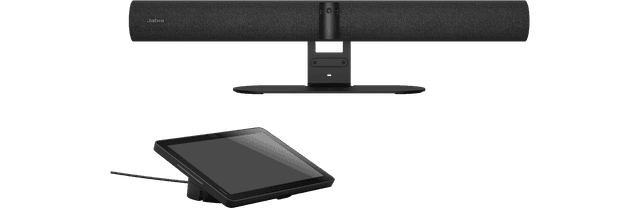
Jabra PanaCast 55 VBS video bar, front view

Jabra video conferencing in Malaysia

PanaCast rooms, Evolve headsets, Speak and Engage.

Kasturi is an authorised Jabra partner, supplying and installing PanaCast room systems, Evolve headsets, Speak speakerphones and Engage contact-centre headsets. Start with your room, desk or call-team requirements and the platform you use.

Free in Peninsular Malaysia. We reply within one business day.

Planning figures

2,500+

Rooms deployed

1998

Founded

47

Jabra hardware families listed

1

Business day to reply

Kasturi is an authorised partner of

  • Logitech
  • HP Poly
  • Yealink
  • Cisco
  • Jabra
  • Neat
  • MAXHUB
  • Biamp
  • Shure
  • Q-SYS
  • Huddly
  • Zoom

About Jabra

Who makes Jabra

Jabra is part of GN, which describes itself as the only company combining consumer, professional and medical grade sound solutions under one roof. Jabra's heritage page traces GN back to its founder, C.F. Tietgen, who laid the first telegraph cables from Europe to China.

Jabra's business range covers PanaCast meeting-room and personal cameras, Evolve office headsets, Speak speakerphones and Engage contact-centre headsets. The catalogue below includes the APAC-listed ranges, with original and legacy models identified separately from new recommendations.

Jabra's own heritage page

  • GN

    Parent company

    Jabra is part of GN, which also makes professional and medical grade sound solutions.

  • 180°

    Panoramic view

    PanaCast 55 VBS, PanaCast 50 VBS, PanaCast 40 VBS and PanaCast 50 all list a 180° horizontal field of view.

  • MDEP

    Built on Microsoft

    PanaCast 55 VBS and PanaCast 40 VBS are built on the Microsoft Device Ecosystem Platform.

  • Jabra Plus

    Remote management

    Jabra Plus Management provides remote monitoring, configuration and updates for supported devices. Confirm compatibility with the selected hardware.

The short answer

Which Jabra system do I need?

Choose by room size. Huddle and small rooms up to 4.5 m by 4.5 m suit PanaCast 40 VBS. Medium rooms up to 4.5 m by 6 m suit PanaCast 55 VBS or PanaCast 50 Video Bar System. Large rooms suit PanaCast Room Kit, and PanaCast Room Kit Multi covers up to 22 people. Each Android video bar system runs the meeting without a room PC.

Figures from Jabra's own Asia Pacific product pages, linked in each card below, checked on 21 October 2026.

  • 180°

    Horizontal field of view on PanaCast 55 VBS, PanaCast 40 VBS and PanaCast 50

  • 8

    Microphones built into PanaCast 55 VBS and PanaCast 50 Video Bar System

  • 11 m

    Audio coverage of PanaCast 55 VBS with a PanaCast SpeakerMic, 7 m without

  • 22

    People in a large room with PanaCast Room Kit Multi

Pick by what you need: a complete meeting room

Each job in a typical meeting room and the Jabra product that does it. Pick a system to see where it sits in the room.

One meeting room, the Jabra products in it, one team responsible for all of them.
01

Laptop sharing to the display

PanaCast 55 VBS takes content from a laptop over its HDMI input, or wirelessly through the meeting platform, and sends it to the room display.

  • HDMI input for wired sharing
  • Microsoft Teams Cast on Teams, Apple AirPlay on Zoom
  • Two HDMI outputs, up to 4K, touch display compatible
PanaCast 55 VBS on Jabra →
02

Front-of-room video bar

PanaCast 55 VBS is the 180° video bar for medium rooms: three cameras, eight microphones and four speakers in one bar under the display.

  • Panoramic multi-camera array, up to 3840 x 1080
  • Up to 6x lossless digital zoom, with Virtual Director
  • Up to five more cameras can be added later
PanaCast 55 VBS on Jabra →
03

Audio from the video bar

PanaCast 55 VBS carries the room's audio itself: beamforming microphones pick up voices and four speakers fill the room, with no microphones on the table.

  • Eight microphone beamforming array, for rooms up to 4.5 m by 6 m
  • Two 50 mm woofers and two 20 mm tweeters
  • Coverage up to 7 m, or 11 m with an optional PanaCast SpeakerMic
PanaCast 55 VBS on Jabra →
04

One-touch meeting control

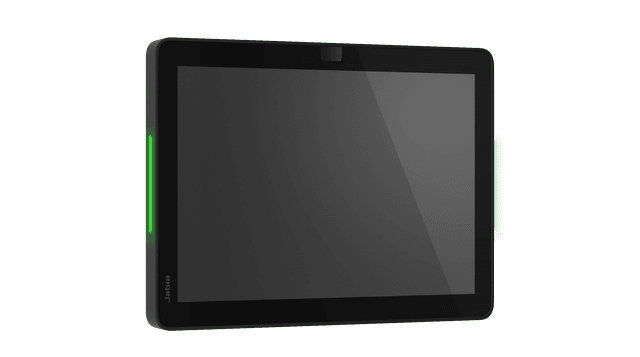
Jabra Control IP comes in the PanaCast 55 VBS box. It starts or joins the meeting from the table and is powered over one network cable.

  • 10.1 inch display, 1920 x 1200
  • Power over Ethernet, IEEE 802.3af
  • Two proximity sensors
PanaCast 55 VBS on Jabra →

Want the whole room done? Kasturi surveys, specifies and installs it. The survey is free in Peninsular Malaysia.Book a free site survey

In the room

How a Jabra room works

Four parts that turn a meeting space into a video room.

01

Camera and audio

A PanaCast video bar sits under the display. PanaCast 40 VBS and 55 VBS provide a 180° view; U30 uses a 120° horizontal view. Choose the camera and audio for the actual room.

02

Controller

Jabra Control IP sits on the table. One touch starts or joins the meeting.

03

Platform

The Android video bar systems run Microsoft Teams Rooms or Zoom Rooms themselves. PanaCast 50 and PanaCast U30 connect to a room PC or a laptop instead.

04

Management

Use Jabra Plus for supported room and personal devices, Jabra Direct for supported headset updates, and Jabra Xpress for IT deployment. Engage AI is a separate contact-centre software tool.

Jabra against Logitech, Yealink and HP Poly

How Jabra compares

PanaCast 55 VBS set against the video bar each maker offers for a medium room: Logitech Rally Bar, Yealink MeetingBar A40 and Poly Studio X52. Kasturi is an authorised partner of all four. Every fact below is from the maker's own product page, linked at the end, checked on 20 October 2026.

The short version

Jabra or Logitech

Rally Bar has a motorised pan and tilt camera with 15x HD zoom, 5x of it optical, and is certified for Microsoft Teams, Zoom and Google Meet. PanaCast 55 VBS stitches three cameras into one 180° view.

Jabra fits when
the whole width of the table must stay in view.
Logitech fits when
a long room needs optical zoom, or the company meets on Google Meet.

Jabra or Yealink

MeetingBar A40 pairs two 48 MP lenses for a 110° view, is rated for up to 12 people, and uses the CTP25 touch console. It supports extension and ceiling microphones.

Jabra fits when
the room is up to 4.5 m by 6 m and a 180° view matters more than lens resolution.
Yealink fits when
ceiling microphones are planned, or the site already manages Yealink devices.

Jabra or HP Poly

Studio X52 has a 20 MP 4K camera with a 95° view, Poly DirectorAI framing, and pickup up to 6.09 m. HP rates it for mid-sized rooms of 20 ft by 15 ft and certifies it for Teams, Zoom and Google Meet.

Jabra fits when
the room is wide rather than deep and everyone must be in frame.
HP Poly fits when
the room runs Google Meet, or the company already standardises on Poly.

Side by side

Jabra PanaCast 55 VBS compared with Logitech Rally Bar, Yealink MeetingBar A40 and Poly Studio X52
FeatureJabra PanaCast 55 VBSLogitech Rally BarYealink MeetingBar A40Poly Studio X52
Room the maker statesMedium rooms up to 4.5 m by 6 mMedium to large roomsUp to 12 peopleMid-sized rooms, 20 ft by 15 ft
CameraThree cameras, 180° horizontal view4K, motorised pan and tilt, 15x HD zoomDual 48 MP lenses, 110° horizontal view20 MP 4K, 95° horizontal view
Built-in audio8 microphones, 4 speakers, coverage up to 7 m6 beamforming microphones, pickup up to 7 m8 MEMS microphones, 2 stereo speakers, pickup up to 6 mStereo speakers, pickup up to 6.09 m
Runs without a room PCYes, Android appliance modeYes, CollabOS applianceYes, Android 13Yes, cloud video services built in
PlatformsTeams Rooms on Android and Zoom Rooms as native appsCertified for Microsoft Teams, Zoom and Google MeetCertified for Microsoft Teams and ZoomCertified for Microsoft Teams and Zoom, certified to work with Google Meet
Touch controllerJabra Control IP, in the boxLogitech TapCTP25 touch consolePoly TC8 or TC10

Sources: Jabra PanaCast 55 VBS, Logitech Rally Bar, Yealink MeetingBar A40 and Poly Studio X52, checked on 20 October 2026. No prices and no ranking claims.

Jabra catalogue

Choose your Jabra hardware

47 hardware families audited against Jabra's Asia Pacific site on 21 October 2026, including PanaCast, Evolve, Speak and Engage. Filter by range or requirement. Original and legacy models remain visible with availability notes; a listing is not a stock promise. Each card opens its official source.
Refine results
Range
On the listing

Showing 1 to 12 of 47 results

Source: Jabra APAC business range.

Planning the budget

What drives the cost

Every Jabra system is quoted after the survey. These four things set the size of the quote.

Room size and layout

Huddle and small rooms use PanaCast 40 VBS or PanaCast U30. Medium rooms use PanaCast 55 VBS or PanaCast 50 Video Bar System. Large rooms need a PanaCast Room Kit.

Platform and mode

An Android video bar system runs Teams Rooms or Zoom Rooms itself. PanaCast 50 needs a room PC or a laptop, or comes as the PanaCast 50 Room System with a Lenovo ThinkSmart PC.

Audio and cameras

A longer room adds a PanaCast SpeakerMic to PanaCast 55 VBS. PanaCast Room Kit Multi adds three cameras, and two more can follow.

Control and extras

A Jabra Scheduler at the door, a second display, cabling runs and the wall or table mount all add to the system.
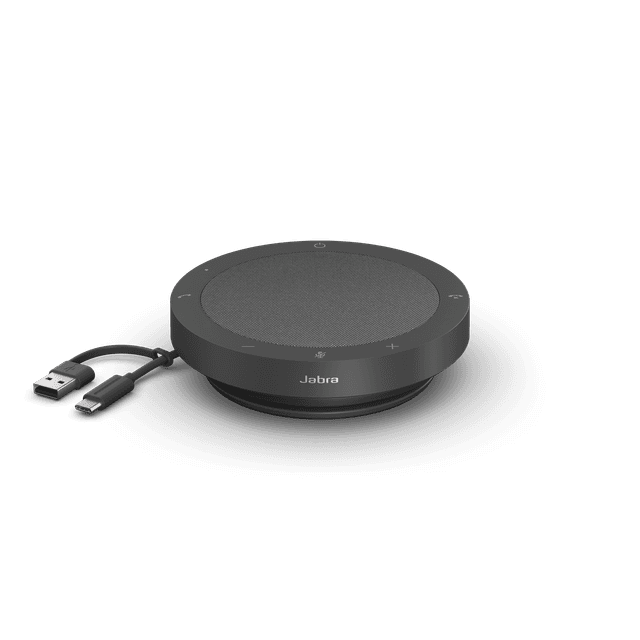
The proposal separates equipment from installation. Where Jabra is part of a video conferencing room, Kasturi's published room bands apply: a huddle room from RM 8,000, a meeting room from RM 15,000 and a boardroom from RM 30,000, covering hardware and system, with installation and cabling quoted after the survey.
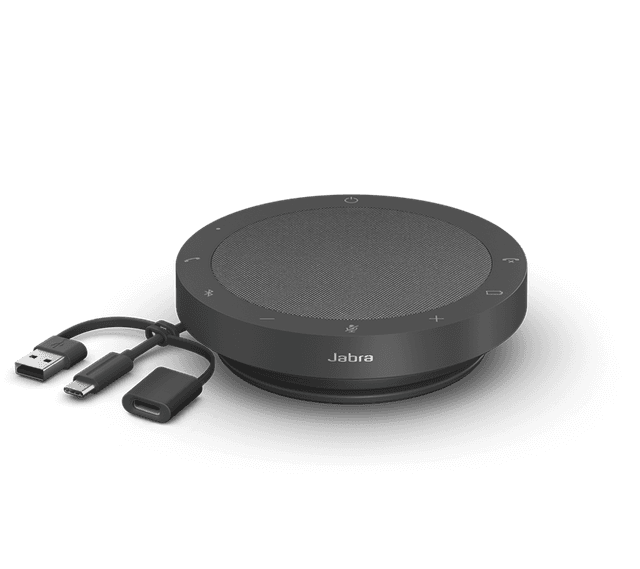
See the room price list

Survey to handover

How a system gets built

Survey

Free in Peninsular Malaysia. Outside the Klang Valley it usually starts on a video call, then one site visit.

Proposal

A proposal for the building that names each Jabra model and separates equipment from installation.

Install

A meeting room typically takes 1 to 2 days, a boardroom or training hall 3 to 5 days. Wiring can be after hours or at weekends.

Handover

Every room is tested before handover and staff are trained. Support responds within 4 business hours.

FAQ

Questions to answer before you buy Jabra

Answers from Jabra's own product pages and from how Kasturi runs a project.

Question not answered here?

WhatsApp +6017 303 9377 or call +603 7960 1808. We reply within one business day.

Is Kasturi an authorised Jabra partner?

Yes. Kasturi is an authorised Jabra partner. Kasturi's own engineers and technicians survey, design, install and support every room, outstation projects included. No subcontractors.

Which Jabra PanaCast fits my room?

PanaCast U30 suits laptop-led huddle rooms. PanaCast 40 VBS is for small rooms up to 4.5 m by 4.5 m, while PanaCast 55 VBS and PanaCast 50 Video Bar System cover rooms up to 4.5 m by 6 m. Larger spaces use PanaCast Room Kit or Room Kit Multi. Room Kit Multi is described for up to 22 people. Choose against seating, dimensions and acoustics, rather than participant count alone.

Do I need a room PC, and which platforms are supported?

PanaCast 40 VBS, 50 Video Bar System and 55 VBS run in Android appliance mode. PanaCast 50 USB and U30 use a laptop or room host. Certification differs: 40 VBS and 50 VBS state Teams Rooms and Zoom Rooms certification; the 55 VBS source describes native Teams Rooms and Zoom Rooms apps. U30's page still lists Teams certification as pending. Scheduler is a Teams panel and Zoom Rooms scheduling display. Confirm the exact device and variant in the proposal.

Can I extend PanaCast 55 VBS or add single-cable BYOD?

PanaCast 55 VBS supports one PanaCast SpeakerMic, extending stated audio coverage from 7 m to 11 m. Room Kit Multi includes three additional cameras and supports expansion. Jabra Reach provides single USB-C BYOD connectivity with verified peripherals, including supported PanaCast bars. The laptop must support the required USB-C DisplayPort Alt Mode and the configuration must be checked before installation.

How do I choose Evolve3, Evolve2 or Engage headsets?

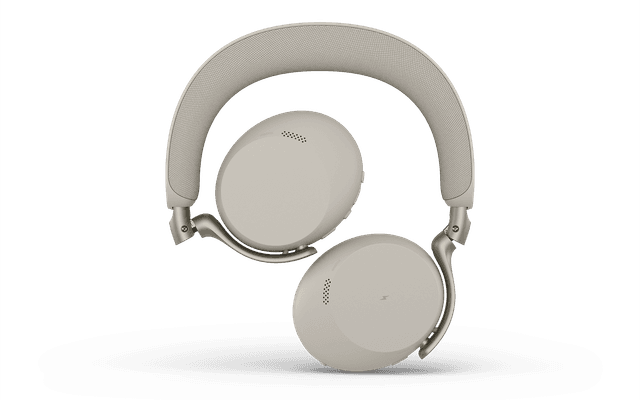
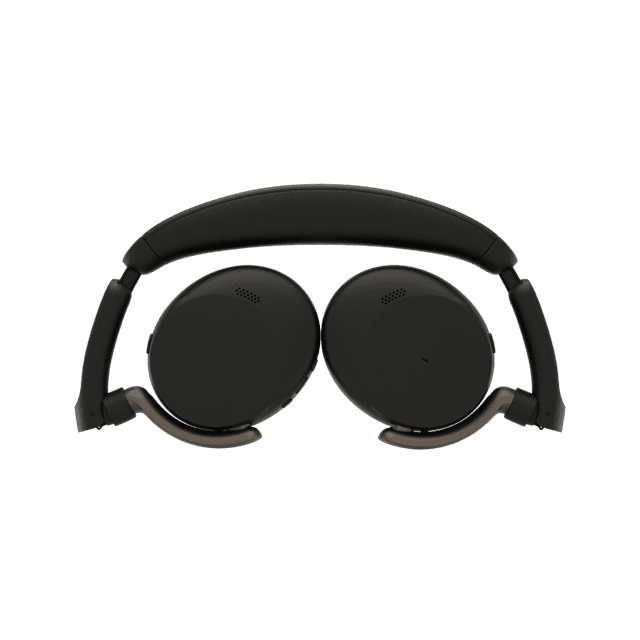
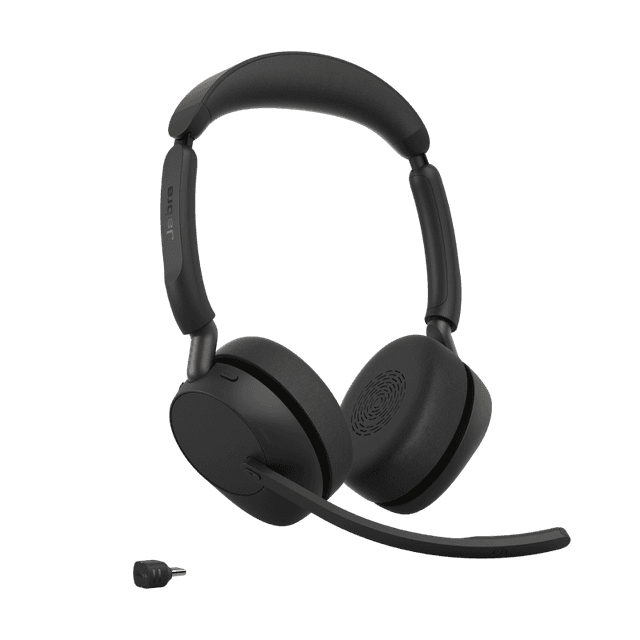
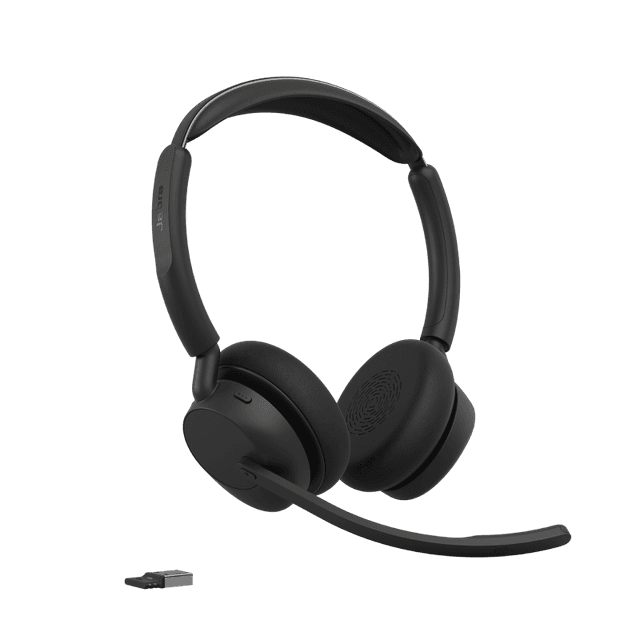
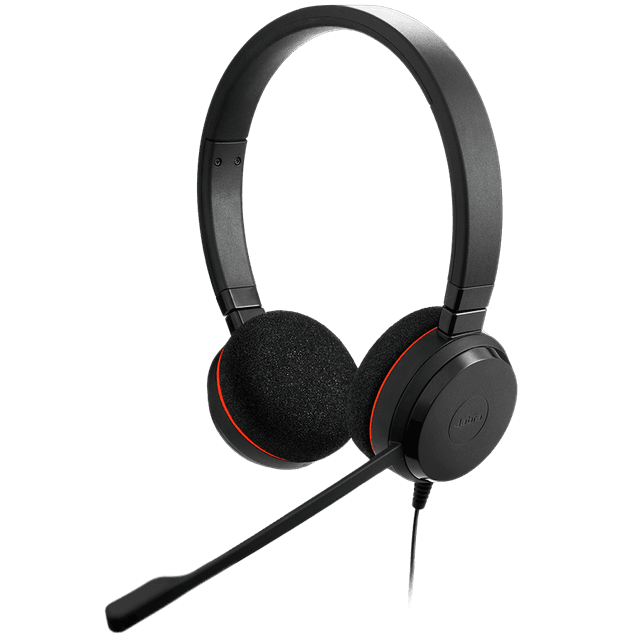
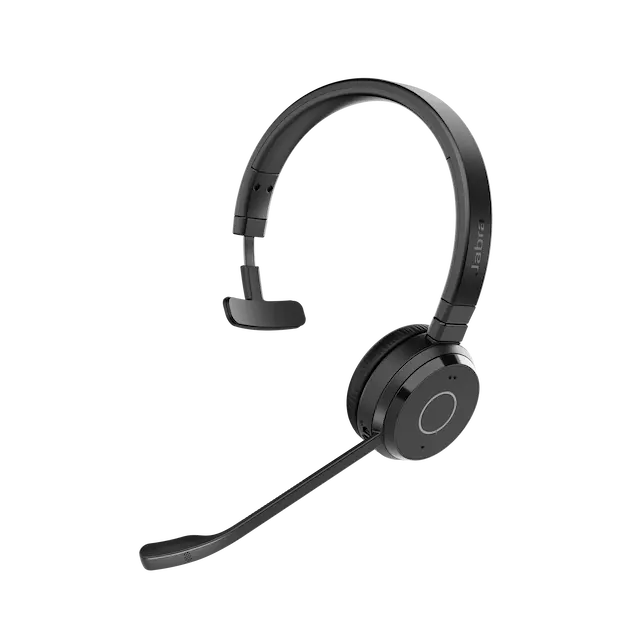
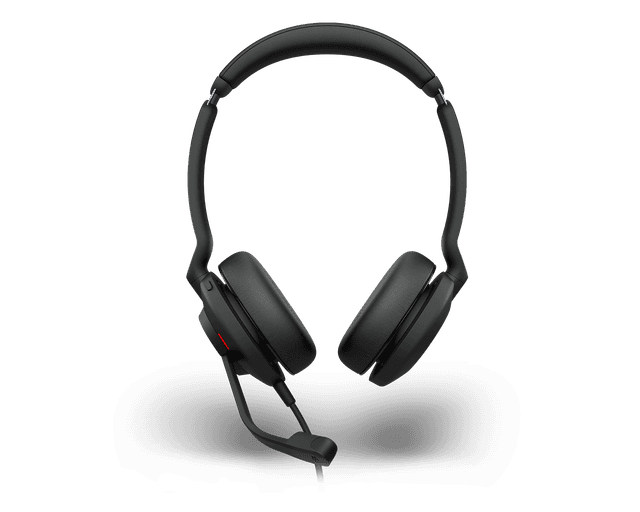
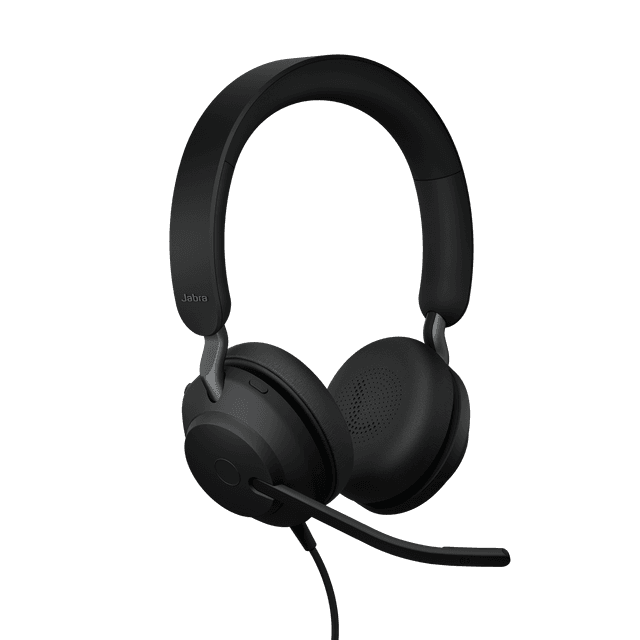
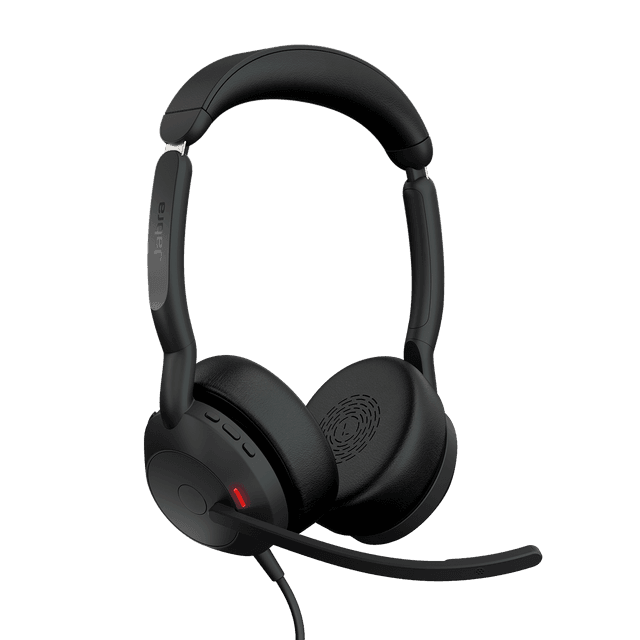
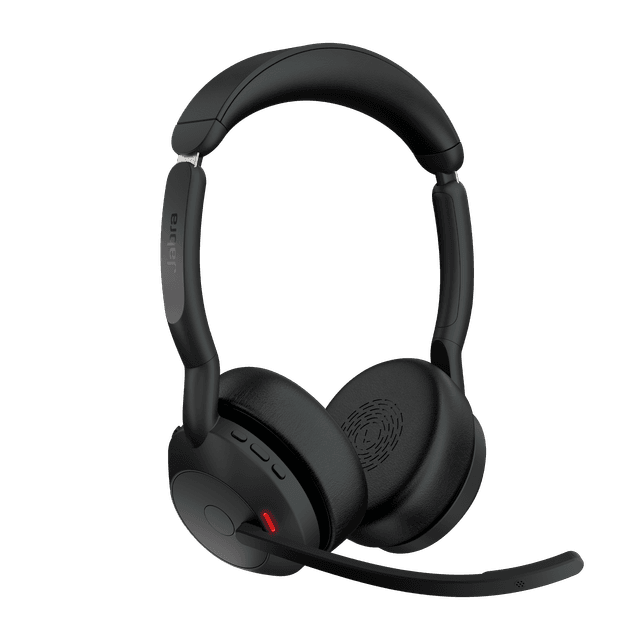
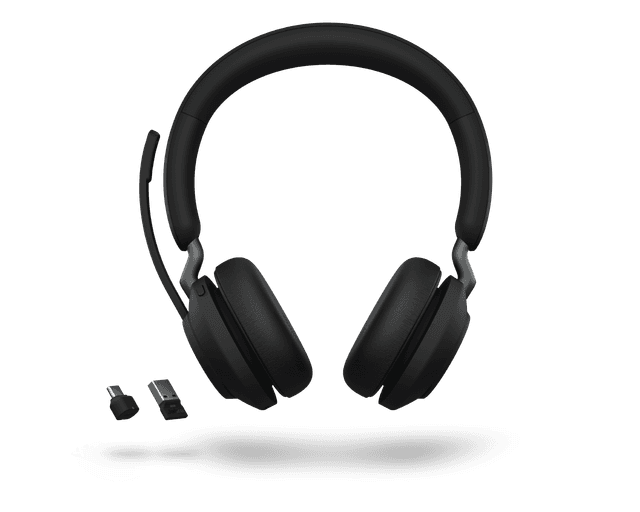
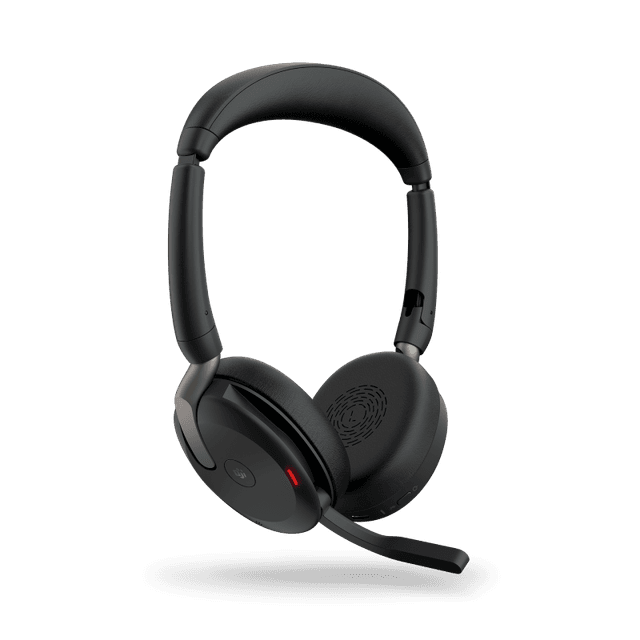
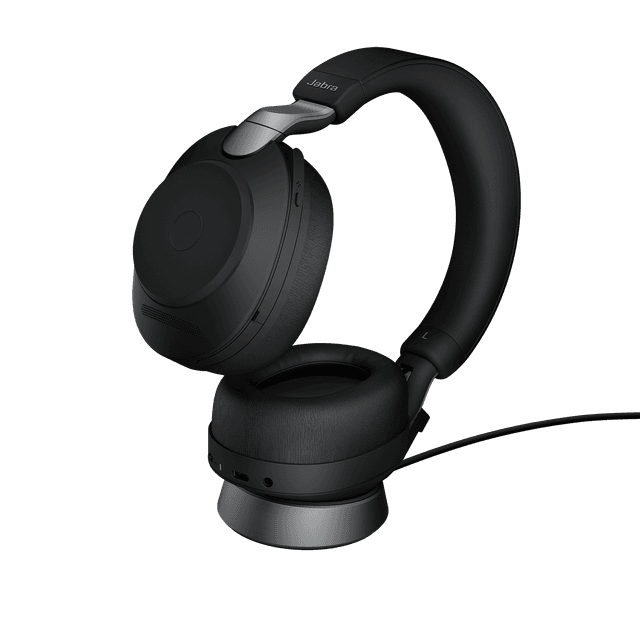
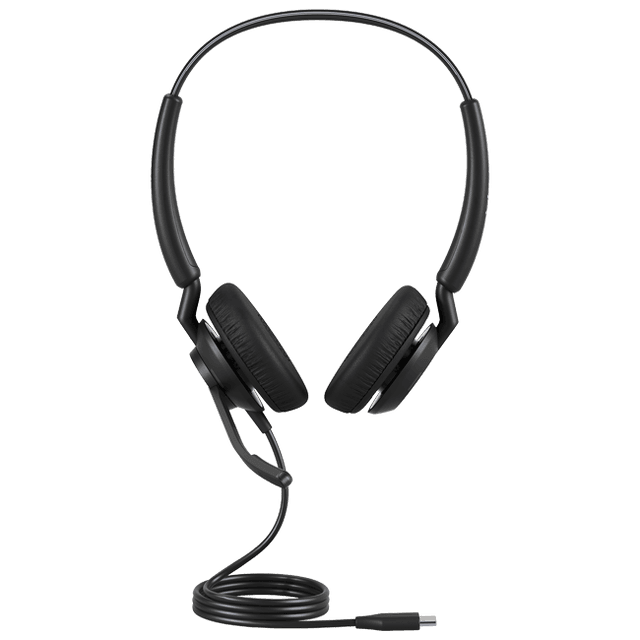
Evolve3 and Evolve2 are office and hybrid-work ranges; Engage is designed for call-focused teams. Evolve3 now lists 45, 65, 65 Flex, 75 and 85. Compare wearing style, microphone performance, ANC, connectivity and the Teams or UC variant. Evolve2 50 has active noise cancellation, while Evolve2 65 does not. Some Engage SE routes are marked unavailable in APAC, so confirm the exact SKU instead of assuming global availability.

Can I link two Jabra speakerphones?

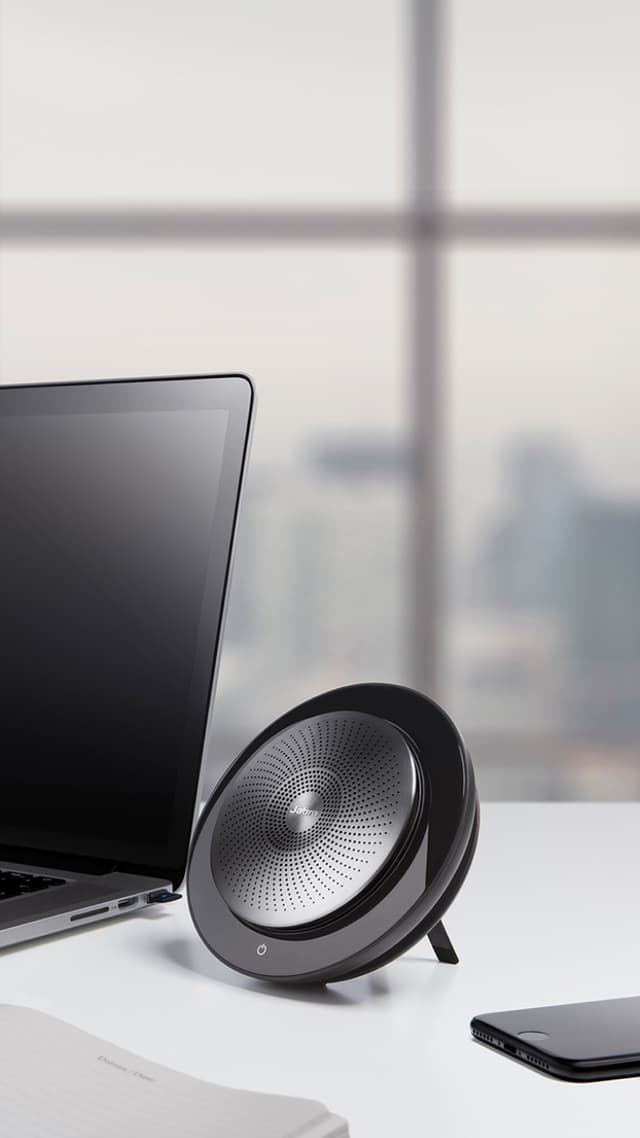
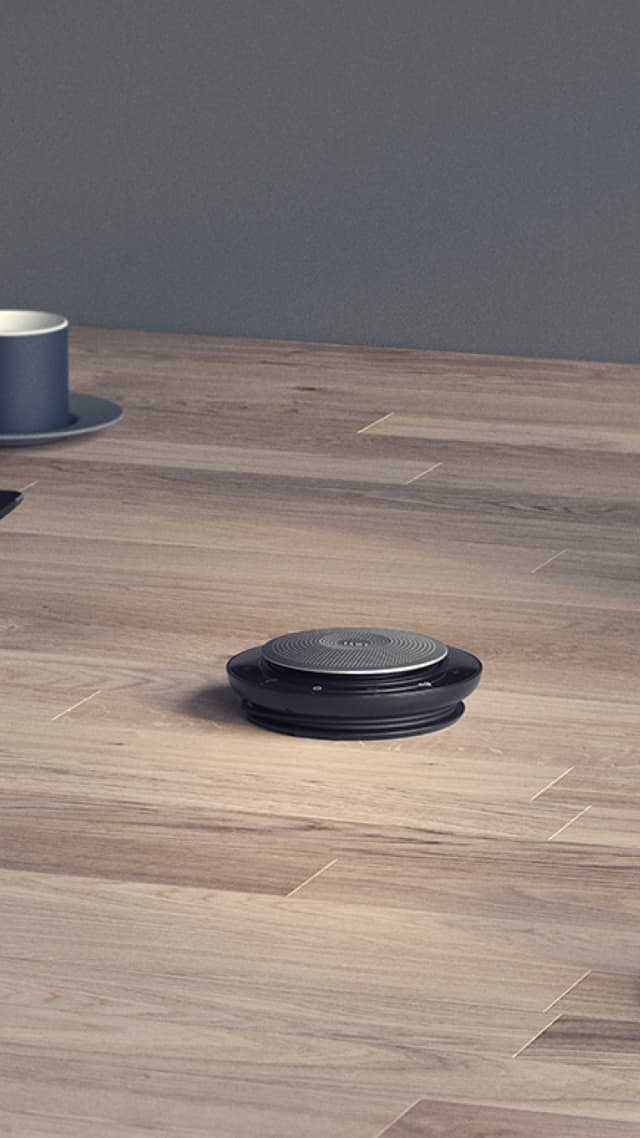
Linking is model-specific. Jabra's Speak2 75 guidance names firmware 2.46.0 and says to press the Smart button on both units while they are within 50 cm. Speak 710 uses its Link buttons with the two units within 2 m; the link uses Bluetooth. Do not assume that every Speak model links, or describe this as an IntelliCable function. Check the official linking guide and the room layout before selecting a pair.

How do I manage firmware and call-team software?

Jabra Plus separates a Mobile App, Management and Desktop App, with compatibility and rollout notes on its own page. Jabra Direct supports device setup and updates; Jabra Xpress supports IT management of supported devices. Engage AI provides separate contact-centre insights. Check the current software page and device compatibility before planning a fleet-wide rollout.

How much does a Jabra room cost in Malaysia?

Every Jabra system is quoted after a site survey, with equipment and installation separated. Where Jabra is part of a video conferencing room, Kasturi's published room bands apply: a huddle room for 2 to 5 seats from RM 8,000, a meeting room for 6 to 12 seats from RM 15,000, and a boardroom for 12 to 20 seats from RM 30,000. Starting prices cover hardware and system. Installation and cabling are quoted after the site survey.

Is the survey free, and how long does installation take?

The consultation, product demo and site assessment are free in Peninsular Malaysia. For East Malaysia, contact Kasturi to arrange the project discussion. Outside the Klang Valley the survey usually starts on a video call, then one site visit. A huddle room takes 1 day; a meeting room takes 1 to 2 days; a boardroom or training hall takes 3 to 5 days. Wiring can be done after hours or at weekends.

What warranty and support come with the system?

Manufacturer warranty applies, generally 1 to 2 years, subject to its terms. The proposal should state the exact warranty and any optional manufacturer cover for each model. Kasturi's support responds within 4 business hours. The enquiry reply is within one business day. Original or legacy hardware listed online is subject to availability confirmation.

Free site survey

Tell us about the system

Send the details and we reply within one business day with the next step: a call, a site visit or a showroom demo. The survey is free in Peninsular Malaysia.

Book a free site survey

Seven questions, about a minute. Fields marked optional can wait for the call.

Submitting lets Kasturi contact you about this project. Privacy Policy

Request received

Thank you. Kasturi's sales team has your details and will reply within one business day.

Continue on WhatsApp