
Conference rooms
Everyone in the room needs to be seen and heard. Conference setups pair a front-of-room camera with a touch controller and optional extensions that capture participants from further back in the space.
ExploreWe supply, install and support Logitech meeting room systems certified for Microsoft Teams, Zoom and Google Meet. Kasturi Technology serves businesses right across Malaysia.
Quick answer: Small and huddle rooms (2 to 6 people) work best with the Logitech MeetUp 2 or Rally Bar Mini. Medium to large rooms (6 to 16 or more people) call for the Rally Bar or the modular Rally Plus. Every option is certified for Microsoft Teams, Zoom and Google Meet, and most work without a dedicated room PC. Kasturi Technology handles supply, installation and ongoing support anywhere in Malaysia.
From quick huddles to immersive boardrooms, we match the right camera, audio and controls to how your teams actually meet.
Everyone in the room needs to be seen and heard. Conference setups pair a front-of-room camera with a touch controller and optional extensions that capture participants from further back in the space.
ExploreQuick team syncs and impromptu catch-ups deserve proper video too. Huddle solutions are easy to set up, simple to use and built to scale across as many small spaces as you need.
ExploreBring remote teammates into your creative process. Ideation spaces use interactive tools designed for open, dynamic environments where ideas flow freely across the whole team.
ExploreWhen the room is purpose-built for video, every detail works together. Furniture layout and camera placement are optimised so every person in the room shows up clearly on screen.
ExploreProven all-in-one video bars that deploy fast, look professional and just work with your preferred platform.
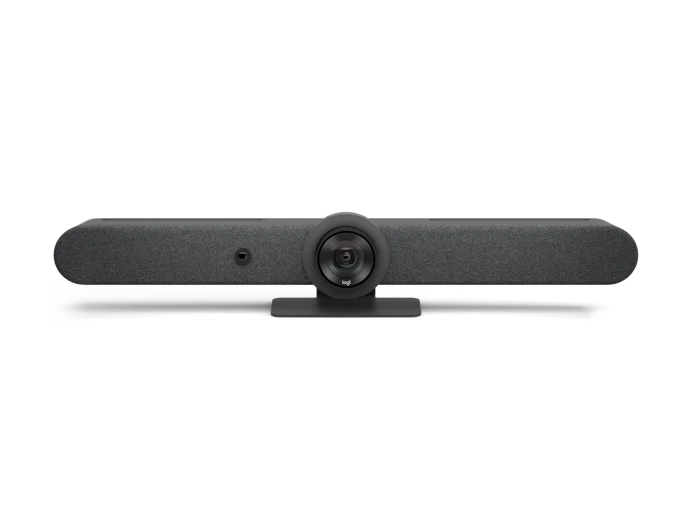
The flagship video bar for medium to large rooms. The AI viewfinder and motorised pan-tilt-zoom keep everyone in frame while powerful onboard audio fills the space. It runs Teams, Zoom or Meet directly in appliance mode with no room PC needed.
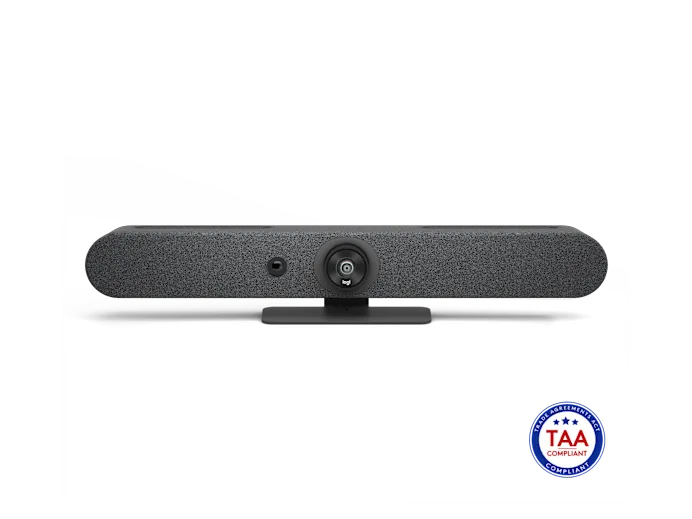
The same intelligent Rally Bar experience, scaled down for smaller spaces. Crisp optics, clear audio and a clean single-cable setup make it the natural choice for the rooms your team lives in every day.
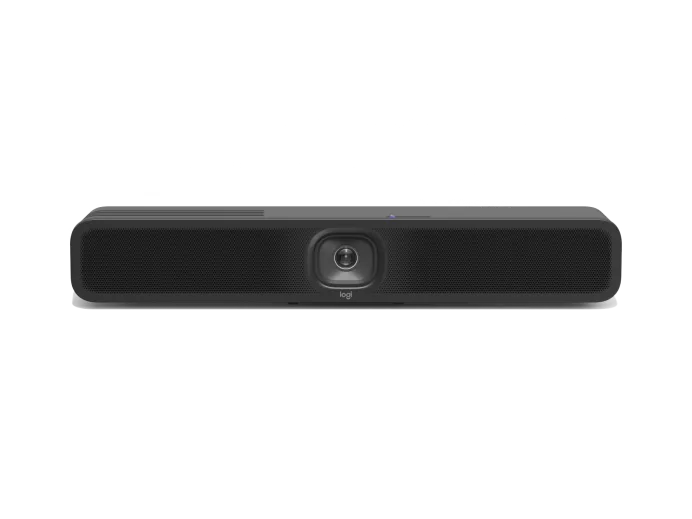
A compact all-in-one conference camera made for huddle rooms and small spaces. The 120-degree field of view pulls in the whole table and the built-in audio is tuned so every voice comes through clearly.
A side-by-side look at the three most popular Logitech video bars to help you choose.
| Feature | MeetUp 2 | Rally Bar Mini | Rally Bar |
|---|---|---|---|
| Best for room size | Huddle / small | Small / medium | Medium / large |
| Camera field of view | 120° wide | AI framing, PTZ | AI framing, motorised PTZ |
| Audio | Integrated | Integrated, room-tuned | Higher output for larger rooms |
| Appliance mode (no PC) | No | Yes | Yes |
| Platforms | Teams · Zoom · Meet | Teams · Zoom · Meet | Teams · Zoom · Meet |
| Remote management (Sync) | Yes | Yes | Yes |
| Starting price (MYR) | From RM ____ | From RM ____ | From RM ____ |
From video bars to controllers, cameras, compute appliances and management software, we supply and install the complete Logitech range across Malaysia.
Compact all-in-one camera, 120° FOV, integrated audio.
All-in-one bar with AI framing and appliance mode.
Flagship bar with motorised PTZ and powerful audio.
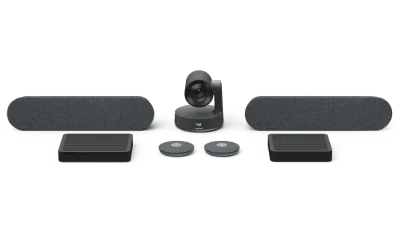
Modular system with separate camera, speakers and mics.
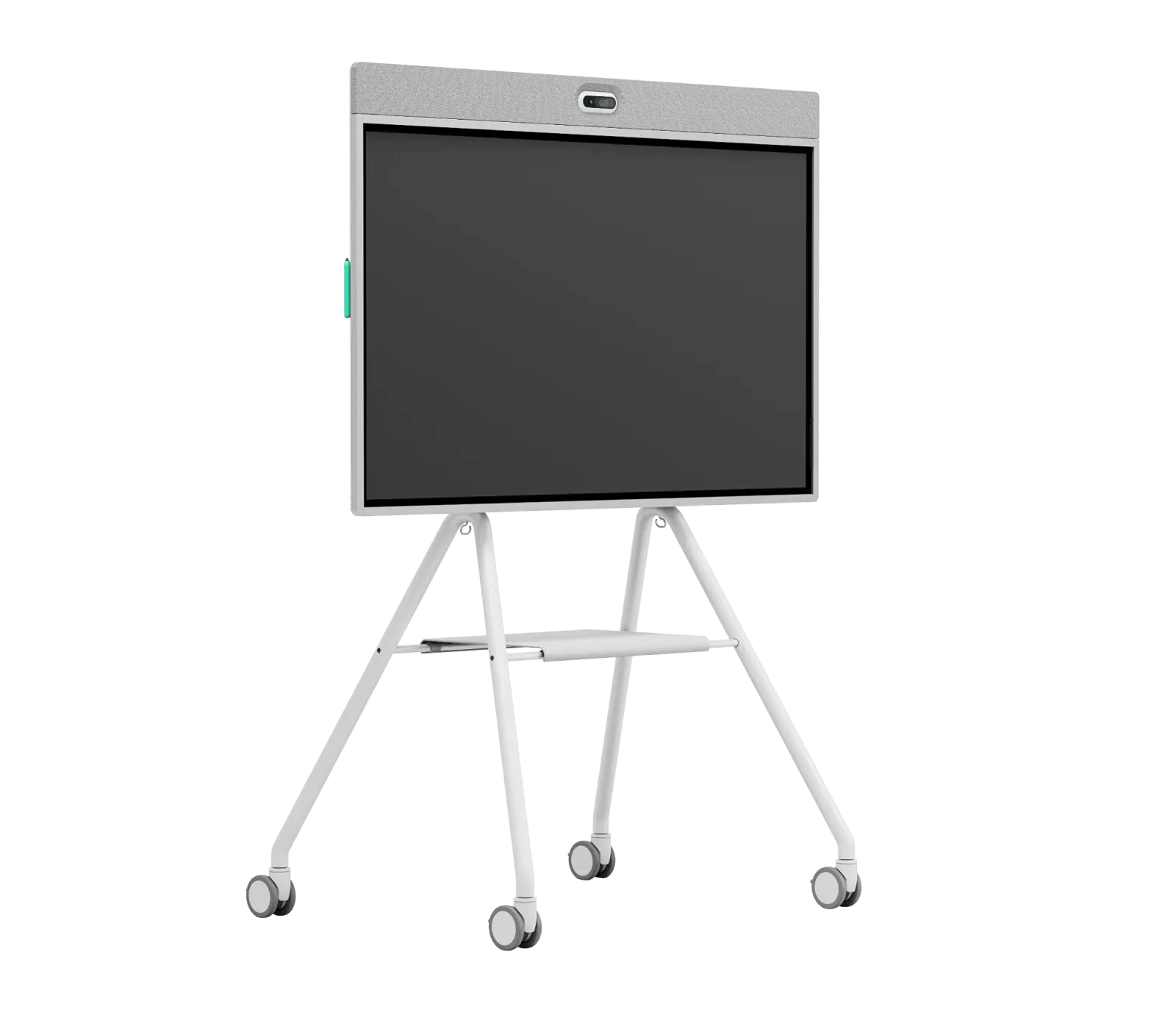
All-in-one video collaboration whiteboard display.
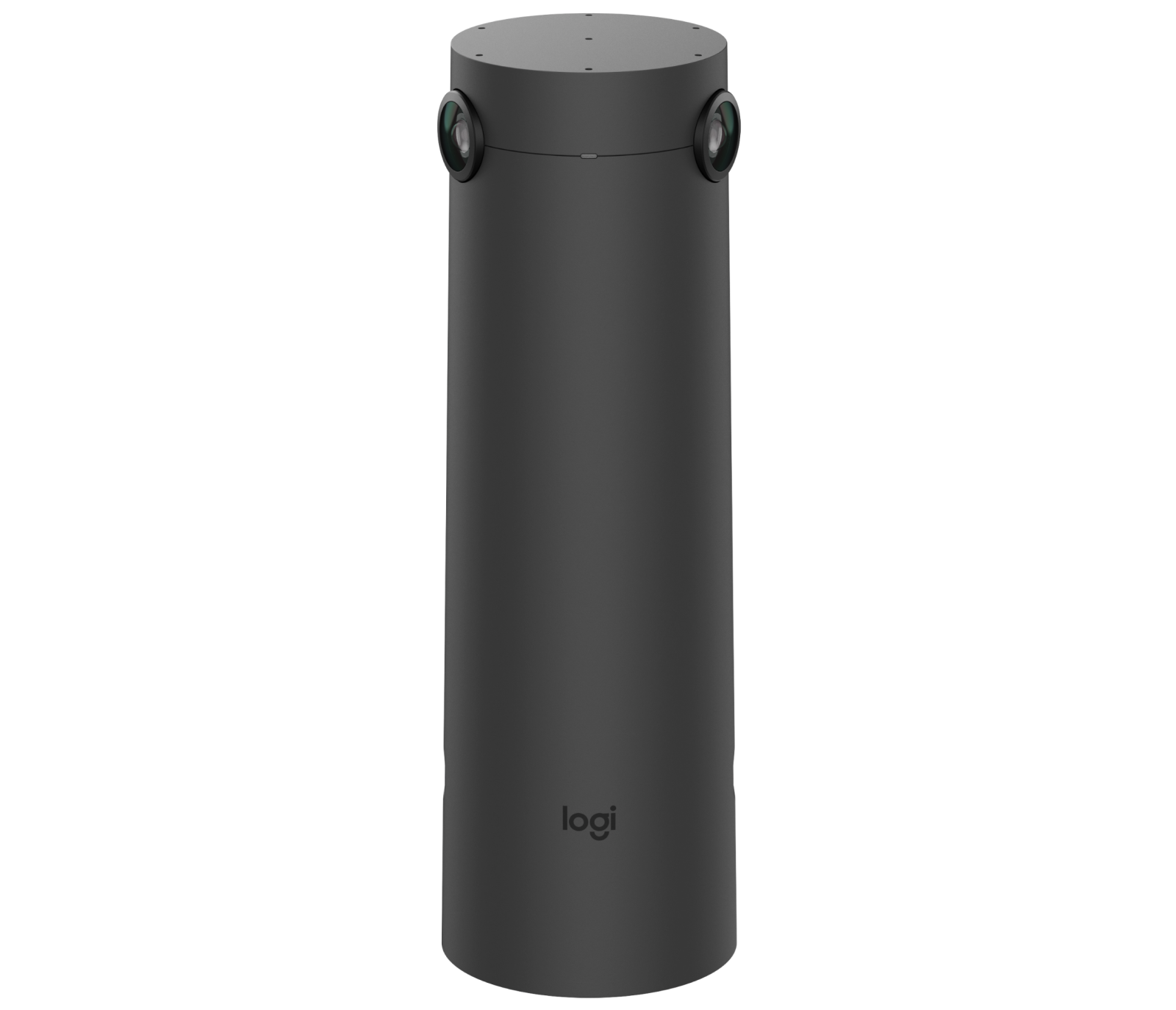
Companion table camera with automatic speaker framing.
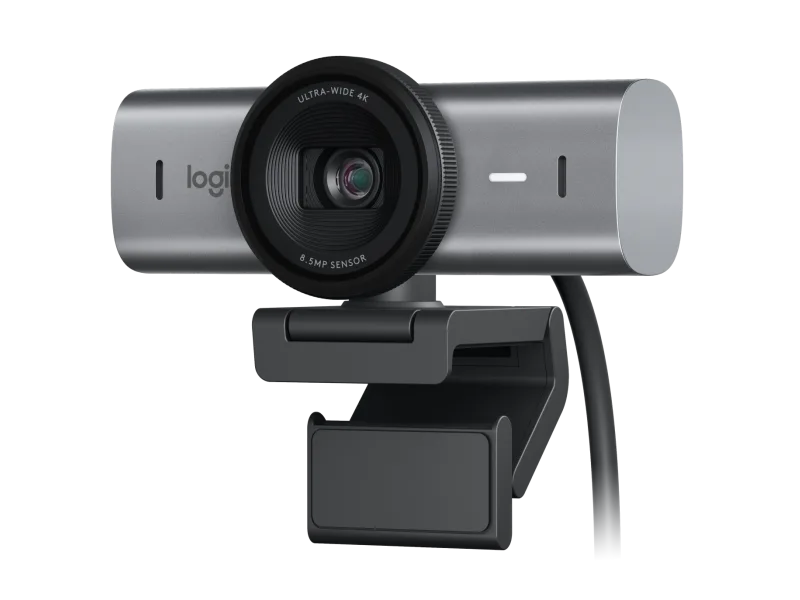
4K business webcam with RightSight auto-framing.
Wide-angle all-in-one camera for small rooms.
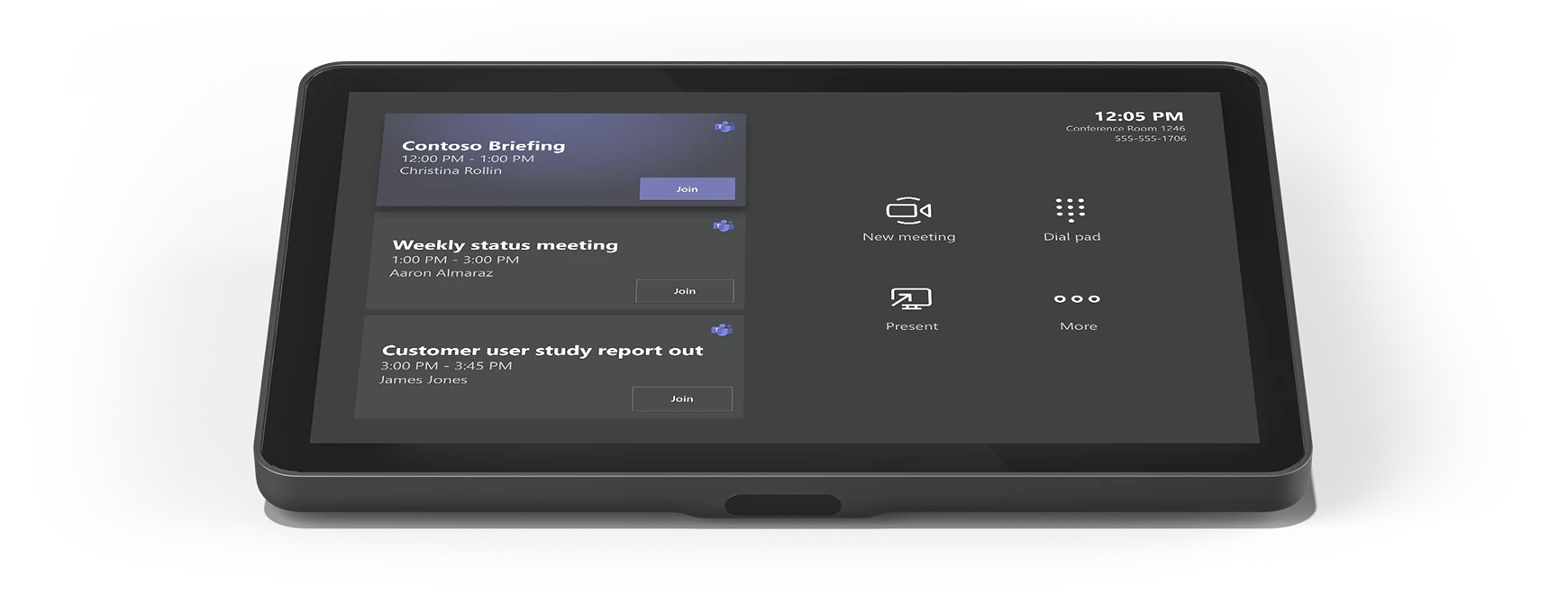
10.1" single-cable touch controller for appliance rooms.
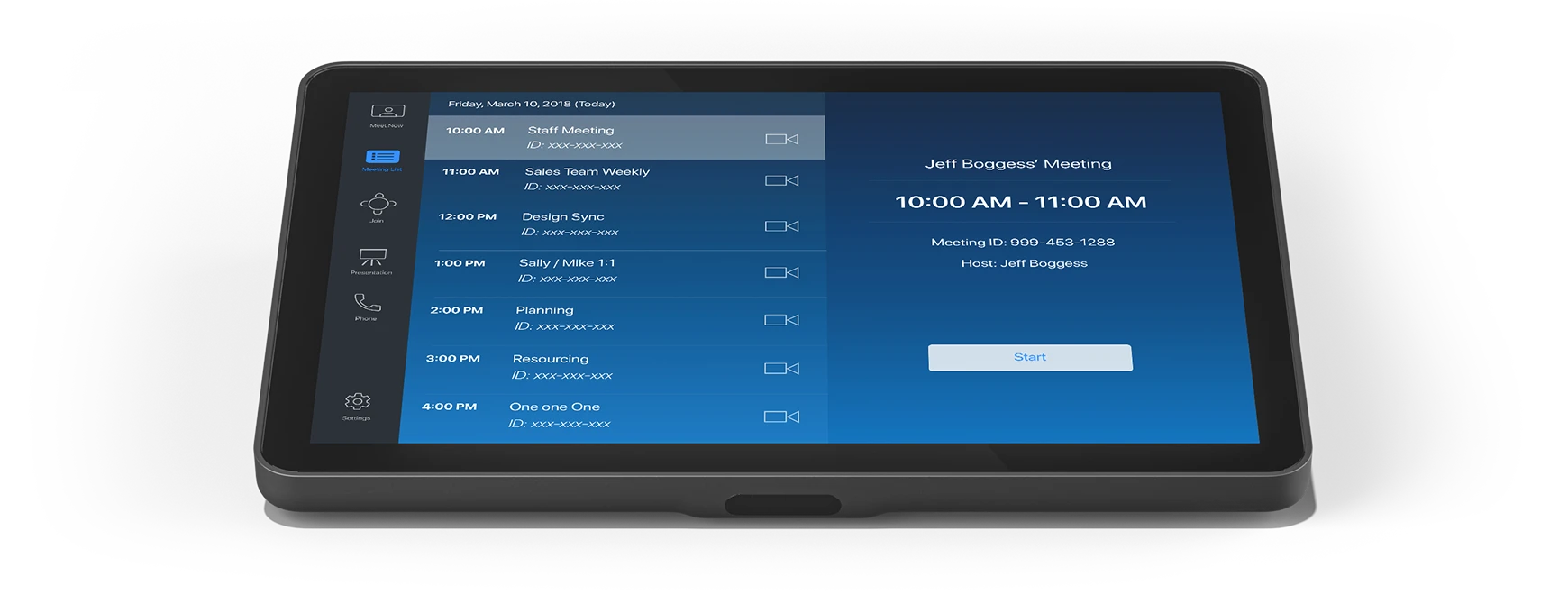
Touch controller for PC-based room deployments.
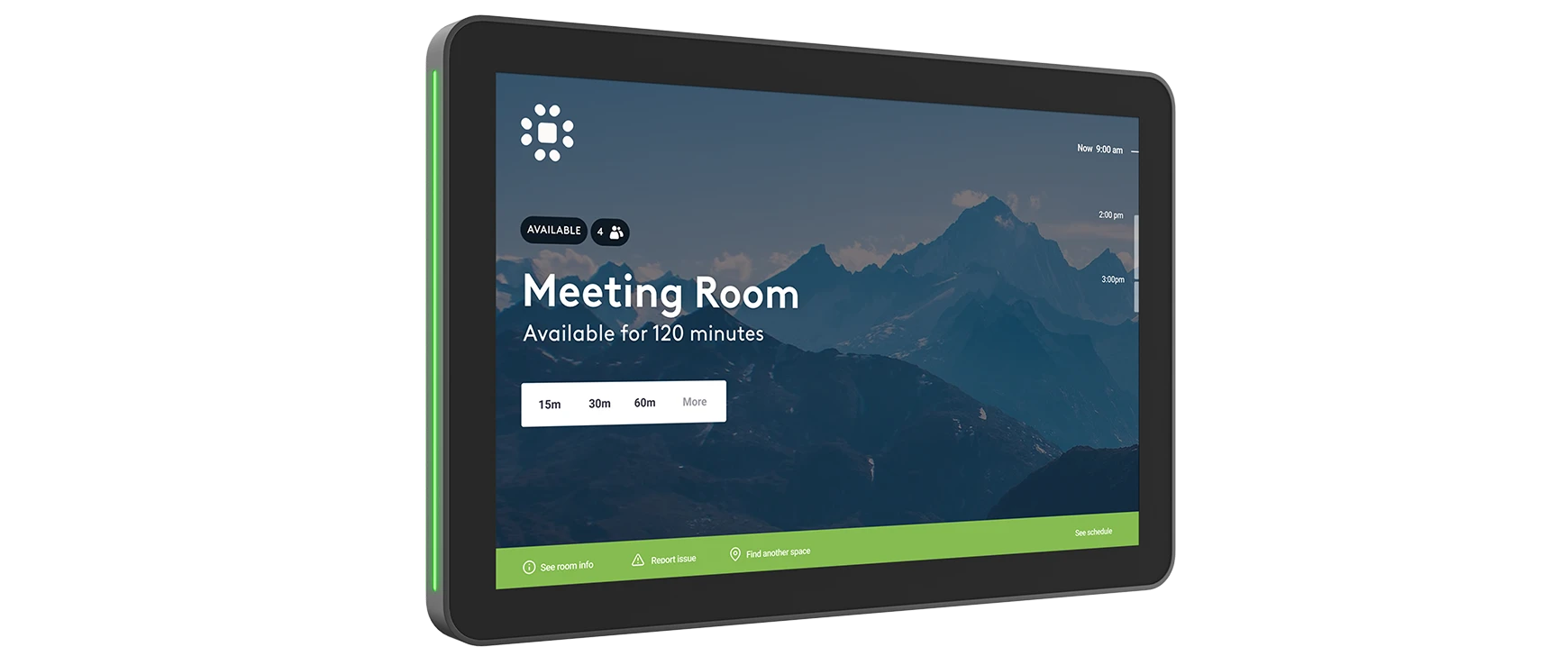
Door-mounted scheduling panel with LED availability.
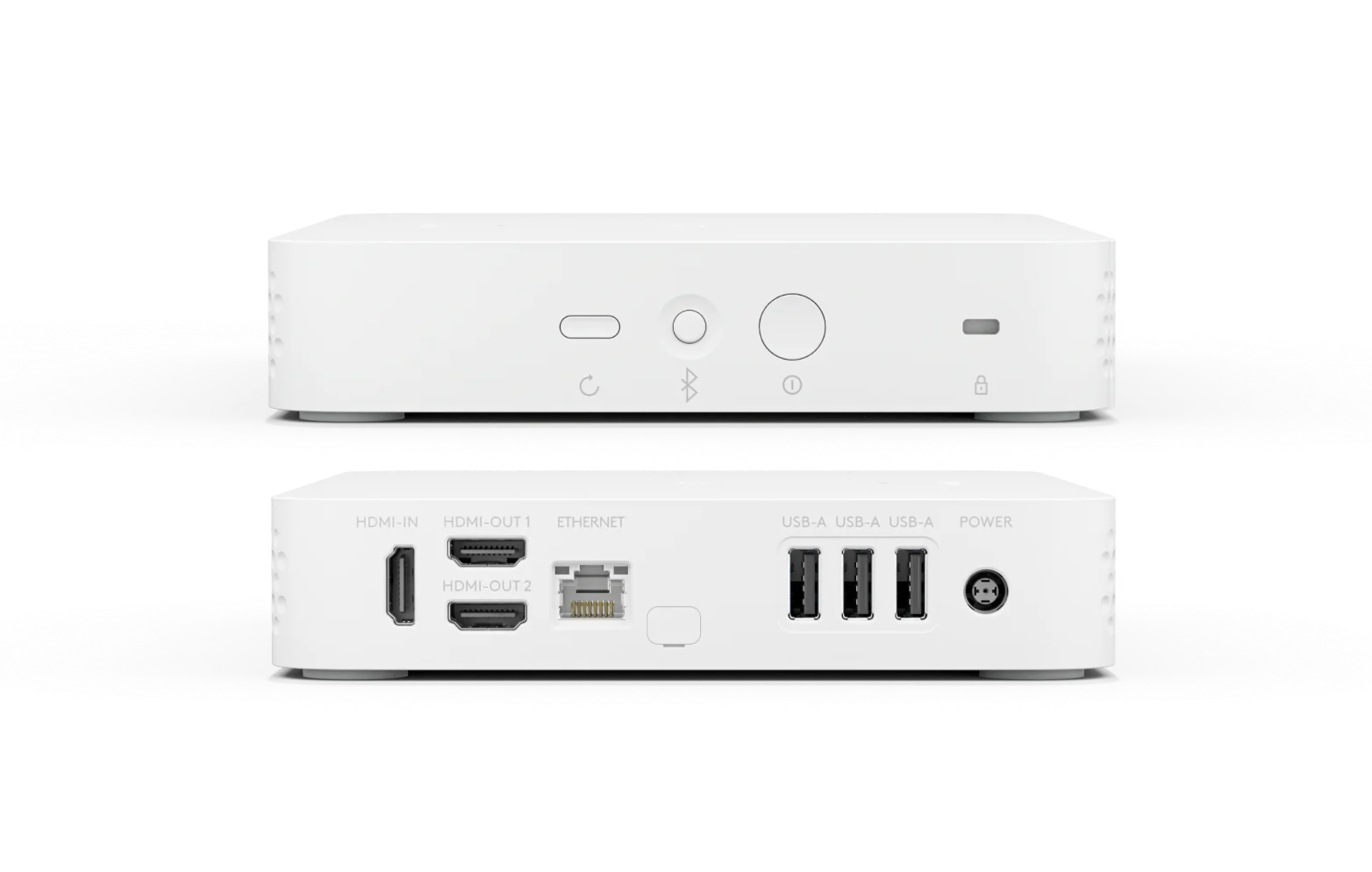
CollabOS appliance that replaces the traditional room PC.
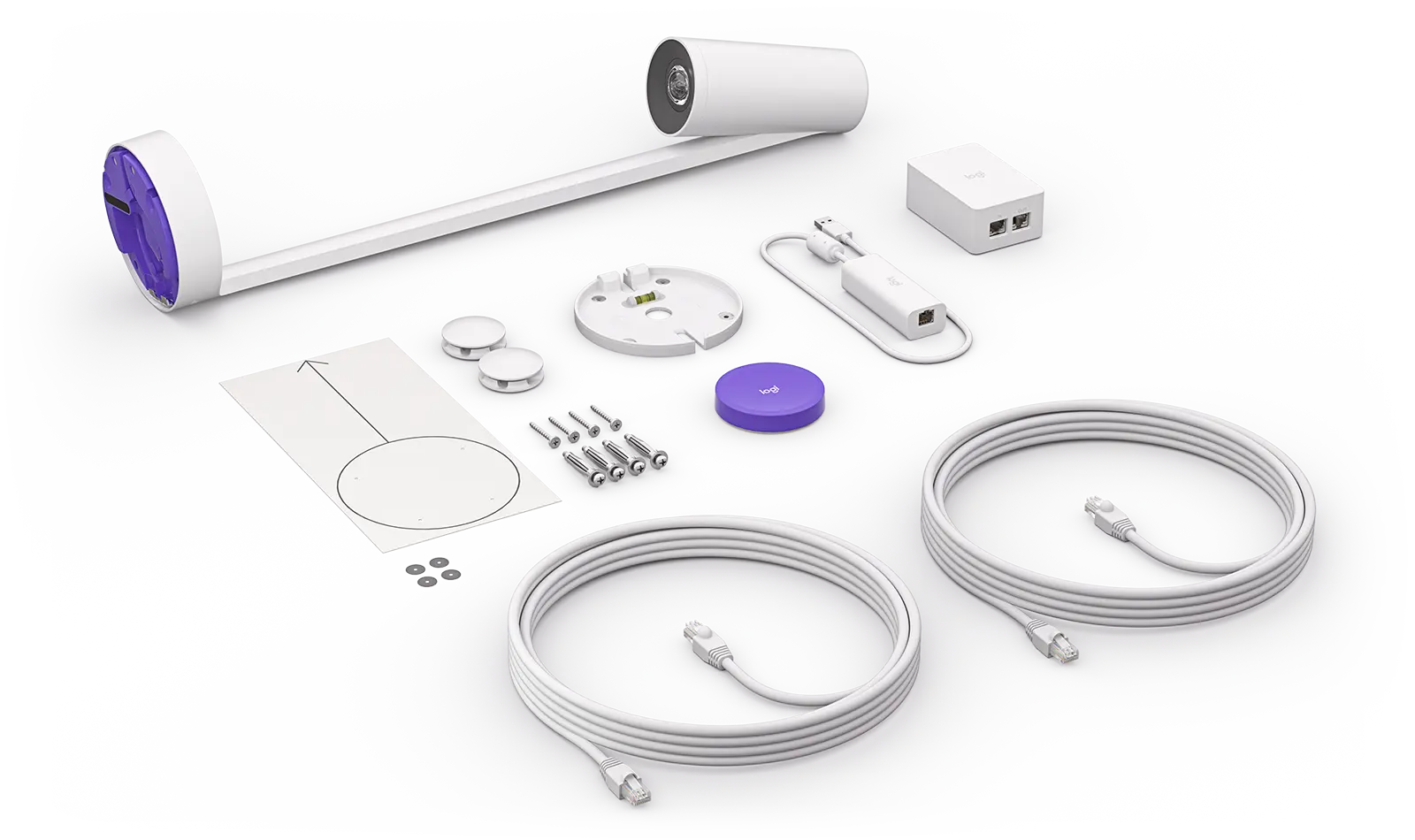
AI whiteboard camera that shares the board in meetings.
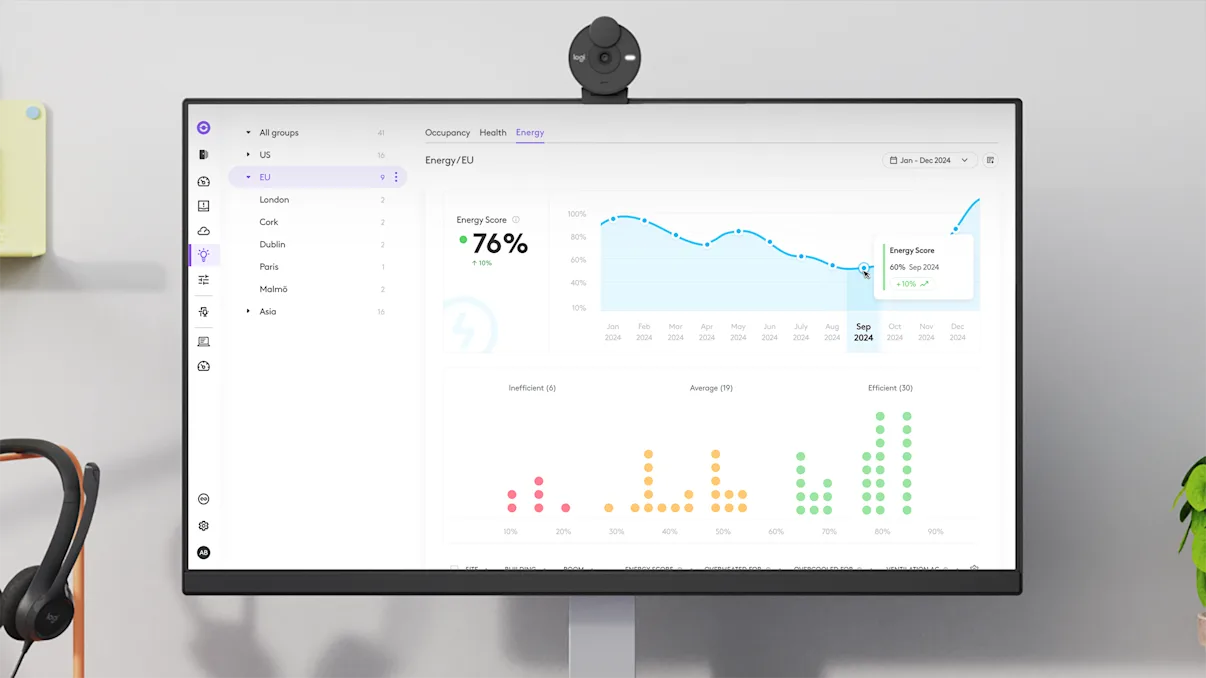
Cloud platform to deploy, monitor and update rooms remotely.
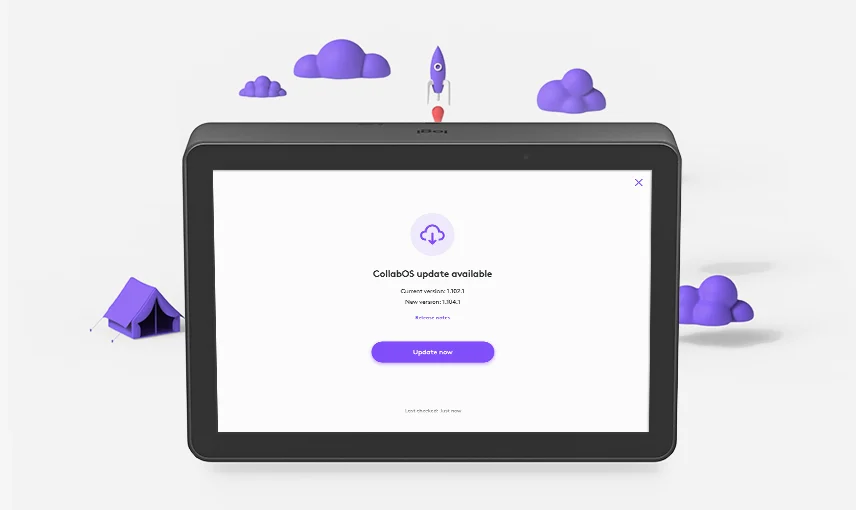
Runs Teams, Zoom & Meet on Logitech appliances.

Comprehensive service plan with priority support & SLAs.

Extend hardware coverage for added peace of mind.
Hardware, software and services that power connection and collaboration — designed for IT, loved by teams.
From a two-person huddle space to a full town hall, your people get the same reliable Logitech experience in every room.
Microsoft Teams, Zoom Rooms and Google Meet are all certified and ready to go the day the device is installed.
Your IT team can deploy, monitor and push updates to every single room from one Logitech Sync cloud dashboard.
Kasturi Technology handles supply, installation and after-sales support for businesses right across Malaysia.
A practical step-by-step guide for IT managers and procurement teams evaluating Logitech meeting room solutions across Malaysia.
Count your rooms, measure the dimensions and note how many people typically use each space. Identify the primary collaboration platform already in use — Microsoft Teams, Zoom or Google Meet. This determines which Logitech appliance mode or USB mode your deployment needs.
Select a Logitech system rated for your room size. Small rooms work well with the MeetUp 2; medium rooms suit the Rally Bar Mini; and larger conference rooms need the Rally Bar or modular Rally Plus. For creative ideation spaces, pair with Logitech Scribe for seamless whiteboard sharing.
Decide between a phased rollout (one floor at a time) or full simultaneous deployment. Ensure PoE+ cabling is in place for Tap IP controllers and confirm your network firewall allows Logitech Sync traffic. Kasturi Technology provides pre-deployment site surveys and network readiness assessments across Malaysia.
As an authorised Logitech reseller in Malaysia since 1998, Kasturi Technology supplies, installs and commissions Logitech systems with full after-sales support. We serve businesses in Kuala Lumpur, Selangor, Penang, Johor Bahru, Perak, Sabah and Sarawak — including nationwide project management for multi-site rollouts.
Kasturi Technology deploys and supports Logitech meeting room systems across all 13 states and 3 federal territories of Malaysia.
For huddle and small rooms with 2 to 6 people, the MeetUp 2 or Rally Bar Mini are the right fit. Both pack everything into one unit: camera, speaker and microphones. No extra cabling, no separate PC, and they work straight out of the box with Teams, Zoom and Google Meet.
Yes, all three. Logitech room solutions are certified for Microsoft Teams Rooms, Zoom Rooms and Google Meet. The Rally Bar and Rally Bar Mini can even run the platform directly on the device in appliance mode, so there is no room PC to manage.
It depends on the room size and platform you need. A MeetUp 2 setup is the most accessible entry point for small rooms, while the Rally Bar and Rally Plus serve larger spaces at a higher price. Contact Kasturi Technology for current Ringgit pricing and a quote built around your specific rooms.
Yes. We cover the whole country. Kuala Lumpur, Selangor, Penang, Johor Bahru, Perak, Sabah, Sarawak and everywhere in between. For multi-site rollouts we handle the project management too.
Size and power. Rally Bar is built for medium to large rooms, with a longer camera reach and more audio output to fill bigger spaces. Rally Bar Mini is tuned for small to medium rooms where you want the same smart AI framing in a more compact body. Both run without a room PC and work on Teams, Zoom and Meet.
Most of the time, no. The Rally Bar and Rally Bar Mini run Logitech CollabOS and host Teams, Zoom or Meet directly on the device. If you have a PC-based room setup, the Logitech RoomMate is a dedicated compute appliance that fits the same ecosystem.
Through Logitech Sync, a cloud platform that lets IT deploy, monitor, update and troubleshoot every device in every room from one dashboard. You get real-time room health, usage insights and proactive alerts without visiting a single room.
Tell us about your space and we will find the right Logitech setup for you, with pricing in Malaysian Ringgit. No obligation, no pressure, just a clear recommendation fast.