
Choose the Right
Video
Conferencing
for Every Room
Today’s offices look different. Meetings often include people joining from other locations, so video conferencing is now part of everyday work. But not every room needs the same setup. A huddle room needs something simple, a boardroom needs a more professional system, and a training room needs flexible tools for interaction. Here’s a quick look at the best audio-visual setup for each workspace.ve sessions.
Room Types
Video Conferencing Types
Three Approaches to
Video Conferencing
Every organisation approaches video conferencing differently. Understanding the trade-offs between BYOD, room-based solutions and fully integrated professional AV helps you make the right investment for each space.
Scroll to explore each approach in detail — benefits, disadvantages and recommended room types.
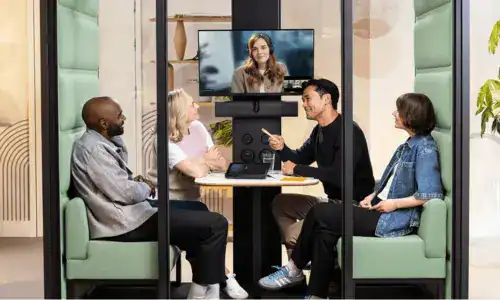
Huddle Room (2 – 4 pax)
Ideal for quick discussions and spontaneous collaboration sessions.
Best suited for fast meetings that require minimal setup time.
Video conferencing hardware packages from RM 4,880 onwards
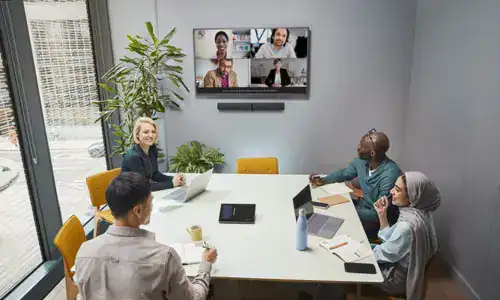
Meeting Rooms (4–8 People)
Designed for structured collaboration and regular internal meetings.
Ensures everyone in the room participates clearly during hybrid meetings.
Video conferencing hardware packages from RM 7,880 onwards
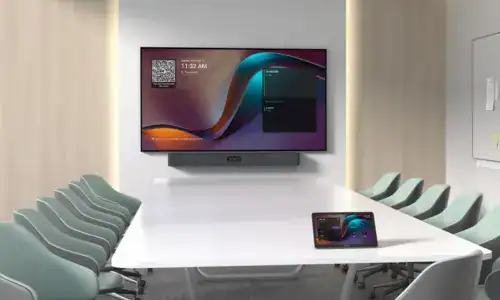
Conference Rooms (8–15 People)
Supports departmental updates, presentations, and stakeholder discussions.
Provides professional collaboration experiences for both local and remote participants.
Video conferencing hardware packages from RM 13,880 onwards
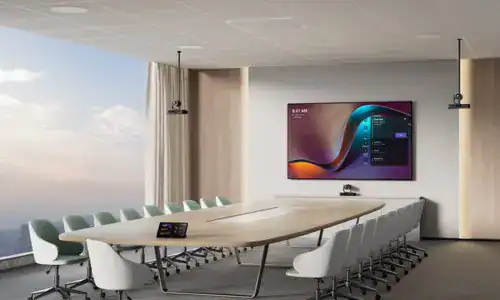
Boardrooms (Executive Spaces)
Executive environments require premium meeting experiences.
Supports strategic meetings and high-level decision-making sessions.
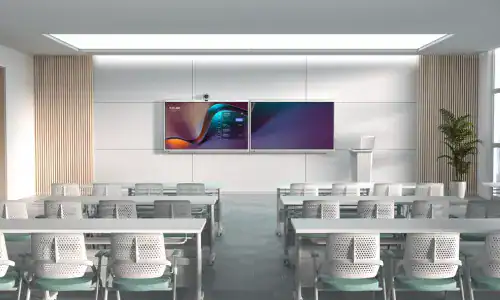
Training Rooms (Learning Environments)
Flexible collaboration spaces designed for workshops and hybrid learning.
Ensures strong engagement between instructors and participants both onsite and remote.
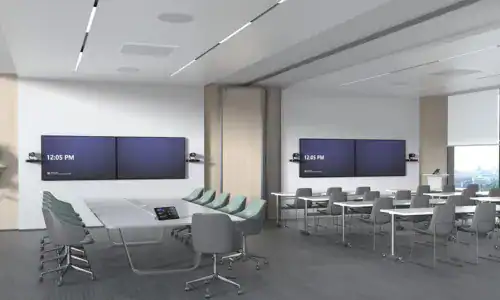
Townhall Spaces (Large Audience / 30–200+ People)
Townhall spaces are designed for company-wide announcements
This setup ensures leadership messages are delivered clearly across the entire organization, whether employees are seated in the hall or joining remotely from branch offices.
join the success